
Check the acquisition promise
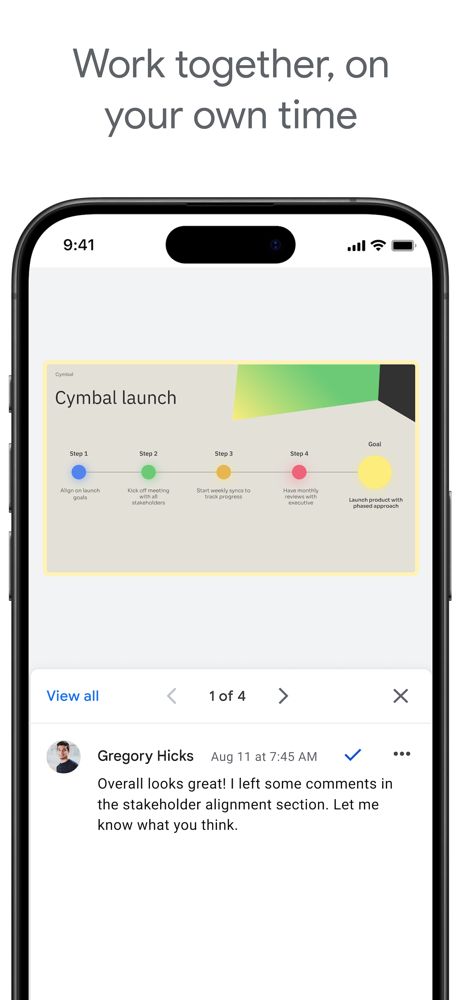
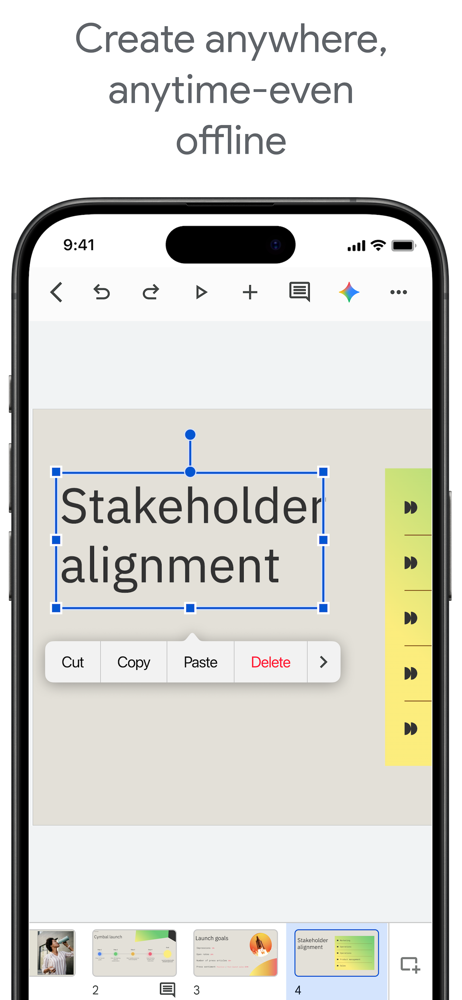
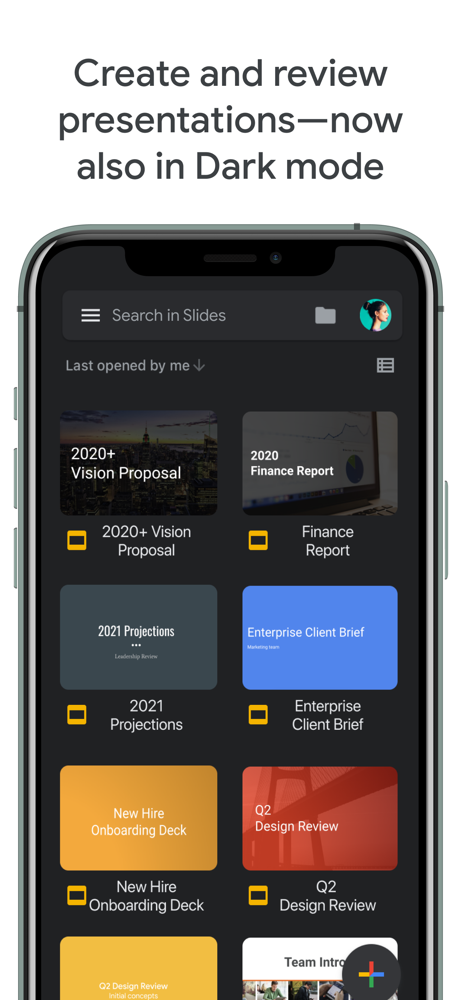
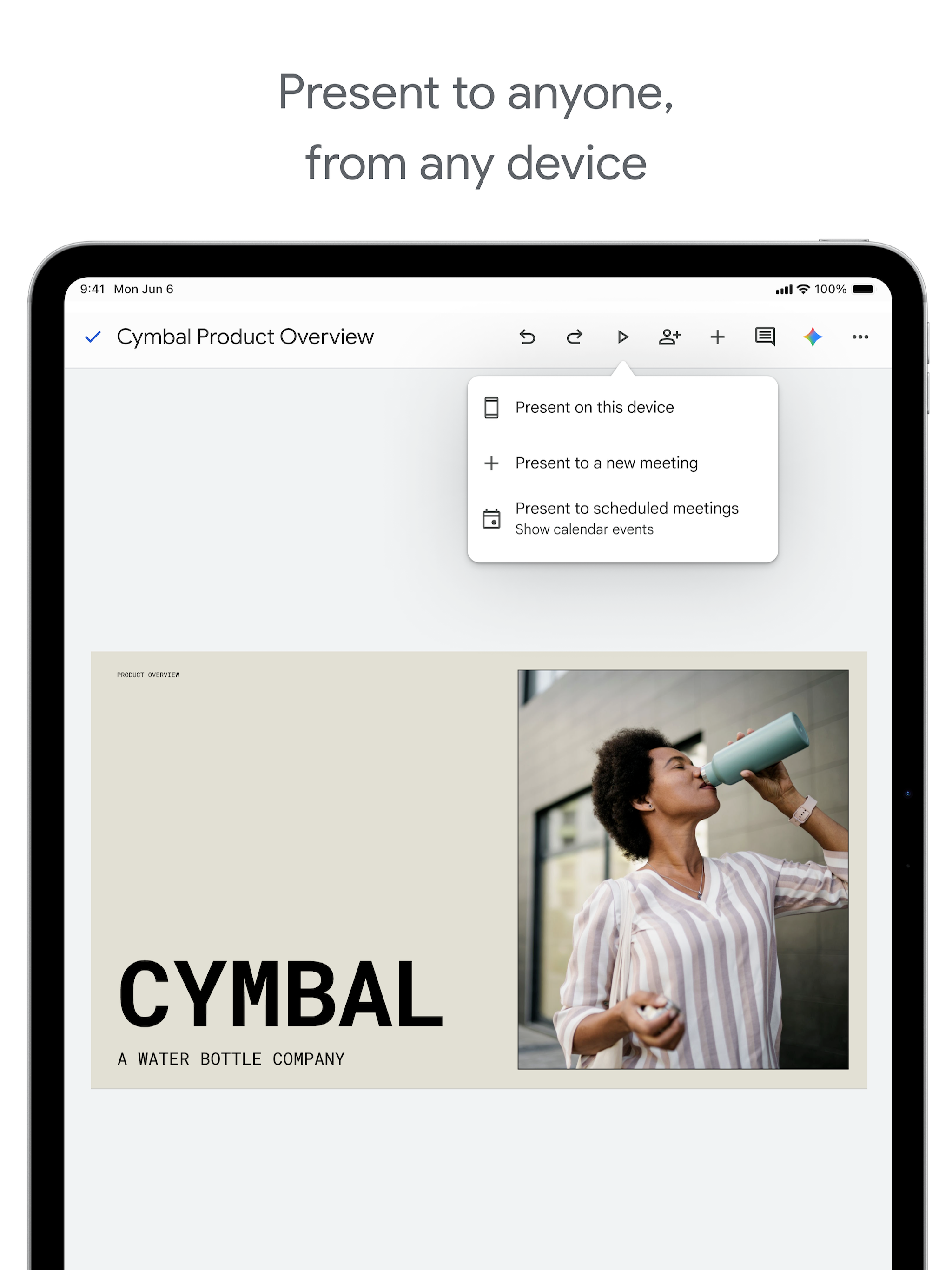
Read the store headline, screenshots and description. What problem is the app promising to solve?
Study the storefront ↗
Google · iOS
Explore the ad evidence, study the storefront, and build your next acquisition hypothesis.
01 / Creative research
Read the store headline, screenshots and description. What problem is the app promising to solve?
Study the storefront ↗Explore apps with direct store-link matches. Compare their hooks and formats without assuming the same approach works here.
Browse observed advertisers ↗Store rankings and revenue estimates describe market context. They do not establish ad spend, conversions or ROAS.
Review the market context ↗02 / Storefront & product
Study the product story and store experience behind the acquisition funnel.


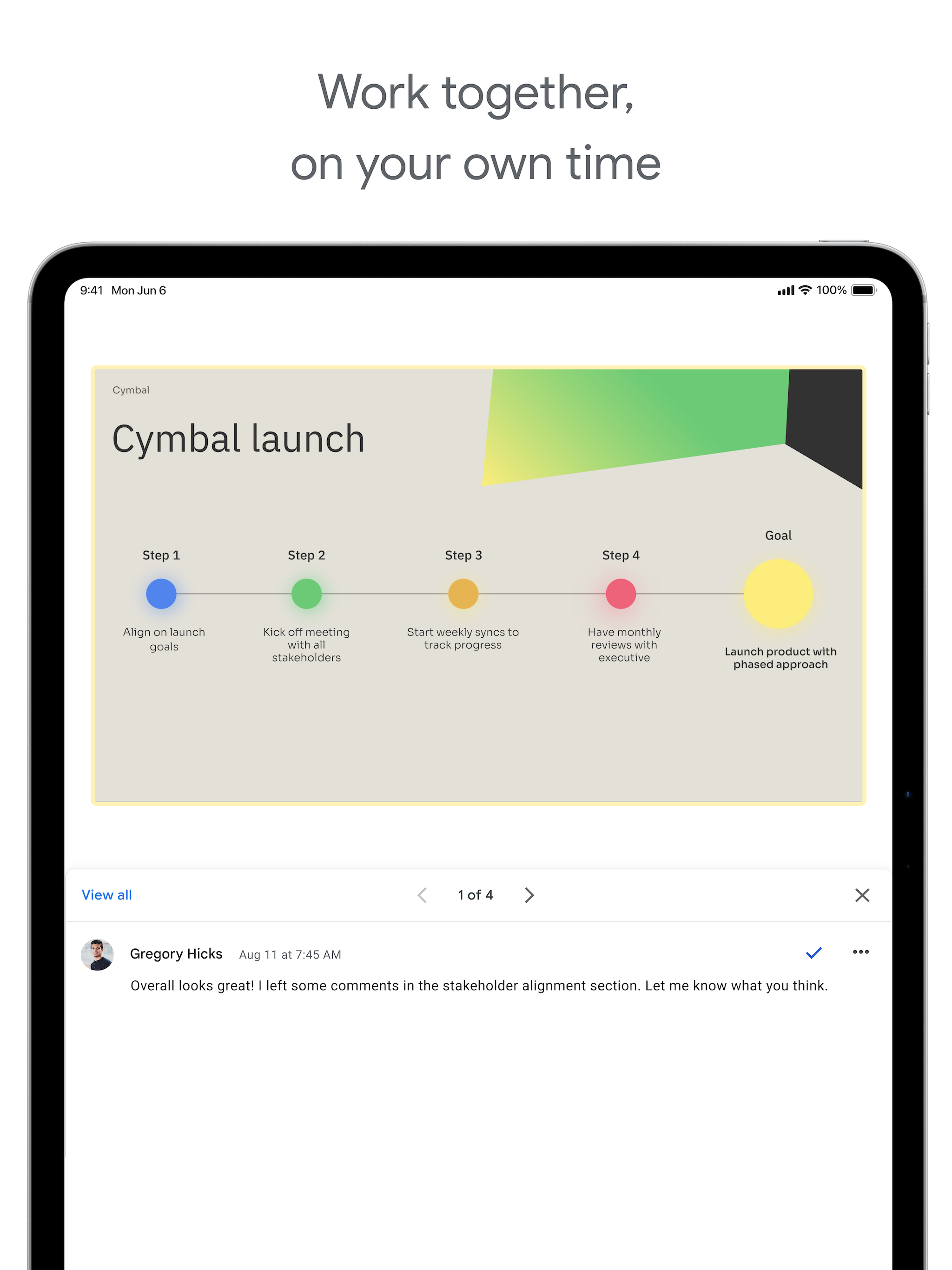
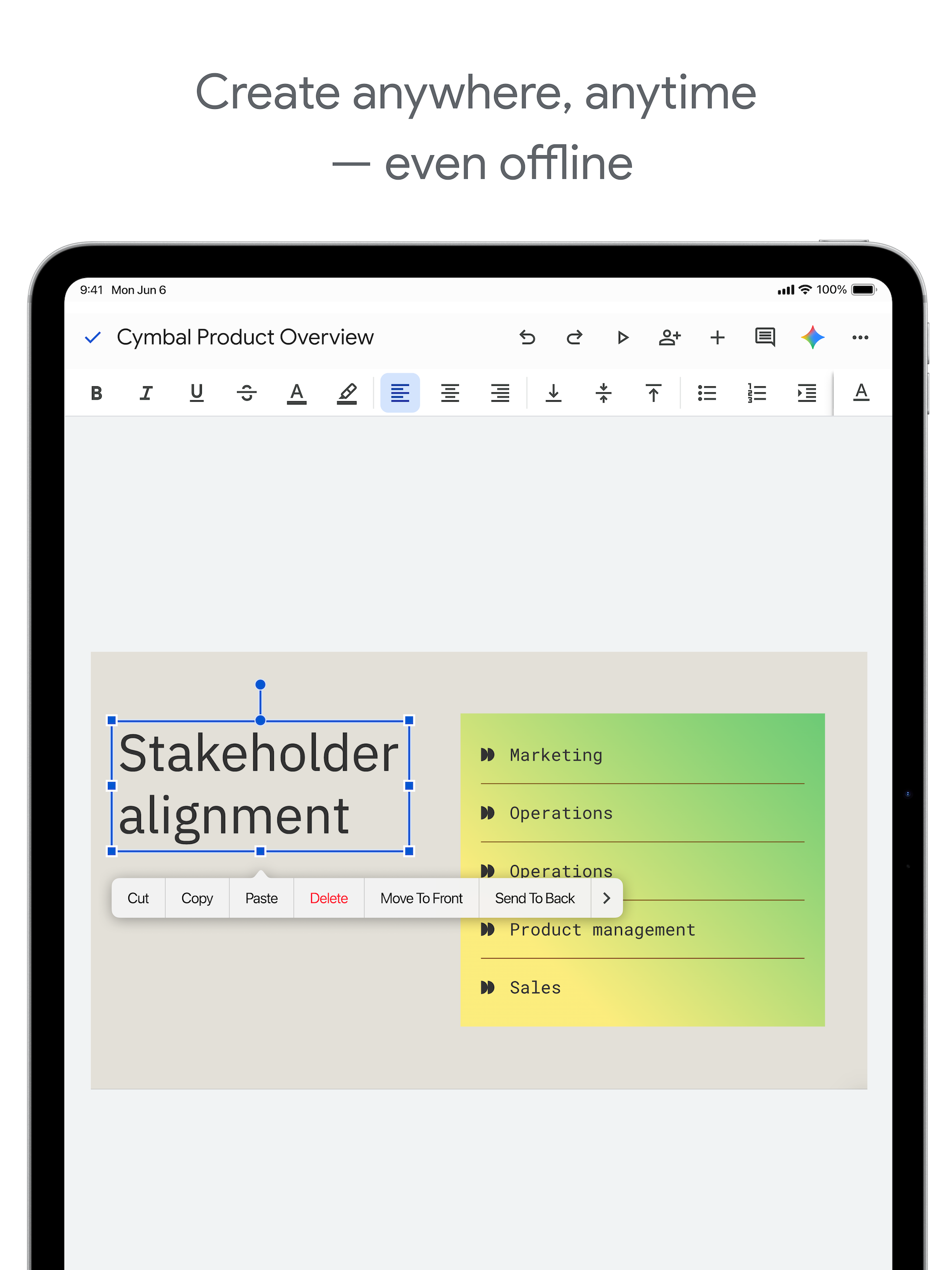
03 / Market context
Keep revenue, downloads and store rankings separate from advertising performance.
I make a lot of things on google slides, so I thought the iPhone version would help me out… WRONG! This version of the software is very very buggy and limited! You can’t search the web to find photos, you have to screenshot them yourself! So many good features on the desktop version are thrown away for the App Store version!!! I would think that this was a rip-off made my different people if I didn’t know better!! Don’t get me started on the bugs, because they are horrible. Sometimes your work doesn’t save, which means you need to do everything AGAIN, which isn’t even that bad compared to clicking on things. If you click on something, for example, a shape, it’ll click on something far below or higher then where your finger actually was!! The worst part of all of this is the fact that they don’t even read any of these reviews! None of these problems have been fixed!!! So, to the person reading this I’d like to say, DON’T WASTE YOUR STORAGE ON THIS APP!!!! Update: So for the first time ever, a few things were fixed. Luckily enough, I actually did get a response, and they have fixed a few bugs and added a few new features. HOWEVER they still need to fix a lot of things and add more features
Great program as far as features are concerned. However, as a VoiceOver user, I have some concerns. When I create a presentation, and try to type in the center title area, or anywhere else, I cannot seem to type anything. There is no real text field to type in, and the cut and copy actions are not very useable. VoiceOver will anounce what the cursor is on, for example, slide 1 center title, but if you double tap it, which is the VoiceOver command for clicking it, it does not activate for me to type in. I can select and unselect it. I have tried using a bluetooth keyboard, an onscreen keyboard, and a braille display, with no success. I cannot seem to be able to swipe or arrow through the areas to type in correctly, or type or add anything with VoiceOver. I also do not see any accessibility settings that I can use, so I am wondering if some can be added, or a separate app can be created, as Drive, Docs, and Classroom are all accessible, but nothing else seems to be. I do not have the answers to everything, but there are other sources. At the moment, the only slide show program accessible is Powerpoint on Windows XP. Me, and many others would really benefit from being able to create presentations, especially in education, and work. If this becomes more accessible, I will be more than willing to promote it on accessibility forems, or discuss it with people looking for accessibility in different software. Also, I really appreciated the HTML view option for slides, you can kind of read a slide show with a screen reader, but the kinks have not really been ironed out, and the text view is much more helpful. Thank you.
I use google slides for all of my classroom presentations. I also have my students use google slides to keep track of the artwork like a ongoing portfolio. The app makes it easy to drop single photos into the slide show without having to download photos or email them to yourself first. My only complaint about the app is that you cannot upload more than one photo at a time from your camera roll. I take a lot of photos of artwork for my students and shuffling through hundreds of photos to get to things I took months ago can take a long time-it would be so helpful to be able to click on several photos at a time. I do the majority of my editing of my slides on a computer, I could edit from my phone but it is easier to fine tune things on a full computer. I primarily use the app to transfer the photos to my slides.
Create, edit, and collaborate on presentations with the Google Slides app. With Slides you can: * Create new presentations or edit existing ones * Sh...


