App Profile: Form for Google Forms
Android / Games / Puzzles
Form for Google Forms
Installs:
Rating:
4.78
Total Reviews:
36.88k
Top Countries:
US, TH, JP
$200k
/mo
300k
/mo
Reviews: What People Think About Form for Google Forms
FuzyyMN
Rating: 5/5
Would be nice to be able to tab to the next question
qwakgifbrjgkgf
Rating: 1/5
Alot of my survey keep having to get redownloaded or just dissapear daily. never had this issue in the past. Its made a pretty big inconvience with the ability to work. Definitly wont be paying for this again probably going to look for another survey software sadly. but again no issues in the past just recently.
Anne Benven
Rating: 2/5
Inability to sign in. Think it's a bug. Please fix. Clicking on the words "Sign In" does nothing. I'm on a Macbook. Should have the option to switch to web version if you want. Felt trapped in the app.
About Form for Google Forms
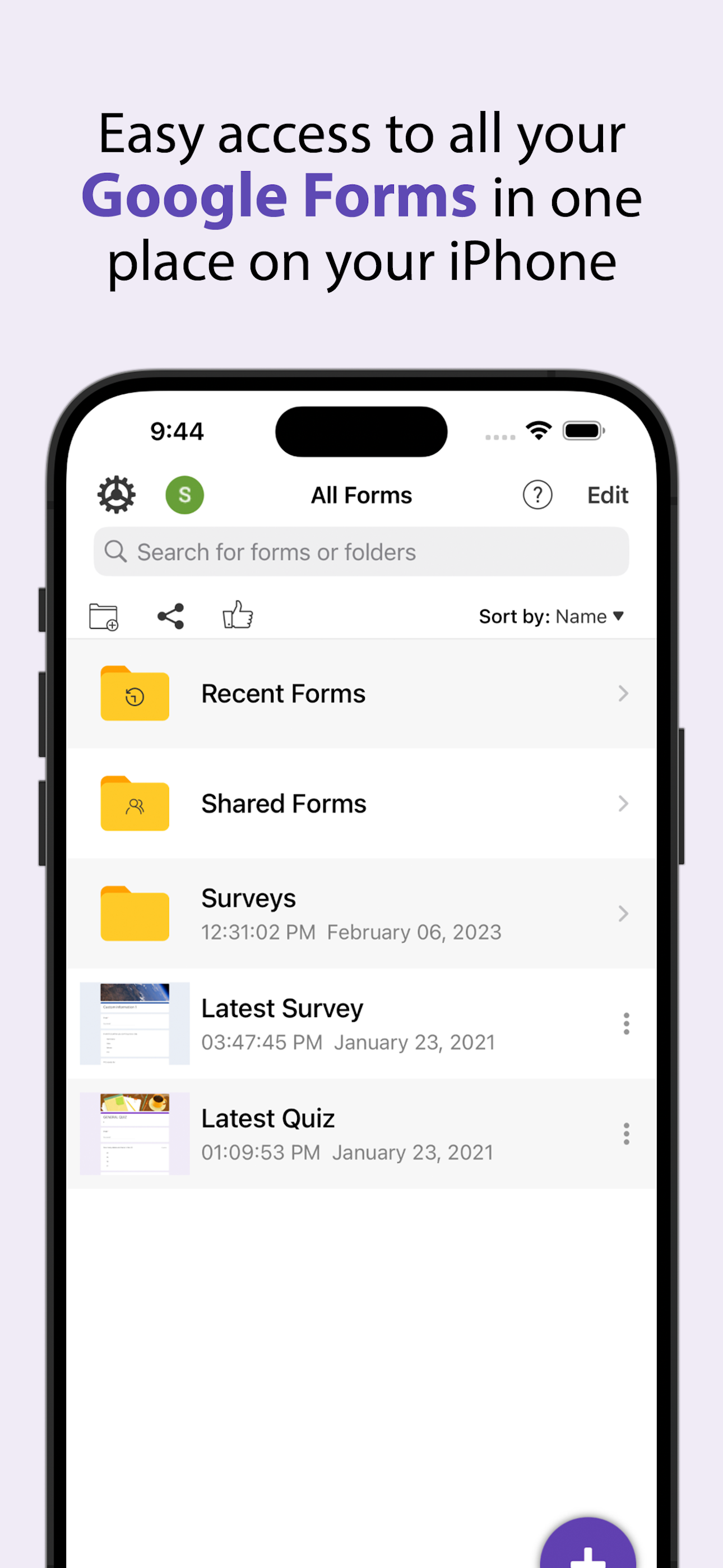
Create, edit, and manage all your Google forms on your iOS, iPhone, iPod or iPad with the free FormApp. With this app you can:
Create new forms:
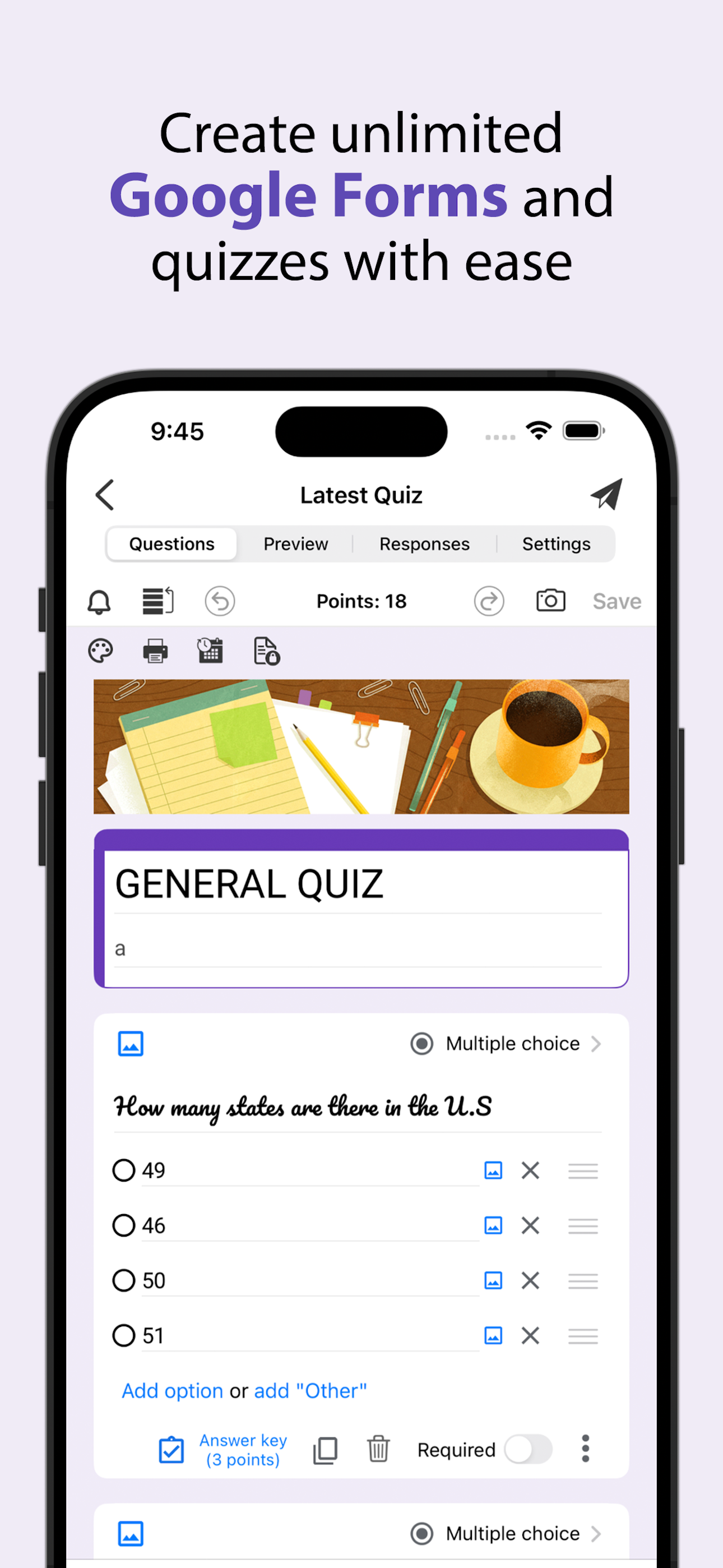
• Create new forms on your iOS device.
• Tons of beautiful templates to choose from.
• Import questions from existing forms.
• Add collaborators / editors to your forms.
Edit existing forms:
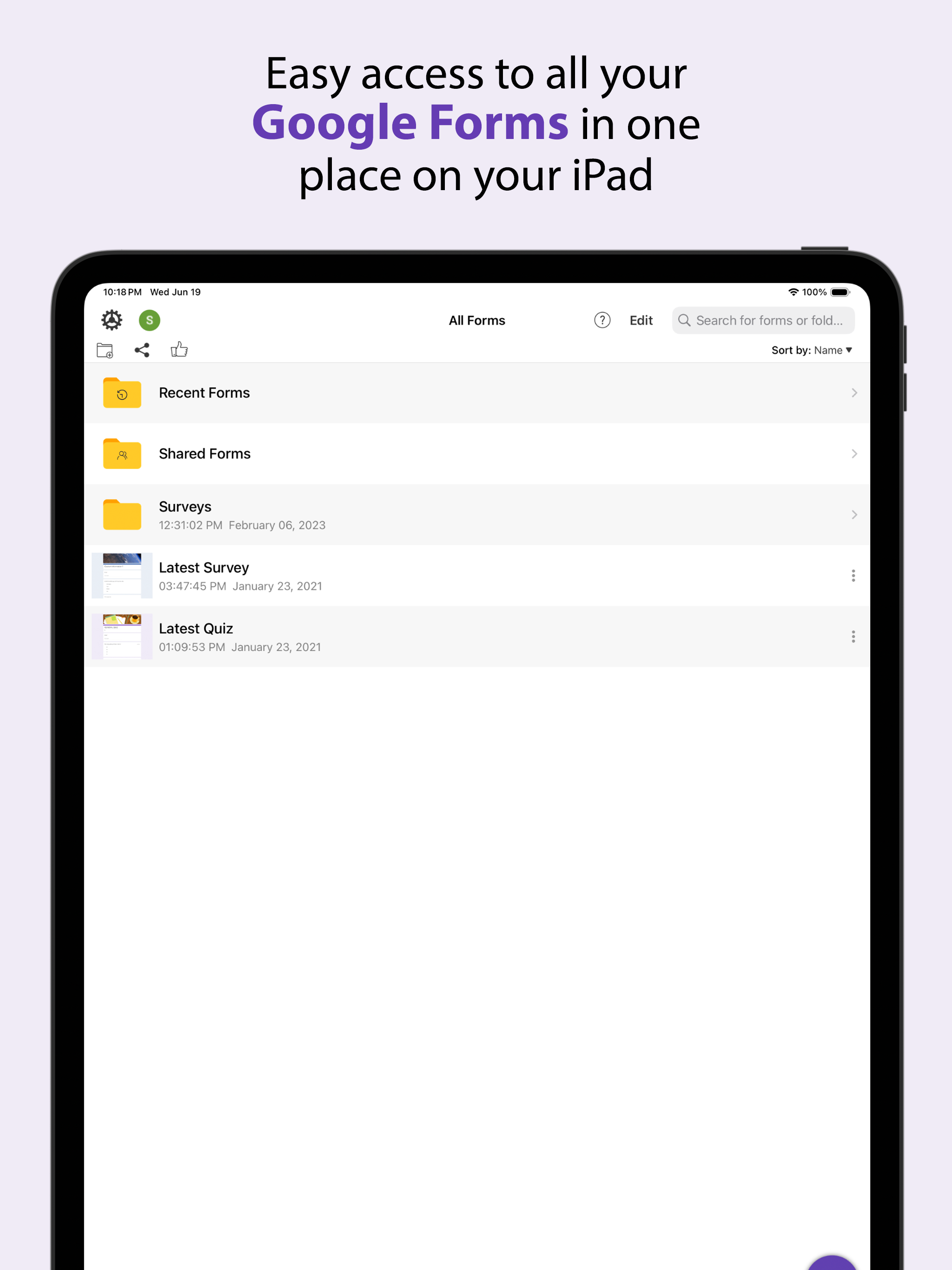
• Open any form from your Google Drive on your iOS device.
• Create or edit any question.
• Undo / redo support.
• Re-order questions.
• Preview forms.
• Add and remove sections.
• Add response validation.
• Add images and videos.
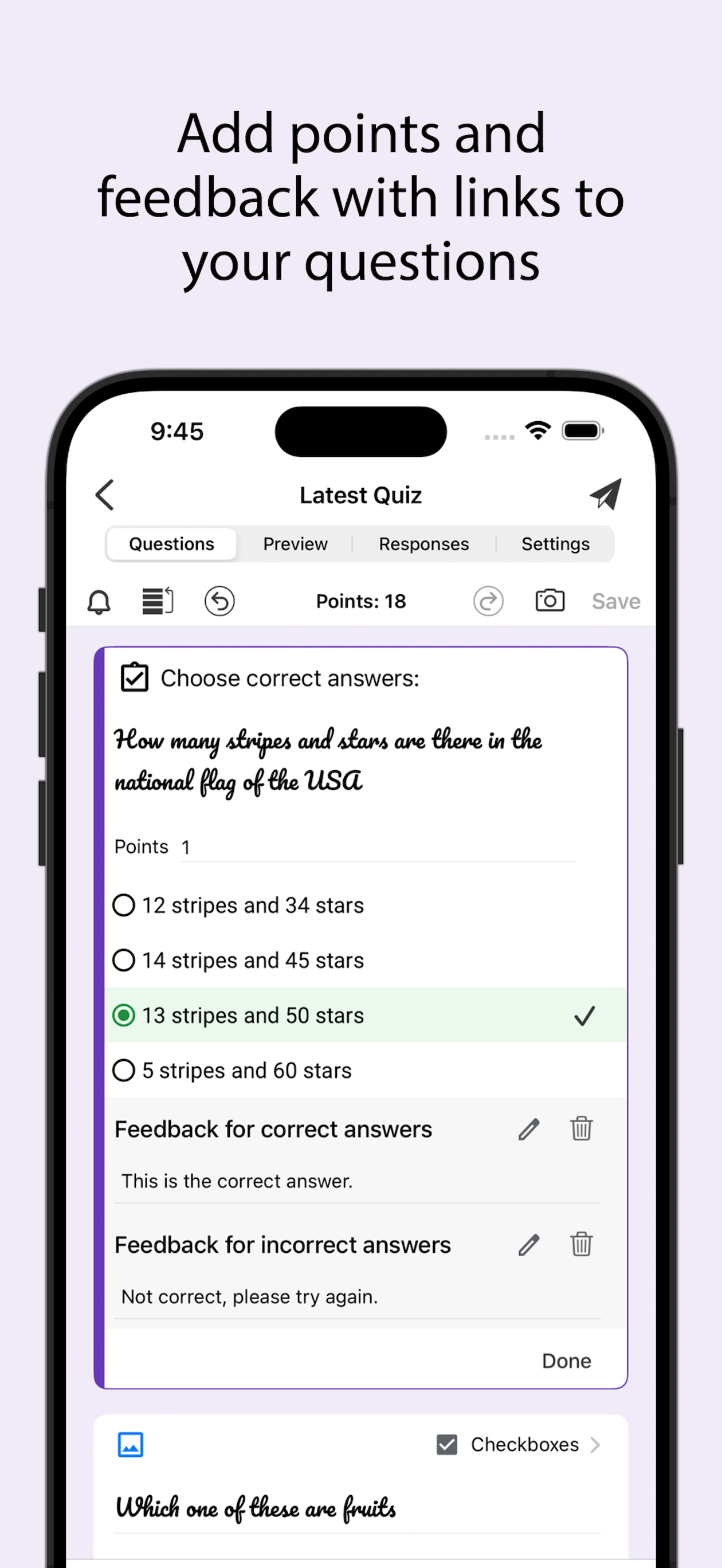
• Ability to set points.
• Ability to set correct answers.
• Ability to add feedback with url links.
Response notifications:
• Get notified via notifications whenever some submits a new response.
Scan questions:
• Scan questions using camera.
• Scan questions using images from photos library.
• Scan questions using doc, pdf, ppt etc files from the Files app.
• Scan questions using clipboard.
View form responses:
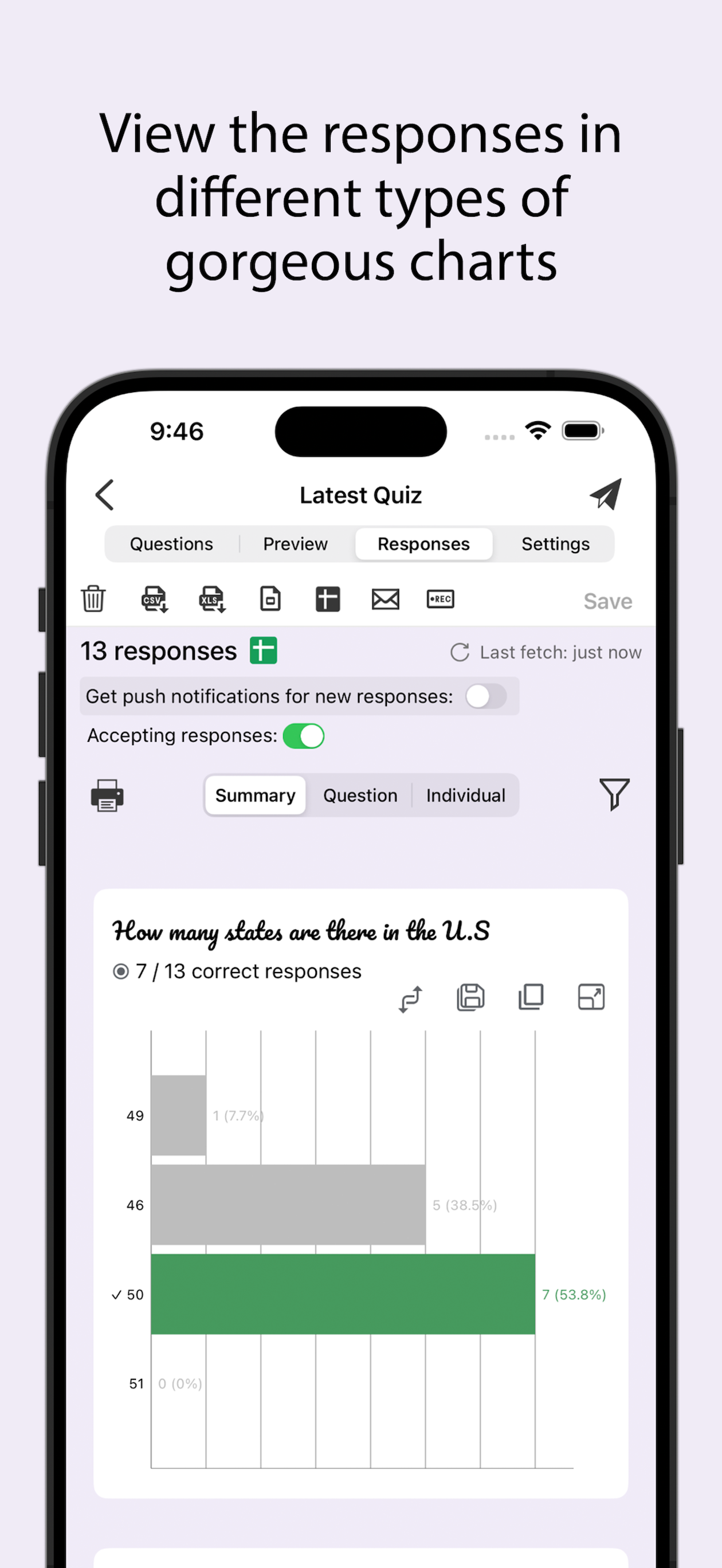
• View forms in three modes i.e. Summary, Questions and Individual responses mode on your iOS device.
• Export responses in CSV or Excel file format.
• Record responses in mp4 file format and share them in apps like Tiktok, Snapchat or Instagram etc.
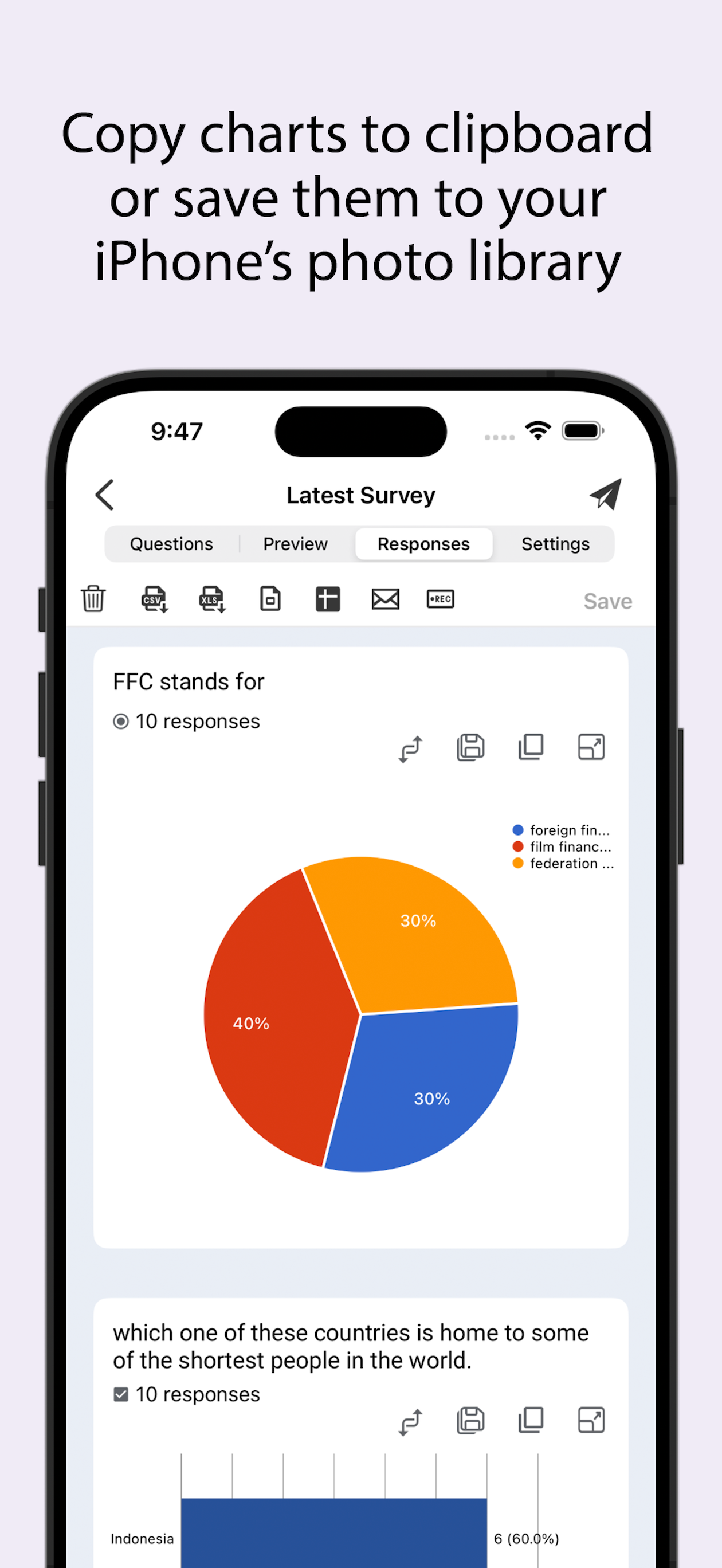
• Responses are shown in beautiful graphs in summary mode.
• Ability to copy response charts to clipboard or save them to photos library.
• View responses based on questions in Questions mode.
• View responses from individual users in Individual mode.
• Ability to delete a single response or all responses.
• Ability to set individual feedback for responses to questions in quizzes.
• View and set score for quiz responses.
• Ability to filter form responses based on date, email, questions and score.
Disclaimer: This is a third party app not associated with Google. All trademarks are property of their respective owners.
Privacy Policy: https://www.byteflowapps.com/FormsPRO/policies/Privacy/
Terms of Use: https://www.byteflowapps.com/FormsPRO/policies/TermsOfUse/
GOT QUESTIONS? CAN'T FIGURE OUT HOW TO DO SOMETHING?
Please email us at [email protected] and we’ll help you figure it out.
Create new forms:
• Create new forms on your iOS device.
• Tons of beautiful templates to choose from.
• Import questions from existing forms.
• Add collaborators / editors to your forms.
Edit existing forms:
• Open any form from your Google Drive on your iOS device.
• Create or edit any question.
• Undo / redo support.
• Re-order questions.
• Preview forms.
• Add and remove sections.
• Add response validation.
• Add images and videos.
• Ability to set points.
• Ability to set correct answers.
• Ability to add feedback with url links.
Response notifications:
• Get notified via notifications whenever some submits a new response.
Scan questions:
• Scan questions using camera.
• Scan questions using images from photos library.
• Scan questions using doc, pdf, ppt etc files from the Files app.
• Scan questions using clipboard.
View form responses:
• View forms in three modes i.e. Summary, Questions and Individual responses mode on your iOS device.
• Export responses in CSV or Excel file format.
• Record responses in mp4 file format and share them in apps like Tiktok, Snapchat or Instagram etc.
• Responses are shown in beautiful graphs in summary mode.
• Ability to copy response charts to clipboard or save them to photos library.
• View responses based on questions in Questions mode.
• View responses from individual users in Individual mode.
• Ability to delete a single response or all responses.
• Ability to set individual feedback for responses to questions in quizzes.
• View and set score for quiz responses.
• Ability to filter form responses based on date, email, questions and score.
Disclaimer: This is a third party app not associated with Google. All trademarks are property of their respective owners.
Privacy Policy: https://www.byteflowapps.com/FormsPRO/policies/Privacy/
Terms of Use: https://www.byteflowapps.com/FormsPRO/policies/TermsOfUse/
GOT QUESTIONS? CAN'T FIGURE OUT HOW TO DO SOMETHING?
Please email us at [email protected] and we’ll help you figure it out.
File size: 96539648
Launched countries: USAUCACNFRDEGBITJPKRRUDZAOARATAZBHBBBYBEBMBRBGCLCOCRHRCYCZDKDOECEGSVFIGHGRGTHKHUINIDIEILKZKEKWLBLTLUMOMGMYMTMXNLNZNGNOOMPKPAPEPHPLPTQAROSARSSGSKSIZAESLKSECHTWTHTNTRUAAEUYUZVEVNBOKHEELVNIPYAFGEIQLYMAMZMMYEBJBFCMCGCIJOLAMLSNTZUGZMZW
Minimum OS version: 15.6
Release Date: 1611561600000
Published by Amad Marwat
Website url: https://www.byteflowapps.com/FormsPRO/
Publisher country: