Check the acquisition promise
Read the store headline, screenshots and description. What problem is the app promising to solve?
Study the storefront ↗
Zevan Rosser · iOS
Explore the ad evidence, study the storefront, and build your next acquisition hypothesis.
01 / Creative research
Read the store headline, screenshots and description. What problem is the app promising to solve?
Study the storefront ↗Explore apps with direct store-link matches. Compare their hooks and formats without assuming the same approach works here.
Browse observed advertisers ↗Store rankings and revenue estimates describe market context. They do not establish ad spend, conversions or ROAS.
Review the market context ↗02 / Storefront & product
Study the product story and store experience behind the acquisition funnel.


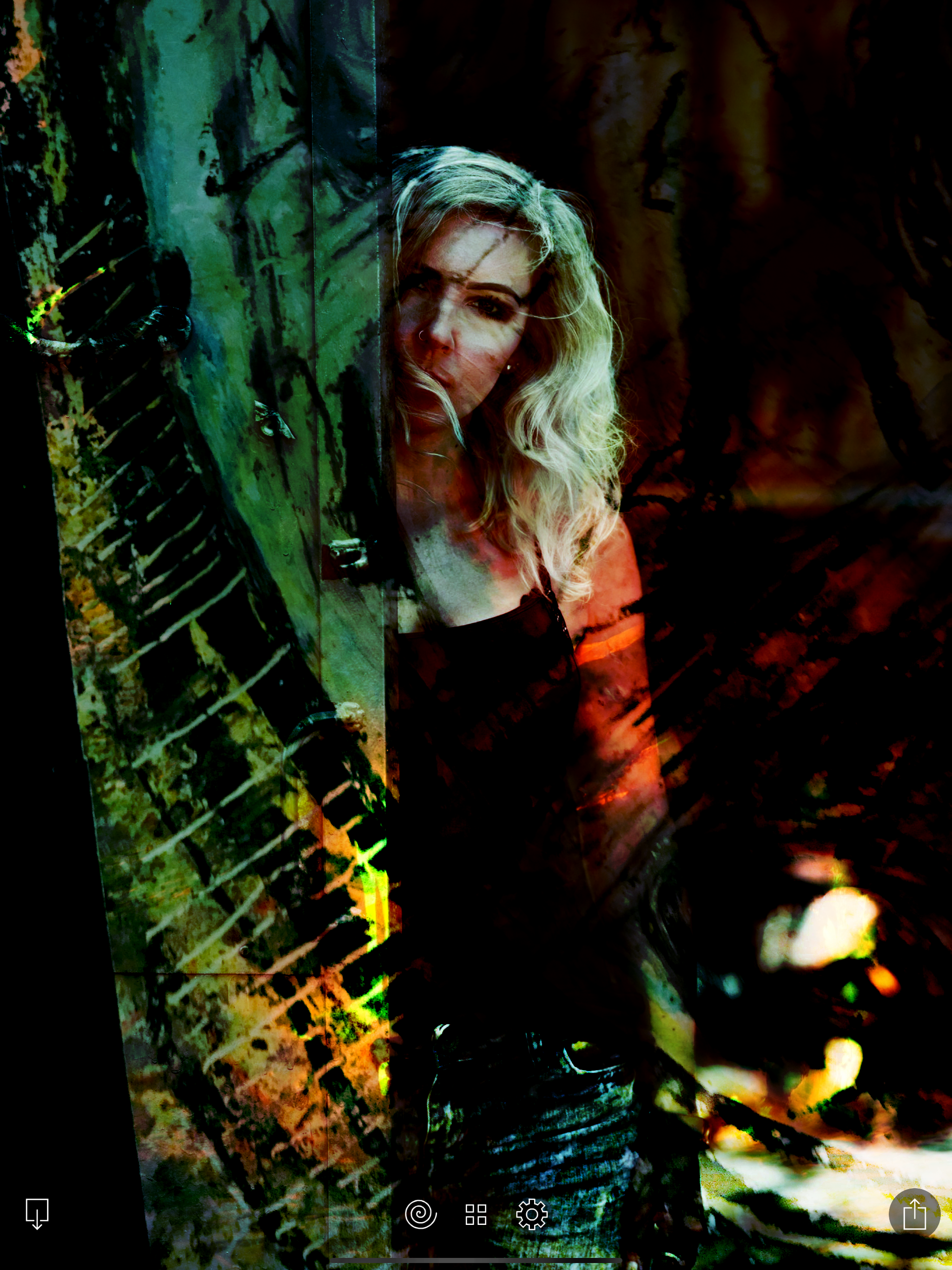
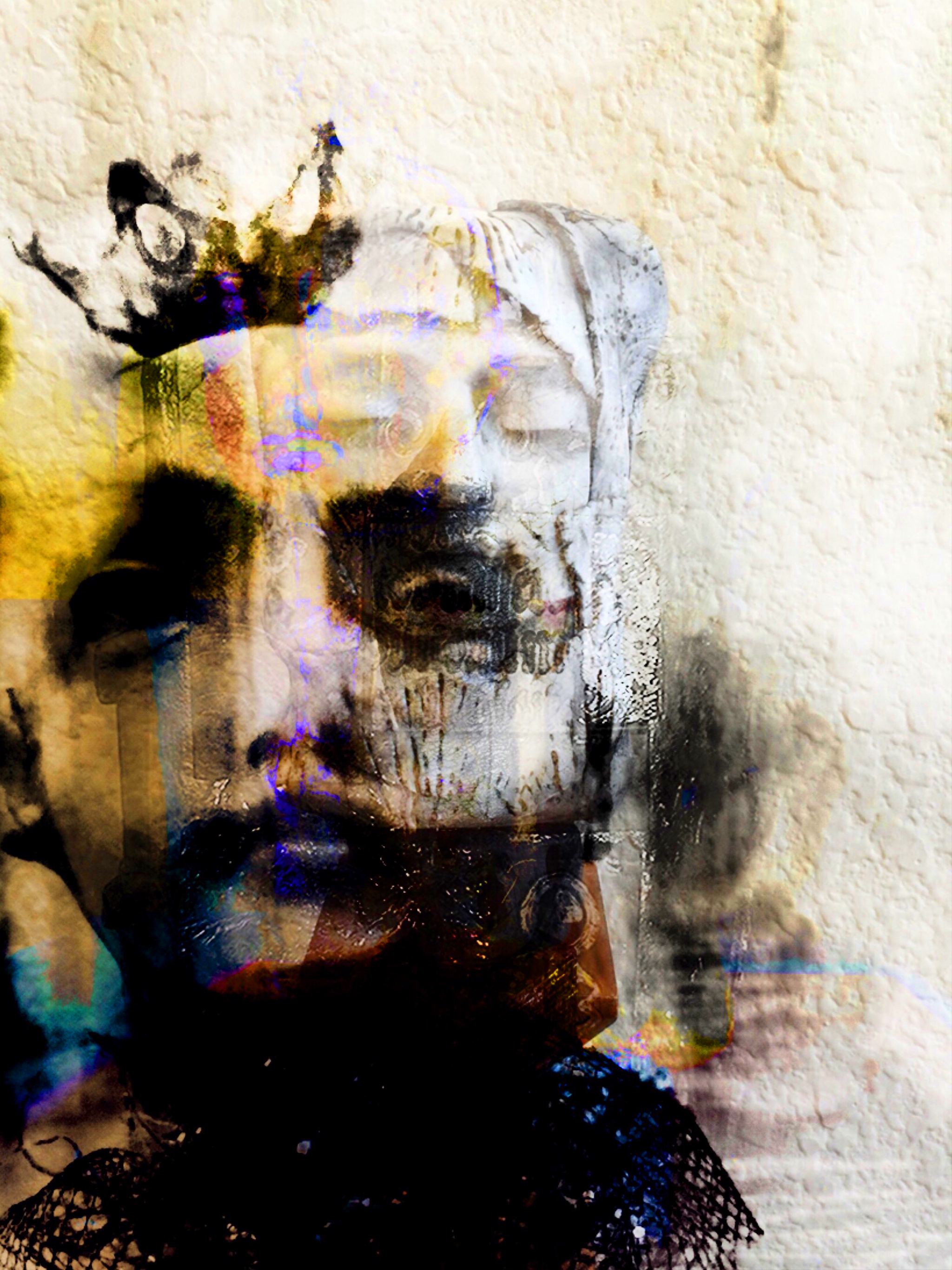

03 / Market context
Keep revenue, downloads and store rankings separate from advertising performance.
FotoDa is a lot of fun and can be addictive at times. I hadn't used it since the last update a year ago, and the real-time editing spy feature looked appealing, but it did nothing. I'd like it to work, but I don't care much about it, so that’s not the difficulty I'm experiencing. My situation pertains to selecting what pictures to use. In the past, I think I could pile a bunch of images into an album of my camera roll and then go to my presorted folder to select the photographs I wanted to use. Now, I don't know where the photos FotoDa can use come from, nor am I sure of how I'd add more. I stitched together a few images for the sole purpose of giving them to this app, so having them be inaccessible by FotoDa is discouraging.
I absolutely resent being directed to social media sites for instructions...particularly facecrook. That’s my hang-up I know but principles are principles. So I miss a website to which I can turn. Is there any way to control size? Why are some images full size and some to small to reproduce when the source images are the same size? I’m finding my way thru most issues but just having some guidance would be useful. Like here’s a question:when an image forms but the spiral keeps spinning, am I supposed to wait, and if I do, can I go somewhere else and keep checking back, the way can with Pikazo? Thanks...
This app is seriously unique and will instantly stand out from the bland sea of thousands of photography apps in the iOS store. It takes a little bit of time to figure out how everything works, as there are not too much in the way of written instructions, but once you figure out how to work it you can make incredible works of digital art from your iPhone photos. And while you are learning how to manipulate the app you will find that it is easy to accidentally make amazing art with this app! I am a freelance photographer and do creative projects as well, and I would seriously incorporate parts of the resulting images from this app into professional works...if it weren’t for one thing: as far as I can tell the app only works vertically and will not keep the original resolution of the input images. So the resulting output is about 1500x2900. I really wish that the app allowed you to work horizontally and with the original high resolution images whether taken with the iPhone camera or your DSLR. So unfortunately I’m not sure if I’m going to be able to use or ever print any of the images that this app makes. That is a serious bummer considering everything else is in place to make this app a smash hit as digital glitch art increases in popularity. So even with that I wouldn’t think of giving this up anything less than five stars. It is one feature away from being in my top five favorite photography apps, and I am addicted to trying almost everything. If you are reading this while trying to decide if you want to spend $.99 on this app - go ahead and buy it! I guarantee you will get way more than a dollars worth of enjoyment out of it! (and if full resolution exports can be added, it will have the potential to be a photography tool and not just something to enjoy).
Instantly generate abstract photo collages from pictures on your phone. Save and share your creations.
| Name | Price | Type |
|---|---|---|
| FotoDa Advanced Features | $2.99 | One-time |