Check the acquisition promise
Read the store headline, screenshots and description. What problem is the app promising to solve?
Study the storefront ↗
Qrayon, LLC · iOS
Explore the ad evidence, study the storefront, and build your next acquisition hypothesis.
01 / Creative research
Read the store headline, screenshots and description. What problem is the app promising to solve?
Study the storefront ↗Explore apps with direct store-link matches. Compare their hooks and formats without assuming the same approach works here.
Browse observed advertisers ↗Store rankings and revenue estimates describe market context. They do not establish ad spend, conversions or ROAS.
Review the market context ↗02 / Storefront & product
Study the product story and store experience behind the acquisition funnel.


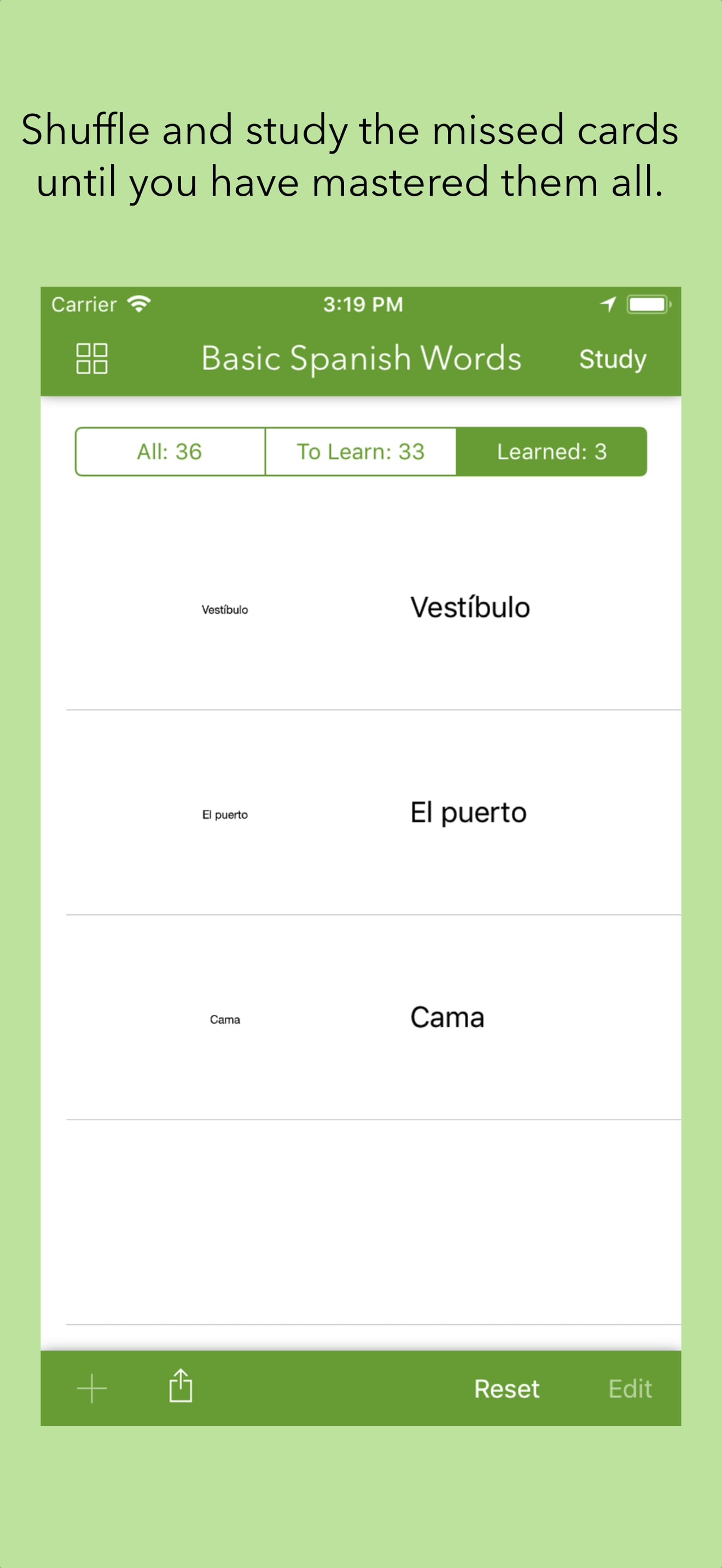
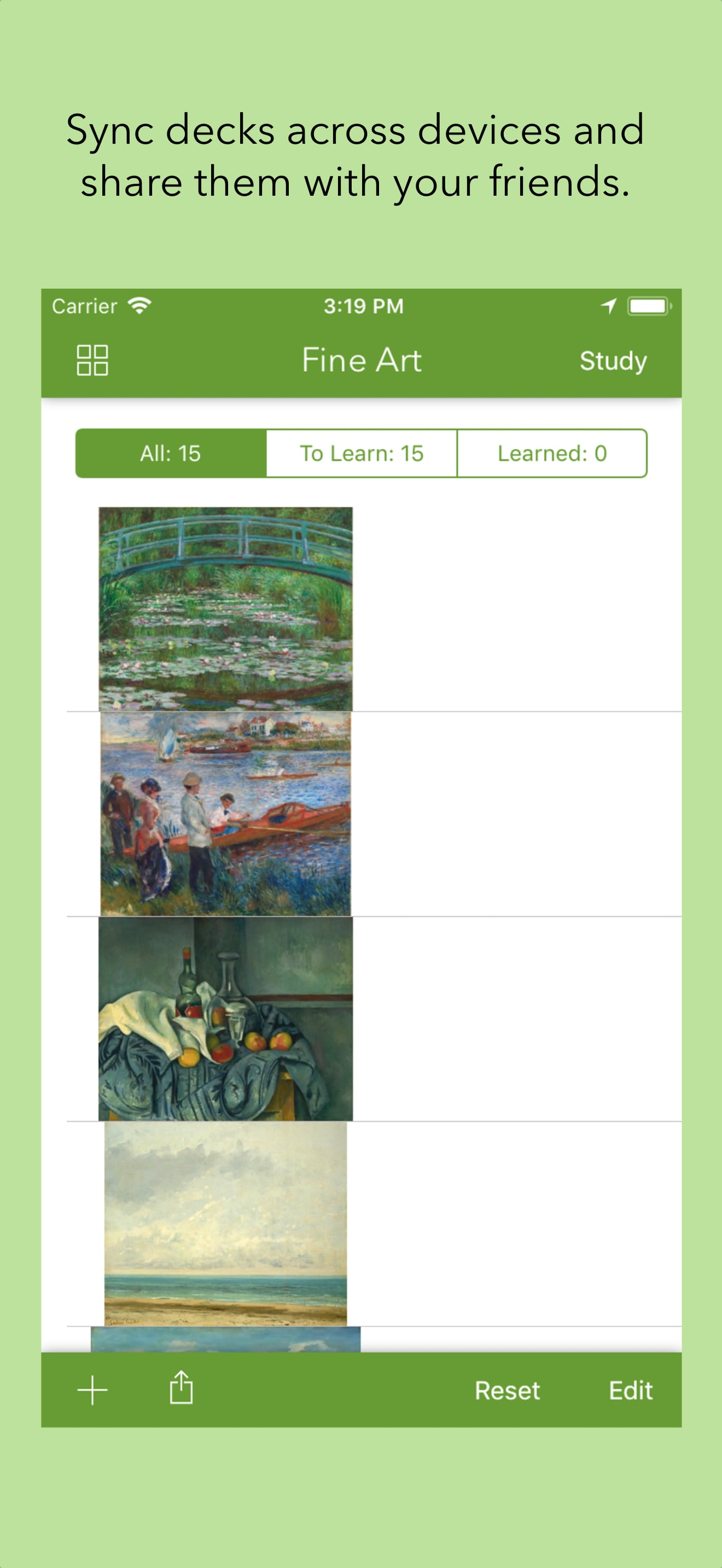
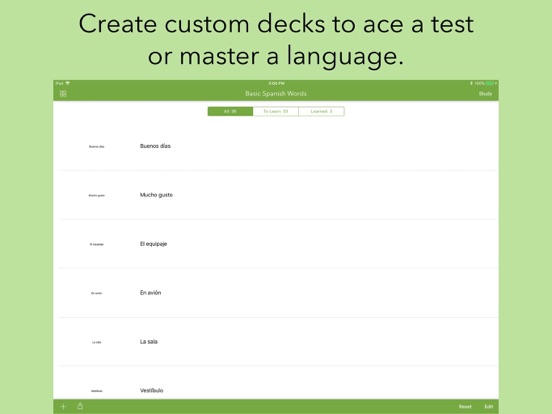
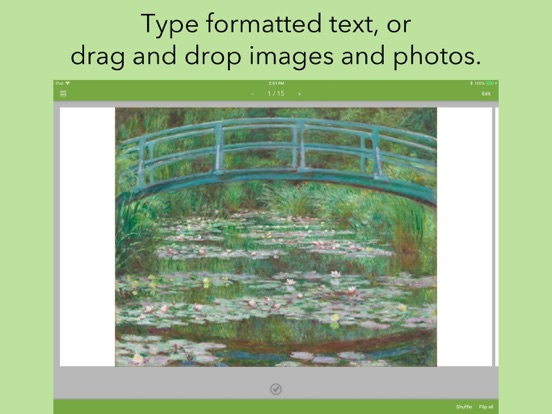
03 / Market context
Keep revenue, downloads and store rankings separate from advertising performance.
This is a great App by a great company. I have most of their products downloaded. I love the fact that each stack of flash cards is a new document. The Flipside: I would love to be able to move a flash card from it's current stack to a new stack of flash cards. I also love the fact that you can customize note cards with images and drawings in cardflow+ and share them to the Flash cards app and create a new stack of customized flash cards. The Flipside: I would love to be able to share INDIVIDUAL customized cards from a board in cardflow+ to existing flashcard stacks in the flash card app.
I love Cardflow enough to pay for the full version. I love being able to hand write my flash cards. I like the idea that it has a companion app to study. HOWEVER when I open flashcards, it has saved all kinds of PDFs that are NOT flash cards that the app dug up from the depths of my files somewhere. Weird. But most frustrating, flashcards won’t save the flashcards I do import! Every time I reenter the app, the flash cards are gone and I have to redo the export process from Cardflow into Flashcards. Annoying. And guess what all those random not flash card files...they are still there. Every time I reenter the app. Explain that one! Would love to have the random files NOT be in my recents and would love for my actual flash cards to REMAIN in the app. I hope this ca be fixed!
This app should be integrated with the cardflow app. I like how you have the option to review ”all”, “learned”, and “to learn” I find this feature very helpful when reviewing cards that I got wrong. The downside is that if you find an error in your cards you have to go back to cardflow, edit it there, then copy or upload to the iCloud again to be reloaded in this app...why not integrate it so it’s seamless? Also, this app doesn’t support handwriting new cards, only text. I would like to see features that further separate the cards into categories like “easy,” “medium,” or “hard.” That way it gives us users a different way to study. I would love to see a trend graph. Overall it works fine, there are minor lags but it’s not a dealbreaker. I hope the developers take our suggestions to heart because this truly is a great app.
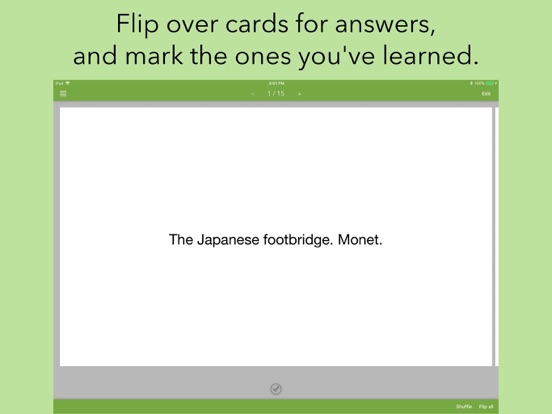
Quickly master your material with your favorite flash card techniques. Test yourself against your own deck of cards, and check off the ones you have m...