Check the acquisition promise
Read the store headline, screenshots and description. What problem is the app promising to solve?
Study the storefront ↗
Conceptis Ltd. · iOS
Explore the ad evidence, study the storefront, and build your next acquisition hypothesis.
01 / Creative research
Read the store headline, screenshots and description. What problem is the app promising to solve?
Study the storefront ↗Explore apps with direct store-link matches. Compare their hooks and formats without assuming the same approach works here.
Browse observed advertisers ↗Store rankings and revenue estimates describe market context. They do not establish ad spend, conversions or ROAS.
Review the market context ↗02 / Storefront & product
Study the product story and store experience behind the acquisition funnel.




03 / Market context
Keep revenue, downloads and store rankings separate from advertising performance.
This game is absolutely amazing, no ads, free hints, has a full introductory guide on how to solve the puzzles on both basic and advanced levels, etc. One thing I would recommend, and this is only a personal preference, would be to offer a mistake correction that doesn't just fix it or show it. Considering there's only two options a square could be, it feels like a little like a cheat. For many people, the automatic correction is great. Me, I feel pride when I've done something without using any hints. So perhaps a hint enhancement option (that you can enable/disable) in which it clears the 3x3 square the mistake is surrounded in. That way users can rework that area to properly solve it without feeling like you're cheating and can feel freshly accomplished in the end. Other than that suggestion, I absolutely adore this game and it helps me remain calm throughout college !!
This game has brought me many hours of head-scratching enjoyment. The images are very entertaining, and I enjoy the variety. One minor issue for me is sometimes when I pinch and zoom, I accidentally change a cell I did not intend to change. Finding my mistake is very difficult. I think I have some color blindness because the red color used to show errors is hard to discern, especially on the larger puzzles, and especially for the cells marked with an ‘x’. Maybe a feature that temporarily blurs out the correct cells and the unmarked cells, leaving only the cells with errors, or temporarily enlarges incorrect cells is an alternative. When I do a very large puzzle, and I think it is complete with no errors, I realize there are one or two cells I still need to mark. However, even on an iPad using the zoom feature, it is hard to find the unmarked cell. A “show me empty areas feature would be very helpful, maybe similar to showing cells with errors.
I love the newest update. I’ve had so many puzzles that I’ve just been stuck on, but I didn’t want to go around guessing randomly because that felt like cheating. The hint system is super useful! Especially with the different levels. Before this system, I’d get stuck on a puzzle and spend forever looking around only to find something simple I just so happened to miss. It was quite annoying. But now I know that it wasn’t just that my brain wasn’t big enough to compute how a chain of three different numbers would affect each other, it was that I was missing little things. I’ve been consistently using the Conceptis apps for a few years now, while with other puzzle apps I'm constantly cycling to new ones and deleting old ones. It’s ad-free and there’s weekly puzzles along with two or three free starter packs that come with each app. It’s so much better than buying puzzle books because you can redo puzzles you’ve done before endlessly. One complaint I do have about this update is how the “show errors while solving a puzzle” feature was changed. I always had it on before because it’d point out if I made a dumb mistake like accidentally put too many filled squares, but it wouldn’t tell me where exactly those squares were. Now it does. I’ve had to turn it off because it just makes it too easy. It’s frustrating because there’s no in between. I can’t know if I’ve made a silly mistake like that without knowing the exact squares I need to fix. Anyway, overall incredible app(s)! I’m a big puzzle person and you guys have a wide range of different ones! Keep up the awesome updates :)
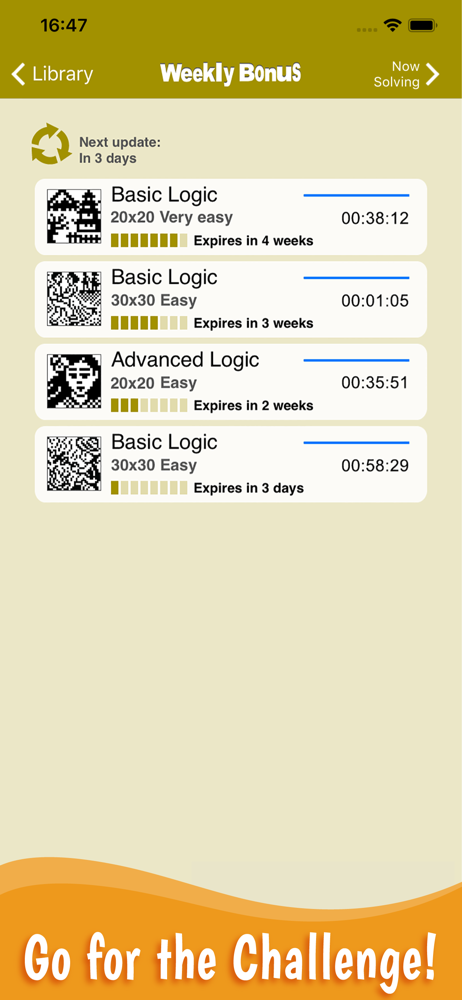
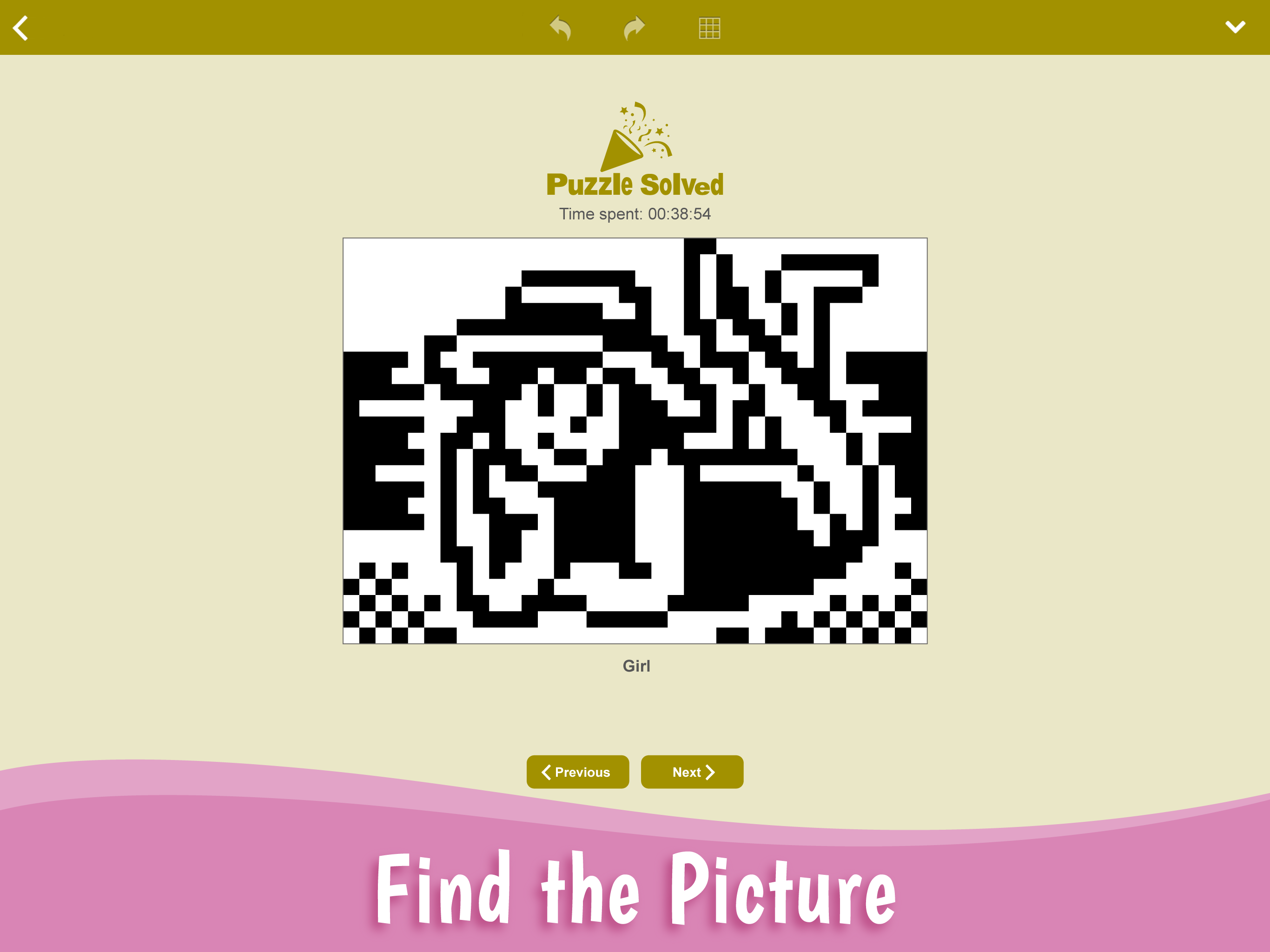
Find which neighboring squares must be painted and create a beautiful picture! Each puzzle consists of a grid containing clues in various places. The...
| Name | Price | Type |
|---|---|---|
| Basic Logic - Variety 1 | $2.99 | One-time |
| Advanced Logic - Variety 1 | $2.99 | One-time |
| Basic Logic - Variety 2 | $2.99 | One-time |
| Basic Logic - Variety 3 | $2.99 | One-time |
| Basic Logic - Variety Large 2 | $3.99 | One-time |
| Advanced Logic - Variety Large | $3.99 | One-time |
| Basic Logic - Variety Large | $3.99 | One-time |
| Basic Logic - Extra Large 2 | $4.99 | One-time |
| Basic Logic - Famous Paintings | $4.99 | One-time |
| Basic Logic - Extra Large 1 | $4.99 | One-time |