Check the acquisition promise
Read the store headline, screenshots and description. What problem is the app promising to solve?
Study the storefront ↗
Figma Inc. · iOS
Explore the ad evidence, study the storefront, and build your next acquisition hypothesis.
01 / Creative research
Read the store headline, screenshots and description. What problem is the app promising to solve?
Study the storefront ↗Explore apps with direct store-link matches. Compare their hooks and formats without assuming the same approach works here.
Browse observed advertisers ↗Store rankings and revenue estimates describe market context. They do not establish ad spend, conversions or ROAS.
Review the market context ↗02 / Storefront & product
Study the product story and store experience behind the acquisition funnel.


03 / Market context
Keep revenue, downloads and store rankings separate from advertising performance.
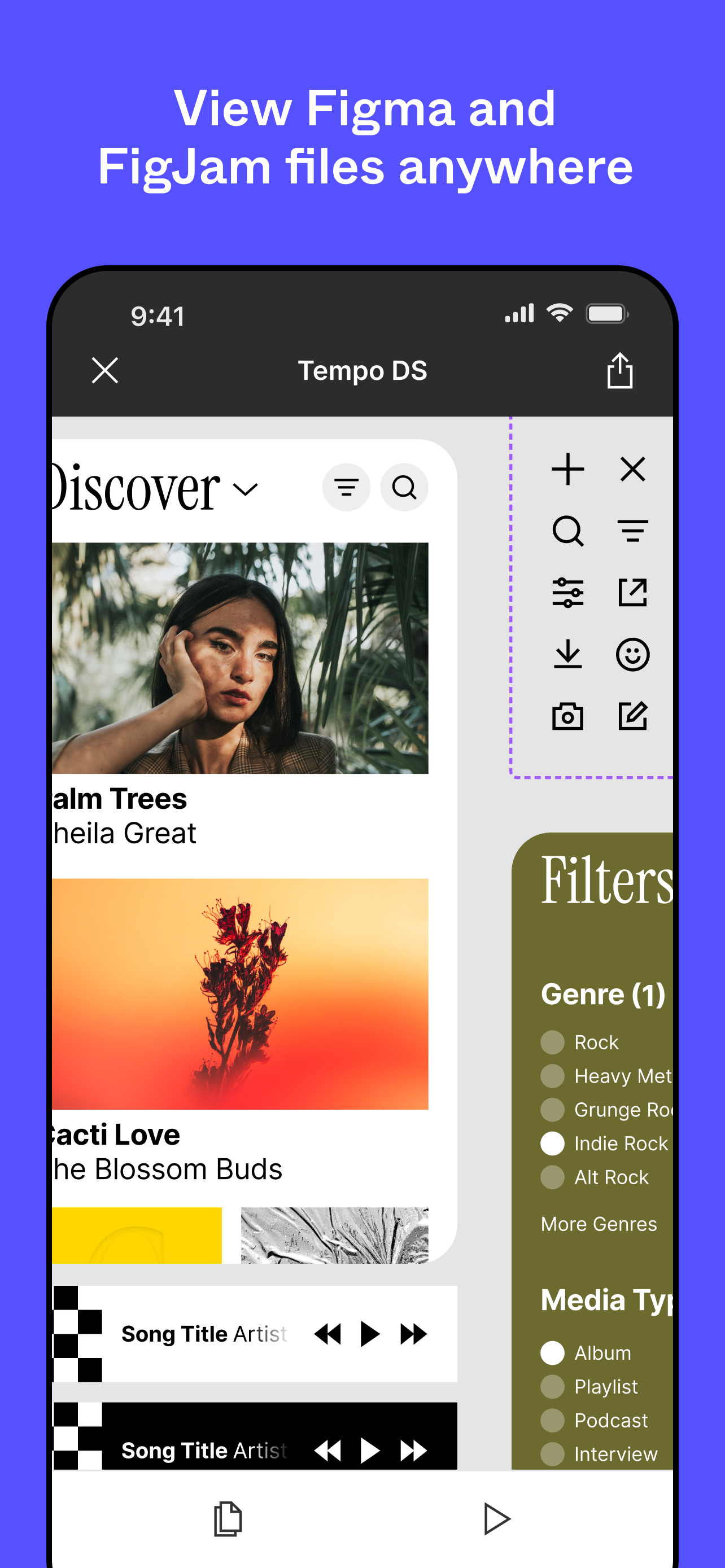
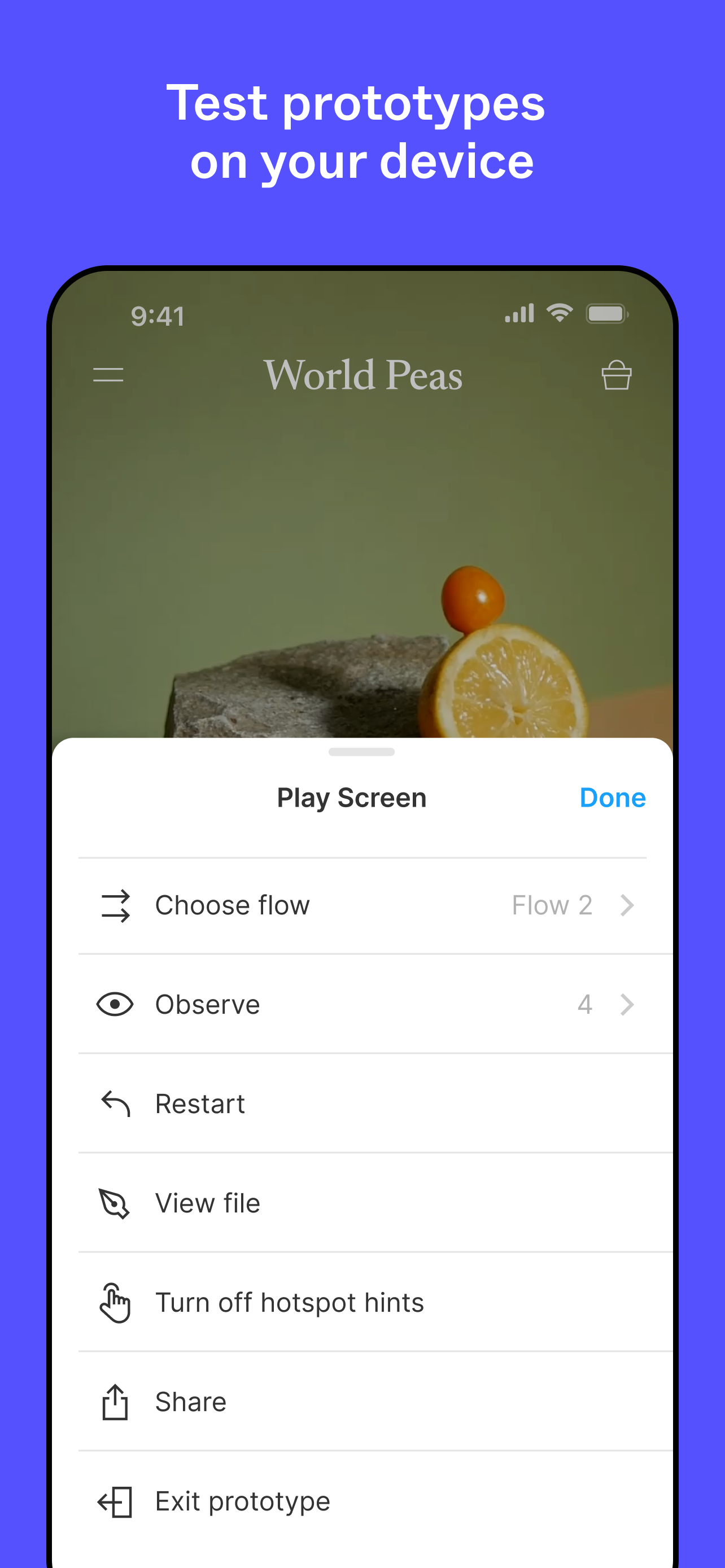
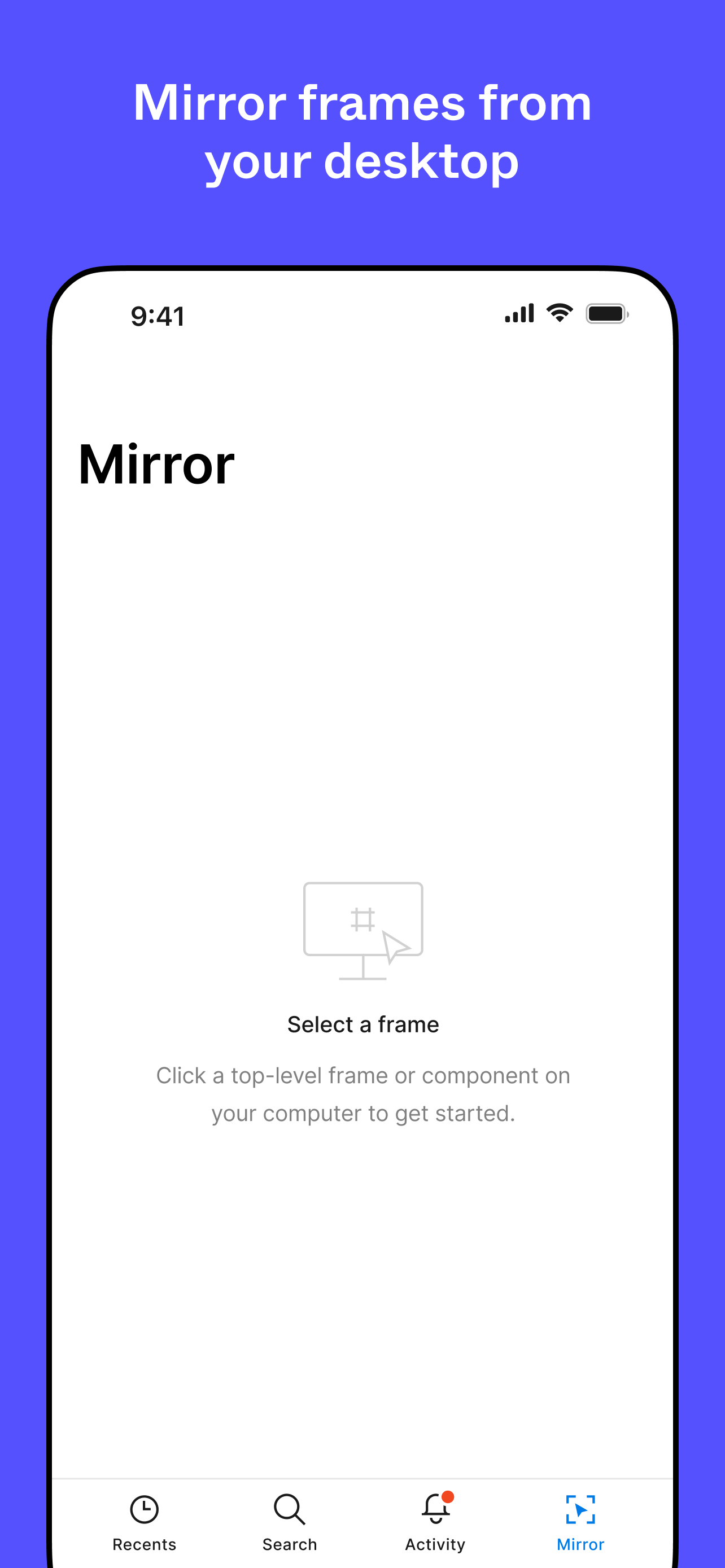
I now understand that the headline says “View designs. Comment. Mirror.” There’s no mention of “Edit” - however, on the app’s main page in the App Store on iOS, there’s a screenshot that looked to me like the app provided editing capabilities. Since the whole point of Figma is to design, I don’t really get the utility of this app if all one can do is add comments or see how designs look on a phone screen? And as far as seeing how the design looks on a smaller screen, I don’t need an entire app that only does that when there are test suites that do that for me. Or..by actually seeing the live application on my phone rather than just looking at the design on my phone. But that reflects some of my own development decisions, so that could just be me. You can edit things on Adobe’s mobile apps, so I don’t quite understand the hesitation to include editing capabilities here. Of course, the editing capabilities are more limited on mobile apps, but they are possible. Plus it’d be nice to be able to draw with the touchscreen. Is an editing feature being developed for future release?
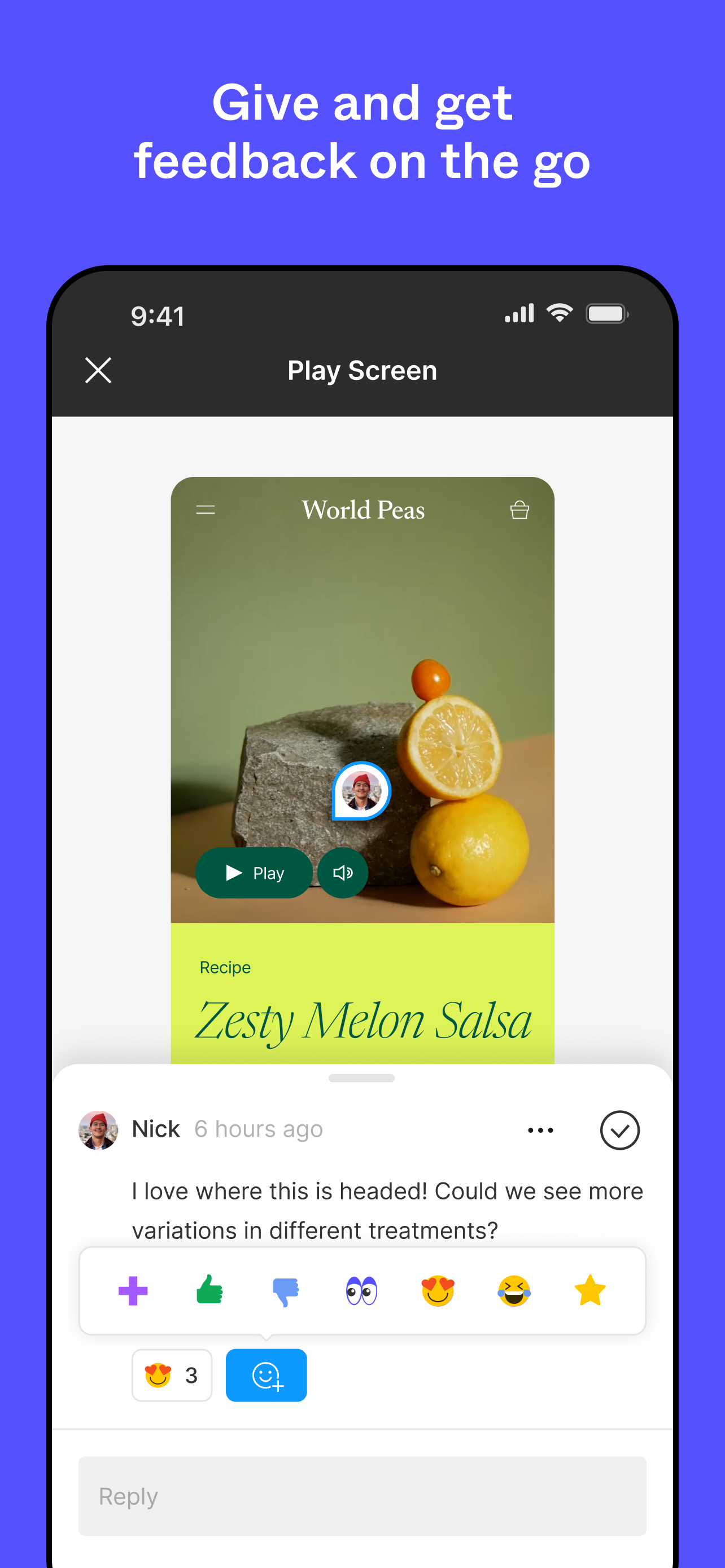
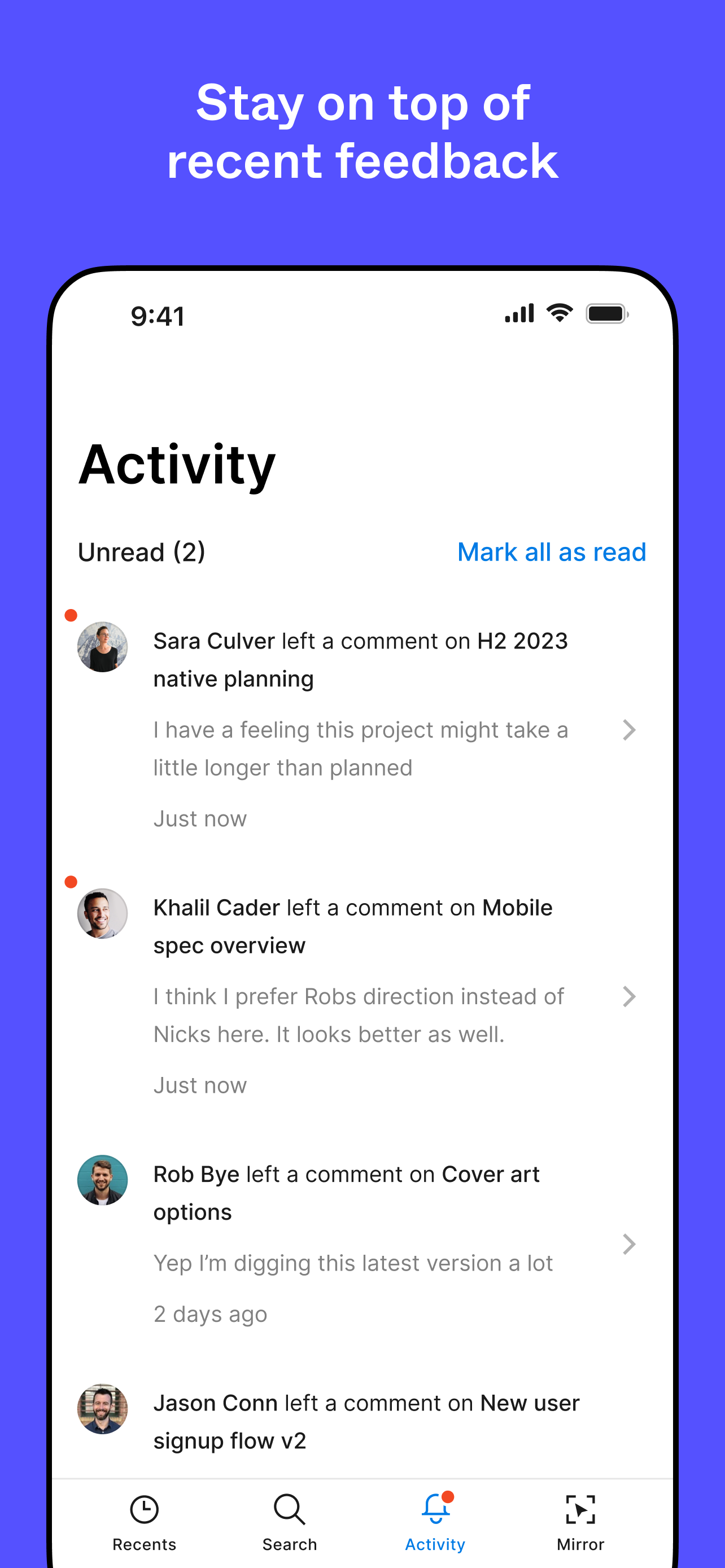
I love Figma on desktop but the mobile app on phone and iPad fall short in a big way. I use it almost exclusively for the mirror function and I would have given it 3 stars if it weren’t so buggy. Bugs I have found while using mirror include: - Loses connection periodically - Freezes often and needs to be restarted - The prototype doesn’t always appear exactly as on screen. For example, I had an icon with a transparent container around it and layers that had shadows. It looked fine on the computer screen but on the phone, the container background appeared white and the shadows were applied to the container instead of the objects inside it. - It would be nice to have an option to turn on/off status bar and home bar if they are already on your designs. - Animations are not very smooth. Aside from the mirror feature, I wanted to view and respond to a comment while I was on the go, but I can’t see the comments. It seems all that I can do view my frames. I would really love editing capabilities, especially for iPad. If I could design in Figma on iPad it would save my hand so much from all the mouse clicks. In the meantime, I’m just trying to learn all the shortcuts keys!
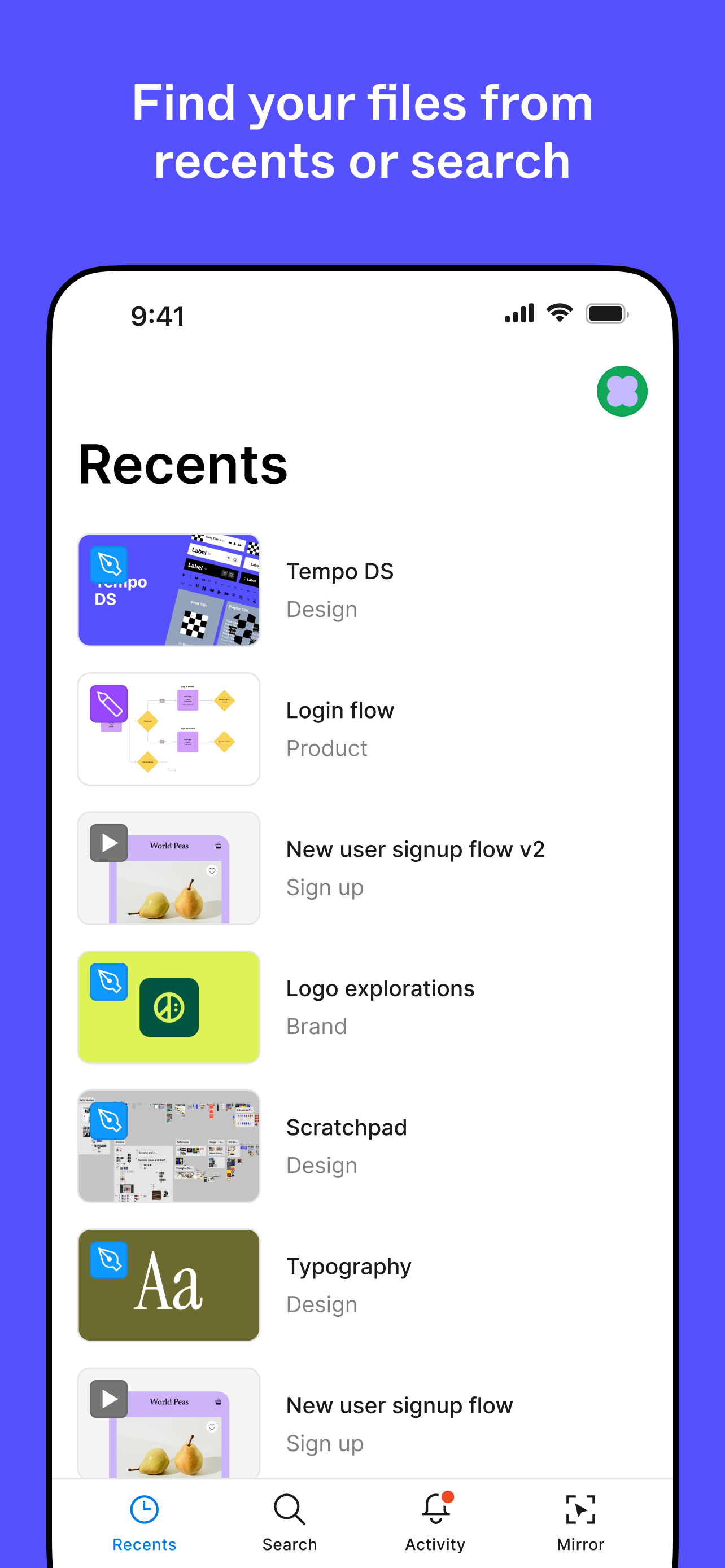
The overall app is pretty decent. I enjoy being able to look and access projects that I’m currently working on while away from my desktop. However, do you guys think it might be possible to add an editing option? As far as maybe adding text/information into certain fields? Or being able to add photos. I could understand how prototyping might be an issue but this app would be so much more beneficial if capable of doing more.
Collaborate on the go. View, share, and mirror designs with just a few taps. With Figma’s official mobile app, you can: REVIEW YOUR FILES * Access Fi...