Check the acquisition promise
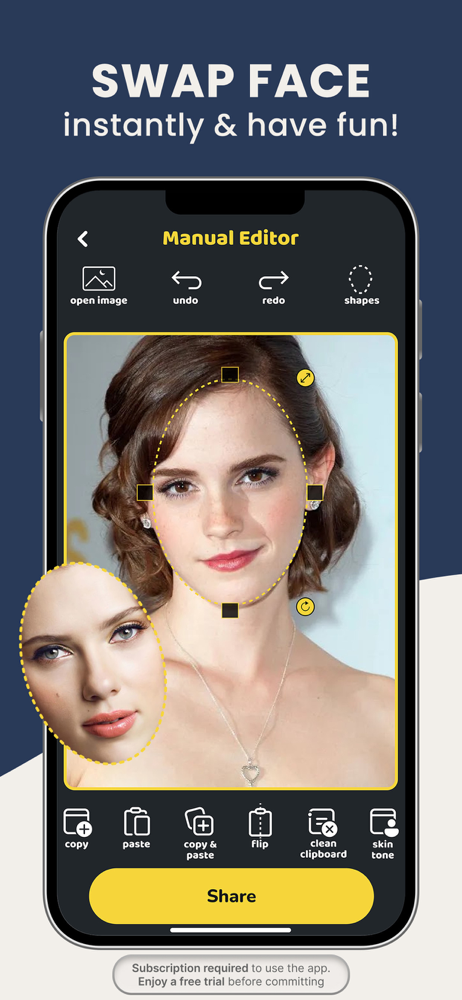
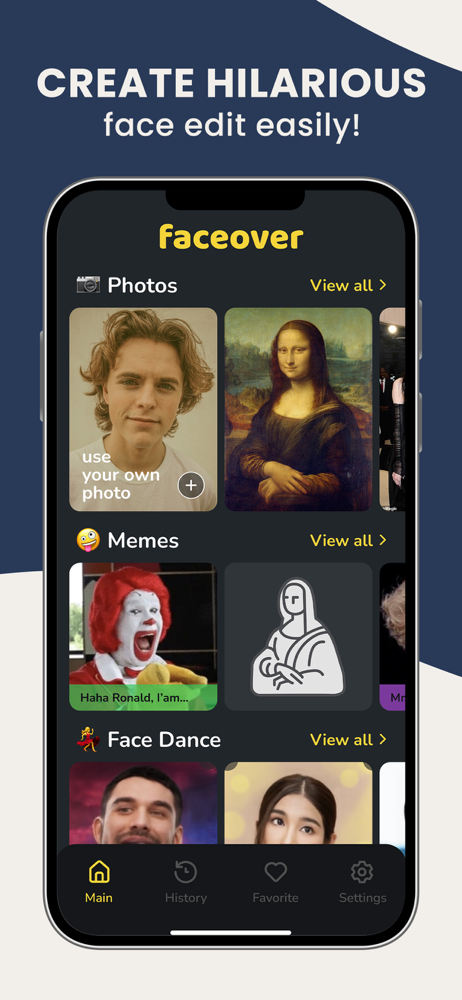
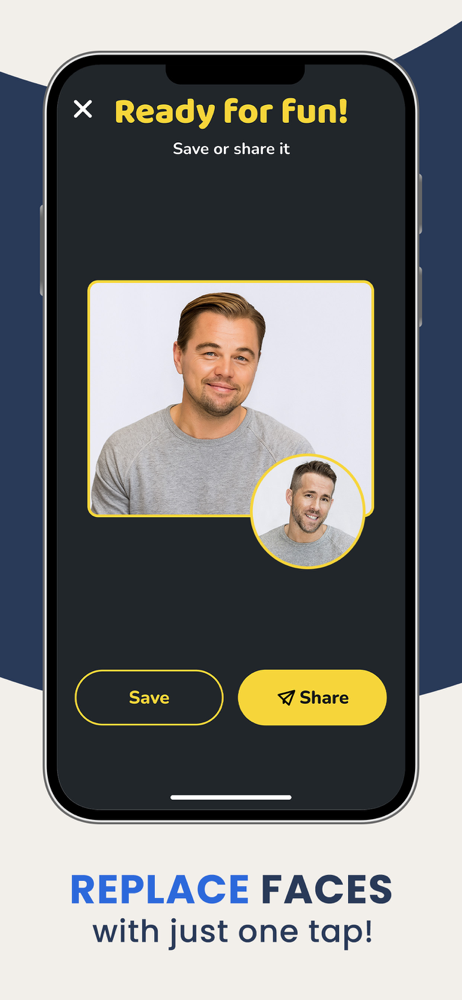
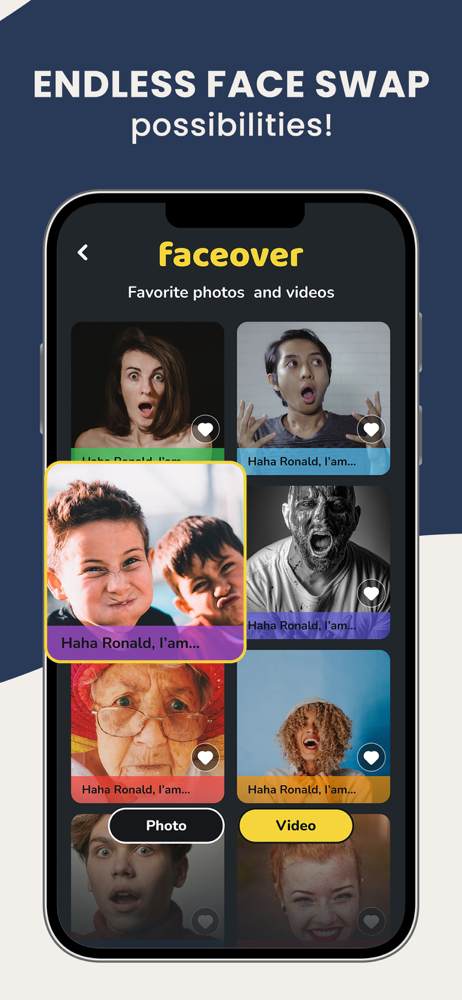
Read the store headline, screenshots and description. What problem is the app promising to solve?
Study the storefront ↗
Zed Italia S.r.l. · iOS
Explore the ad evidence, study the storefront, and build your next acquisition hypothesis.
01 / Creative research
Read the store headline, screenshots and description. What problem is the app promising to solve?
Study the storefront ↗Explore apps with direct store-link matches. Compare their hooks and formats without assuming the same approach works here.
Browse observed advertisers ↗Store rankings and revenue estimates describe market context. They do not establish ad spend, conversions or ROAS.
Review the market context ↗02 / Storefront & product
Study the product story and store experience behind the acquisition funnel.


03 / Market context
Keep revenue, downloads and store rankings separate from advertising performance.
I’ve had this app for a long time and stuck with its weird changes, and I didn’t mind when it became something that you had to pay for to get more functionality out of it. However it seems they’ve changed their pricing model multiple times, which is fine, but really scummy that so many people think they’re signing up for a free trial only to get charged for a full year anyway with no way to opt out. They didn’t catch me with it thankfully but check the recent review to see how widespread it is. It’s obvious the developers are predatory since they respond to every review complaining about it with a copy paste of the same canned response that asks people to “please consider a higher rating”. It’s not about needing to get paid for your development, it’s about predatory “free trial” practices. Frankly I can’t support a company like that. Regardless, the app stopped working for me since it’s loading indefinitely - reinstalling didn’t help, so it’s a good of a time as any to move on. Facecopy is a free app that does exactly what this app used to do.
I had Faceover lite. It was perfect for what I needed. I loved it. I watched the ads. I enjoyed the ease in which you could personalize a photo. I tried your updated version. I put in a photo & the program couldn’t detect a face & kicks me off. Good job from going from perfection to unusable. I’m deleting this as soon as I finish this review. Sad sad sad. I was unhappy but I was contacted by the app creators & all the issues that upset me were fixed. It’s exactly what I had before & could operate. I’m very very happy. Thank you for your help & understanding what we wanted & listening to us. I am very impressed.
This app was so incredibly fun and awesome and Really easy to use until that stinking new update. Before I could just know what all the symbols mean and adapt to that because the symbols for the controls made sense but now not so much. Now the symbols are kinda hard to understand and even I follow the tutorial and I still don’t get it really. Also, where in the world is the save photo button? When I usually tap the Share icon on the top right of the screen it gives me 3 options, one of them being the save photo button. Now when I tap the share icon it just shows the picture inside of a white frame with no icons just the picture. I improvise to Screenshot the picture now instead of just simply tapping one button and it saving it to Camera roll. Please adjust this update to make it more like the original Faceover lite. Thanks for reading. EDIT- Sup dudes! Yeah I just used Faceover lite today and saw that part of my concerns have vanished! Keep up the good work! I RECOMMEND THIS APP! I’ve used this app for about a year and it’s never done me wrong!
Turn your selfies into something unforgettable with Faceover. Create ultra-realistic AI photos, swap faces in seconds, generate professional avatars,...
| Name | Price | Type |
|---|---|---|
| Rectangle Shape | $0.99 | One-time |
| Custom Shapes | $1.99 | One-time |
| Advanced Custom Shapes | $2.99 | One-time |
| All Face Shapes | $4.99 | One-time |
| Weekly offer | $5.99 | Weekly |
| Weekly | $5.99 | Weekly |
| Weekly | $6.99 | Weekly |
| Weekly | $7.99 | Weekly |
| Weekly offer | $8.99 | Weekly |
| Go unlimited for 1 year | $39.99 | Yearly |