Check the acquisition promise
Read the store headline, screenshots and description. What problem is the app promising to solve?
Study the storefront ↗
NimbleTech Digital Inc. · iOS
Explore the ad evidence, study the storefront, and build your next acquisition hypothesis.
01 / Creative research
Read the store headline, screenshots and description. What problem is the app promising to solve?
Study the storefront ↗Explore apps with direct store-link matches. Compare their hooks and formats without assuming the same approach works here.
Browse observed advertisers ↗Store rankings and revenue estimates describe market context. They do not establish ad spend, conversions or ROAS.
Review the market context ↗02 / Storefront & product
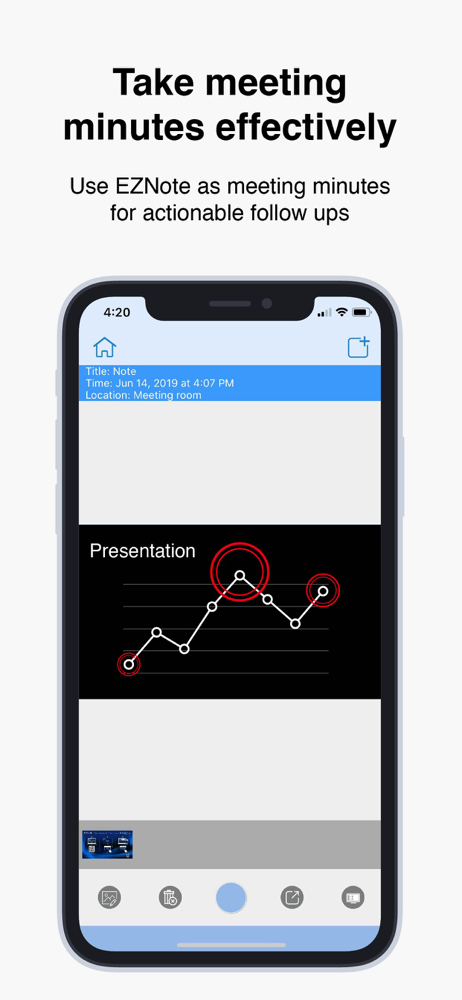
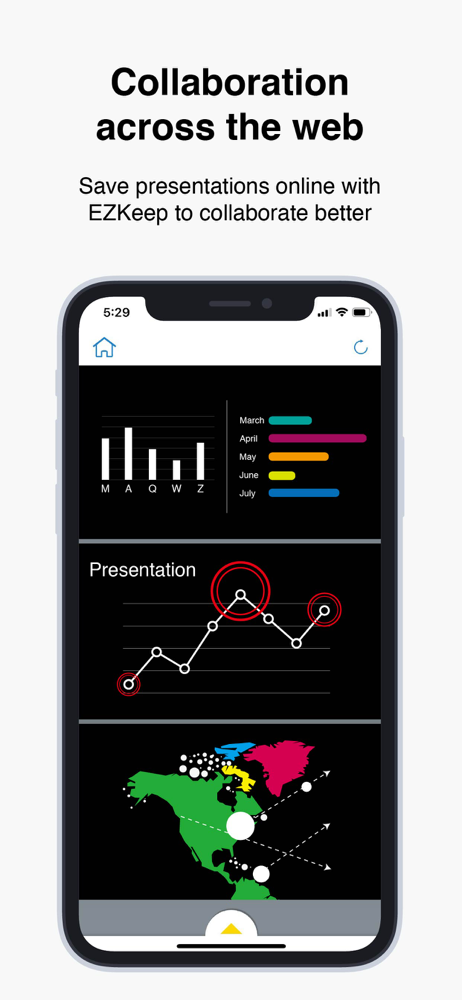
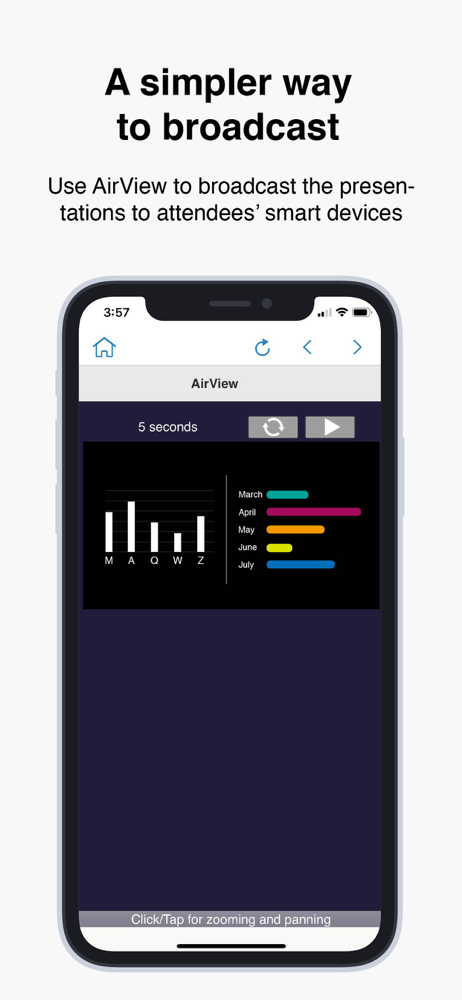
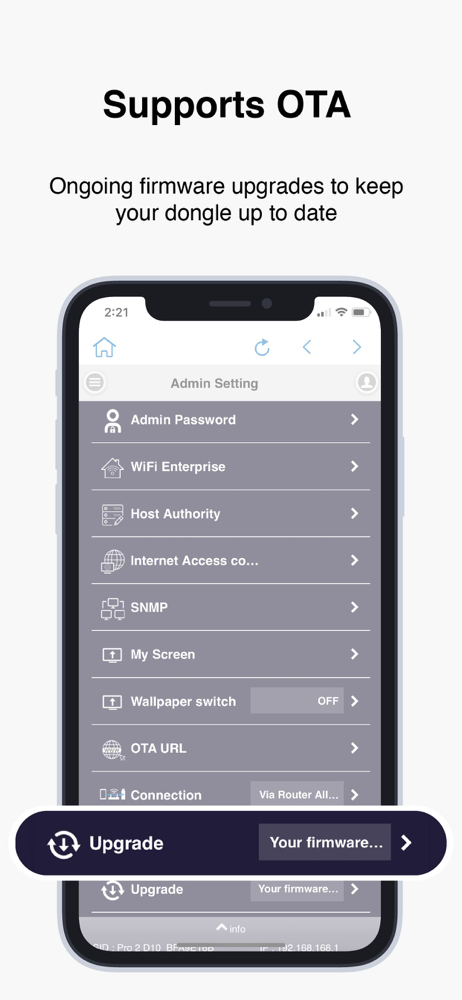
Study the product story and store experience behind the acquisition funnel.




03 / Market context
Keep revenue, downloads and store rankings separate from advertising performance.
Until the developer of this app and the manufacture of the Qumi projector align this app is useless...I am able to connect device (iPAD Pro 11) to Qumi device but the app will not display the EZCast Pro menu to change/update the WiFi Network settings - app just minimizes. Even after re-opening app the app will not display the menu....Hope this gets fixed ASAP! — PS the same thing happens when connecting to iPhone X.
I have the Simplified Micro Projector. Under instructions for “Projection by connecting to router” I was unable to get the device (EZProjector-*****) to show up in “part 3” of the setup. The instructions are vague after that, and there is NO trouble shooting section which surprises me as this seems to be a very common problem from the other reviews I am just now seeing. What may be the problem in the device not showing up? In part 3 of the router setup instructions say to “Choose the name begin with UNI-LINK”. There is no UNI-LINK or any other device listed.
It works once in a while. Not the most stable app. It really needs an update. It took a long time to finally mirror my iPad. I noticed that this app works better in airplane mode when searching for device.
Thank you for choosing EZCast Pro! EZCast Pro app is designed to work with EZCast Pro, a leading innovator of wireless display and smart office soluti...