Check the acquisition promise
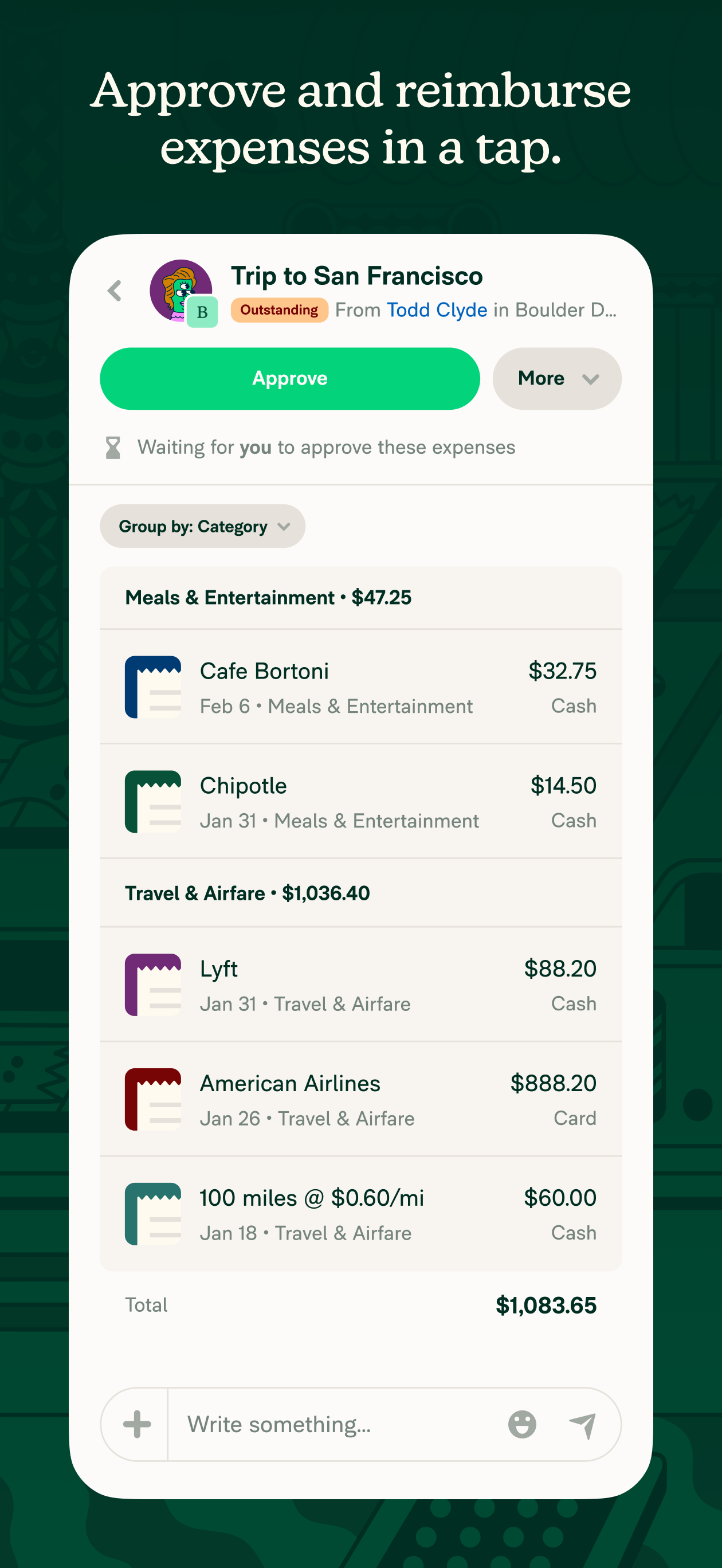
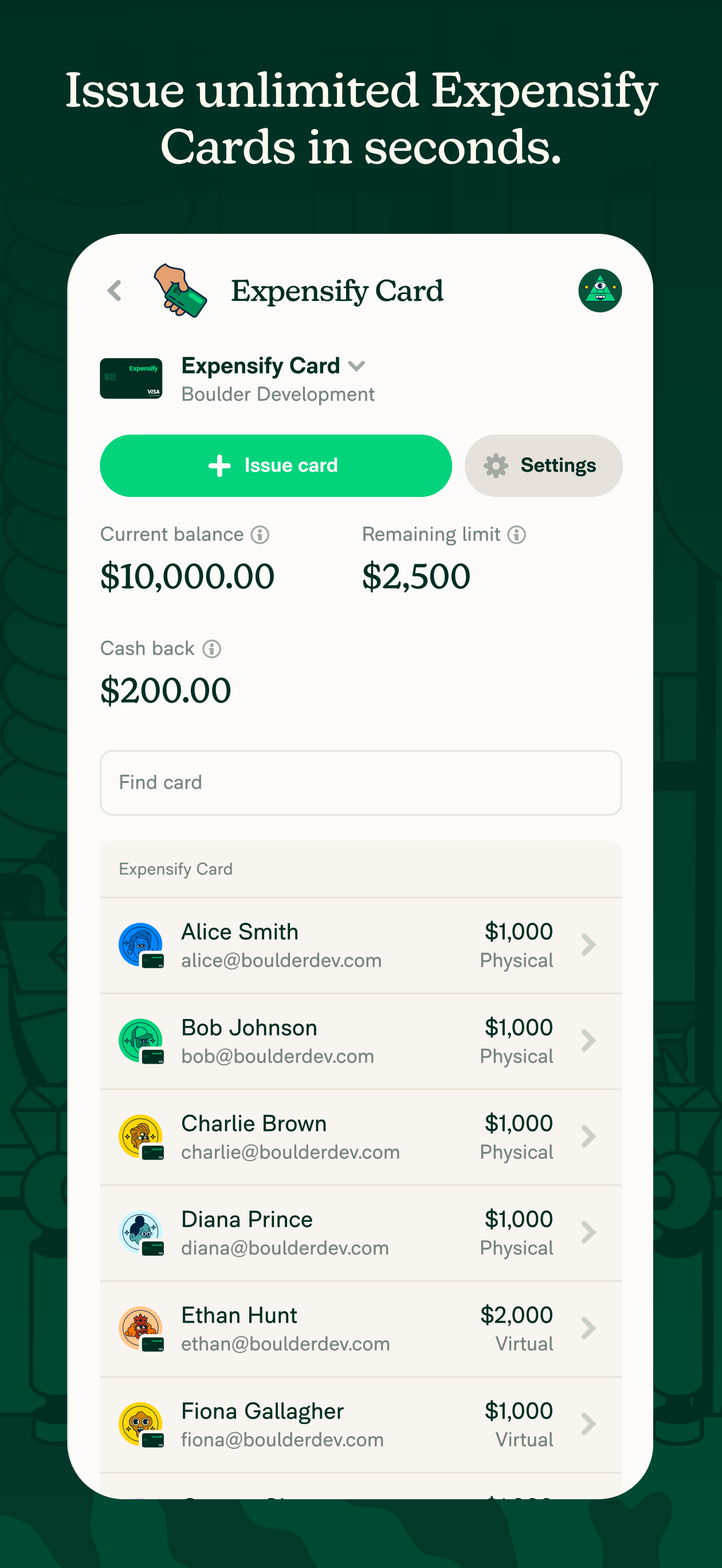
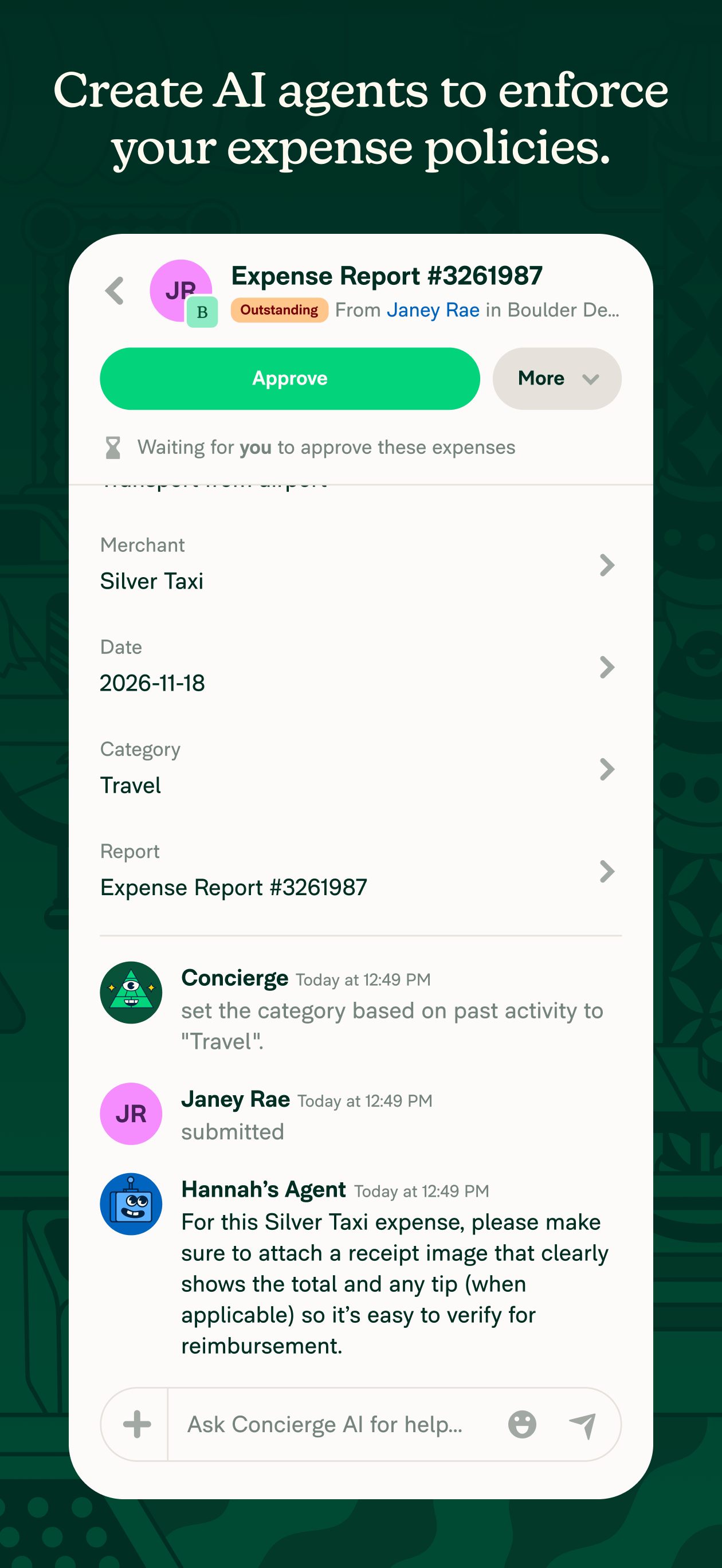
Read the store headline, screenshots and description. What problem is the app promising to solve?
Study the storefront ↗
Expensify, Inc. · iOS
Explore the ad evidence, study the storefront, and build your next acquisition hypothesis.
01 / Creative research
Read the store headline, screenshots and description. What problem is the app promising to solve?
Study the storefront ↗Explore apps with direct store-link matches. Compare their hooks and formats without assuming the same approach works here.
Browse observed advertisers ↗Store rankings and revenue estimates describe market context. They do not establish ad spend, conversions or ROAS.
Review the market context ↗02 / Storefront & product
Study the product story and store experience behind the acquisition funnel.




03 / Market context
Keep revenue, downloads and store rankings separate from advertising performance.
Hi, my usage is just scanning receipts, letting the OCR and algorithm do their thing, and getting a pdf report. I do not need it to be connected to another external system or invoice, as my company has its expense tool. The trip taken is an option, I do not use it. The pdf report just accelerate my reporting process, and also give me a more advanced solution on my phone, to add info during the trip. Our company only is over 20k employees, and we all have a similar issue but don’t have a solution provided. Also, concierge seems to be a good idea but it is sometimes a little bit invisive. In that context, the pricing is wrong for the usage described usage. I would like a flat fee or a way lower subscription fee just to be able to do what I described. The app is excellent at getting the right information (some other apps are retrieving too much info, but this one is well “calibrated”). The only issue is the pricing. Note: it would be great to be able to “send” by email electronic receipts so that they appear in the expense section, like for online orders and Uber/Lyft trips.
I like the app, and it has gotten less buggy over the last few years, but your recent decision to remove the ability to quickly fill in my own info to favor your smartscan approach is actually annoying enough to me that I feel I need to write this generally negative review. Clearly you left the ability to bypass the smartscan feature, but decided to bury it through unnecessary steps. It only makes me assume this is so you can harvest more data about my activities. Also, I used to often add placeholder expenses that didn’t have receipts to make sure I didn’t forget to add them later. You've broken my ability to do this without having a manual expense creation option from the start. Response to dev: I’m using the mobile app, and when I touch Create Expense I get 4 options, Scan Receipt, and then 3 under Distance (manually create, odometer, start gps). I’ve tried going to manually create under Distance, but it has many options that aren’t relevant to my expenses. So I have to use Scan Receipt, which means I must have some type of photo to input. When I dont have a receipt handy and just want to make a placeholder expense for later, Ive resorted to taking a screenshot of the built in camera view and then adding that screenshot as the expense picture. Then I have to use two more touches to get to the point where I can manually add all the info about the expense, which is obviously all a lot more annoying than just having the ability to manually create the expense right off the bat.
I started using this this app several years ago at the recommendation of a client. I like the fact that I can go paperless and get rid of all the paper receipts however being that I’m a self-employed person and some of my receipts don’t have the title of the store or restaurant or wherever (ex. New York City taxi) scanning gets a little bit more confusing and I have to manually type that in additionally and the system doesn’t recognize the manually entered receipt with automated same receipt once it’s posted to my account. 2)expense reports this past year have not been updating the correct total. I can see the amounts I entered for each receipt and the total does not reflect those. 3) another real BIG problem is that there is no phone number to speak to a customer service person which is extremely frustrating and very needed because it takes up to three days to have an issue resolved. For example- I have my own s Corp however paying to send expense reports to myself makes no sense. I tried undoing this but then I was unable to access past folders. Customer service via email did a poor job of explaining and didn’t refund me. Also the app often loses marked categories when I manually enter in. I’m not sure why that is. The categories show up on the computer but not on app. I do hope this can be fixed.
Expensify helps more than 15 million people around the world track expenses, reimburse employees, manage corporate cards, send invoices, pay bills, an...
| Name | Price | Type |
|---|---|---|
| Monthly Subscription | $4.99 | Monthly |