Check the acquisition promise
Read the store headline, screenshots and description. What problem is the app promising to solve?
Study the storefront ↗
Koichi Otera · iOS
Explore the ad evidence, study the storefront, and build your next acquisition hypothesis.
01 / Creative research
Read the store headline, screenshots and description. What problem is the app promising to solve?
Study the storefront ↗Explore apps with direct store-link matches. Compare their hooks and formats without assuming the same approach works here.
Browse observed advertisers ↗Store rankings and revenue estimates describe market context. They do not establish ad spend, conversions or ROAS.
Review the market context ↗02 / Storefront & product
Study the product story and store experience behind the acquisition funnel.

03 / Market context
Keep revenue, downloads and store rankings separate from advertising performance.
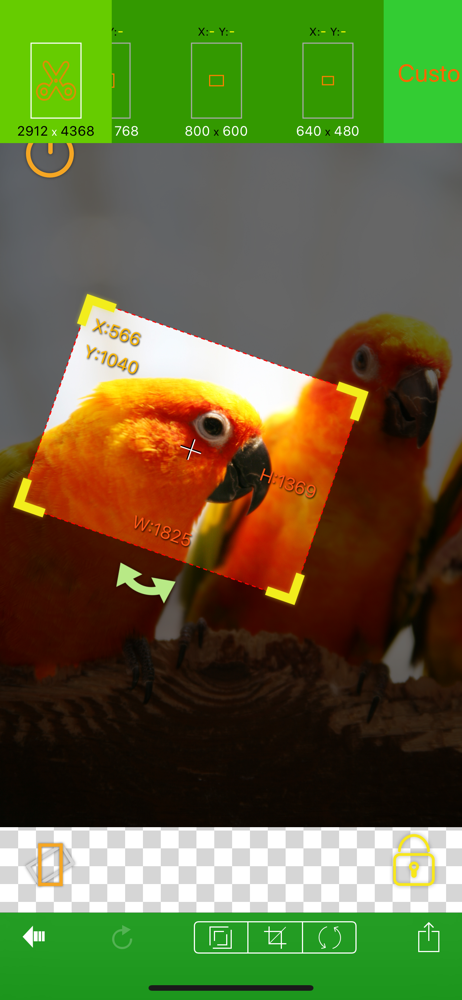
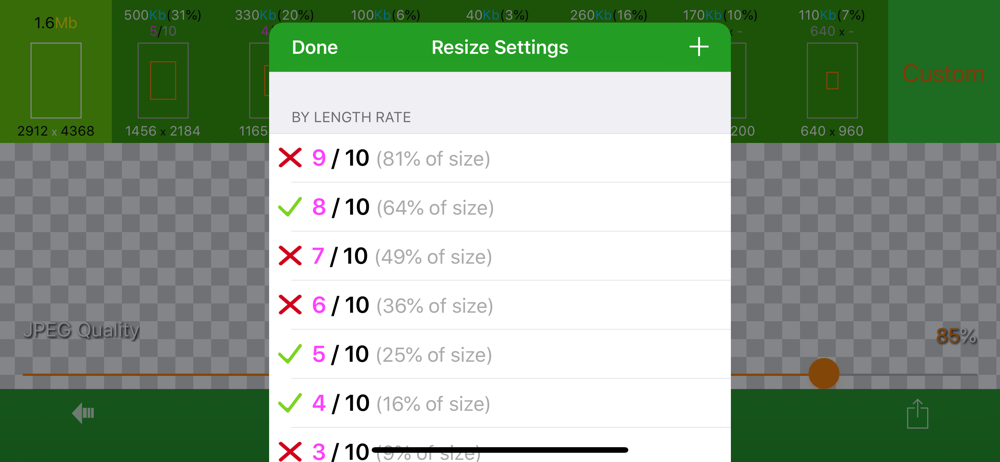
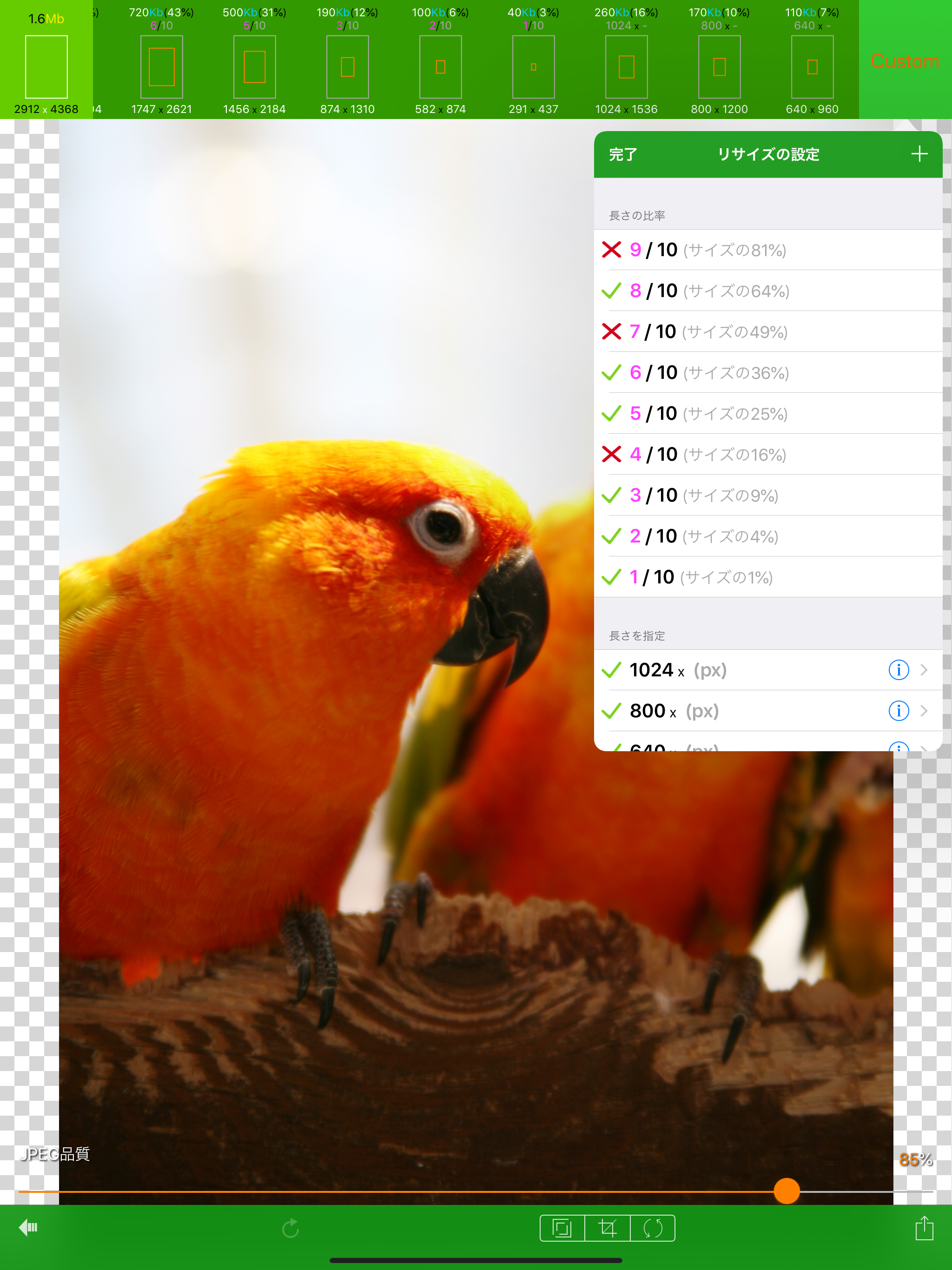
This app performs one simple but necessary function for me. Resizing photos. It works really well. In settings there are a few instructions, but playing around with it for about 5-10 minutes is the best way to learn how to use it. Once you figure it out, it's really quite simple, performs well and reliably, and I use it a lot! I love it!
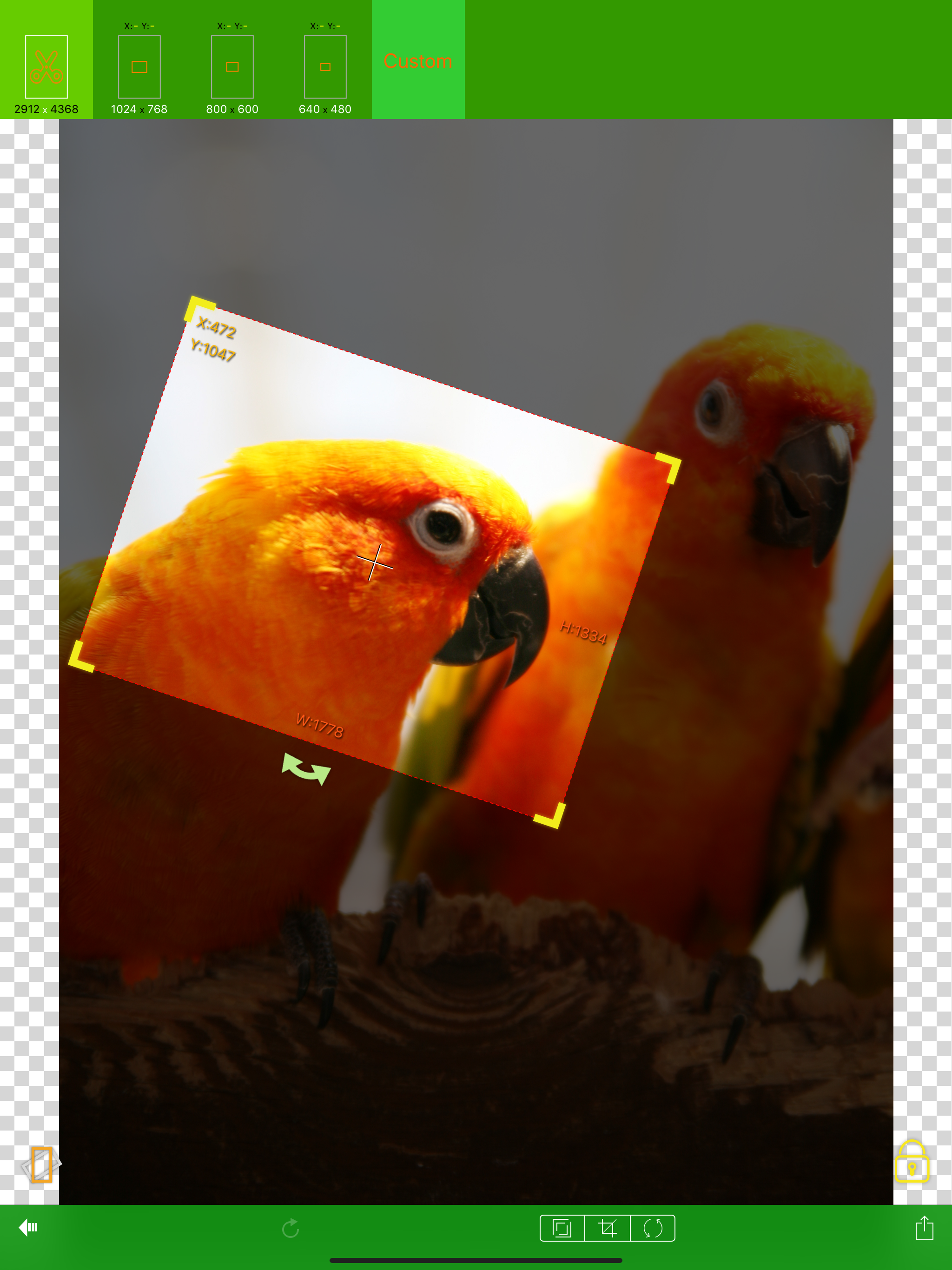
1. App appears unable to trim: when a "trimmed" photo is sent by email it looks like the original image is being sent: not the trimmed image 2 app appears unable to save a trimmed image back into the photo album: app's behavior on attempt to save does not follow all the steps in the HELP section for saving App has potential but needs several improvements.
This app has the potential to be a good app for resizing a pic, but right now it's not very good. I run a website and need images resized and cropped to specific dimensions. This app is the only app in the App Store that I've come across that let's you pic the actual dimensions, not just the ratio, but that feature is not working. Please issue an update with that feature fixed and I will re-review with a higher rating. When I tap on crop the presets are not at the top of the screen. And when I set my custom dimensions, that doesn't appear either. For the resize feature, there are some presets that work, but once again, the custom dimensions are not showing up for me. PLEASE UPDATE!
EverClipper Plus is a paid version of EverClipper. The functionality is same as that of EverClipper except that the ad is not displayed.(Both have the...