Check the acquisition promise
Read the store headline, screenshots and description. What problem is the app promising to solve?
Study the storefront ↗
Koichi Otera · iOS
Explore the ad evidence, study the storefront, and build your next acquisition hypothesis.
01 / Creative research
Read the store headline, screenshots and description. What problem is the app promising to solve?
Study the storefront ↗Explore apps with direct store-link matches. Compare their hooks and formats without assuming the same approach works here.
Browse observed advertisers ↗Store rankings and revenue estimates describe market context. They do not establish ad spend, conversions or ROAS.
Review the market context ↗02 / Storefront & product
Study the product story and store experience behind the acquisition funnel.
03 / Market context
Keep revenue, downloads and store rankings separate from advertising performance.
I was a fan of the original Batch Resizer, which despite its complexities was/is perhaps the must full featured batch resizer app available on ios. The biggest problem for me was that it was confusing, and there weren't great instructions. This version fixes those problems. The instructions are pretty good...they could be better but I think language barriers intervene. But the redesign makes the app much easier to use too. If you look at the App Store version of this app, you can find more detailed instructions using the 'App Support' link. Look for the small 'English' link to change the language...or translate it using Google Translate. There is some great information here! I think this app will be amazing once the glitches are addressed. For me, those include the app freezing up or taking a really long time ''to start up initially. This may have something to do with the huge photo library I have! What appears to be a very simple need on the surface of it is apparently a really hard one for app developers to address...which is why I believe this developer has an advantage in capturing the market if the minor problems were fixed.
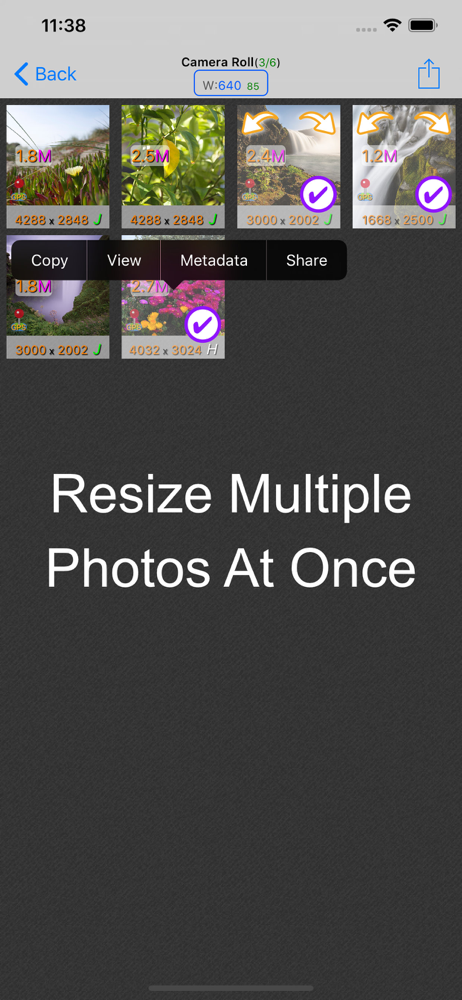
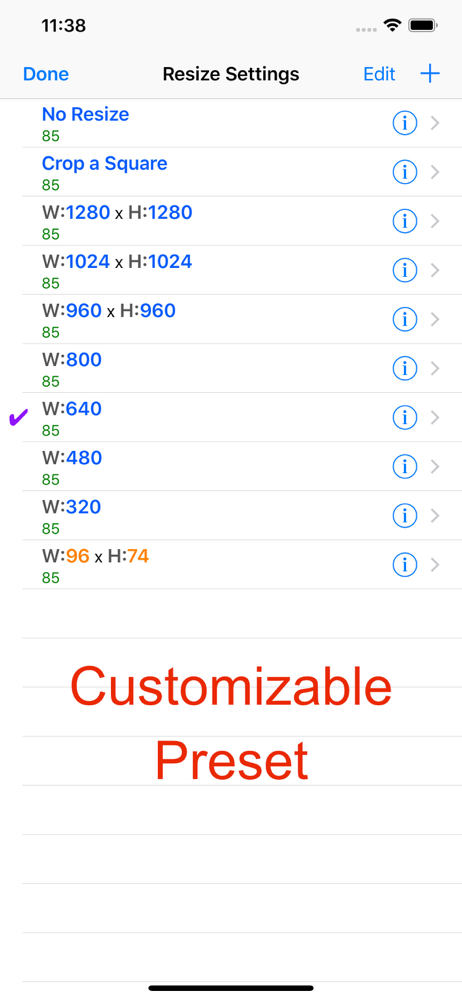
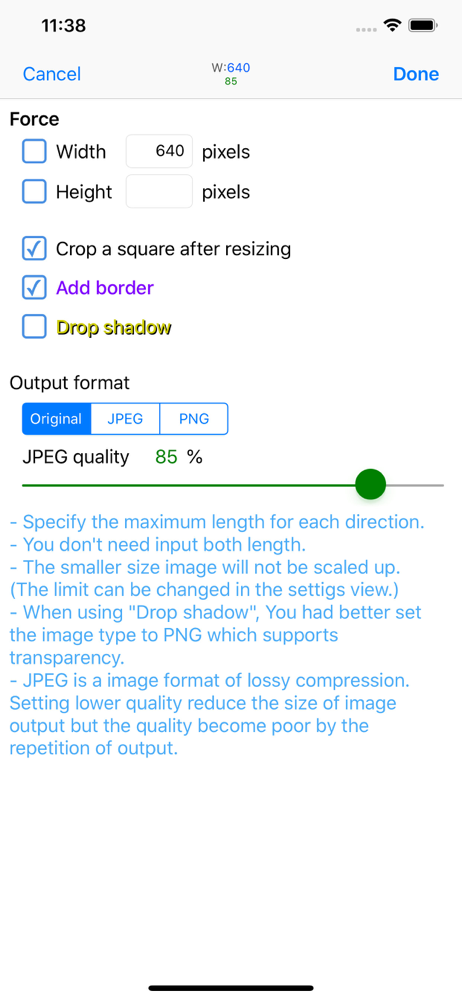
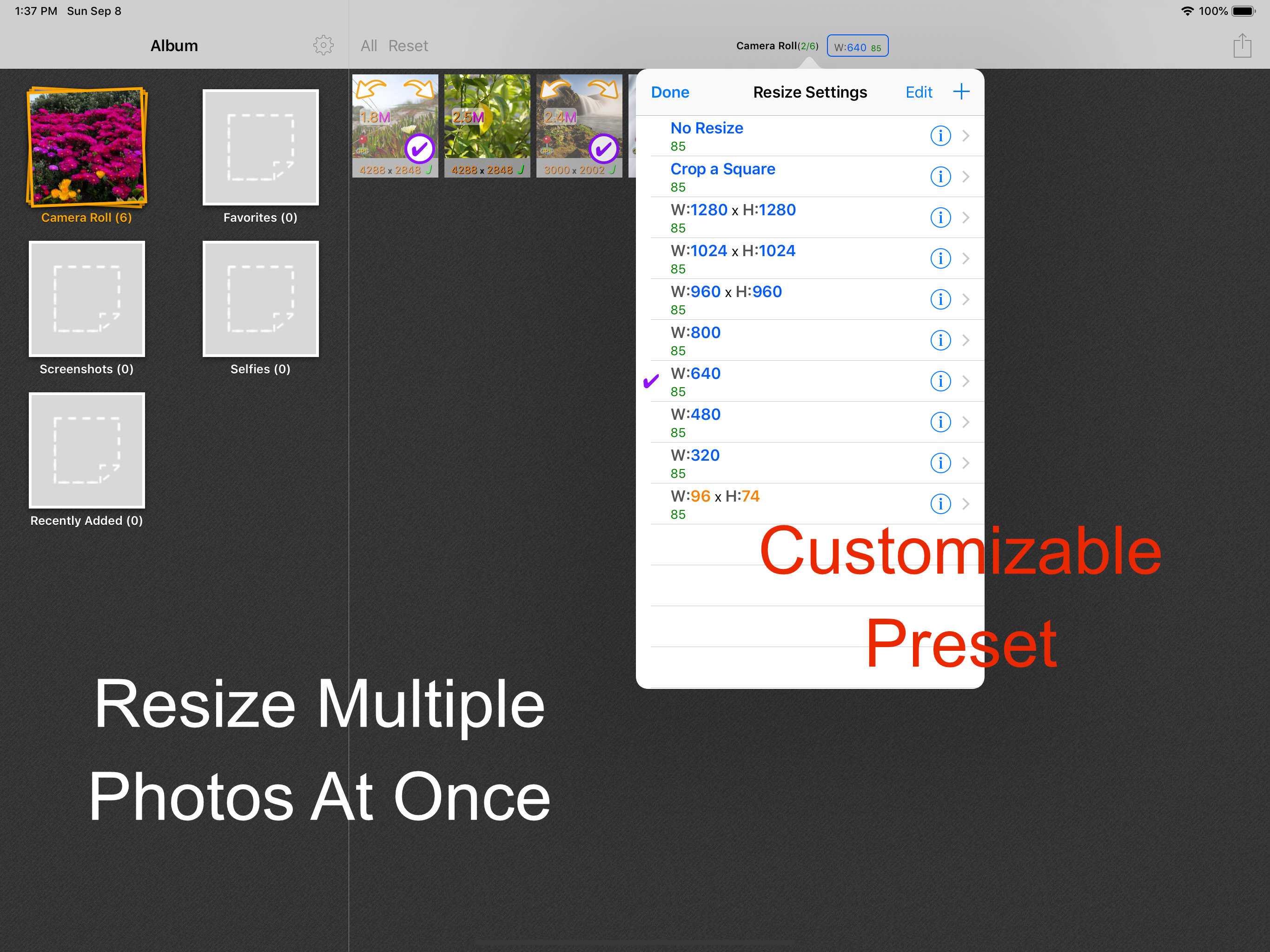
I love this app. It does a great job downsizing and upsizing photos. I use this for photos I'm going to post on my blog. I want all the photos to have their biggest side be 640px. This app handles that no problem! I had a batch of 30 photos of different sizes. With the appropriate settings, one tap and everything was brought to the correct size, small photos were up sized, large photos were downsized. The only things keeping me from giving this app five stars are: - it loads photo stream albums with no option to skip those albums. - when I run a large batch and try to save directly to camera roll, some of the photos end up with an error "Failed to add image to Camera Roll: The operation couldn't be completed. (Cocoa error -1)." If I save to the "Working Directory" first, then save to Camera Roll from the settings menu, it works fine. - Camera Roll is the only local location you can save to. I'd like to save the photos back to the photos album (local, not photo stream) that I'm working from.
BatchResizer2 is a successor version of BatchResizer remade for targeting iOS9 to make it easier to use. BatchResizer2 is a simple app which enables...