Check the acquisition promise
Read the store headline, screenshots and description. What problem is the app promising to solve?
Study the storefront ↗
DEVGURU Co., Ltd. · iOS
Explore the ad evidence, study the storefront, and build your next acquisition hypothesis.
01 / Creative research
Read the store headline, screenshots and description. What problem is the app promising to solve?
Study the storefront ↗Explore apps with direct store-link matches. Compare their hooks and formats without assuming the same approach works here.
Browse observed advertisers ↗Store rankings and revenue estimates describe market context. They do not establish ad spend, conversions or ROAS.
Review the market context ↗02 / Storefront & product
Study the product story and store experience behind the acquisition funnel.



03 / Market context
Keep revenue, downloads and store rankings separate from advertising performance.
When I first saw this app, I looked at the base easycanvas. Always needing to be plugged in, without the ability for dual screen. I eventually got duet display. My experience was just flat out bad. Really garbage latency, bad artifacts, and NO APPLE PENCIL SUPPORT ON A 20$ APP? I decided to look for alternatives. I tried out the 14 day trial of EasyCanvas and was in love, but had no way of making it a second monitor. In comes EasyCanvas Pro. 5$ a year, (way, WAY cheaper than duet) FULL apple pencil support, Wired and Wireless, AND you can make it a second monitor! (At least on windows) Latency is as as low as it gets, and the whole experience was a dream. If you were wondering how to get dual monitors on Windows, here’s how. Once you have all the drivers set up and stuff like that, what you wanna do is (obviously have your iPad connected) press the Windows button and P at the same time, and then switch between all of them (pressing the one that says something like “extend” a lot) until you finally get the 2nd monitor on the ipad. It’s a dream experience. PLEASE do not remove this feature EasyCanvas!!!! My only complaint is that you can’t switch between wired and wireless willy nilly. This shouldn’t be a problem for most but my laptop has a really bad wifi card, and it doesn’t help that it’s far from the router. Sometimes it’s better to just plug in. Please give us the choice! 9/10 app! (10/10 if you could switch between wired and wireless as you please.)
I’m not sure when this feature was added, but being able to use the iPad as a separate wireless monitor is really cool. I’ve docked one star off this review because although drawing feels perfect in Drawpile, other programs that I’ve used (Clip Studio Paint and FireAlpaca) have this issue where the beginnings of line strokes get stuck and become straight. I contacted support about this a while ago and they said it was a limitation of this app, and I was unsure how to feel about that response when it doesn’t happen with all of my programs. Also, I have flicks and tap & hold right-click disabled in Windows, so I know it’s not that.
I’ve tried quite a few and this app works legitimately seamlessly and lag free connected to my workstation. It’s one of the best purchases I’ve ever made for my art career. I have all the functionality of the high-end Wacom tablet literally on my iPad Pro. Never going back to Wacom now that I have this. Most of the bad reviews I’m seeing are completely due to user error, people need to read instructions and look in to how these programs actually work. This works fantastically for everything from Photoshop to Zbrush and is very impressive with its wireless lag-free connection. Every other “screen app” has been incredibly disappointing in their functionality, this one literally ticks every single box and is much cheaper than every other program out there.
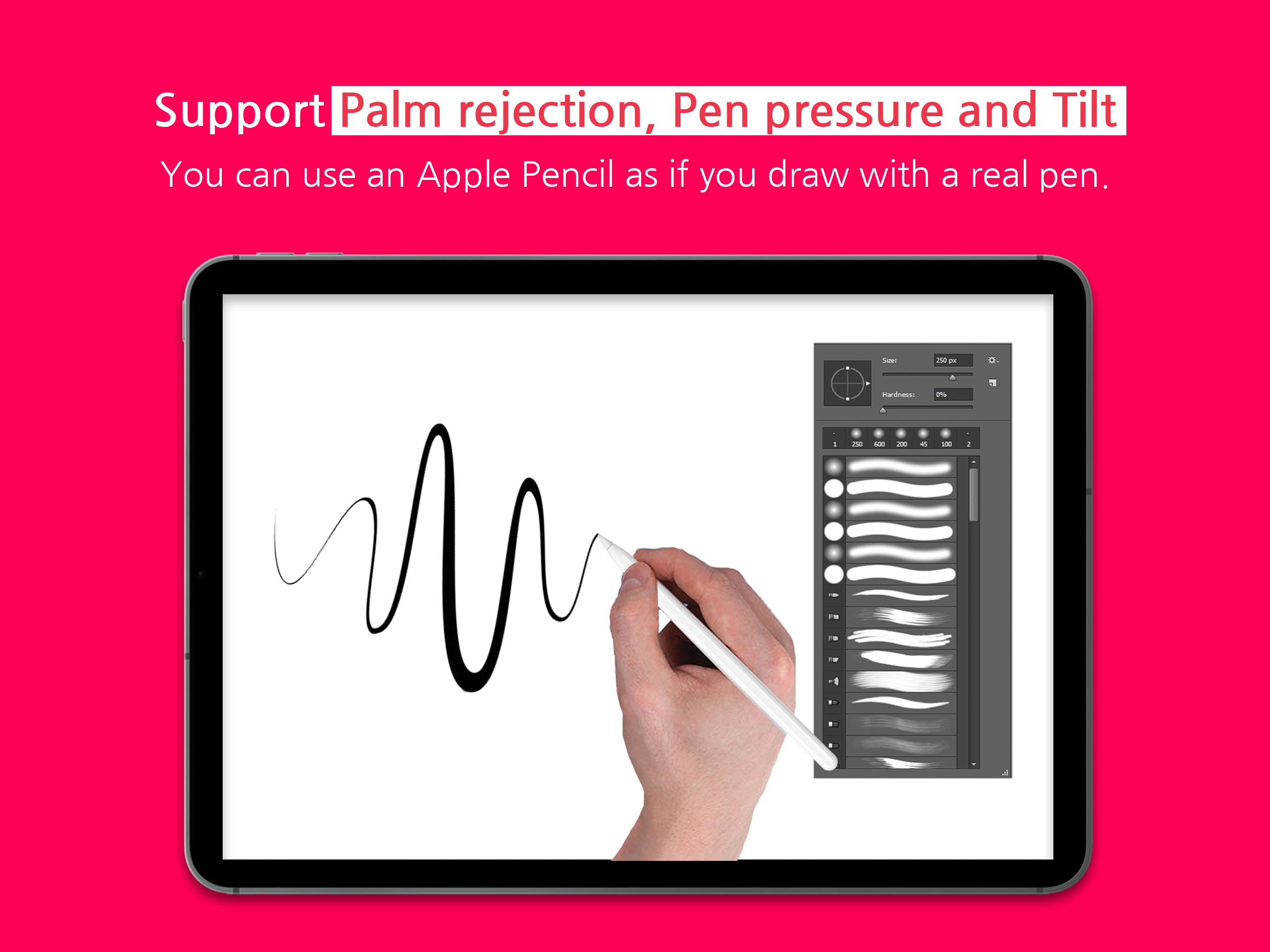
EasyCanvas, turn your iPad into a wired or wireless liquid crystal tablet EasyCanvas is an app that lets you use your iPad as a wired or wireless liq...
| Name | Price | Type |
|---|---|---|
| Subscribe now (Annual) | $4.99 | Yearly |