Check the acquisition promise
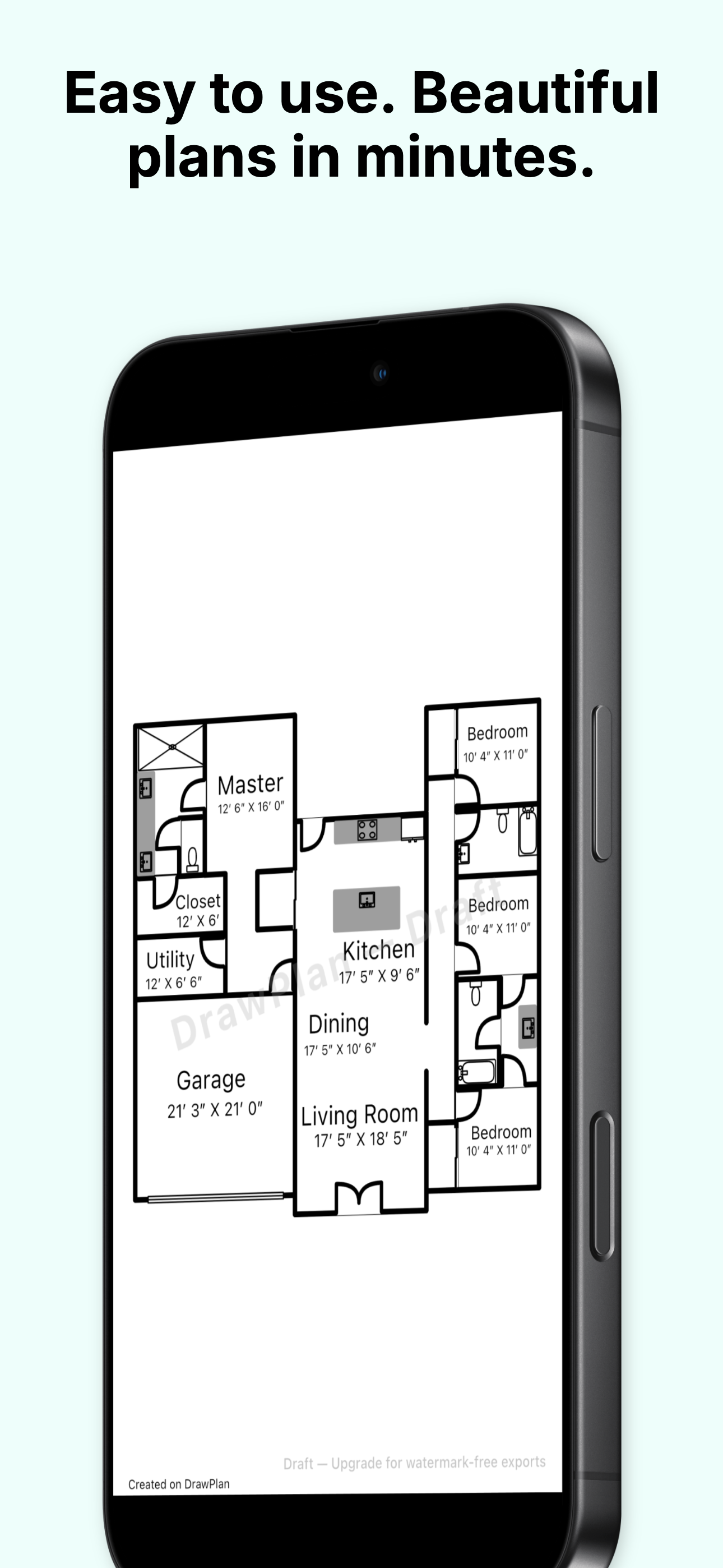
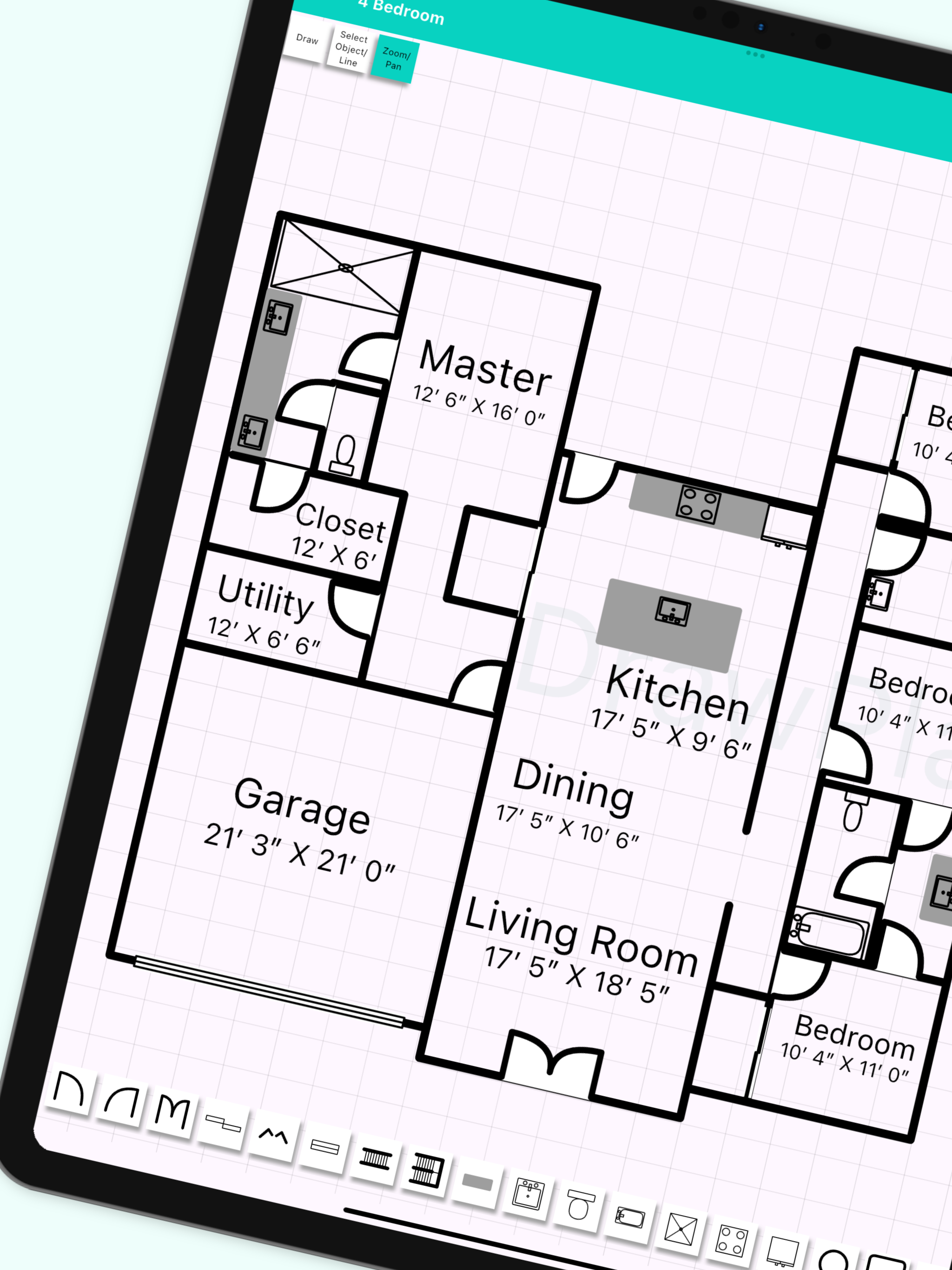
Read the store headline, screenshots and description. What problem is the app promising to solve?
Study the storefront ↗
Fleet Investments LLC · iOS
Explore the ad evidence, study the storefront, and build your next acquisition hypothesis.
01 / Creative research
Read the store headline, screenshots and description. What problem is the app promising to solve?
Study the storefront ↗Explore apps with direct store-link matches. Compare their hooks and formats without assuming the same approach works here.
Browse observed advertisers ↗Store rankings and revenue estimates describe market context. They do not establish ad spend, conversions or ROAS.
Review the market context ↗02 / Storefront & product
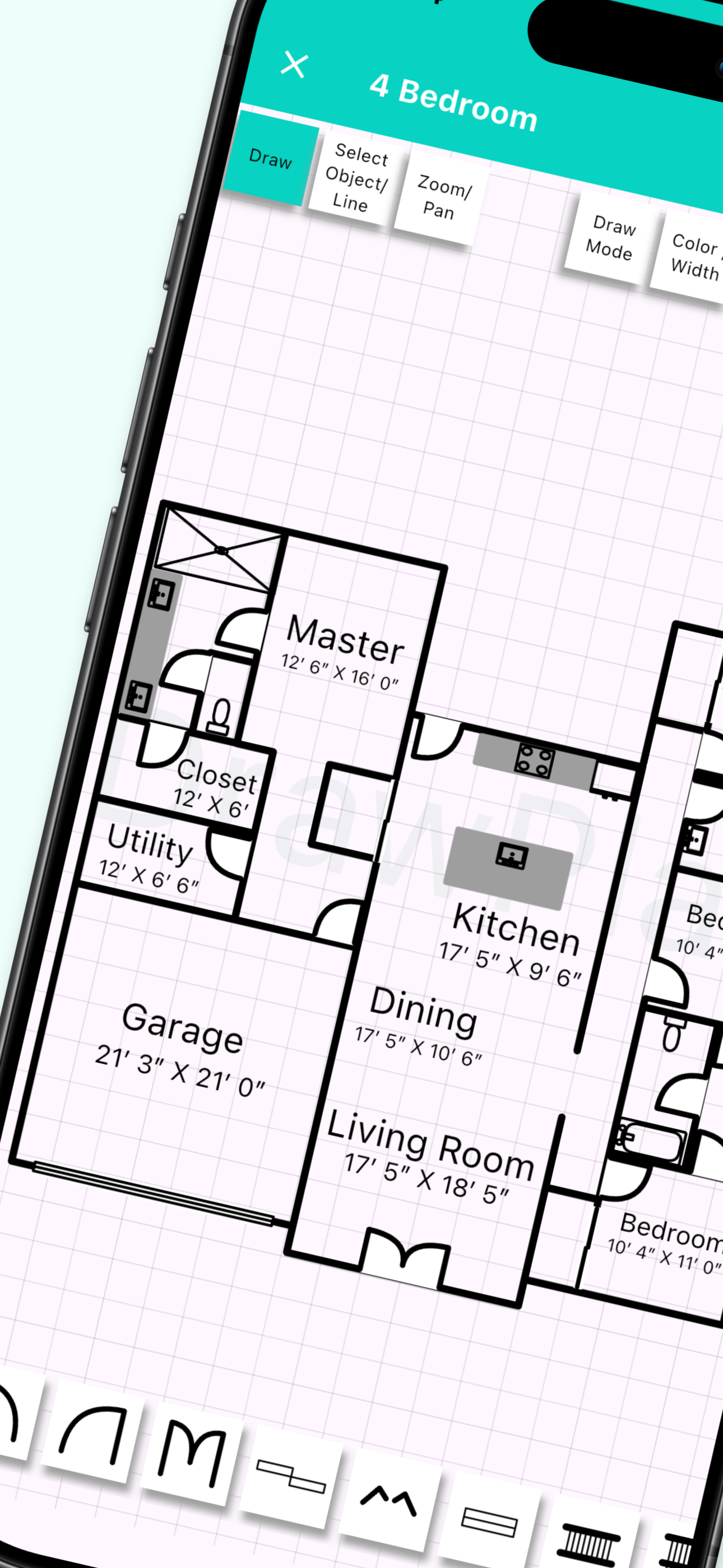
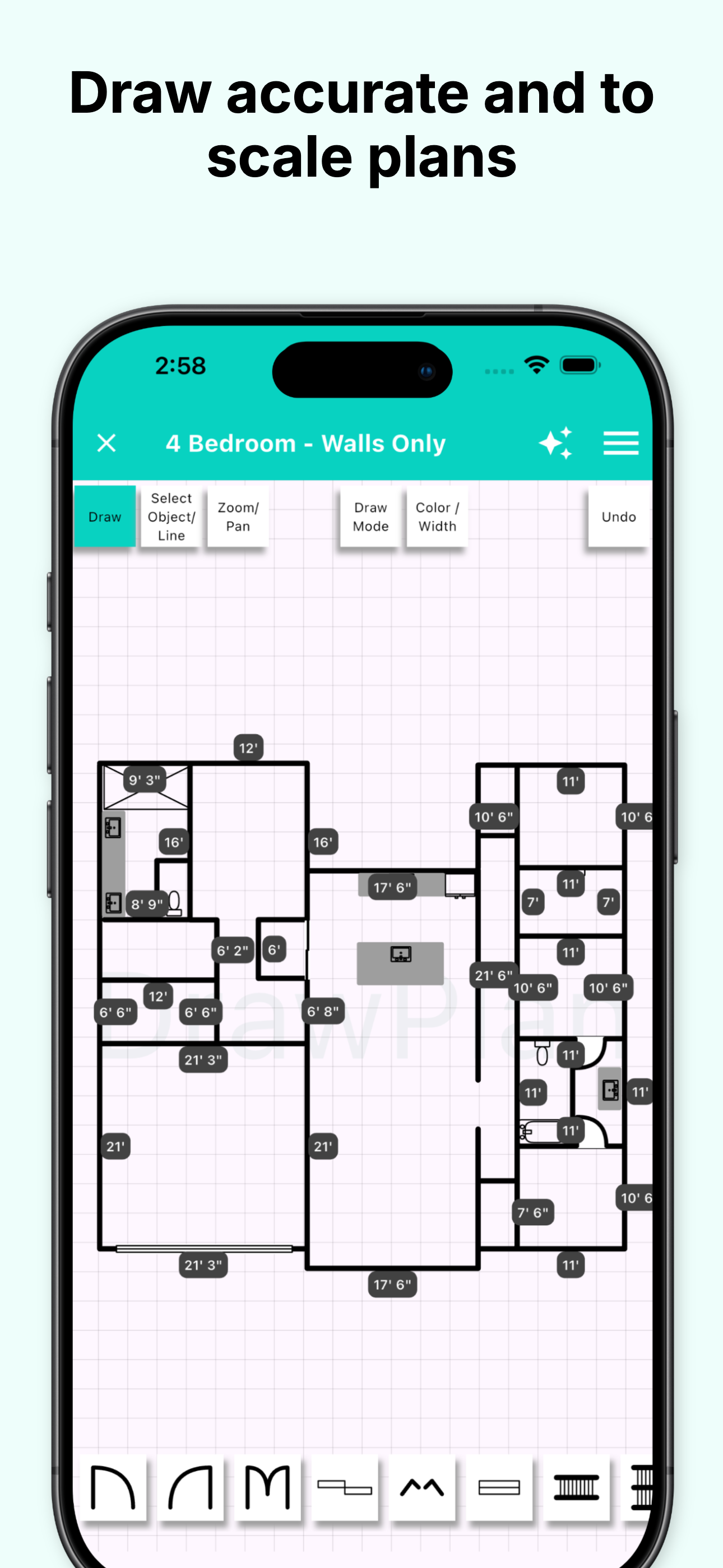
Study the product story and store experience behind the acquisition funnel.



03 / Market context
Keep revenue, downloads and store rankings separate from advertising performance.
Just downloaded this and started it up, and it looks pretty good. Easy to use, straightforward, and a good selection of standard objects. There is one thing I feel is missing and essential for a useable drafting app of any kind: scaled measurements. Maybe I missed it, but I can’t find any way to set accurate scaled measurements on walls or any objects. This is a crucial function of any CAD program of any kind, and it would seem to be missing in this app. If such a feature could be added to this app, it would take it from a fun toy to play with, to a perfect lightweight free CAD program for mobile devices.
My name is Elijah, and I’m 11 1/2 years old. My dream is to become an expert architect, so I downloaded this app on my tablet and instantly loved it. So far I’ve made 8 floor plans, and my favorite one I did was design #6, which was a “tiny but mighty” (as I like to call it) 3 bedroom 1 bath apartment. Now the reason I put 4 stars instead of 5 is because after I finished my first floor plan and named it, I turned off my tablet. 30 minutes later, I turned on the tablet to show my mom but it wasn’t there! I was so sad 😭. Before I started my next floor plan, my mom told me to take a screen shot when you are done just in case it goes away. I recommend you do the same before you turn off your device. Who knows, you might even build it some day 😊! Take care!
So I got this app to assist me in drying out floor plans when I go to certain properties for my work. I thought I would test it out before and so kind of features it has now it’s great at driving straight lines you can draw a line in any which direction I don’t know what always be straight one downside that I noticed is this doesn’t have point to point or can’t calculate measurements. That I read another review and developer said it’s not accurate I understand it’s not accurate but for the sake of just being able to write a number in there for us to say OK this is a 10 foot wall it’s something that will be needed. Nother big issue is they can’t tell the difference between my pen and my part so I’m using my iPad Pro and every time I rest my palm on it it just doesn’t recognize it and instead it starts drying lights. The app should also have a settings portion where he gives the user a little bit more control with some of the features. Something as simple as any racer will be fantastic. Aesthetically the top menu where you deselect object or the undo button I feel like not enough was put into it as far as development cause an idea of this is it’s great to try to make something simple to use but simplicity means functionality and that’s what this app is really lacking is the functionality of it. There are a lot of other sketch drawing applications or not taking applications like good notes where it allows you to draw lines and straightens it out for you and has graph paper. That app is a single purchase price you pay once I feel like that’s where this application should be headed towards I feel like having this annual price for it you’re a mean it’s only $1.99 A month but it should really be at a standard price without the monthly subscription option specifically because it’s just not there yet with an app where I feel like yeah I really want to use this and it’s going to be amazing for what I need it for Hope this helps everyone out
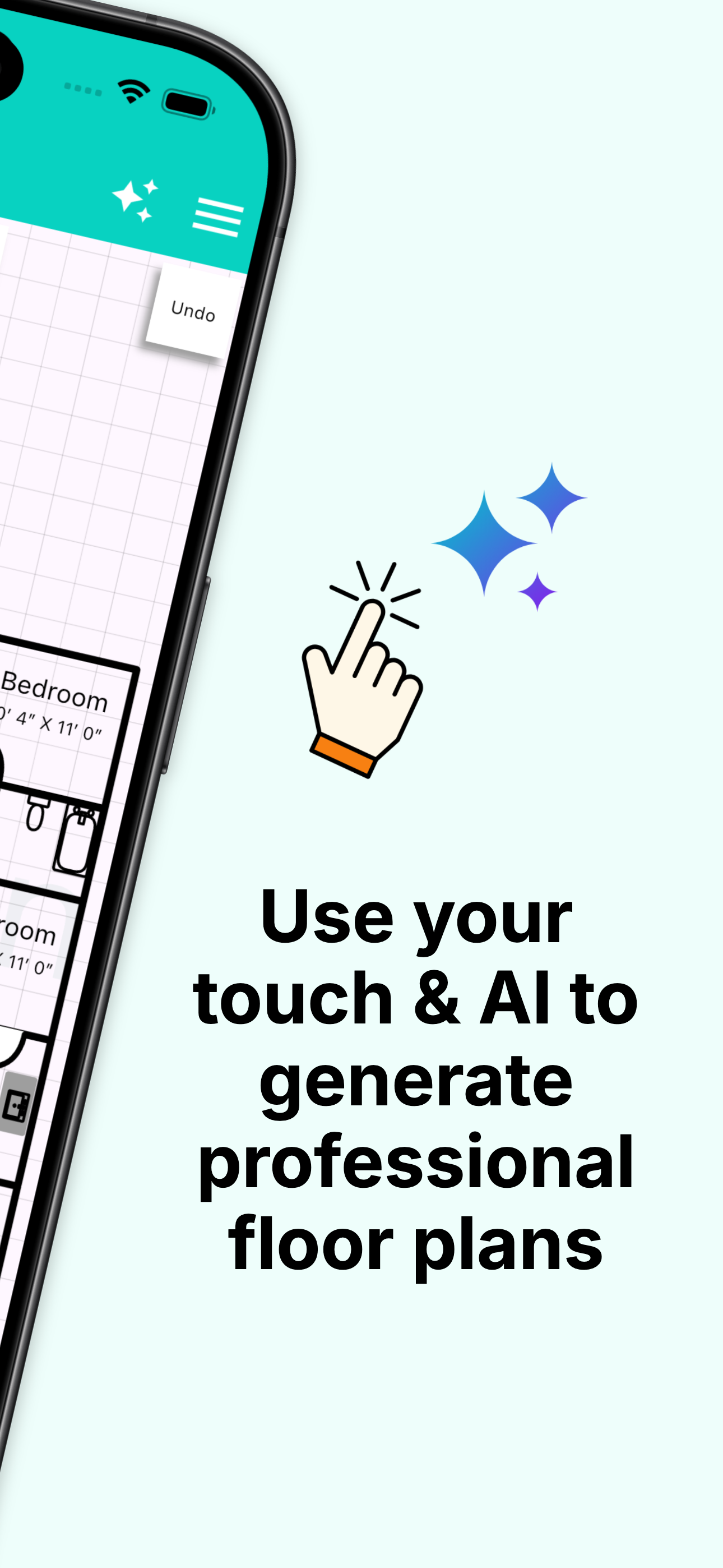
DrawPlan makes it easy to create clear, professional floor plans — whether you need fast sketches or accurate, to-scale drawings. No drafting experien...
| Name | Price | Type |
|---|---|---|
| DrawPlan Monthly Subscription | $2.99 | Monthly |
| AI Credits (500) | $4.99 | One-time |
| DrawPlan Plus (Monthly) | $4.99 | Monthly |
| AI Credits (1000) | $9.99 | One-time |
| DrawPlan Pro (Monthly) | $9.99 | Monthly |
| AI Credits (2000) | $19.99 | One-time |
| Draw Plan Yearly Subscription | $29.99 | Yearly |
| DrawPlan Plus (Yearly) | $49.99 | Yearly |
| DrawPlan Pro (Yearly) | $99.99 | Yearly |