Check the acquisition promise
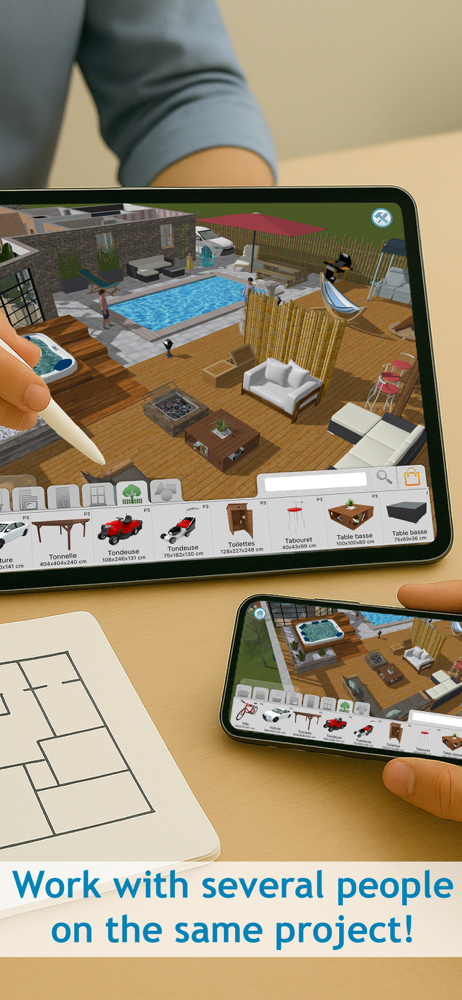
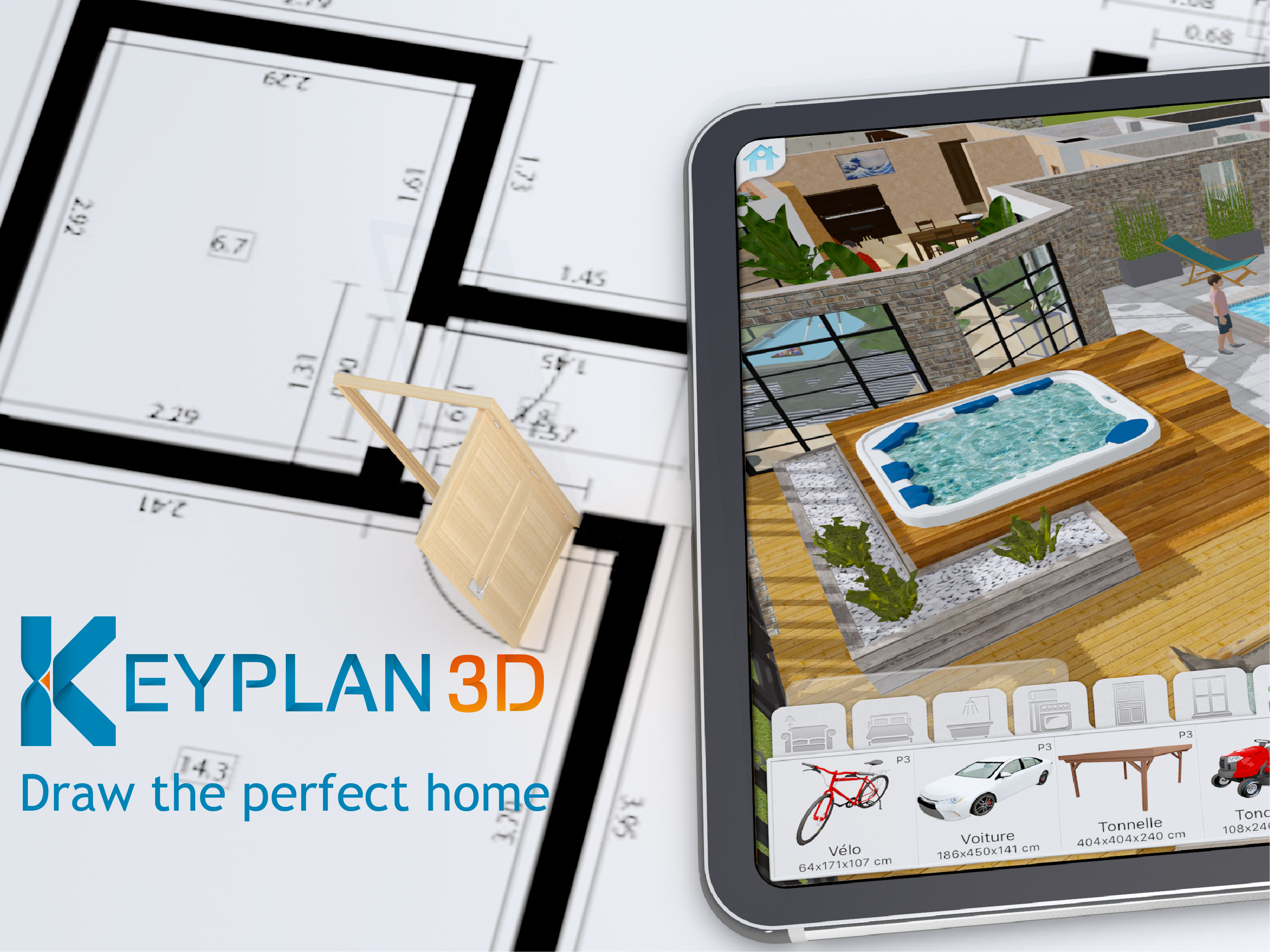
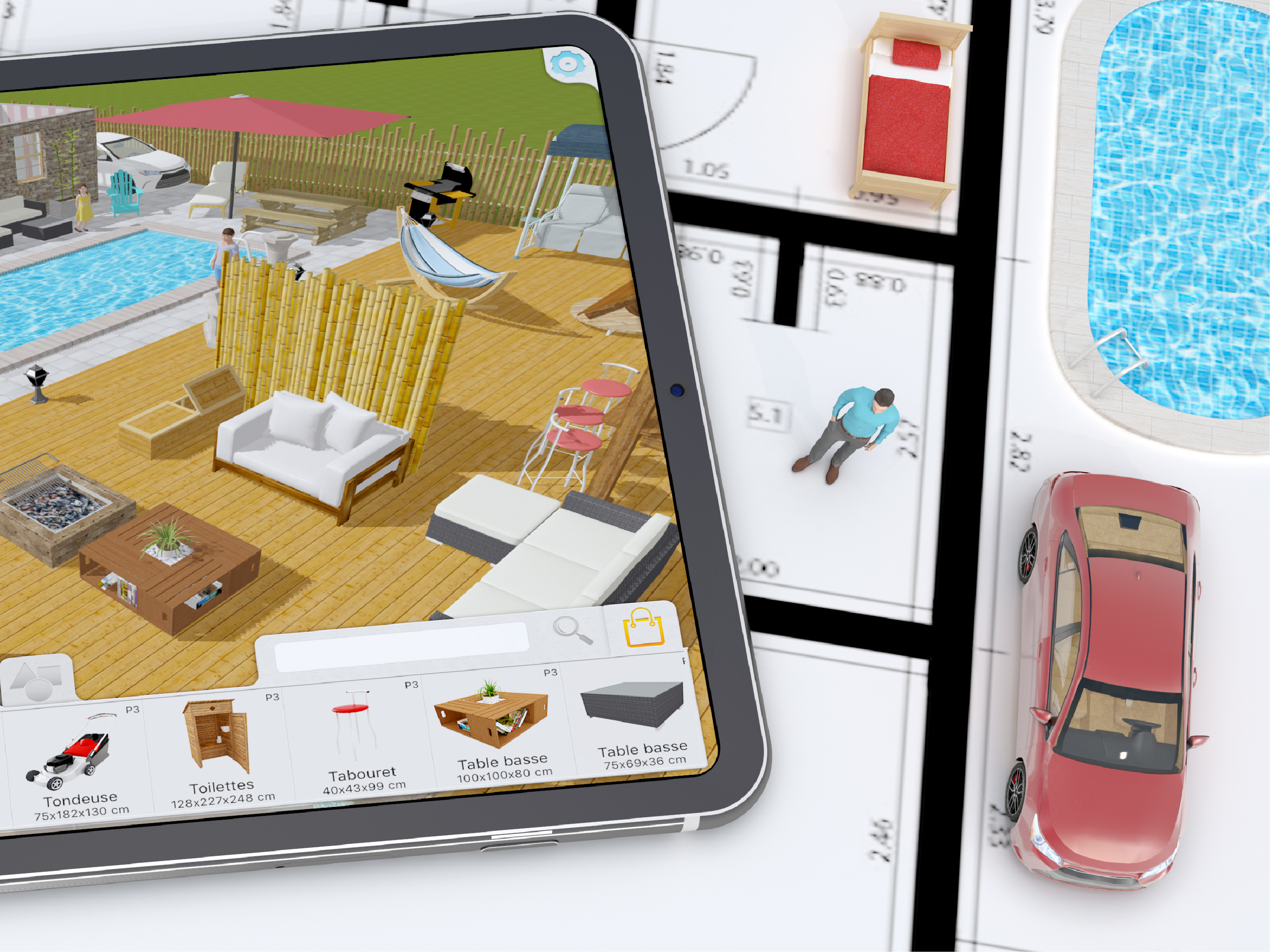
Read the store headline, screenshots and description. What problem is the app promising to solve?
Study the storefront ↗
Quasarts LLC · iOS
Explore the ad evidence, study the storefront, and build your next acquisition hypothesis.
01 / Creative research
Read the store headline, screenshots and description. What problem is the app promising to solve?
Study the storefront ↗Explore apps with direct store-link matches. Compare their hooks and formats without assuming the same approach works here.
Browse observed advertisers ↗Store rankings and revenue estimates describe market context. They do not establish ad spend, conversions or ROAS.
Review the market context ↗02 / Storefront & product
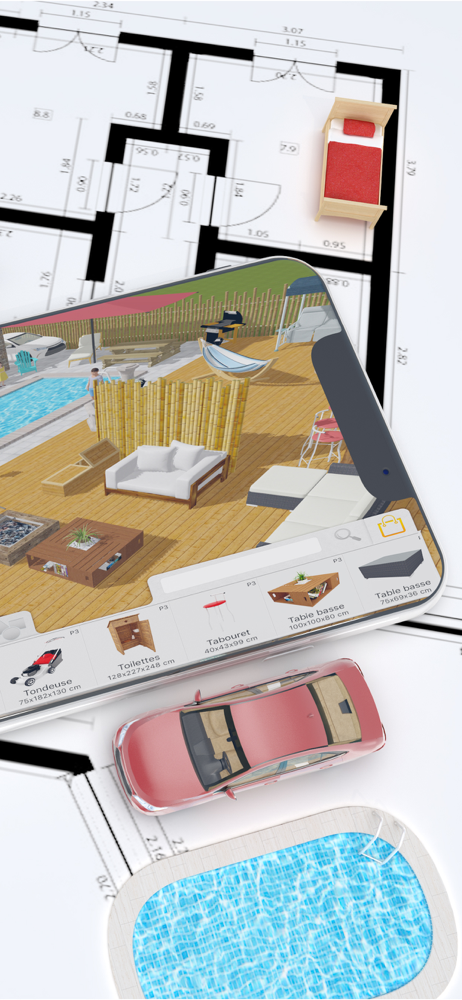
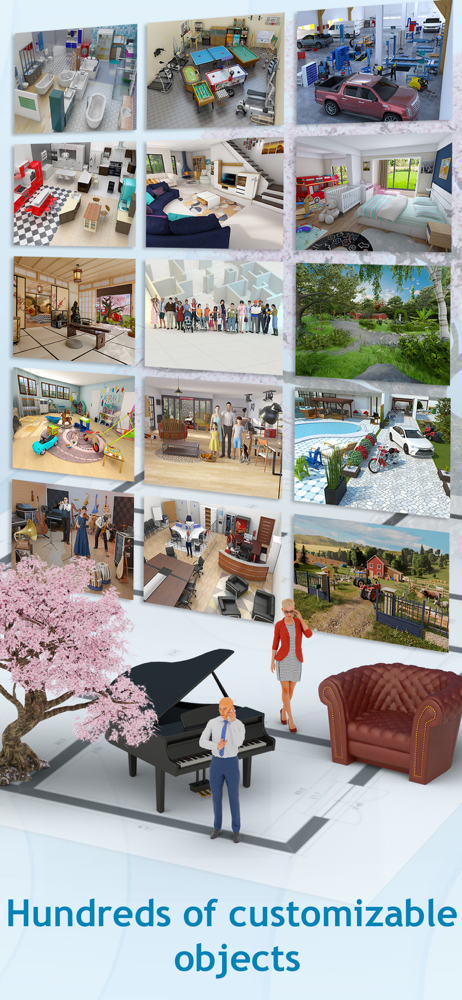
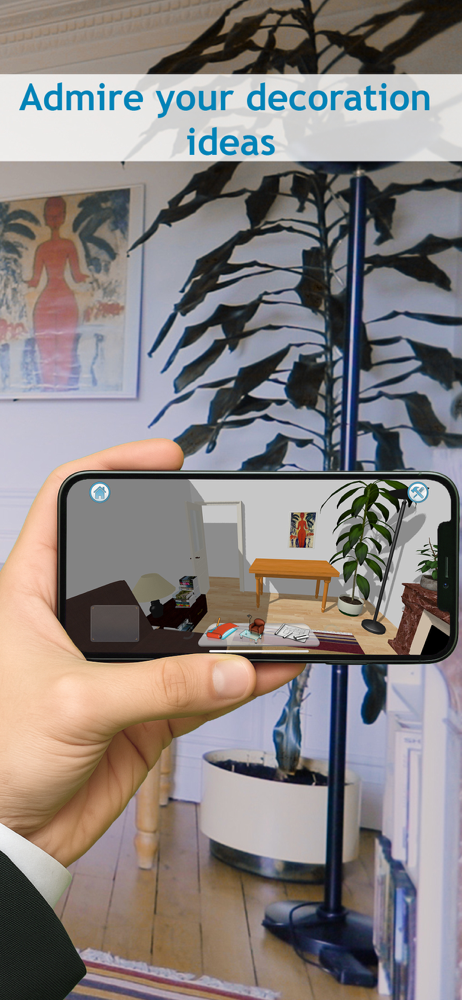
Study the product story and store experience behind the acquisition funnel.


03 / Market context
Keep revenue, downloads and store rankings separate from advertising performance.
I really enjoy this app but there are some truly annoying things wrong with it. If these things were to be fixed, it’d be pretty much be perfect for my uses. First one being in the top down view, and in the 3d view, moving objects is like pixel hunting. It’s impossible to actually move items and often times you’ll accidentally move them up and down, or accidentally rotate it. Very annoying. Move the arrow for adjusting height a little higher or something. The “move” arrows for items is WAY too small. In 2D/top down view, I’ll just not even be able to move items and just keep accidentally moving the camera over and over. You can’t zoom in enough to avoid this. Another thing, some objects you can adjust the height like distance from the ground, but others you can’t? Like placing a plant on a counter. You can’t do that. Makes zero sense. And my BIGGEST issue is not being able to select multiple objects to move. I make custom items often with the blank objects and if I want to move that cluster of items, I have to move it one by one and knowing how garbage the moving icon is, I end up wanting to toss my phone in a river. Grouping items together to move would be amazing. I also think the search feature is way too specific. For example searching “box” doesn’t show me the item titled CUBE…. Have multiple keywords for items please. Also please add the ability to rotate the textures. Other then these things, I like everything else.
I love this app and I use it a lot on my iPad. I only wish that there were a few features added like the little eye dropper looking tool you use in paint or photoshop where you can replicate a color or one you’ve used previously. This would make it easier because there are many colors and patterns that are similar so it takes a minute to find the right one you used before. Another thing I wish it had is actually being able to create a second story, but on top of the first. It allows for a better visual for support and such for the upper stories. I remember in the original Sims PC games it allowed you to create multiple stories but it had algorithms in place that were somewhat following real life building codes to make sure it’s safe. You can also see where and how stairs will actually look in relation to the next floor. I know the current layout is optimal for builders but I am not one so it’s hard for me to conceptualize it when the floors are side by side. There could also be an additional button that controls what floor you see/work on, like the design and build button function. You just use it to switch between the two.
I purchased this app (full version) hoping this would help me on house remodeling project. Binge watching Property Brothers gave me so many ideas... I needed something to visualize plans before talking to contractors. And yes, this app has been exactly what I wanted! I love that you can duplicate a plan and make different versions easily. It has limited number of furnitures and what I see is not always a good match, but ability to change “part” of object colors separately has been unexpectedly useful. (It’s not for very detailed modification, but you can change color of cabinet counter top, handles, and the rest to different colors, for example.) Plus, you can change size of furnitures freely. You can be creative and substitute by modifying existing items if they don’t have the exact item you need. (Ex. I’ve created a “deck” by making a coffee table very big, flat & short) One tip - if you are using an iPad like I am and frustrated that text color for notes your wrote is white font color on light gray background, change your iPad display setting from dark view to light view... I emailed customer service about it and they responded in couple days. (Thanks! :) One item on a wishlist - if we can “group” multiple objects together so that they can move around as one piece (such as table+chairs, object you created etc), that’d be awesome!
Keyplan 3D, our new home and interior designer is built on top of a unique technology unleashing features never seen before on the Appstore. It is a s...
| Name | Price | Type |
|---|---|---|
| Bedroom pack | $1.99 | One-time |
| Bathroom | $1.99 | One-time |
| Family | $1.99 | One-time |
| Entertainment Pack | $1.99 | One-time |
| Kitchen | $1.99 | One-time |
| Outside | $1.99 | One-time |
| Reward | $2.99 | One-time |
| Garage pack | $2.99 | One-time |
| Living room pack | $2.99 | One-time |
| Full version | $5.99 | One-time |