Check the acquisition promise
Read the store headline, screenshots and description. What problem is the app promising to solve?
Study the storefront ↗
Giles Goddard · iOS
Explore the ad evidence, study the storefront, and build your next acquisition hypothesis.
01 / Creative research
Read the store headline, screenshots and description. What problem is the app promising to solve?
Study the storefront ↗Explore apps with direct store-link matches. Compare their hooks and formats without assuming the same approach works here.
Browse observed advertisers ↗Store rankings and revenue estimates describe market context. They do not establish ad spend, conversions or ROAS.
Review the market context ↗02 / Storefront & product
Study the product story and store experience behind the acquisition funnel.



03 / Market context
Keep revenue, downloads and store rankings separate from advertising performance.
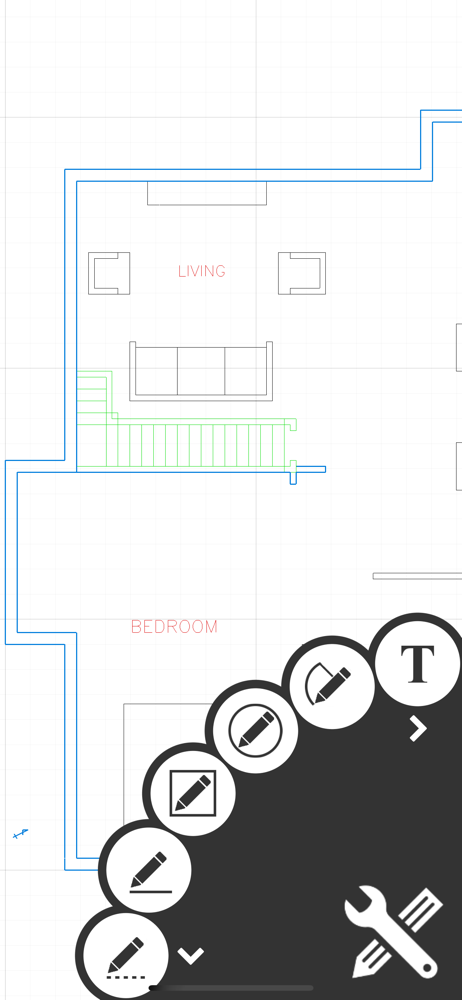
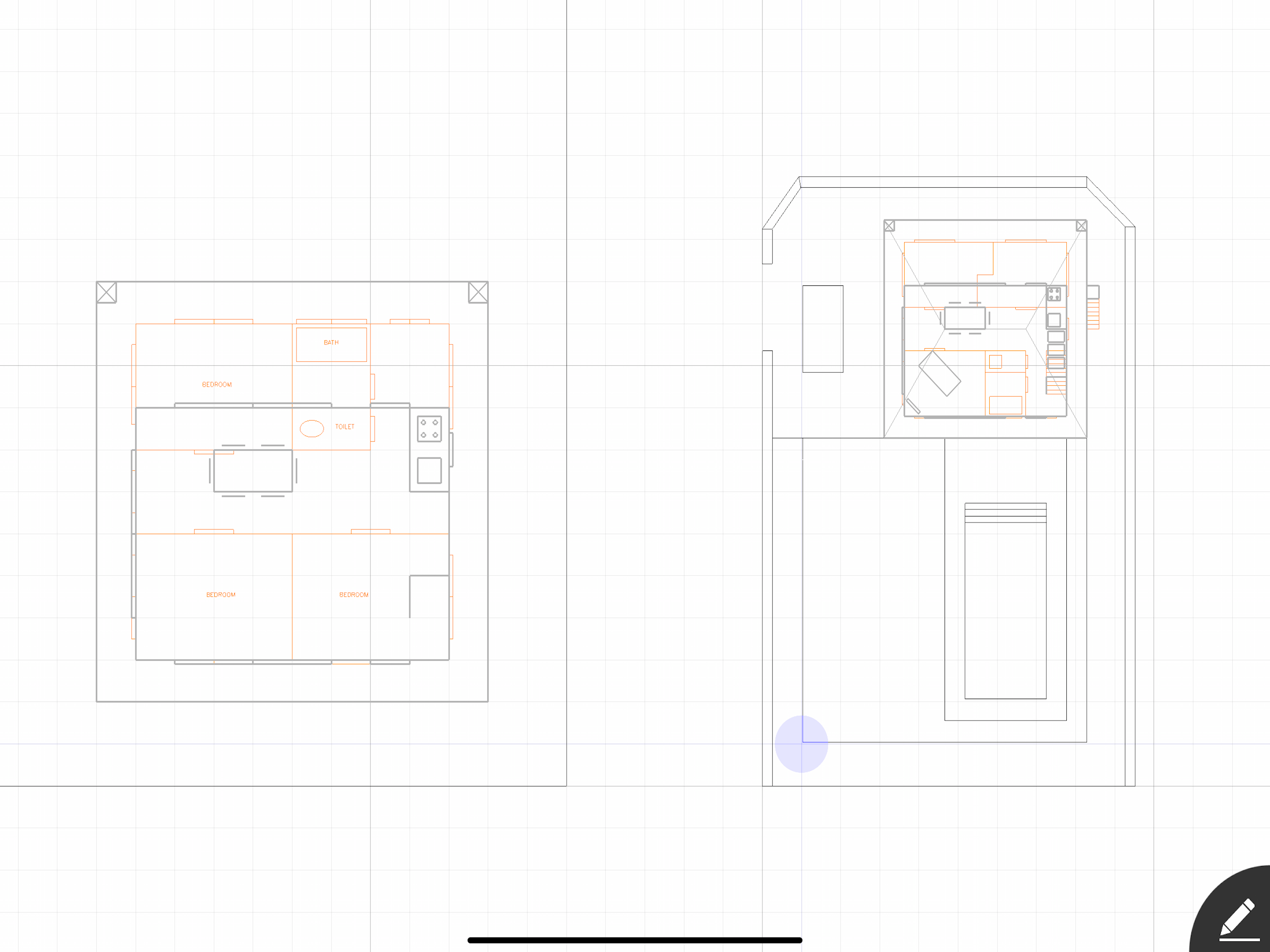
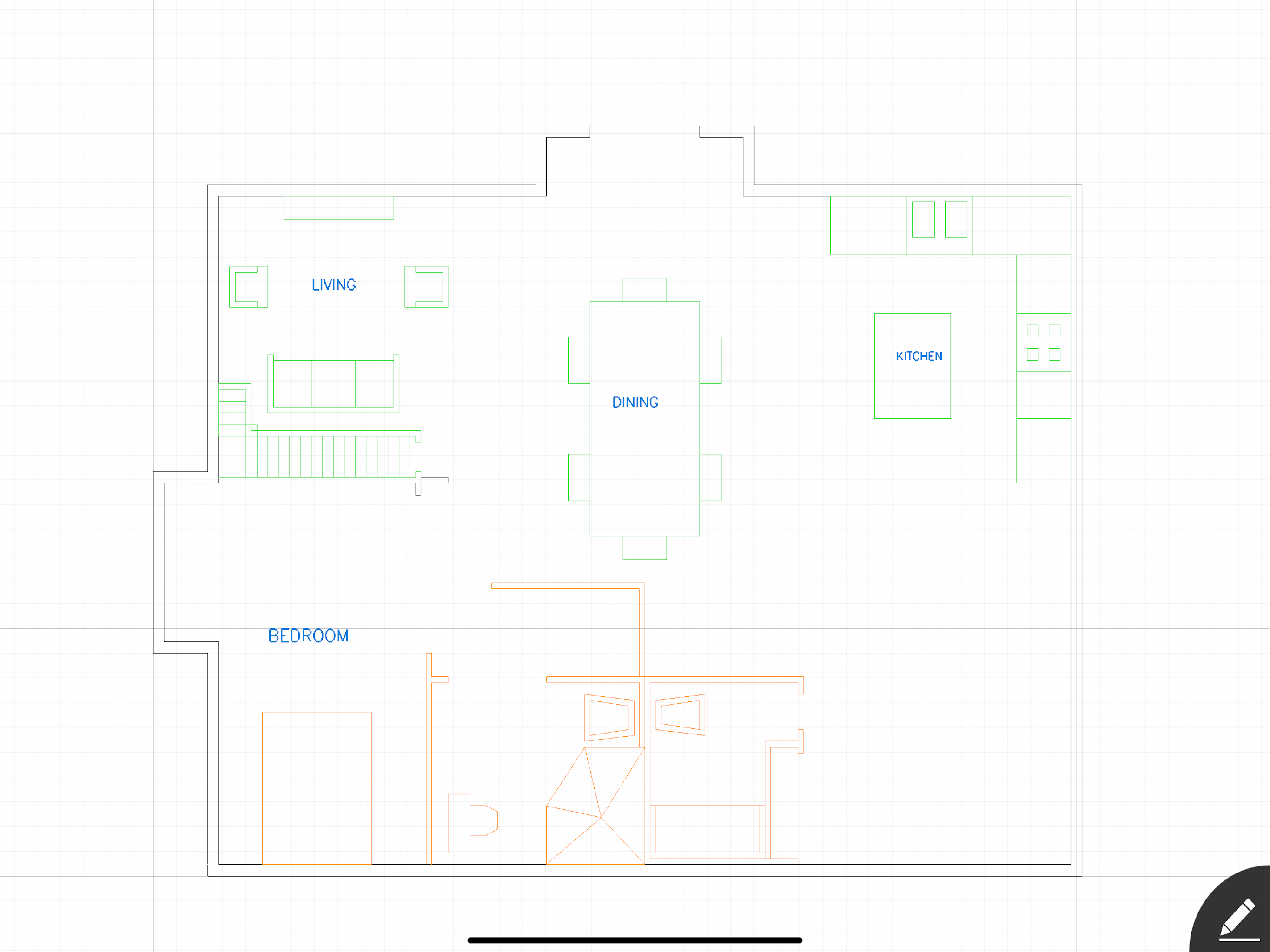
Draft Paper completely matches its name, anything you can do on real draft paper, you can do in this app; only better. It’s super easy to use and being able to draw floor plans, basic woodworking plans and any other drawing you need where measurements are important this app can do. The measuring capabilities of this plan are on par with very expensive CAD programs. Additionally, if your skills include drawing in 3D on paper, you can do it in the app. It also offers layers, colors, fast geometric object and great arch’s which easily curve either direction. The snap to grid is another nice feature to have. Overall, a fantastic drafting tool. Unfortunately, this app does crash and you have to restore purchase. Additionally, even though I purchased the top version, it doesn’t acknowledge that, so some features are still locked. I’d like to export to PDF, but it thinks I haven’t paid and ask me for money each time. Totally annoying. Hope the developers fix these 2 issues and make this a 5-star app.
I like to draw plans for various construction and woodworking projects. I’ve been looking for an iPad app that works for a person who doesn’t have the time or the patience of a professional designer. I have used OneNote for a while, but the drawings overwhelm the iPad app quickly and can’t be saved to cloud storage. Eventually they crash to the point the file can’t even be opened. This app makes drawing my designs relatively easy and seems to handle my constant reworking fairly well. It has started crashing a lot with my biggest drawing, but I can live with that as long as it saves everything, which is has done so far. It would be nice if it didn’t crash, but this is still the best solution I have found for my needs. The one thing it really needs is the ability to select and copy elements within a drawing. That would speed up what I do a great deal. I can’t understand why such a simple function isn’t already available since they have the mechanism for selecting and moving elements of your drawing. I hope the developers can add this, it would make this app a lot closer to perfect.
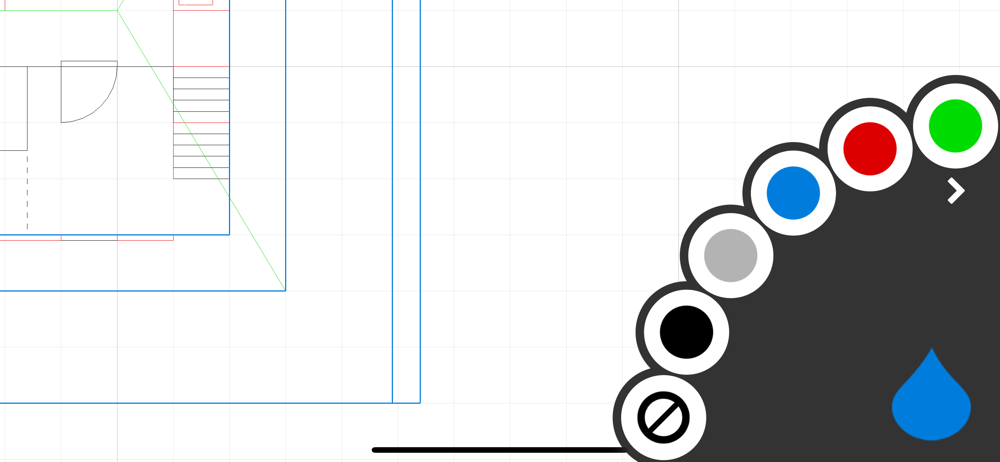
(Edit: as one noted he can't change font size? Zooming in on plan changes it because you are typing closer and smaller. Experiment!) It helps to be a little construction or architect intuitive. That mostly helps with less erasing! ;). I have no technical issues with this AP at all. Practice all features to see what they do, basically it is lines and boxes. In beginning I was a little confused that the box also cuts a line, but that was me. We are moving to a new home we are remodeling. I have always hand drawn grids and cut out little furniture from graph paper to help me see what goes where or make decisions what to keep. The layers on this is great and that they can be different colors and are numbered! Some things are double tap and spin the dial for more options. Totally worth the $1 to save and expert. A great tool to plan dimensions. I can visualize everything else. I don't need a 3D program just where will our furniture fit and what would an internal wall if moved would do. Thanks for creating!
Draft Paper is a simple and intuitive way to make floor plans, layouts or blueprints quickly and easily. Touch and drag to draw lines and rectangles...
| Name | Price | Type |
|---|---|---|
| All Features | $9.99 | One-time |