Check the acquisition promise
Read the store headline, screenshots and description. What problem is the app promising to solve?
Study the storefront ↗
Zaminiti Pty Ltd · iOS
Explore the ad evidence, study the storefront, and build your next acquisition hypothesis.
01 / Creative research
Read the store headline, screenshots and description. What problem is the app promising to solve?
Study the storefront ↗Explore apps with direct store-link matches. Compare their hooks and formats without assuming the same approach works here.
Browse observed advertisers ↗Store rankings and revenue estimates describe market context. They do not establish ad spend, conversions or ROAS.
Review the market context ↗02 / Storefront & product
Study the product story and store experience behind the acquisition funnel.




03 / Market context
Keep revenue, downloads and store rankings separate from advertising performance.
I got this app to use to keep track of a date I was really looking forward to, but it has since become so much more than that. Now it is my reminder calendar, the only one that has ever worked for me. With any previous reminder calendar, I’d either forget to put in the date altogether or forget to look at it, and any notifications blend in with all my others and get overlooked. This is different. It’s more visual, which is so much more fun and easier to keep in mind. It’s so much easier to remember a date as how soon until you reach it rather than a fixed number on a calendar. The themes help a lot! There is so much variety, and the fact I can make my hair appointment look like a salon in the background and pay day have money in the background is fun both to create and to look at. lol The app is very reliable, easy to use, and beautiful.
I looked at every reminder in the App Store and came to the conclusion this was the best. Well designed UI allows you quickly and easily add nagging reminders, which I find useful, as well as running streaks or “since” events. The colors are useful, you can create your own categories, like personal, work, or financial, and run multiple reminders under each. The best part was, if you buy the premium edition, you can have unlimited reminders per event. So you can set a proportional reminder for 1 year out, and another for 6 months out, then another for 1 month out, then two weeks, then a week then a day, then an hour. It doesn’t yet allow fractional hours like .50 or .25 for minutes, but dialing in a reminder an hour out is very useful. It was updated the day I bought the Premium version so it’s being kept up, and you can subscribe or just buy it. There wasn’t a website or instruction page but after playing with it I learned how to move items into categories, and display the grid view. The widget view seems to need some work to be able to move it elsewhere.... still, I’m very pleased with this purchase. I synced it between my iPad and iPhone. Thank You.
I like this app. It’s super sleek and easy to use. That’s why I decided to purchase it. But it could be improved. For example, it would be beneficial to add functionality to the steak feature that captures whether or not I adhered to my steak goal(s). Meaning, let’s say that my goal was to workout everyday for a week, but I skipped a day, there isn’t a way to track that I didn’t keep my goal. A feature like this could enhance personal accountability. Also, it would be helpful if steak/day count and/or app were a part of the notifications, this would give the user motivation to keep going throughout the day. It would be nice to customize alerts daily or as needed. For example, if I recognize that day five is always a tough day, because I usually get burnt out on healthy eating, I would like the ability to pre-program an alert that says...”You got this. Don’t let Day 5 hold you back from achieving your goal. Push through, you got this!” Another helpful feature would be to chronicle a journey. Such as adding progress pics of the day count i.e. weekly workout pics, pics of healthy food options or bad food, or even wedding planning related pics that shows what you did on what day leading up to the big day. Another cool option is similar to a Fitbit feature, which allows you to create automatic, yet customizable social media graphics that include an image with test overlay like - workout pic with a text overlay that includes the name of the day count/streak, progress, emoji options. This feature could allow the user to keep the graphics private or make them shareable. Also, I would love to have Fitbit and MyFitnessPal integration. I’m using these apps to help keep me on track and believe this would be a great feature to incorporate. Thanks for allowing me to share my feedback. Awesome app, though.
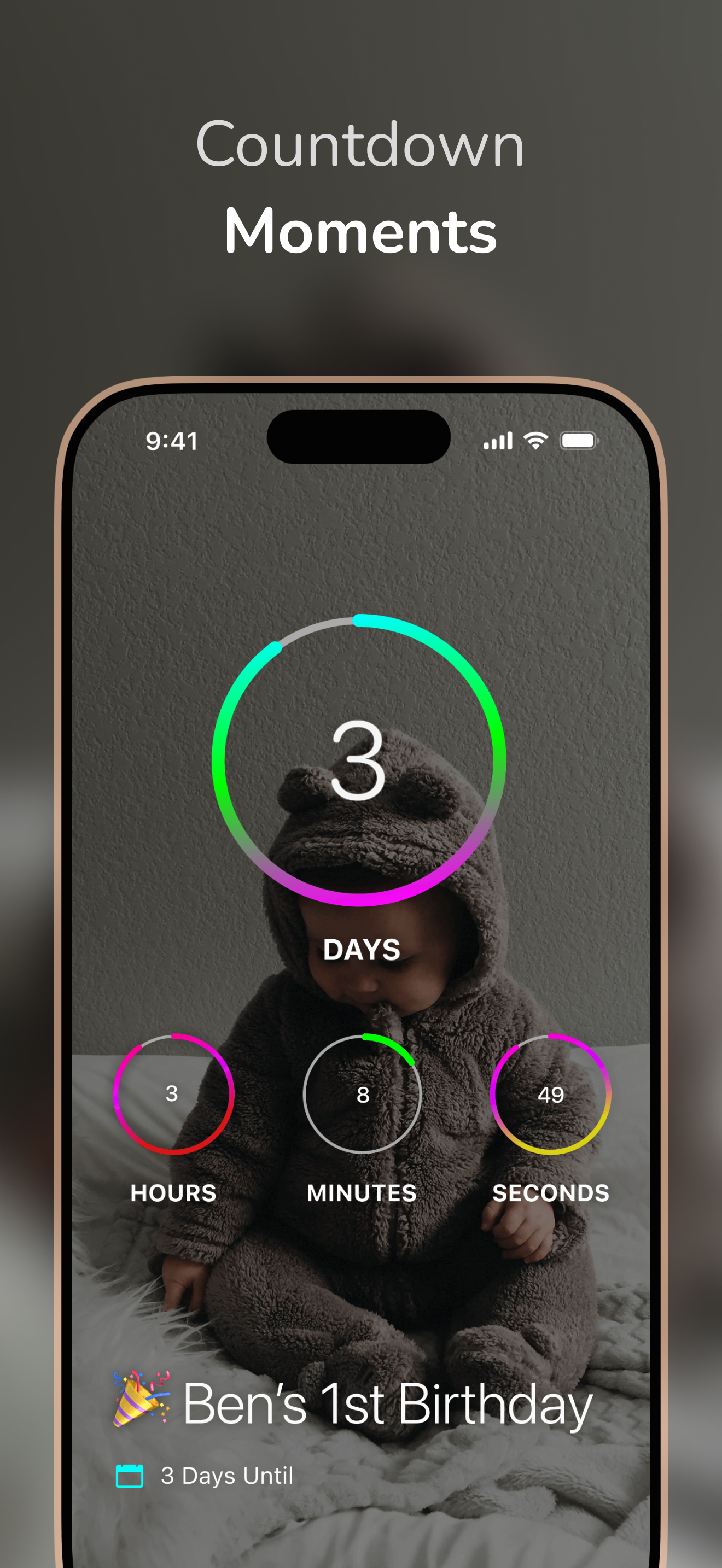
DayCount helps you stay aware of time and the moments that matter. You can count towards what's coming up, keep track of time since important moments...
| Name | Price | Type |
|---|---|---|
| DayCount Premium | $9.99 | Yearly |
| DayCount Forever | $29.99 | One-time |
| DayCount Pro | $59.99 | One-time |
| StreakCount | $59.99 | One-time |