
Check the acquisition promise
Read the store headline, screenshots and description. What problem is the app promising to solve?
Study the storefront ↗
InnerGrow · iOS
Explore the ad evidence, study the storefront, and build your next acquisition hypothesis.
01 / Creative research
Read the store headline, screenshots and description. What problem is the app promising to solve?
Study the storefront ↗Explore apps with direct store-link matches. Compare their hooks and formats without assuming the same approach works here.
Browse observed advertisers ↗Store rankings and revenue estimates describe market context. They do not establish ad spend, conversions or ROAS.
Review the market context ↗02 / Storefront & product
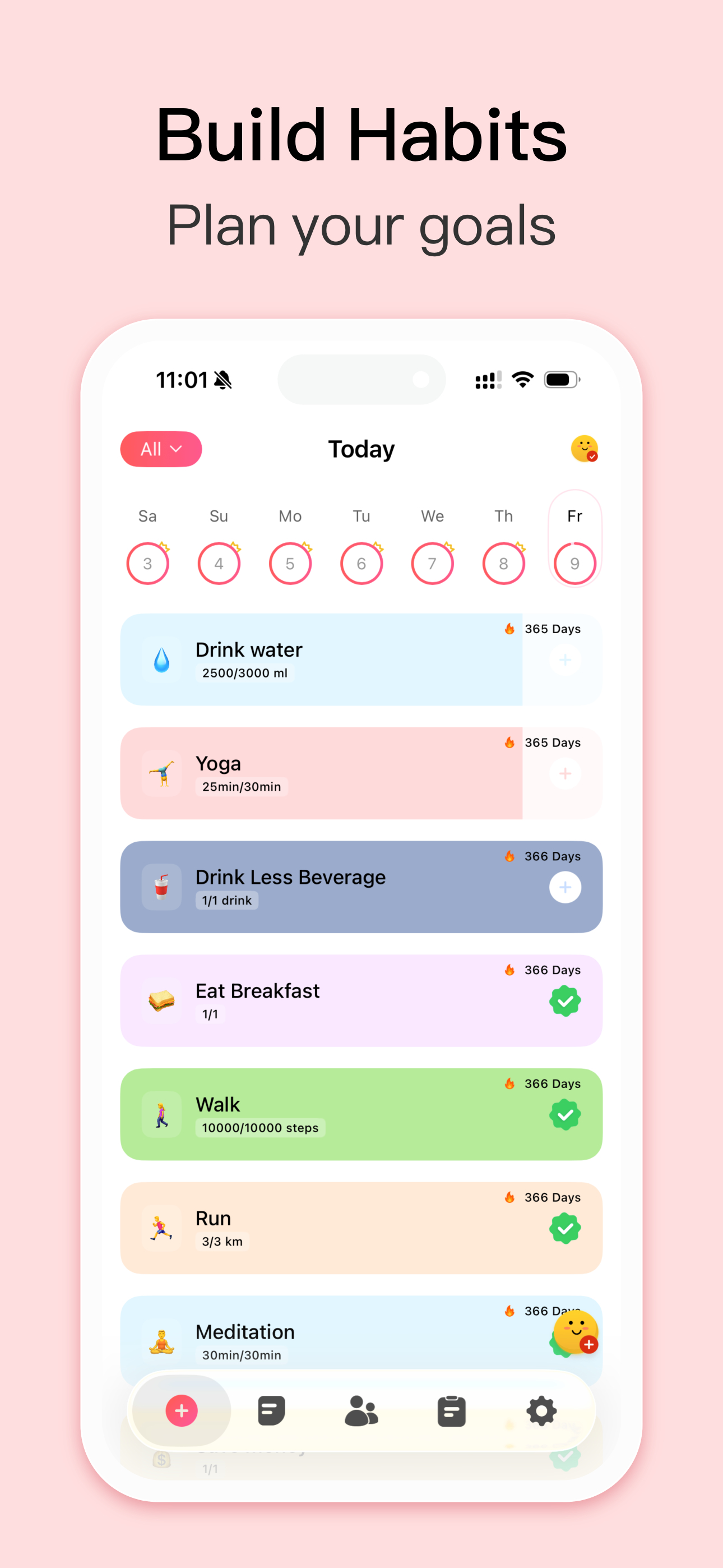
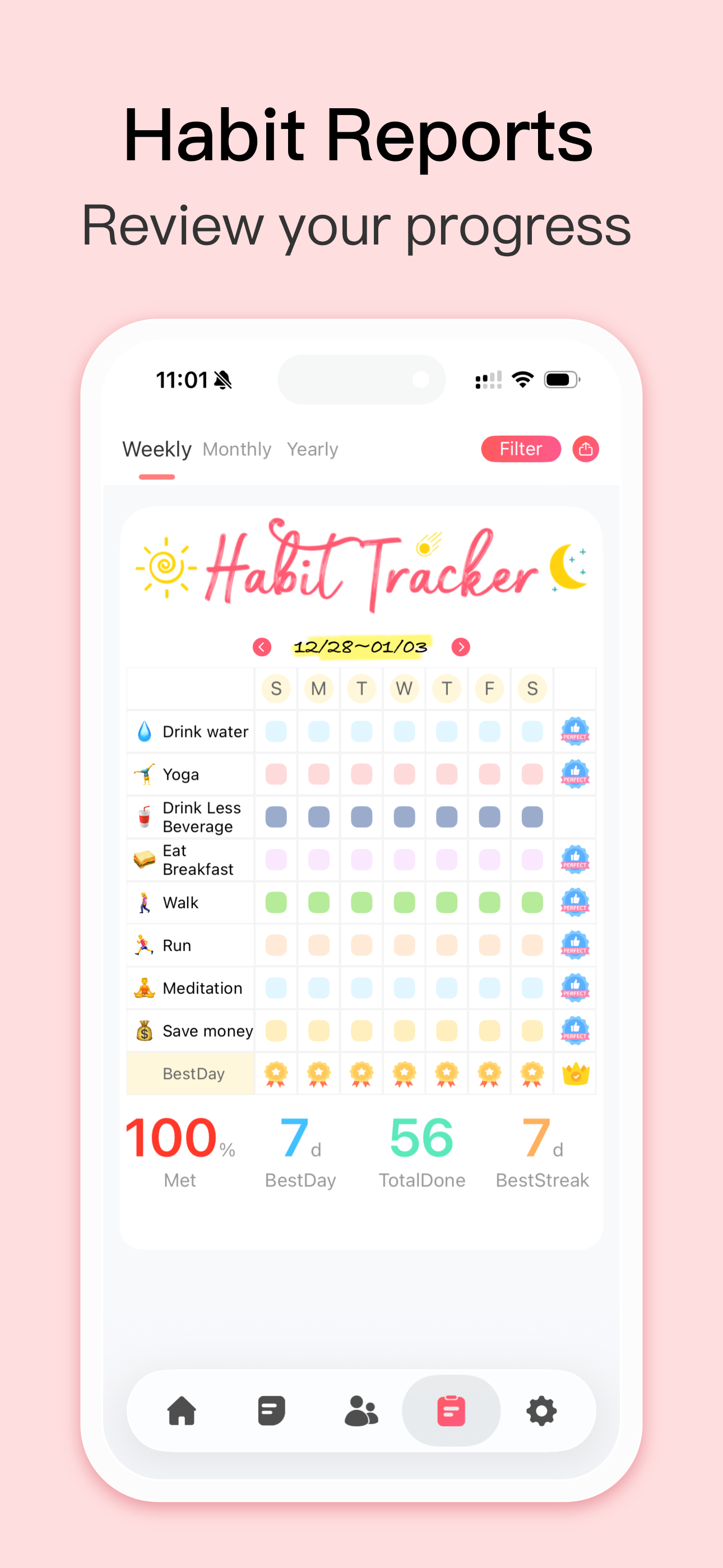
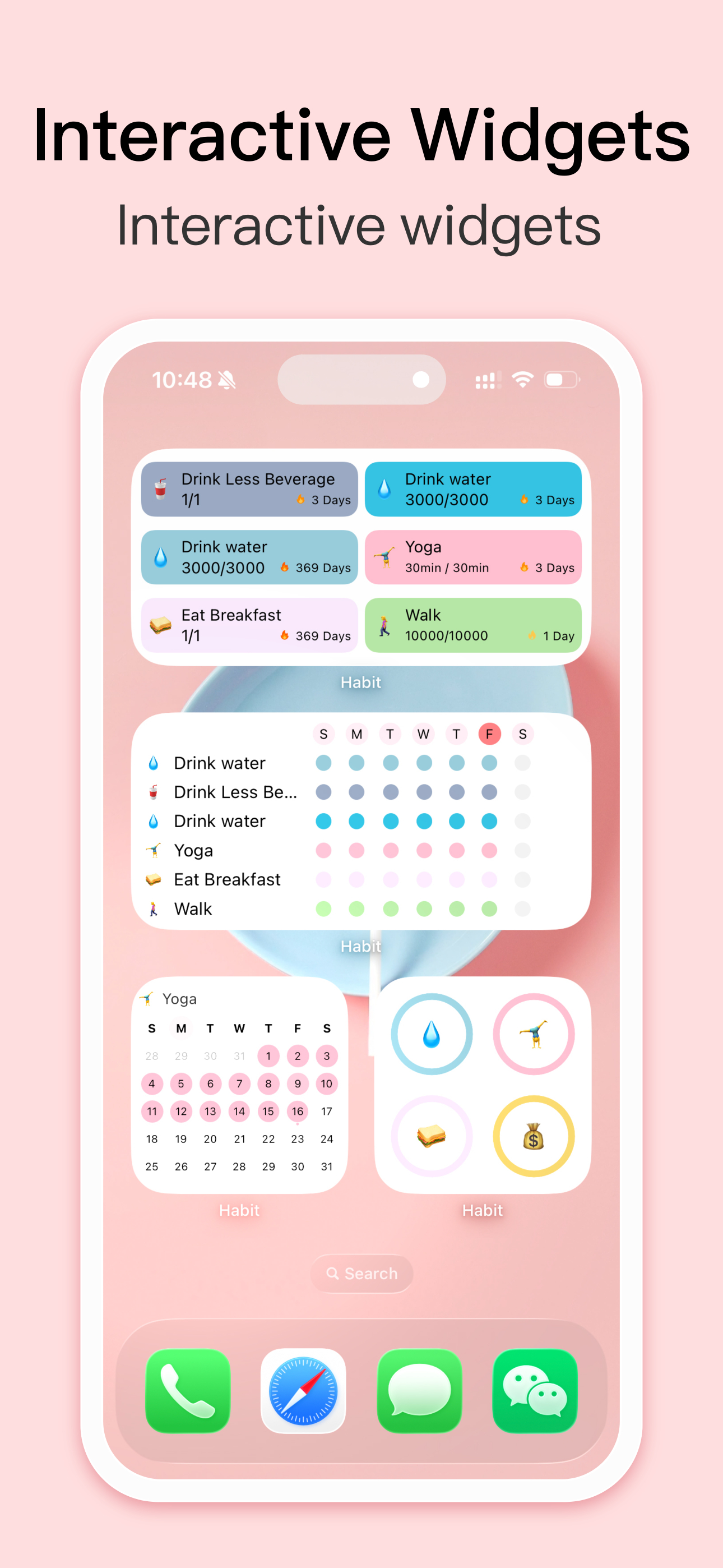
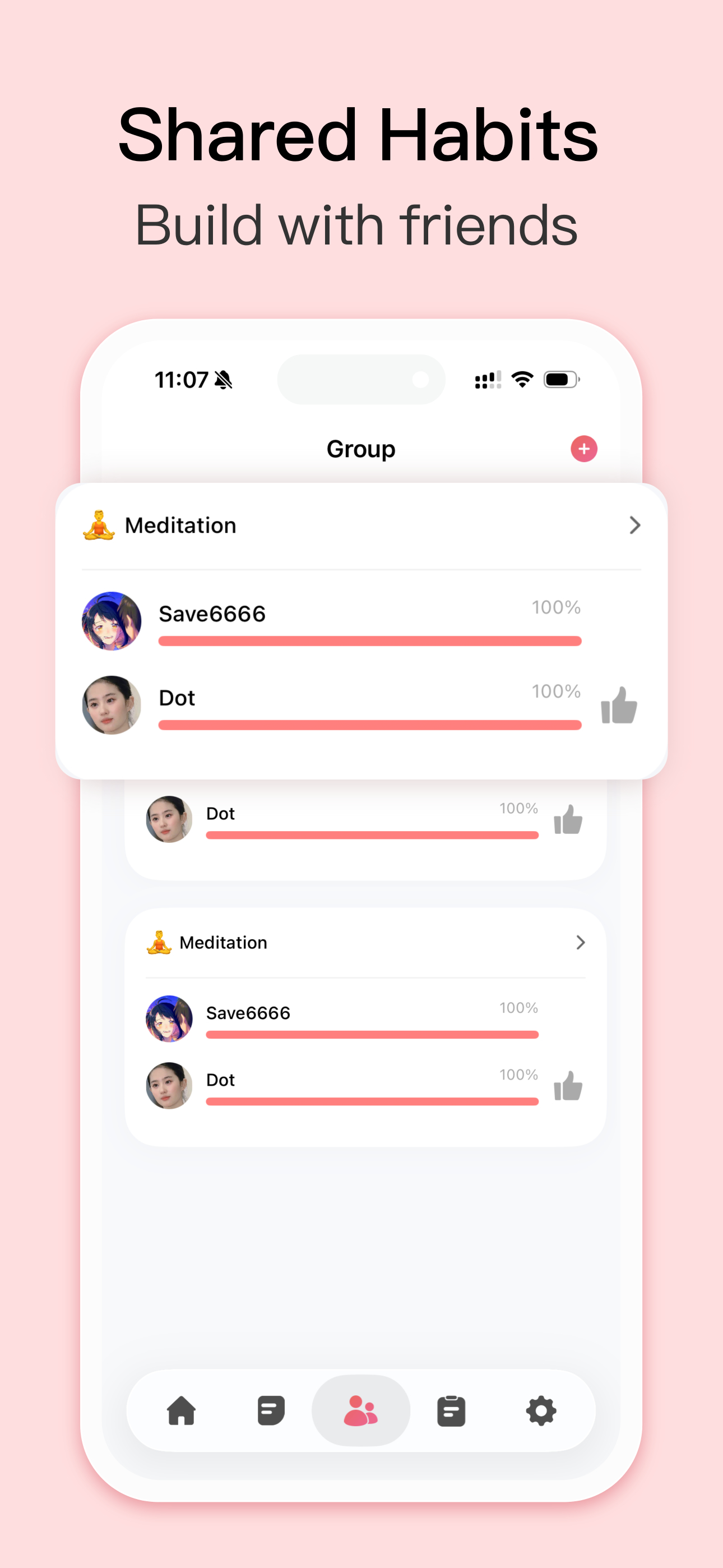
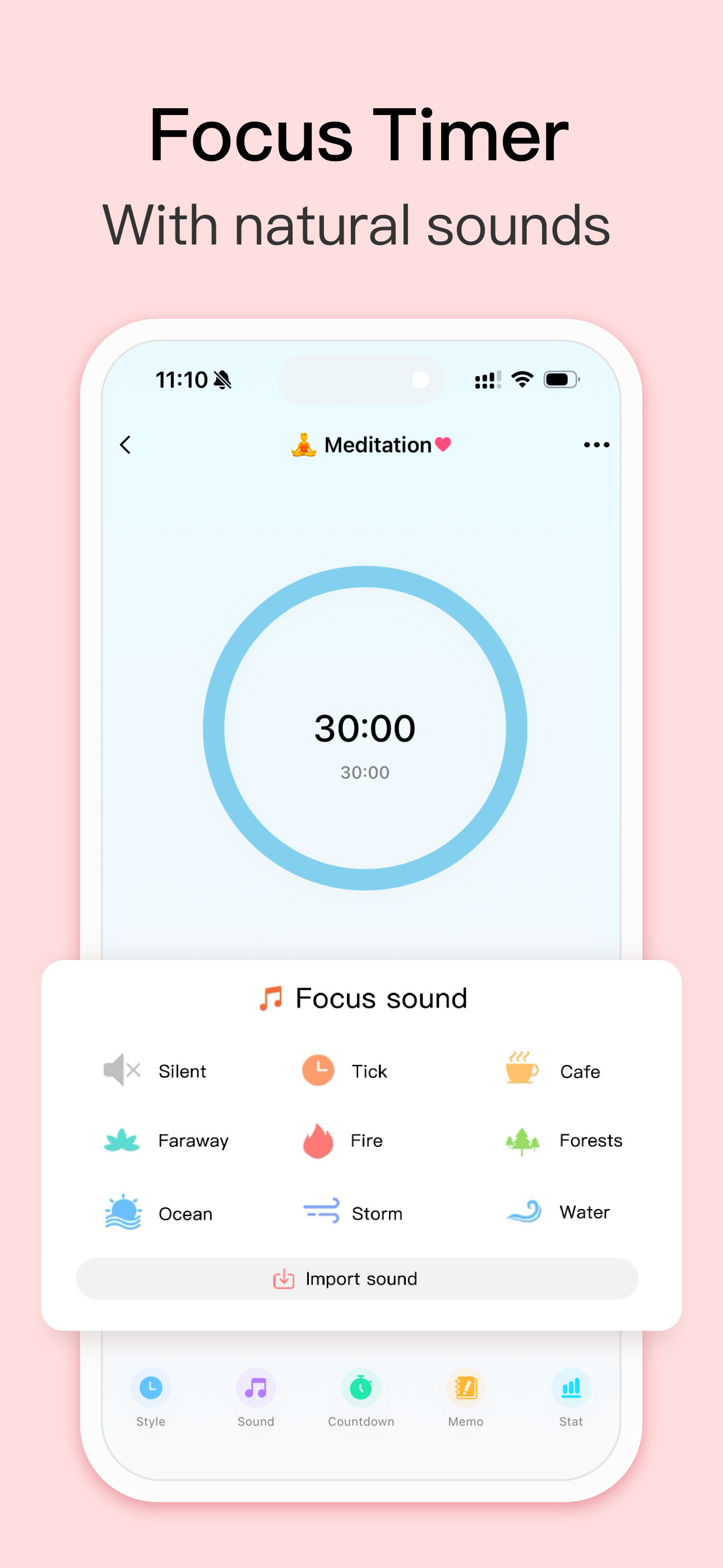
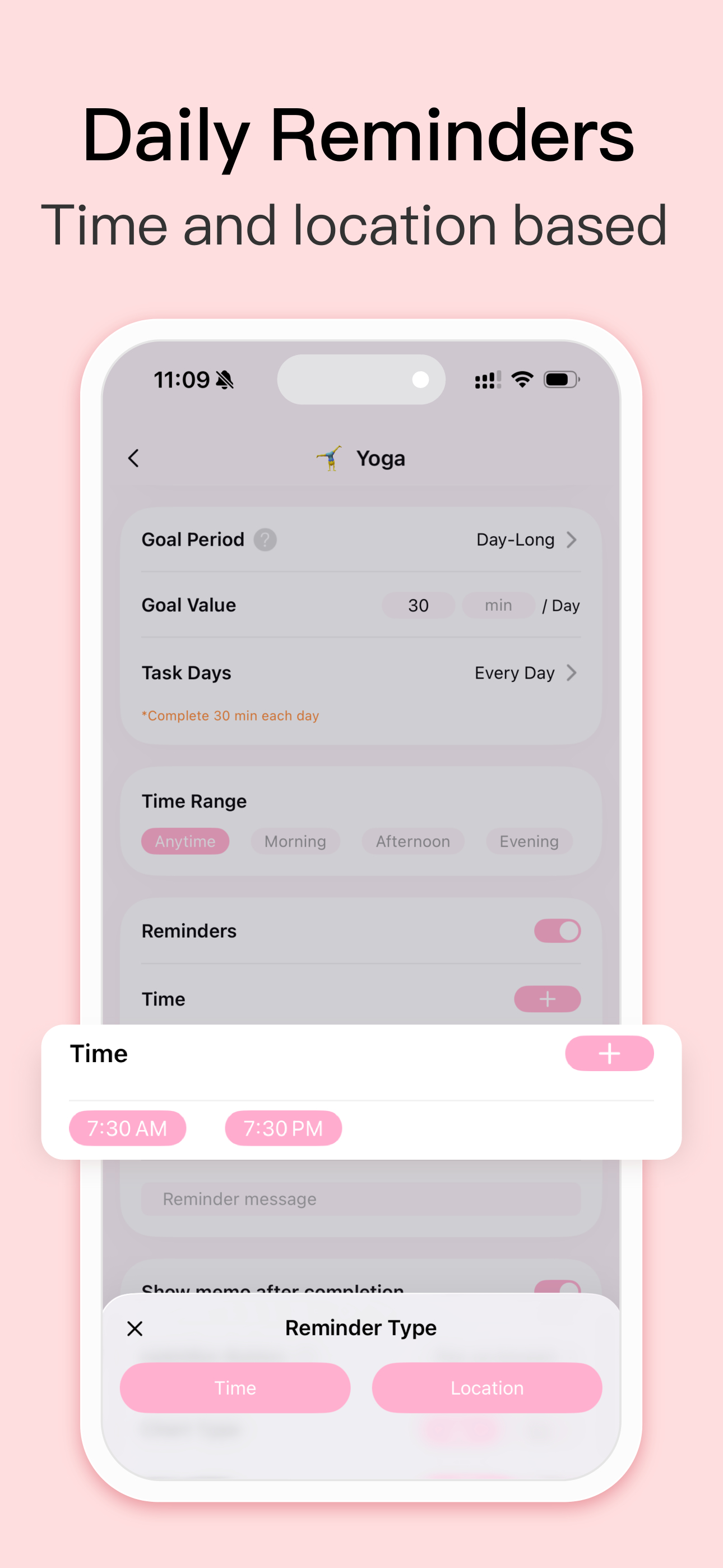
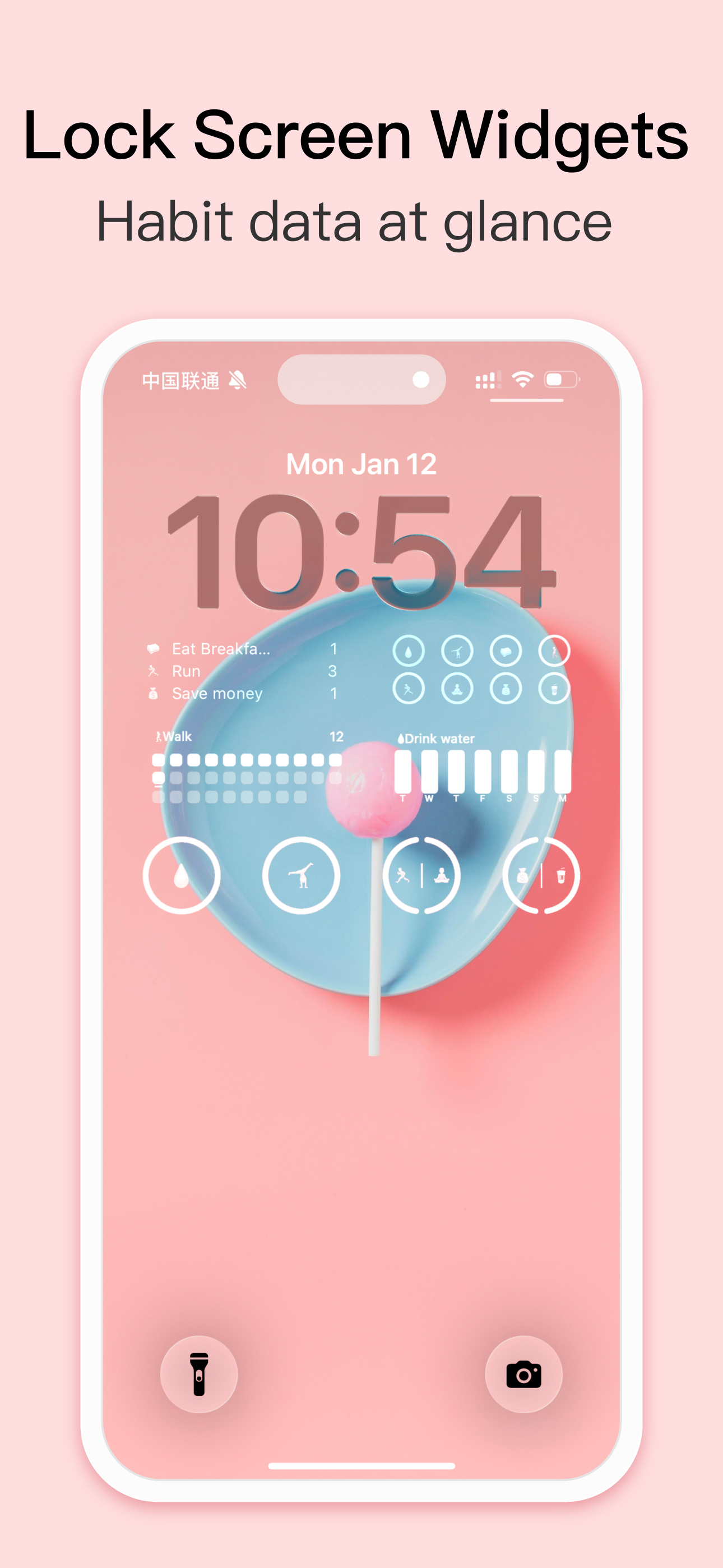
Study the product story and store experience behind the acquisition funnel.

03 / Market context
Keep revenue, downloads and store rankings separate from advertising performance.
I came upon this app after wanting something to help me track habits on my phone. I’m a big fan of Atomic Habits (a book that I highly recommend) that is life changing and this app is the perfect tool for something like that. It is so customizable in colors, emojis, themes and that makes it more fun and visually appealing to use. It also has suggested habits to help if you get stuck. I used to write my habits in a planner or paper but found it was hard to keep up because I don’t carry a planner around with me everywhere I go as much as my phone. This app is so much more convenient and because it has everything I need and I come back and use it daily. That makes it for it to be an effective habit tracker and builder. Props to the development team for being so thoughtful on this app. Thank you!! The basic feature allows 5-6 free habits and the premium features allow more. I’ve been using the free plan for a week and I’m in love with it and am considering upgrading. They are also one of the rare few to let you buy lifetime membership for one price which makes me think of the old days when apps first came out. I prefer that so much more than subscription model I would later cancel when I’m on a budget. Highly recommend this app to build better habits and change your life!
I’ve been using Habit since it was originally free and it has since then helped me keep track of what I needed to do in a day, consistently. The widgets and user interface are are both understandable. You can take a glance at the widgets and it will tell you all the habits that you have and haven't finished yet. I haven’t seen any other habit tracking app give the user this much customizability. You can change icons, descriptions of habits, what time Habit should notify you about a habit, make the habit timed or a count, and even make habits weekly. All of this customization comes with the free version, although I believe it only gives you 3 free habits to keep track of, unlike the premium version which gives users unlimited habits. I consistently workout and do any weekly chores without forgetting because of Habit! Life can be overwhelming sometimes so having an app remind you of what you need to do can be handy. This app does motivate you to do your habits. The streak system, sound effects for completing a habit, and the mini calendar that gets marked with a completed habit, are all subtle celebrations that encourage the user to keep completing habits. Overall, Habit is a very user friendly habit tracking app with many customization options. It will ensure that you’re consistent with your habits!
It’s an all around good app! It has helped me pray the rosary everyday. I currently have a 313 day streak so I’ve been using the app for about a year now. It has basically become apart of my daily life. I’m up to over 10 habits right now lol. With my ADHD I find it hard to remember what to do. But when I have to look at it every and see what I have and haven’t done it’s really good. It works especially great with another app great for ADHD, Structured. It is a time management app which is great. As much as I love this app and literally it keeps my life kind of together-ish I can’t seem to add any widgets to my Lock Screen. I would TOTALLY give this a five. But I can’t add the widget so it’s a four. And, when I asked them about it some how they didn’t understand what I wad saying. When I go to my Lock Screen so Edit the widget it brings me to the app and literally nothing happens. I tapped Edit widget and it brings me to the app, then I tapped a habit thinking that even though there was NO indication that I was in edit mode it would still add some how. NOPE didn’t work. If just brings me to the habit where I can edit it or look at my streak. It doesn’t add the widget to my Lock Screen. It works perfectly fine for my Home Screen so I don’t know why it doesn’t work for my Lock Screen. I love this app so it was sad. And I’m frustrated. Hopefully they make it so there’s a different interface when in editing mode. 💕
Habit Tracker: A simple daily planner to schedule and track your routine, making it easy to build lasting habits. Join 15M+ happy users, achieve your...
| Name | Price | Type |
|---|---|---|
| Monthly Premium | $4.99 | Monthly |
| Enhance Yourself (Annual) | $5.99 | Yearly |
| Habit Promo | $7.99 | One-time |
| Habit Premium Yearly | $7.99 | Yearly |
| Lifetime Member | $8.99 | One-time |
| Lifetime Family | $12.99 | One-time |


