Check the acquisition promise
Read the store headline, screenshots and description. What problem is the app promising to solve?
Study the storefront ↗
William Taylor · iOS
Explore the ad evidence, study the storefront, and build your next acquisition hypothesis.
01 / Creative research
Read the store headline, screenshots and description. What problem is the app promising to solve?
Study the storefront ↗Explore apps with direct store-link matches. Compare their hooks and formats without assuming the same approach works here.
Browse observed advertisers ↗Store rankings and revenue estimates describe market context. They do not establish ad spend, conversions or ROAS.
Review the market context ↗02 / Storefront & product
Study the product story and store experience behind the acquisition funnel.



03 / Market context
Keep revenue, downloads and store rankings separate from advertising performance.
The 4-up playback is the major feature and works well. Still, there are simple controls that we expect in all MacOS applications that are missing here. Wanna switch from 1x playback to 0.5x playback? You hafta click through 2x, 3x, 4x, 8x, 16x, then once more to 0.5x. A better control is necessary. How about key press shortcuts for these speeds (as in other video players? How about key press shortcuts for jump-back-10-seconds, jump-forward, and pause/play? How about a wider control for the playhead so that scubbing the video is easier and more precise? In short, look at the best desktop video players that allow convenient and useful control of playback, and copy those features. Also, when opening a clip, the resulting window always opens in the same place at the same size. If a user adjusts that size, how about having the next clip open with the same position and dimensions instead of making the user reposition the window with each clip? Also, I haven't figured out yet how to delete lots of clips all at once. There doesn't seem to be a way to select multiple clips so that a single delete command will do the trick.
This is a great interface and could be a great app if they fixed the playback bugs. Often as I’m viewing a clip (usually at an accelerated speed) and it just freezes. This also occurs when using the slider to move forward in a video. The time moves but the video isn’t updating on the screen. I can’t find anyway to recover from that without exiting the video and reloading. If they fix that issue,I would gladly raise my review to a 5.
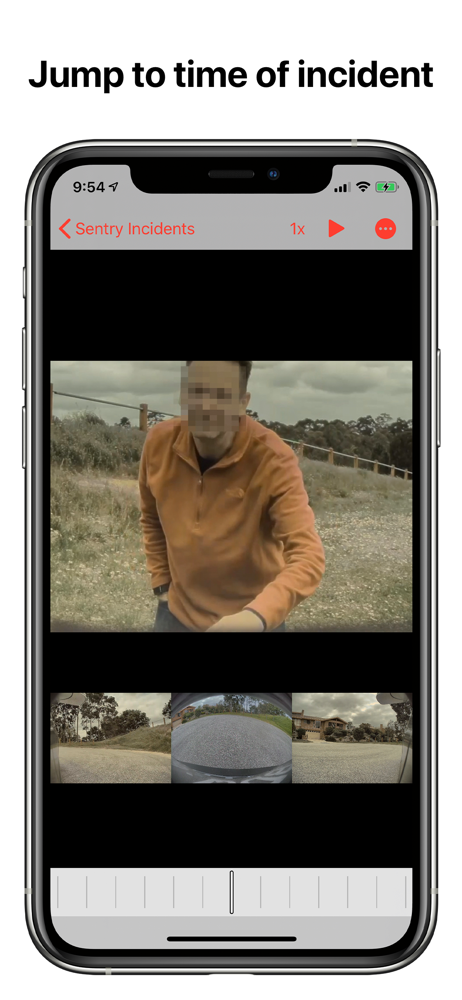
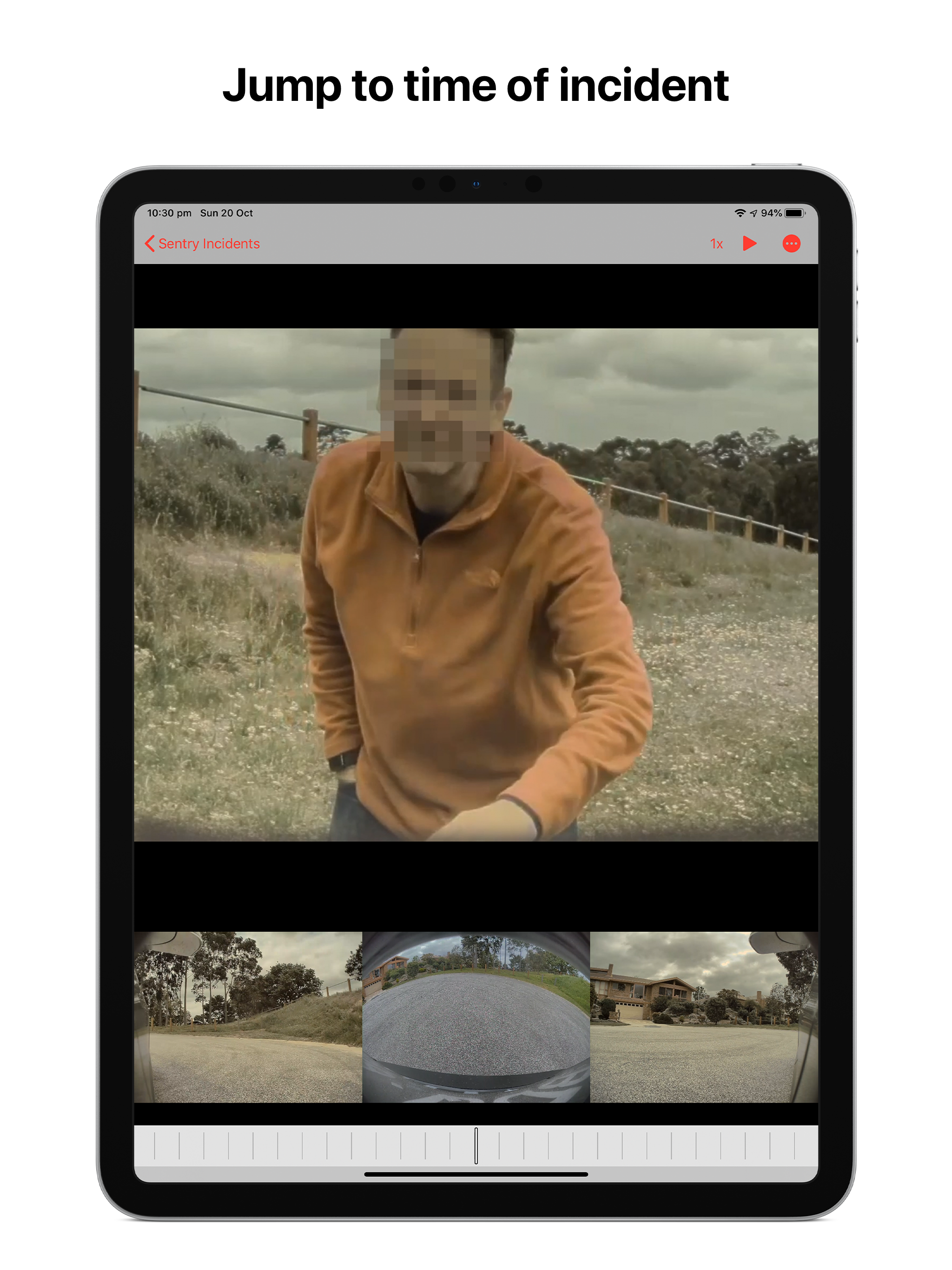
I’ve tried this app and another competitor. I’m using an current iPad Pro which simplifies the in vegan leather seat viewing process with native USB-C connection and no extra power requirements. This app works with native Apple Files applications a huge plus. Playback is very smooth. Automatically jumps to a Sentry event so you don’t need to scrub to locate what is ”hopefully” nothing serious. Super simple export to iCloud, Dropbox, OneDrive and AirDrop (yes, I use and tested all of them). These are often large video files so having an easy way to transfer to another device, computer or shared storage is really important if a real event needs to be shared with family, friends, and hopefully “not” the local authorities. Exporting my first video via AirDrop to an iMac 27” was pure joy, and very simple. Watching an event quickly in the car to feel better about a Sentry event removes anxiety that your car was tampered with in busy locations. Park as far away as you want from the store, but someone always pops-up you feel me, right? I do have one improvement suggestion, please add time stamp to exported video as an optional switch. Not all videos need a stamp. My first ever review, but well worth my time for what I hope is continuous updates. Nice work so far! Tesla, Sierra
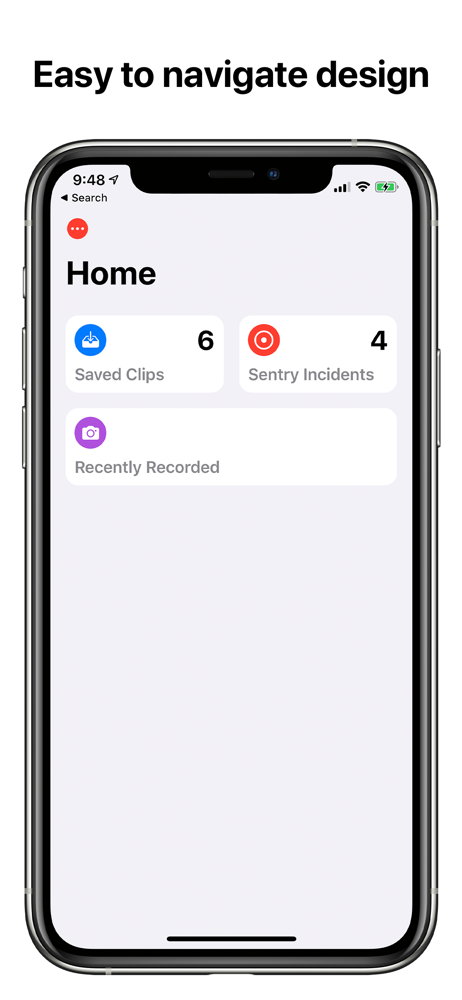
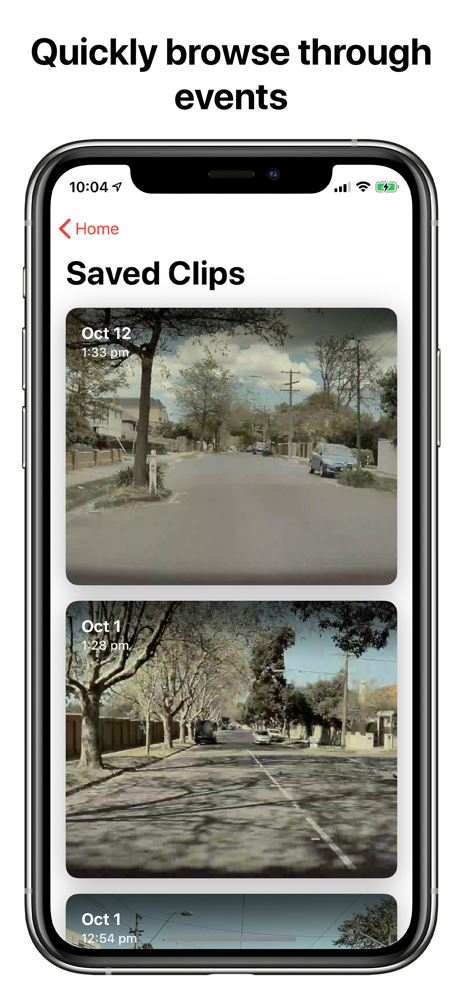
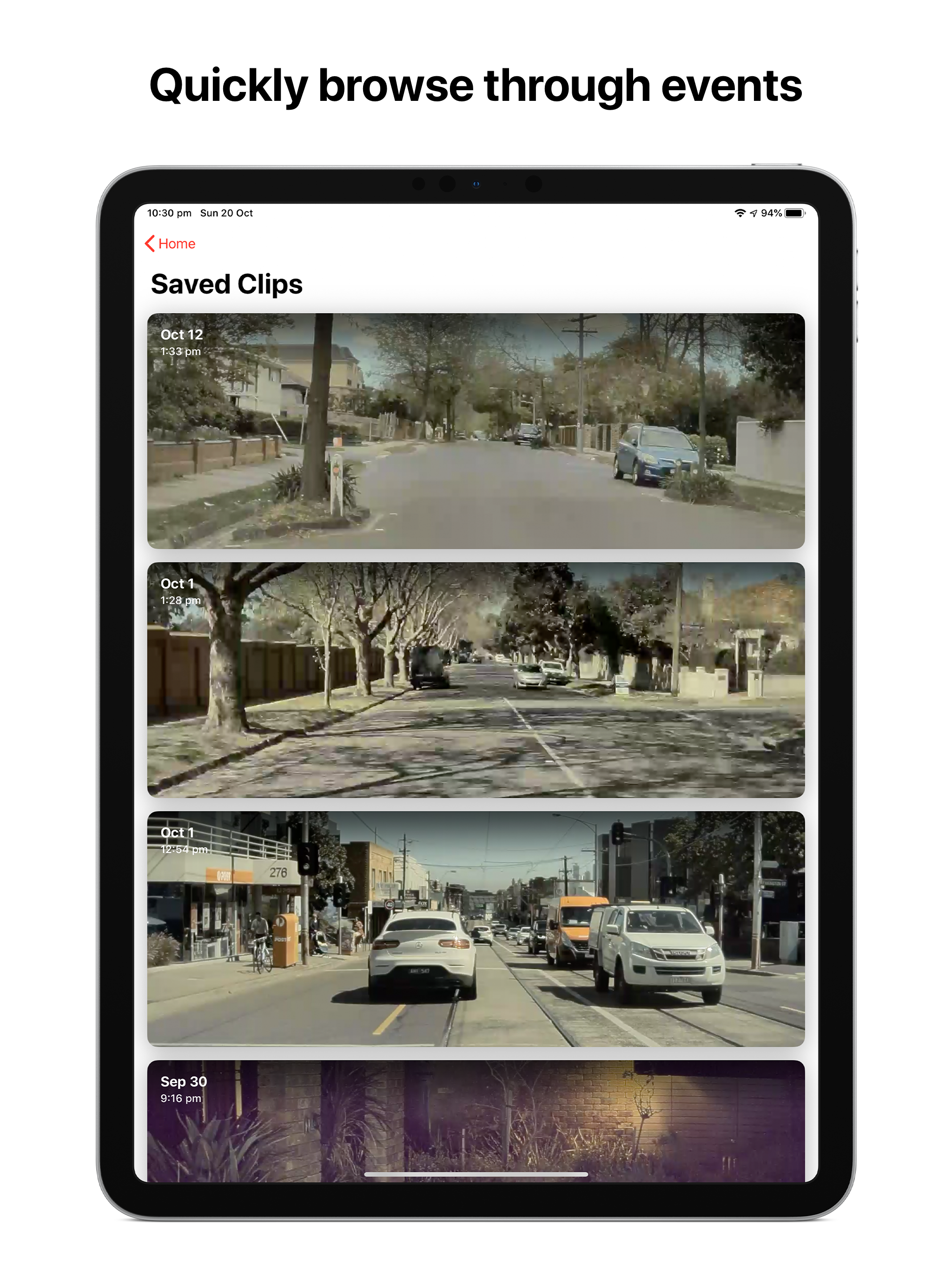
Dash View is the best way to view both Sentry Incidents and Saved Clips on your device. No need for a computer, just plug your TeslaCam USB into your...