Check the acquisition promise
Read the store headline, screenshots and description. What problem is the app promising to solve?
Study the storefront ↗
SanDisk · iOS
Explore the ad evidence, study the storefront, and build your next acquisition hypothesis.
01 / Creative research
Read the store headline, screenshots and description. What problem is the app promising to solve?
Study the storefront ↗Explore apps with direct store-link matches. Compare their hooks and formats without assuming the same approach works here.
Browse observed advertisers ↗Store rankings and revenue estimates describe market context. They do not establish ad spend, conversions or ROAS.
Review the market context ↗02 / Storefront & product
Study the product story and store experience behind the acquisition funnel.




03 / Market context
Keep revenue, downloads and store rankings separate from advertising performance.
I bought this device thinking that I would have a quick, portable and convenient gadget to clean up and back up my phone media. Unfortunately this little flash drive is only good as a normal flash drive and it doesn’t live up to its wireless transfer capabilities. I think in all the times I tried to connect this thing that I got maybe 8 out of 3000+ photos transferred. Mind you it took many hours and many attempts to even get that. I really wanted to love this device, but it has not followed through on anything that it claims to do. The app worked on and off and the device had so many issues connecting. I could connect the device and the app wouldn’t register it was connected. On the off chance that I got everything connected, the app would decide to become unresponsive and freeze and I would have to start the process of reconnecting everything once again. After all that I just gave up.
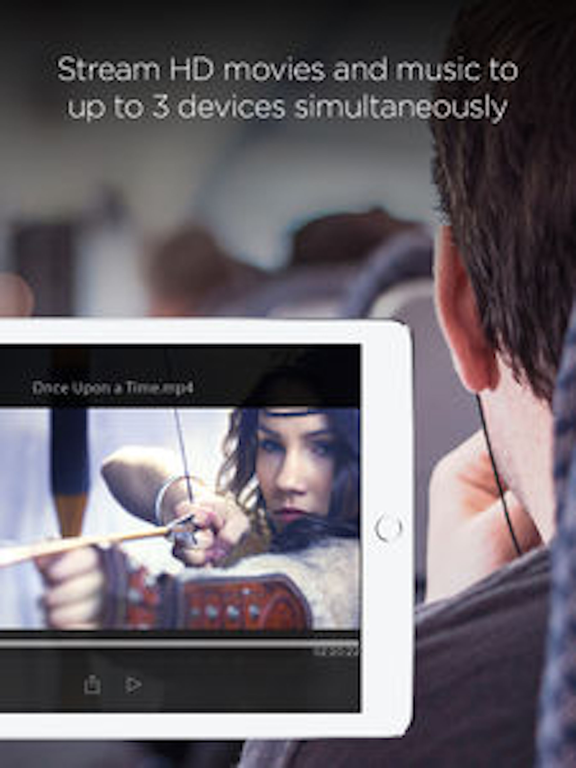
I use this app to access and edit files on my SanDisk Connect Stick. It works really well regarding giving you everything you would ever want, except two things that would make it perfect: 1- changing the media player; right now it only has two options (share and play/pause). I hope it will have things like fast forward, control volume, skip 10 seconds, or even the ability to add subtitle. 2- supporting more iPad features. Like, split mode and playing videos on the background.
We travel internationally all the time which makes Cloud backups problematical at best. SanDisk Connect Stick provides an excellent way to backup iPad info and to transfer info in. More importantly, it also provides a great 128 GB "jump drive" for getting photos and files from others so you can see them and save them on our Apple device that will not, otherwise, easily import files. #1 use is when photo pro onboard offers free copy of his/her photos on a dive boat. Awesome! Interestingly, it also gives Apple devices a long sort after File Manager while using the Commect Stick App.
Quick Overview Access and manage your SanDisk Connect™ Wireless Stick, the next generation of mobile storage for your iPhone, iPad, and MacBook comp...