
Check the acquisition promise
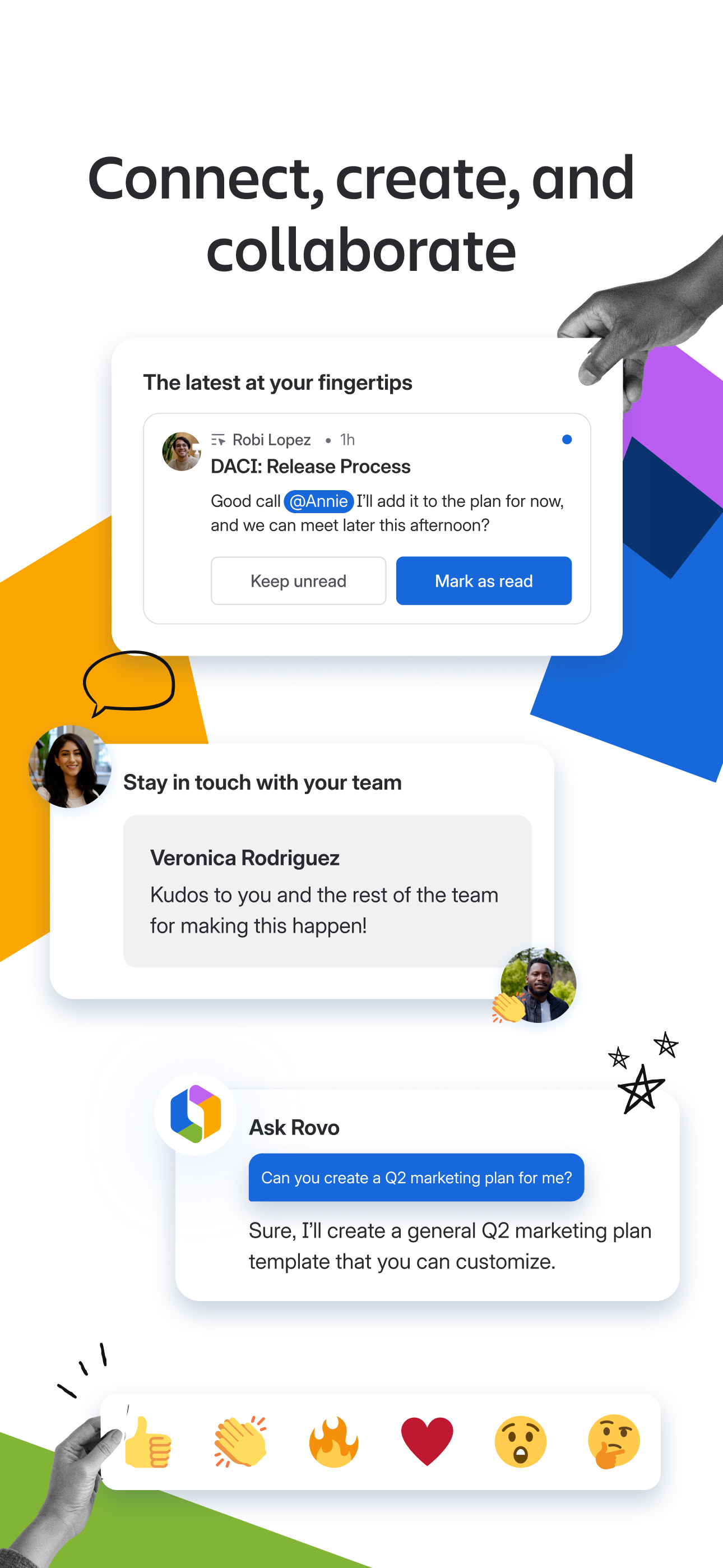
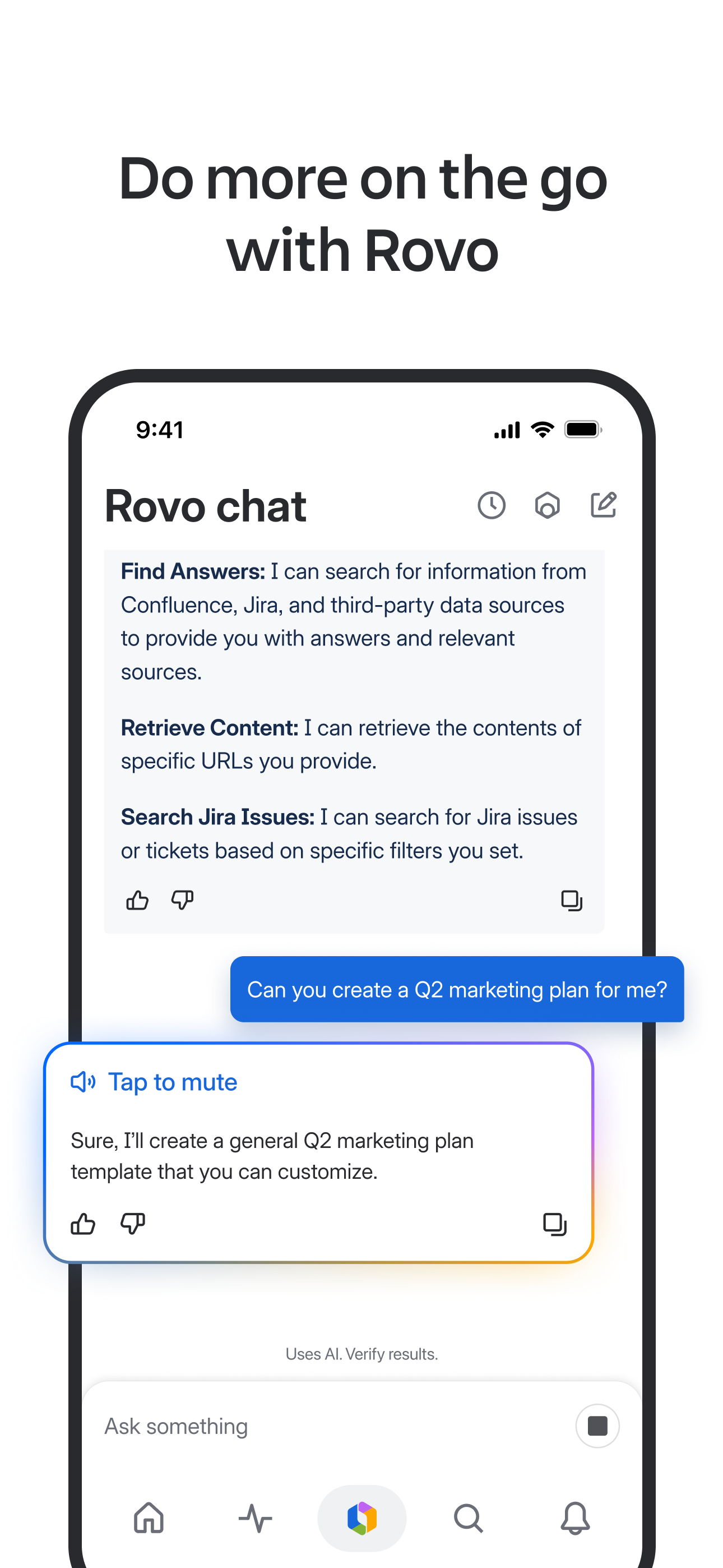
Read the store headline, screenshots and description. What problem is the app promising to solve?
Study the storefront ↗
Atlassian · iOS
Explore the ad evidence, study the storefront, and build your next acquisition hypothesis.
01 / Creative research
Read the store headline, screenshots and description. What problem is the app promising to solve?
Study the storefront ↗Explore apps with direct store-link matches. Compare their hooks and formats without assuming the same approach works here.
Browse observed advertisers ↗Store rankings and revenue estimates describe market context. They do not establish ad spend, conversions or ROAS.
Review the market context ↗02 / Storefront & product
Study the product story and store experience behind the acquisition funnel.




03 / Market context
Keep revenue, downloads and store rankings separate from advertising performance.
I was skeptical about downloading an iPad app for Confluence, but thought if Atlassian has 4.7 stars for this, it’s probably worth checking out. Unfortunately, the user experience does not match in-browser. As I was editing a page, I noticed at least three things that didn’t work right off the bat: typing in * for a bullet point doesn’t do anything, typing in ## for an H2 produces a bizarre experience where you wind up at the end of the document, and iOS autocomplete suggestions are not tabable. I went back to the browser and was able to do all of these without issue. I give it an extra star because it did feel a little less cluttered than using the browser, but the editing experience is not good enough.
Atlassian, As a multi-billion dollar-valued publicly-traded company in a new age of tech beyond SaaS and basic productivity tools that have been around for years (like Linear) or one or more decades (like Jira/Confluence, Slack, MS Office, Google Docs, etc.), can you please provide us with the below essentials to do our best work? 🙏 • 1) NATIVE MAC APP: A native macOS app so we’re not locked into or distracted by all of Chrome’s endless, overlapping, and disorganized windows and tabs? • 2) CLOUD-SYNCED DRAFTS OF UNSAVED/UNPUBLISHED TEXT INPUTS: *Cloud-synced* drafts of documents, comments, Issue Descriptions, and other text-based input fields that **ALL USERS** are currently at risk of PERMANENTLY LOSING if before posting their draft they inadvertently do any of these very common things: — (i) delete and reinstall the Confluence app such as to troubleshoot an issue, or — (ii) upgrade to a new device, OR — (iii) clear their cookies/history, or — (iv) use an incognito browser and never finish posting their draft before manually closing the window (or having their computer or browser automatically close it when performing a weekly software update)
This app works great. Images render neatly in the mobile view and text is flowed well for reading. Editing works well and all basic text features including bullet and number lists, rich text, etc all work well. Comments are fast, page Like works fine. You can't create a table on mobile yet–hopefully that's coming soon–and obviously web-based macro add-ons can't be included very well in the native mobile edit view, but otherwise the other negative reviews are either ill-informed or erroneous.
Work happens everywhere. With Confluence Mobile, your team’s knowledge travels with you — from your desk to wherever you are. Get updates the moment...


