
Check the acquisition promise
Read the store headline, screenshots and description. What problem is the app promising to solve?
Study the storefront ↗
Mitsubishi Electric US, INC. · iOS
Explore the ad evidence, study the storefront, and build your next acquisition hypothesis.
01 / Creative research
Read the store headline, screenshots and description. What problem is the app promising to solve?
Study the storefront ↗Explore apps with direct store-link matches. Compare their hooks and formats without assuming the same approach works here.
Browse observed advertisers ↗Store rankings and revenue estimates describe market context. They do not establish ad spend, conversions or ROAS.
Review the market context ↗02 / Storefront & product
Study the product story and store experience behind the acquisition funnel.


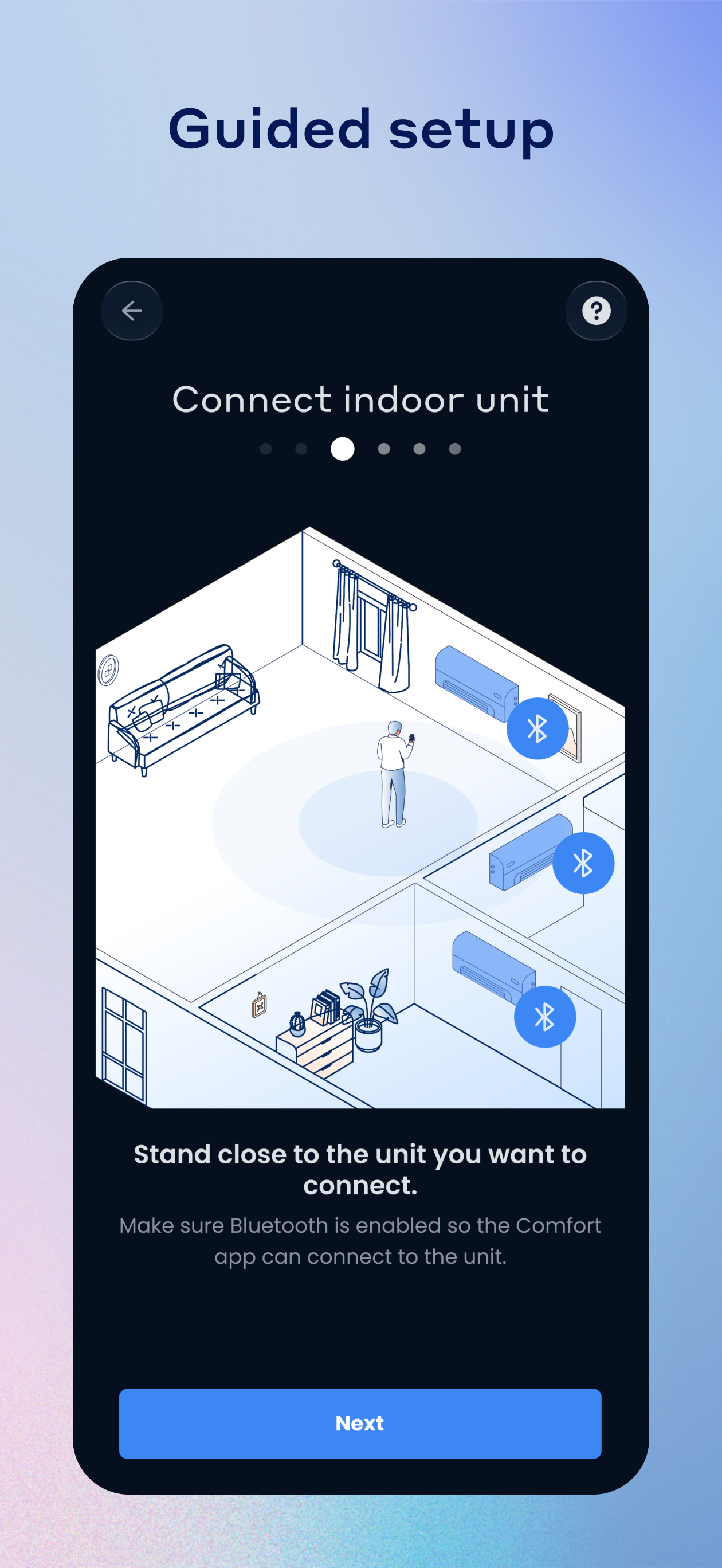


03 / Market context
Keep revenue, downloads and store rankings separate from advertising performance.
The app works fine. Compared with the horror stories I read about the Kumo Cloud app, I’m satisfied. Not thrilled, but satisfied. Setup feels very old school, even with the brand-new units with built-in WiFi that I just bought. Not way out of line with other IoT devices, though. A little clunky but fine. I will say that lack of support for 5ghz or dual band routers in this day and age feels really anachronistic. Obviously, the heating and cooling efficiency and reliability of the hardware itself was my top priority; WiFi connectivity is a secondary concern. Still, though. It’s 2025 and this system cost me several tens of thousands of dollars. Feels weird to then still have to buy a standalone router just because my HVAC system needs 2.4 and nothing else. The interface of the app itself is fine. It’s weird how there’s some settings and information you can get on the remote but not the app (like left/right vane control) and some info you can get on the app but not the remote (like current actual room temp). But again… it’s fine. I will say the “message an agent” functionality within the app seems totally useless. Have yet to receive a response to a pretty simply query over a week later. Seems like a basic ticketing system monitored by nobody. But overall I’m happy with it, especially given complaints I heard about the previous Kumo app. Just given the price I paid for the units themselves, I’d expect the app to be a biiiiit more comprehensive and modern.
Update three weeks later. Have uninstalled all previous versions of Comfort on both phone and iPad and reinstalled 3.07. We are the simplest of systems w/ one head and one zone. 3.07 can still not do the simplest of scheduling-setting a warmer daytime temp and then a lower nighttime temp. Our most recent attempt anytime we set one, the software immediately changed the second to the same temperature. Then attempting to update the night time it automatically reset the daytime to the same temp. All of this is being done on a single mode, Heat. We had hoped for the more advanced ability to do this while the mode is set to Auto. Thousands of us are still waiting on you. Very disappointed. 3.07 comments: trying to set a very simple schedule, with two set points. One to warm in the morning, one to allow cooling in the early evening. Function doesn’t work. Whenever I change the temperature for one set point it changes it for the other. And vice versa. Would also suggest that after making new settings for a set point you have a confirm or save button there is none at this point. 3.05 comments: Basic functions like the plus and minus signs to increase or decrease temperature did not work at all. Important but basic menu items were not found where the very minimal literature said they should be. In the important Mode setting (Heat, Cool, Auto, off) the heat option was not even visible. This app was not ready for a release and should be an embarrassment to a quality name like Mitsubishi.
ETA — most of what I initially said was inconsistent turned out to be user error on my part. (I didn’t understand that you could not use split modes throughout the entire house.) Bear that in mind when using! For example, we live in New England and quite often the temperatures can fluctuate quite a bit within one day, especially during certain seasons. So I’ll save you the trouble from digging through the instructions like I had to — ***You cannot use heat AND cooling at the same time in different zones.*** You’d have to shut off one and turn on the other. Aside from that, the system works great. I even find that the App gets us more accurate output over the remotes. Overall very happy with it. Just takes some getting used to / has a learning curve to operate to its full capabilities. When the app works, it’s great - but unfortunately I have to say that it is inconsistent at best. The times that the temperatures have either risen or dipped within my children’s rooms where I have wanted to modify the temperature settings in some way, the App seems to be glitchy or unavailable or showing the zones as in “standby” and I’m not able to override it or correct it except to physically go in the room and change it with the physical remote itself. Very frustrating, to say the least.
Comfort is the new kumo! The Comfort app by Mitsubishi Electric allows you to remotely monitor and control your home’s HVAC system any time from anywh...


