Check the acquisition promise
Read the store headline, screenshots and description. What problem is the app promising to solve?
Study the storefront ↗
KengoLab · iOS
Explore the ad evidence, study the storefront, and build your next acquisition hypothesis.
01 / Creative research
Read the store headline, screenshots and description. What problem is the app promising to solve?
Study the storefront ↗Explore apps with direct store-link matches. Compare their hooks and formats without assuming the same approach works here.
Browse observed advertisers ↗Store rankings and revenue estimates describe market context. They do not establish ad spend, conversions or ROAS.
Review the market context ↗02 / Storefront & product
Study the product story and store experience behind the acquisition funnel.




03 / Market context
Keep revenue, downloads and store rankings separate from advertising performance.
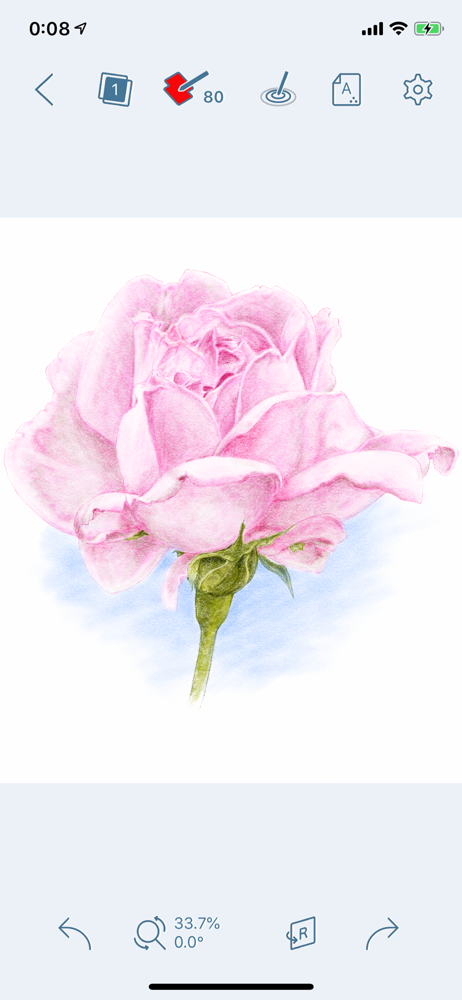
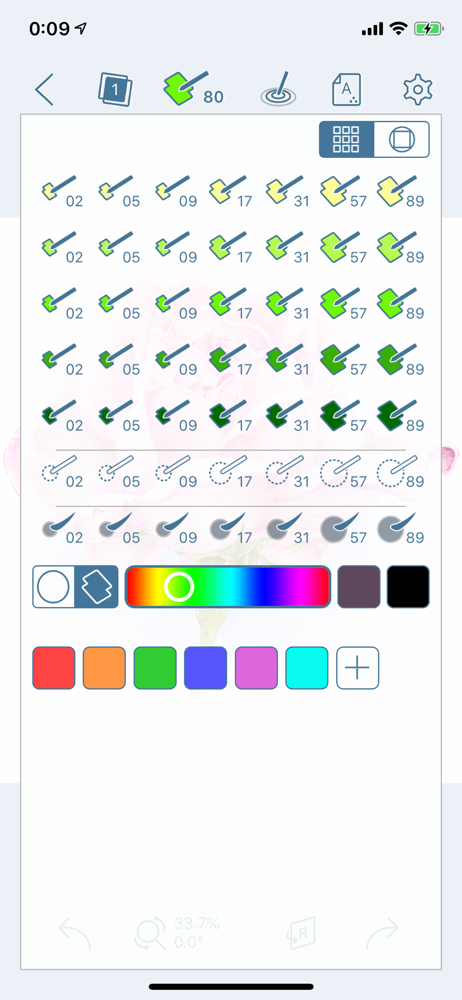
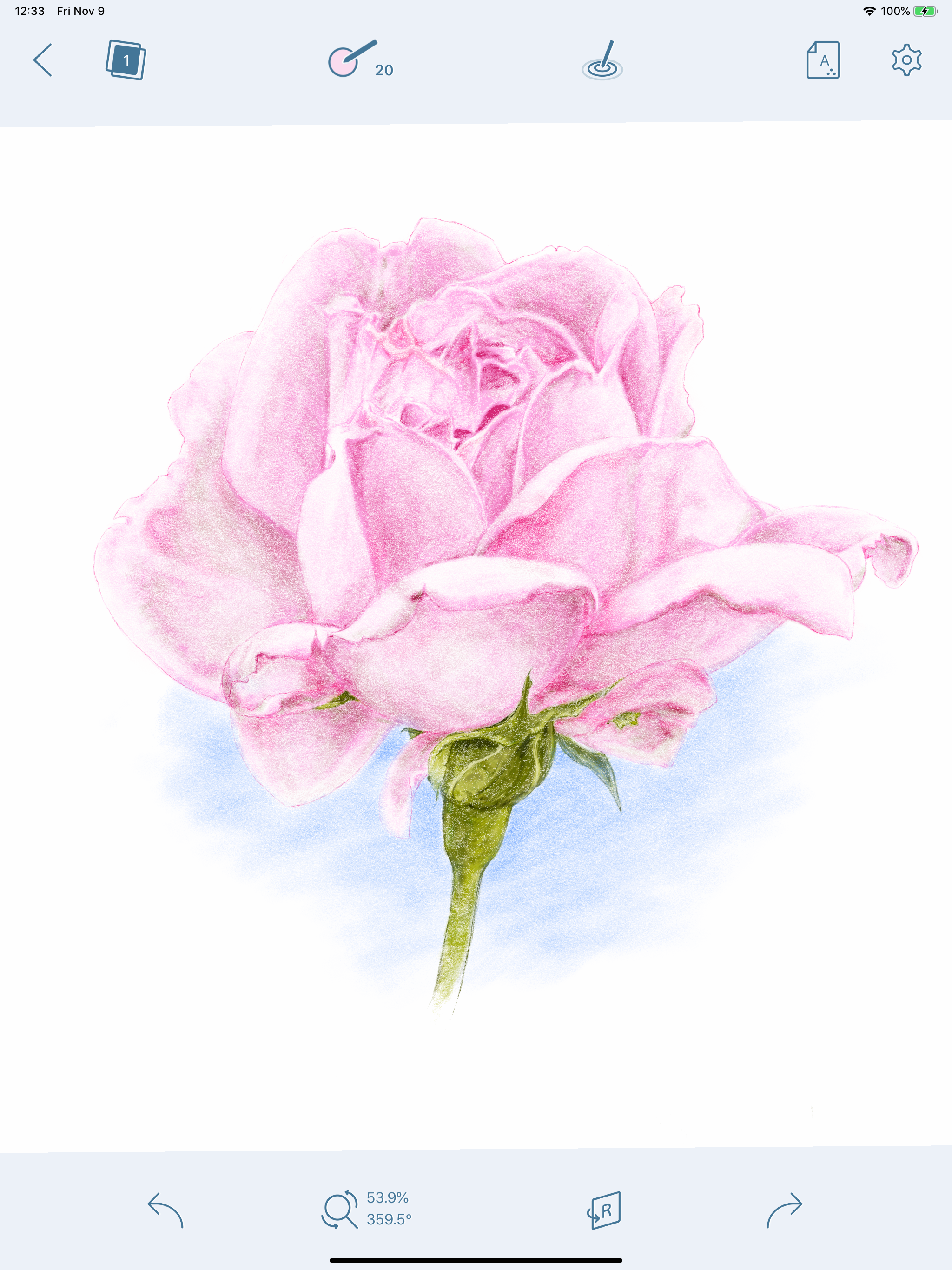
Hi - just bought app - nice colored pencil feel However - I am lost in the layers - can you add a way to rename a layer - thanks Also - where is the eye dropper tool Thank you Would love to see a video tutorial for the pink flower so I could follow along Nice work 😊
I have been using this app for years, mostly for isolating subjects of interest on photographs. So I predominantly use the eraser function. Since the last update I find it frustrating because I can’t readily change to a color because I seem to be stuck with the erasing function. I use iPad Pro and the Apple Pencil.
Looks like your app is working better, now! Have not experience any crashing with the new update. Worked on two sketches for over 30 minutes with no crash. I’ll continue using this as it seems your app is working much better, even with my third party Adonit stylus. Thank You for tracking down the issue. I will keep you updated here if I find any other issues! I use your app a lot through the years!
* Introduction * Colored Pencil is a painting application designed to represent a illustration in pencils for the iPhone, and iPad. To use this appl...