Check the acquisition promise
Read the store headline, screenshots and description. What problem is the app promising to solve?
Study the storefront ↗
Variable Technologies LLC · iOS
Explore the ad evidence, study the storefront, and build your next acquisition hypothesis.
01 / Creative research
Read the store headline, screenshots and description. What problem is the app promising to solve?
Study the storefront ↗Explore apps with direct store-link matches. Compare their hooks and formats without assuming the same approach works here.
Browse observed advertisers ↗Store rankings and revenue estimates describe market context. They do not establish ad spend, conversions or ROAS.
Review the market context ↗02 / Storefront & product
Study the product story and store experience behind the acquisition funnel.


03 / Market context
Keep revenue, downloads and store rankings separate from advertising performance.
I bought the Pantone subscriotion. My usage will be in printing, where colors are specified by pantone number. It woukd be great if i could simply type in the target pantone number, do a scan, and get a delta E. Having to scan a color fan doubles the work and makes it necessary to carry a fan around with me. Perhaps this feature is present, but i could not find it.
There is only the option to compare colors that you have scanned with your color muse device. I have scanned one color and am trying to match it in another brand. I don’t have the option to do that. Please consider modifying the compare color option to include non-scanned colors in the color comparison field.
The Sept 2020 app update prevents access to the history of previously scanned colors or comparing colors until an account is created. The previous app version allowed access to both without an account. Removing access to force account creation is annoying behavior for an app that is supporting a piece of hardware that was purchased from the company. The app should be facilitating use of the color muse, not obstructing use and collecting email addresses. Also, after creating an account, the display of previously scanned colors only shows 4 or 5 on the screen at one time and the hex RGB codes (e.g. #B2A334) are not displayed. The previous app showed 24 colors on the screen with the RGB codes. The new app does allow adding notes to the scanned colors and downloading a spreadsheet with all the color info including the RGB codes, which are nice features. Displaying additional color info with the scans would be a useful improvement. The 3 star review is for the Sept 2020 app, the Color Muse tool rates 5 stars - it’s small, quick, and reasonably accurate.
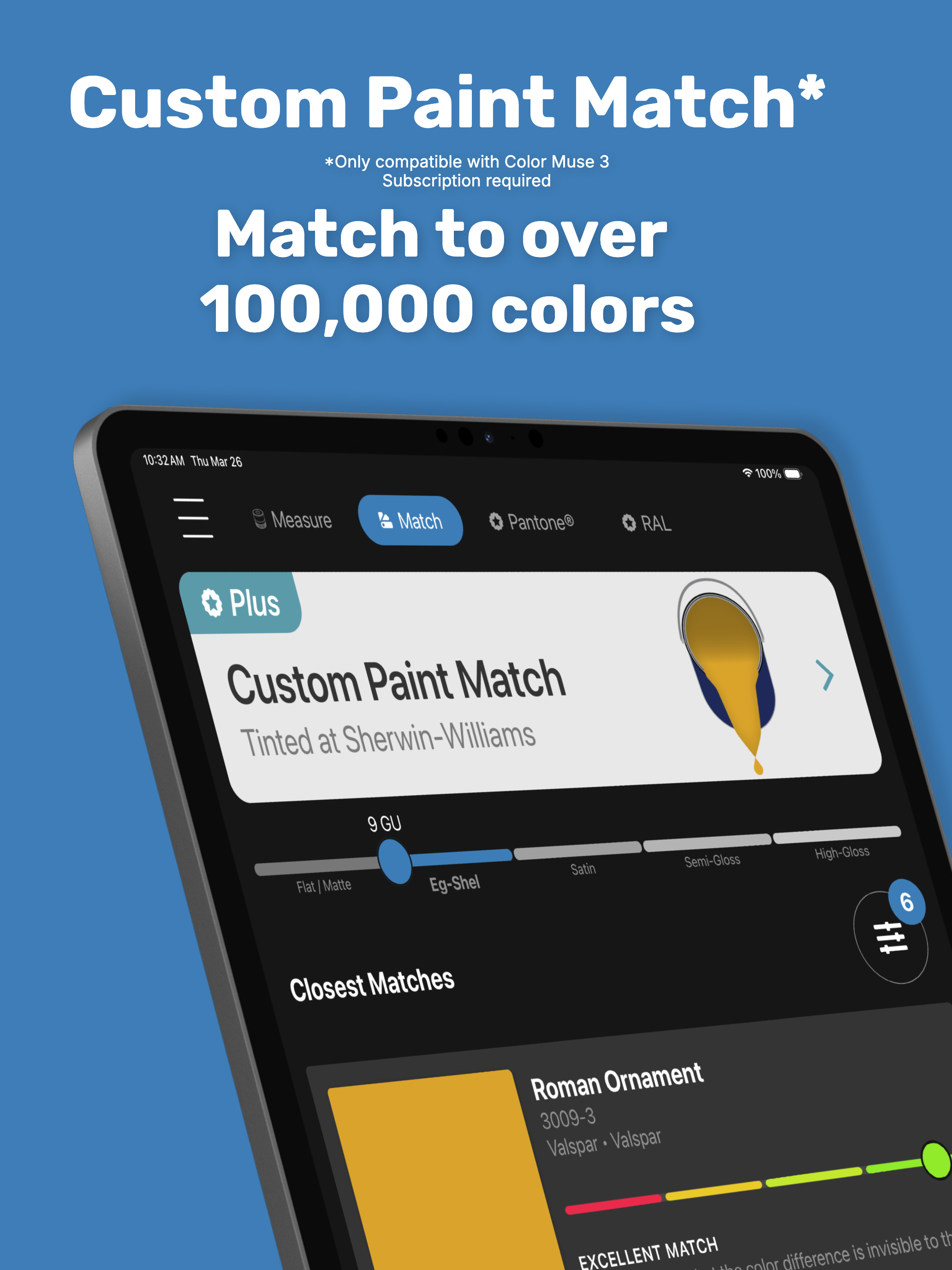
Measure Color. Match with Confidence. Color Match Made Easy® Color Muse® is the ultimate companion app for professionals and DIYers who need fast, re...
| Name | Price | Type |
|---|---|---|
| Plus (Sherwin-Williams) (Monthly) | $4.99 | Monthly |
| Monthly | $4.99 | Monthly |
| Monthly | $9.99 | Monthly |
| Plus (Sherwin-Williams) (Annual) | $47.99 | Yearly |
| Annual | $49.99 | Yearly |
| Annual | $99.99 | Yearly |