
Check the acquisition promise
Read the store headline, screenshots and description. What problem is the app promising to solve?
Study the storefront ↗
Robert Bosch GmbH · iOS
Explore the ad evidence, study the storefront, and build your next acquisition hypothesis.
01 / Creative research
Read the store headline, screenshots and description. What problem is the app promising to solve?
Study the storefront ↗Explore apps with direct store-link matches. Compare their hooks and formats without assuming the same approach works here.
Browse observed advertisers ↗Store rankings and revenue estimates describe market context. They do not establish ad spend, conversions or ROAS.
Review the market context ↗02 / Storefront & product
Study the product story and store experience behind the acquisition funnel.


03 / Market context
Keep revenue, downloads and store rankings separate from advertising performance.
This problem has still not been addressed. Put a line in the software that says “ if this is being used on an Apple phone turn the compass 90 degrees counter clockwise “. Why are you spending time on other things while this is still not fixed? Solve the problem. The compass problem has not been fixed. My compass is still off by 90 degrees. I have sent notes on how to duplicate the problem. All the things I have been asked to try I have tried and no luck. There is a software bug that needs to be found and fixed. I’m going to repeat here in case someone new is listening: I turn on COBI. Compass direction is correct. I walk the bike in different directions-compass is correct. I walk the bike up a hill. I jump on without touching the pedals. As I hit approximately 10 mph the compass slowly goes off by 90 degrees. At first I thought it was engaging the pedals. That is why I took it up a hill. The compass is off for the entire ride. Nothing helps to get it back to the correct direction. My friends bike has the same problem . I have an iPhone 8, he has a 12.
Well, I’ve tried signing up twice and twice it failed. When you sign up they send you an email to confirm your email address. Except the email doesn’t come in immediately. Or in 5 min. It too two hours. So when I eventually opened the email to confirm receipt about 3 or 4 hours after I signed up, it told me the link had expired. I did this twice and twice it did the same thing. I can’t use their 2.5 star rated app if they confirmation email expires too quickly! UPDATE: since posting my review, customer service reached out to me to help resolve my issue and get me signed up. I appreciate the proactive customer service. (Added 2 stars)
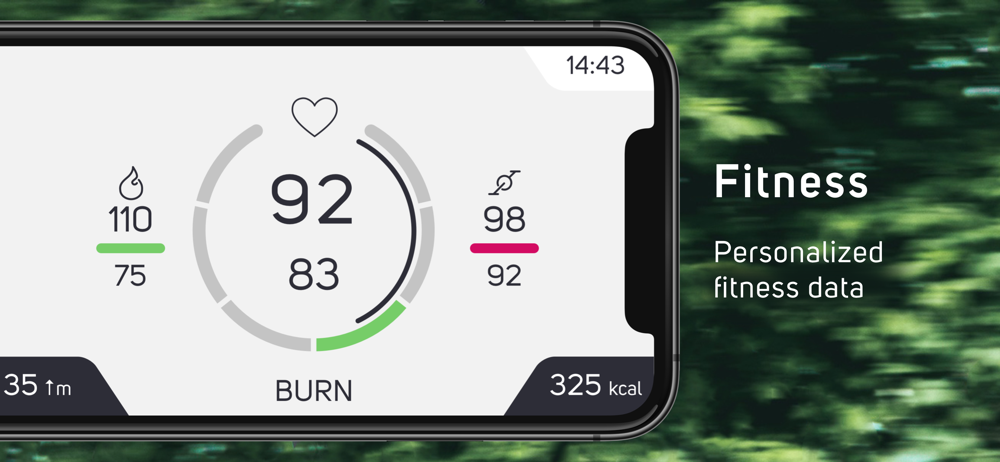
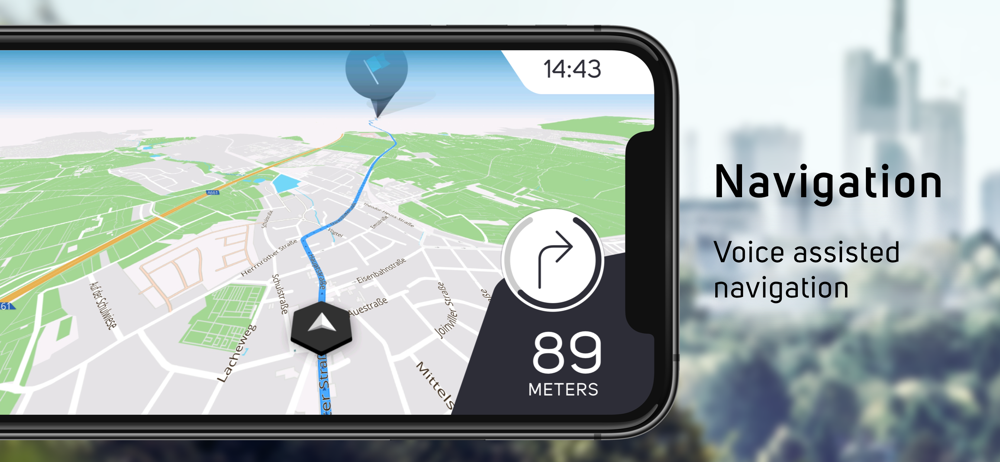
Another update after two months of steady use. Now that I have been using this app for over 2 months three to four times per week I can honestly say that this app is great! I studied the digital manual and started to use all the settings and dialed in exactly what I wanted it to do and it has made my riding very enjoyable. I highly recommend reading the manual to maximize all the well thought out features of this app. Thanks Cobi team! I have been actively using the app for 2 weeks and I have to say it has been very helpful in keeping me informed on battery life, rate of speed and distance on a large easy readout on my phone while being held on the clip and connected to the included phone charger. I also appreciate how it connects to Strava App to keep a history of my rides. Now I’m going to try out connecting to Komoot app as well. I particularly like how I can keep my phone charged so I can play my music the entire way and use navigation without draining my phone battery on 30 mile trips. Next I want to start playing around with the mapping feature and see how that works. Have not figured out how to turn off the voice which can be annoying when I’m switching riding modes two or three times on hills, no obvious turn off mode. Overall I’m happy with the COBI hub and look forward to more updates with improvements.
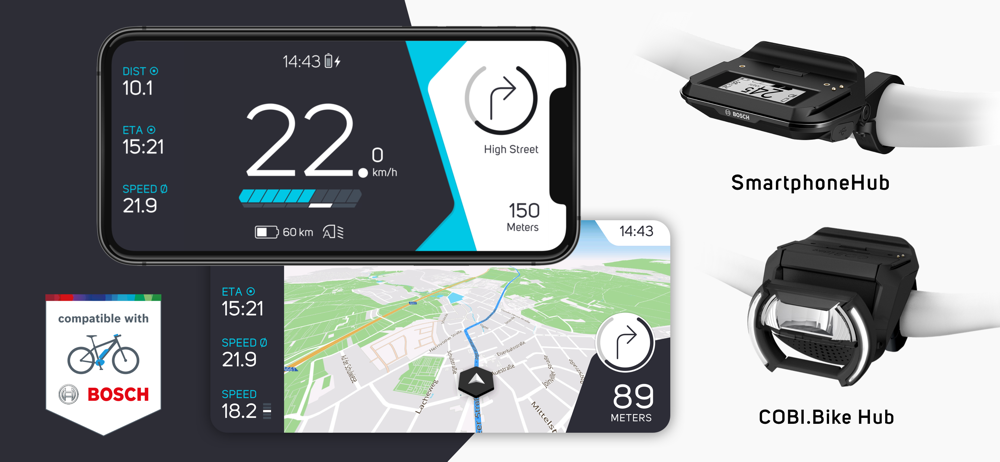
Staying connected with your life and your friends - smart connectivity means this is also possible while cycling. The Bosch SmartphoneHub and COBI.Bik...


