Check the acquisition promise
Read the store headline, screenshots and description. What problem is the app promising to solve?
Study the storefront ↗
INDY MOBILE APP COMPANY LIMITED · iOS
Explore the ad evidence, study the storefront, and build your next acquisition hypothesis.
01 / Creative research
Read the store headline, screenshots and description. What problem is the app promising to solve?
Study the storefront ↗Explore apps with direct store-link matches. Compare their hooks and formats without assuming the same approach works here.
Browse observed advertisers ↗Store rankings and revenue estimates describe market context. They do not establish ad spend, conversions or ROAS.
Review the market context ↗02 / Storefront & product
Study the product story and store experience behind the acquisition funnel.


03 / Market context
Keep revenue, downloads and store rankings separate from advertising performance.
I was looking into buying a portable or small desktop scanner, and thought there must be an app for that. Been using Clear Scan for awhile now and I love it. It’s not a hassle to just scan docs in case and quickly save and name them. I also like all the markup and editing settings and abilities! I dont often have conversations about scanning, but when I do, I recommend this app!
Pretty much everything is in the title of my review. I went to ChatGPT to ask it for an app that had no subscription cost and had a paid option to remove ads. It gave me a bunch of items for which this was not true. I went back-and-forth and finally found this app that is very easy to use, will email or send to Cloud storage high-quality single or batched scans. This is exactly the app that I was looking for. I used to use Scannable by Evernote for which I have a paid subscription and have for many years, but scannable now requires you to scan everything into your Evernote account, which creates an unnecessary download step that renders that app basically not usable for many tasks requiring a scanner. This app does everything that Scannable used to do and does it for an extremely reasonable price. No downsides to this one. The interface is clean and simple.
I almost never write reviews unless the app is horrible but I want people to find this app. Pros: - intuitive and responsive interface - can take multiple pictures at once or one at a time, and it’ll automatically merge every picture into one pdf - multiple ways to save or send the pdf, I email it to myself so I can save it to my laptop and turn in hw, quizzes, whatever - when you take a picture for the pdf, it’ll automatically give a frame of what it thinks is the paper, which you can then move by dragging the corners and edges until only what you want in the pdf is included - let’s you use flash when taking the picture - let’s you reorder the pages in case you take the pictures out of order - as far as I can tell there are no limits to the free version whatsoever as far as features and how many documents you can save Cons: - honestly the only con is a pop up ad when you’re done saving/sending a pdf, and the button to close it is always easy to click and shows up right away unlike a lot of other free apps
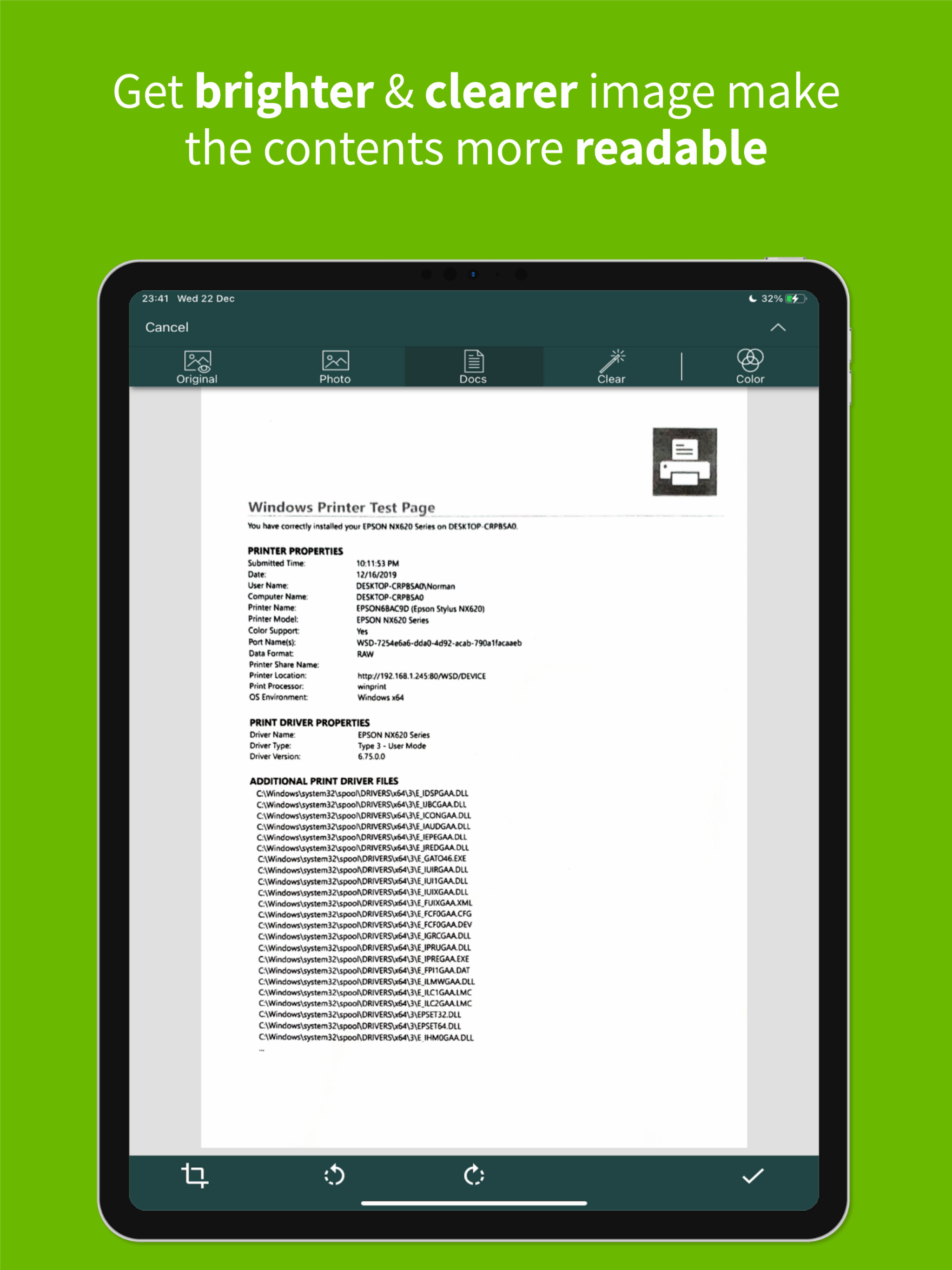
Get the best FREE document scanning app for your phone that you can use anytime, anywhere. Use all the features without having to pay for In-App purch...
| Name | Price | Type |
|---|---|---|
| ClearScanner Pro | $9.99 | One-time |