Check the acquisition promise
Read the store headline, screenshots and description. What problem is the app promising to solve?
Study the storefront ↗
bxb · iOS
Explore the ad evidence, study the storefront, and build your next acquisition hypothesis.
01 / Creative research
Read the store headline, screenshots and description. What problem is the app promising to solve?
Study the storefront ↗Explore apps with direct store-link matches. Compare their hooks and formats without assuming the same approach works here.
Browse observed advertisers ↗Store rankings and revenue estimates describe market context. They do not establish ad spend, conversions or ROAS.
Review the market context ↗02 / Storefront & product
Study the product story and store experience behind the acquisition funnel.






03 / Market context
Keep revenue, downloads and store rankings separate from advertising performance.
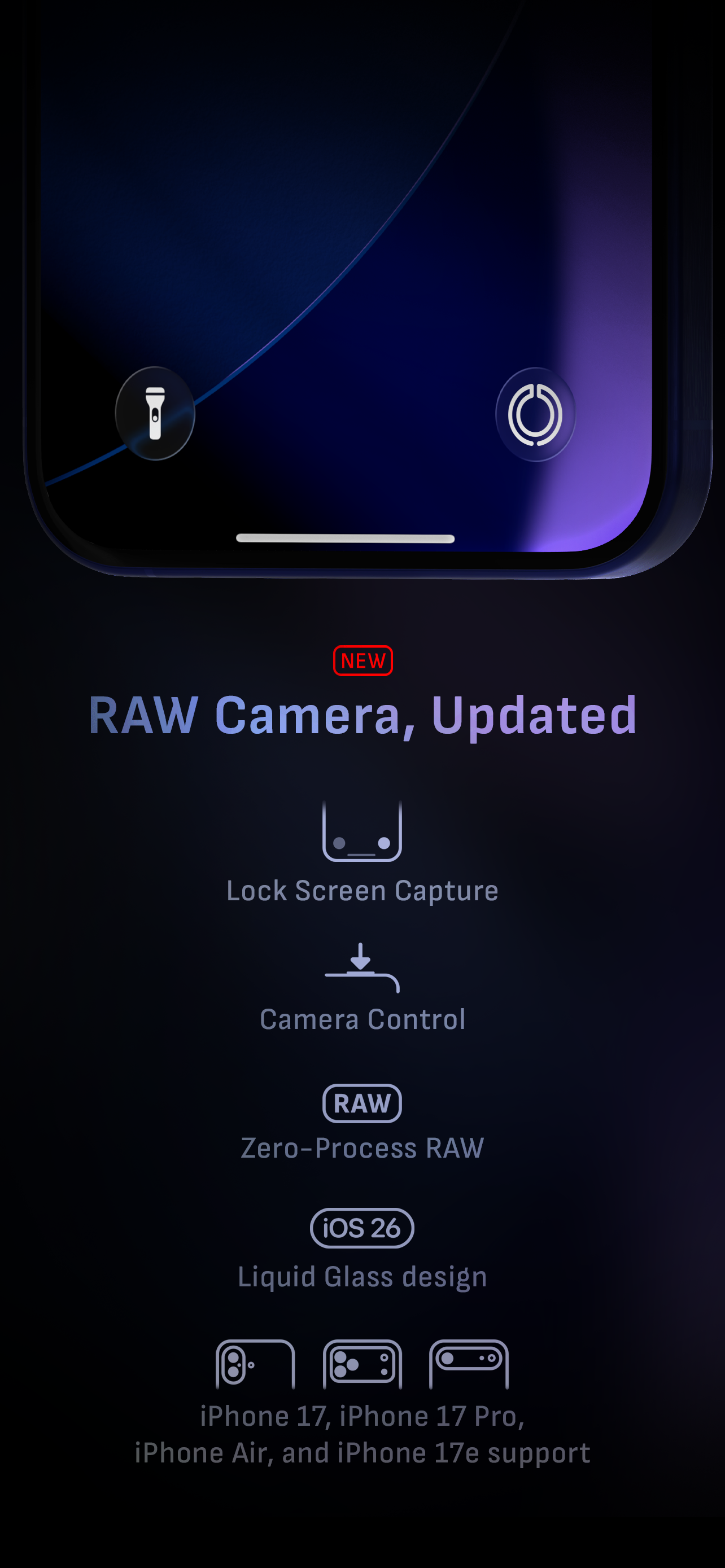
Update: Thanks for the response! You helped solve my problem, had to add the Siri shortcut through the Camera M app for a shortcut with the “Switch to Telephoto Camera” action to appear. It’s not available as an action to add to shortcuts otherwise which caused my confusion as it seemed like it should be given the widget for it and since there are other Camera M actions available without adding Siri shortcuts so that may be something for the devs to look at. I had been using the Camera M control button to replace the normal camera control on the lock screen/pull down control center, but wanted to open directly to the telephoto camera and exposure screen, which I can now do by adding the Siri shortcuts for both, pasting the action from one into the other, and replacing the lock screen/control center button with it. Really speeds things up, important when there’s a moment you want to capture, and doesn’t require Siri, a widget, or an automation. Thanks! (Would be cool to have a shortcut/shortcut action to set a particular ISO too since I almost always use a very low one to reduce noise, part of why I love this app is being able to control ISO, but that’s probably a pretty niche request)
Before I came across this camera app, I had Halide on my phone as my manual camera app, but never found a reason to use it in lieu of the default camera app due to its lack of features that make it distinct (asides from limited manual camera options) compared to the normal camera app. Now, after giving this camera app a whirl, I absolutely love it. It has all of the features Halide did, and much more than that to boot! Some of my favorite new features of this camera app compared to Halide are the max image processing, white balance color picker, and EXIF panels. I've found all of these features incredibly useful, and the UI is clean and intuitive to boot! I'm surprised Halide got editor’s choice and not your app. However, I sometimes still have to switch to the normal camera app for low light scenarios, and might find it useful if you added a low light mode to this app. Other than that, this is an absolutely stellar app! P.S. there's a bug with the magnifier thing where the image doesn't un-freeze when you close the magnifier, making you have to reopen the app. Fix that, and I'll gladly make it 5 stars! Update: Apparently the reason why you were unable to recreate the bug is because it’s already been fixed! Updated to 5 stars as promised. Keep up the good work! Update for 2021: This app is still going strong for me, even after a whole year of using it. I noticed that the UI was updated and refined, and wow, does it feel far more responsive now! It’s really not that different from how it used to look, but the subtle polishing that was done on the UI makes it immediately noticeable. Nice job!
Before deciding to give Camera-M a try, I went ahead and purchased Filmic Firstlight. I will just say this: what a mistake. Camera-M has a superb set of tools for a serious photographer. Just by trying its white balance tool, I came to a quick realization of its power. I had assumed Firstlight had a similar white balance feature as its older brother (Filmic Pro). Boy was I wrong! If you understand the importance of being able to set a custom white balance in your images look no further, Camera-M’s white balance tool makes Filmic Pro’s feel like an amateur’s toy. I'm still to try several other of its features, but I'm definitely impressed so far. I'll come back once I have updates on that. To the people behind this app: guys, you really need to have more videos available. One of the reasons I was doubtful to jump on board was the lack of more tutorials. Time to let the world know you're out there!
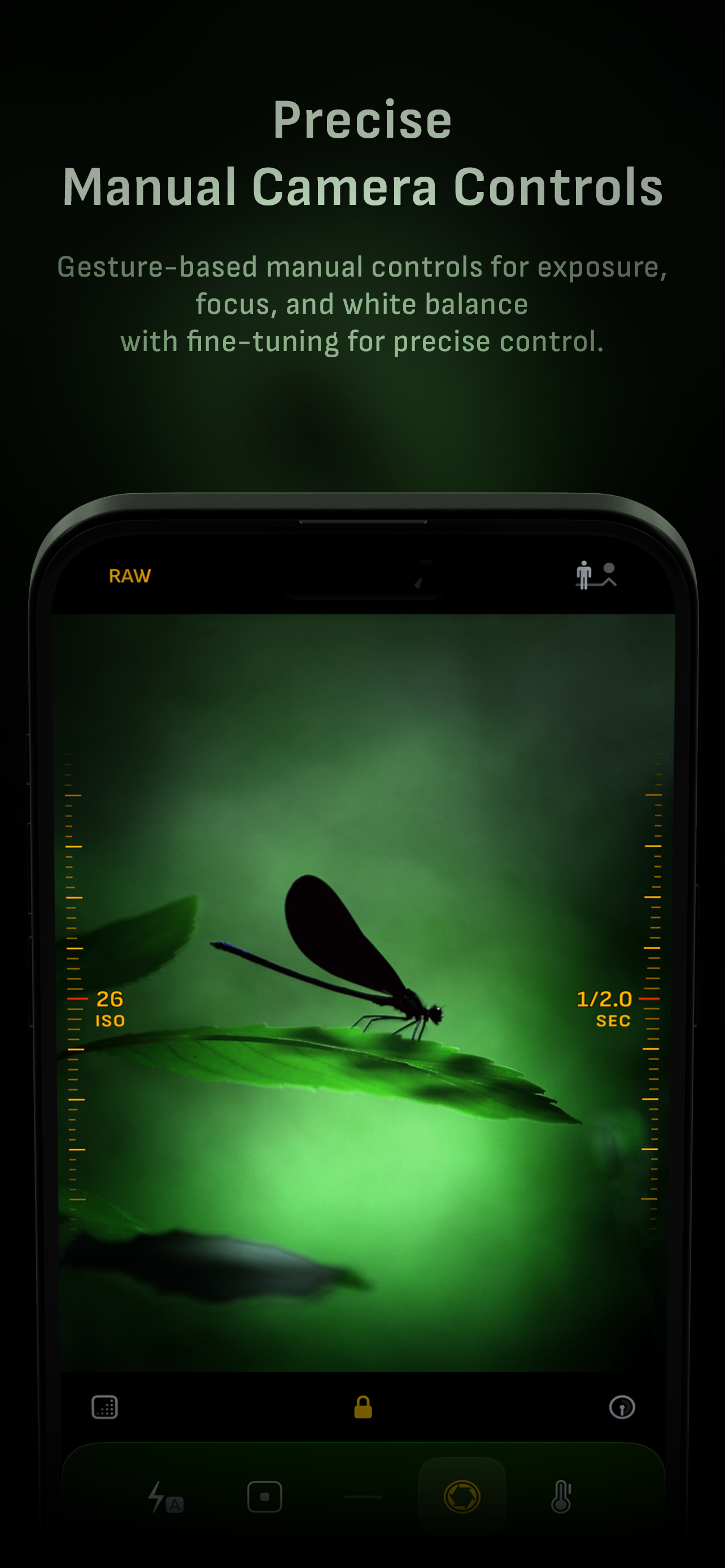
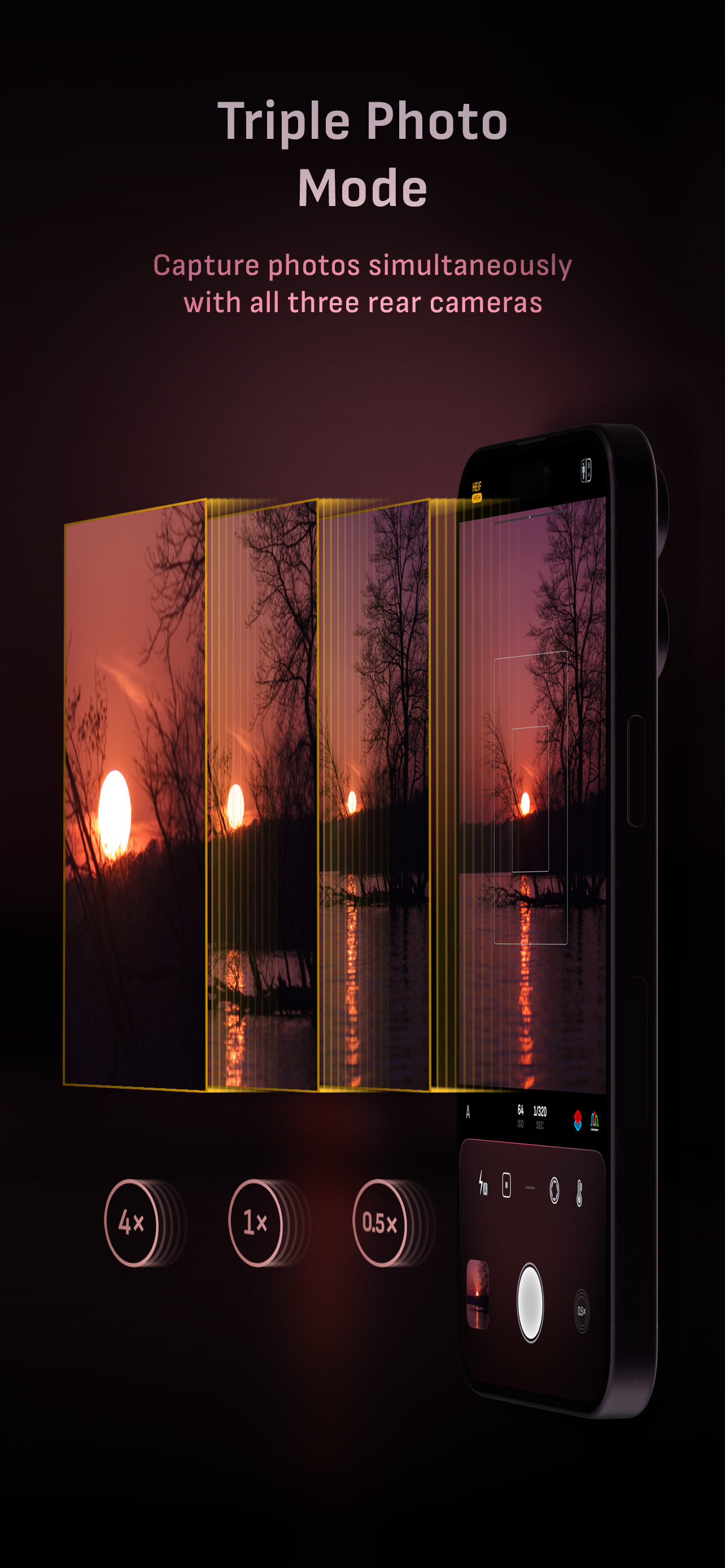
Camera M is a professional manual camera app designed to do one thing exceptionally well — help you capture beautiful photos at the highest possible q...