Check the acquisition promise
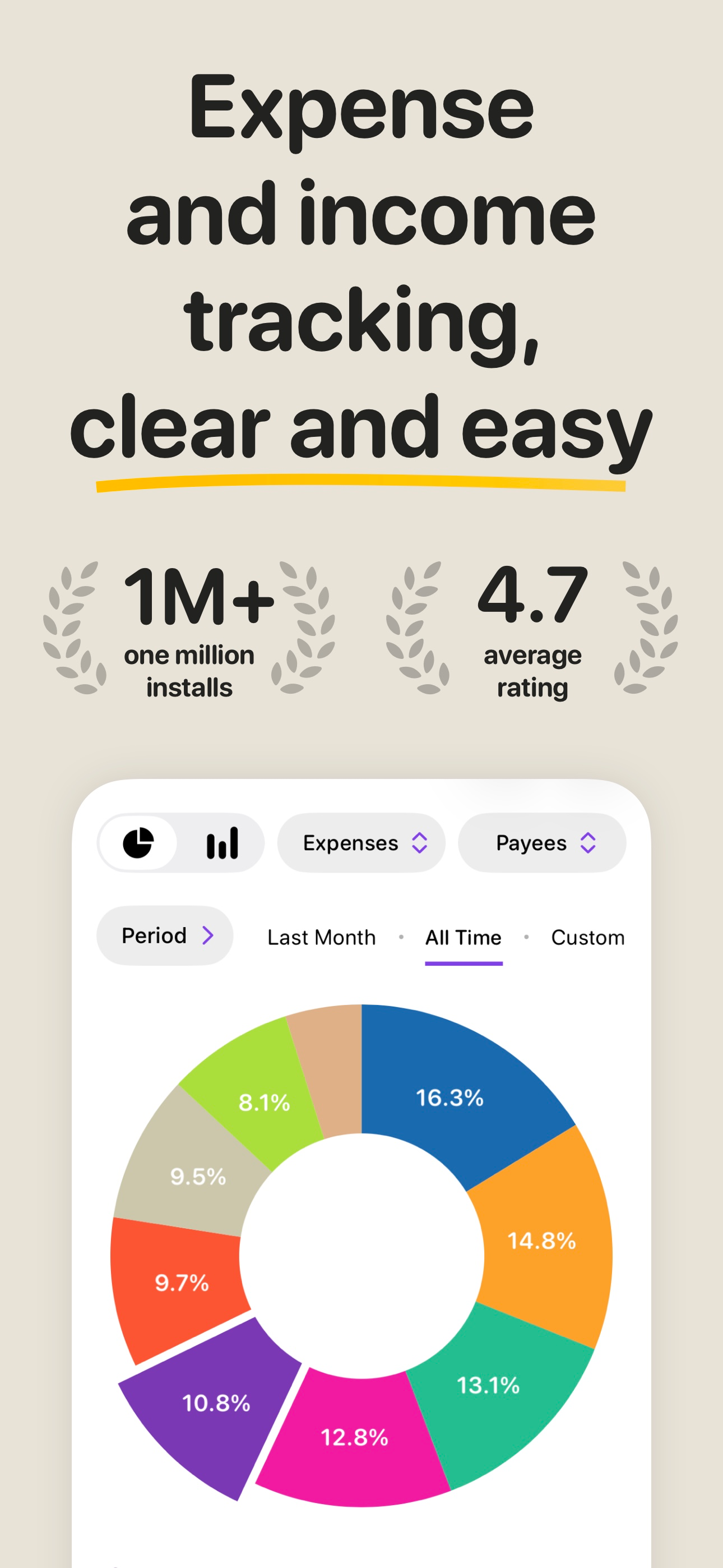
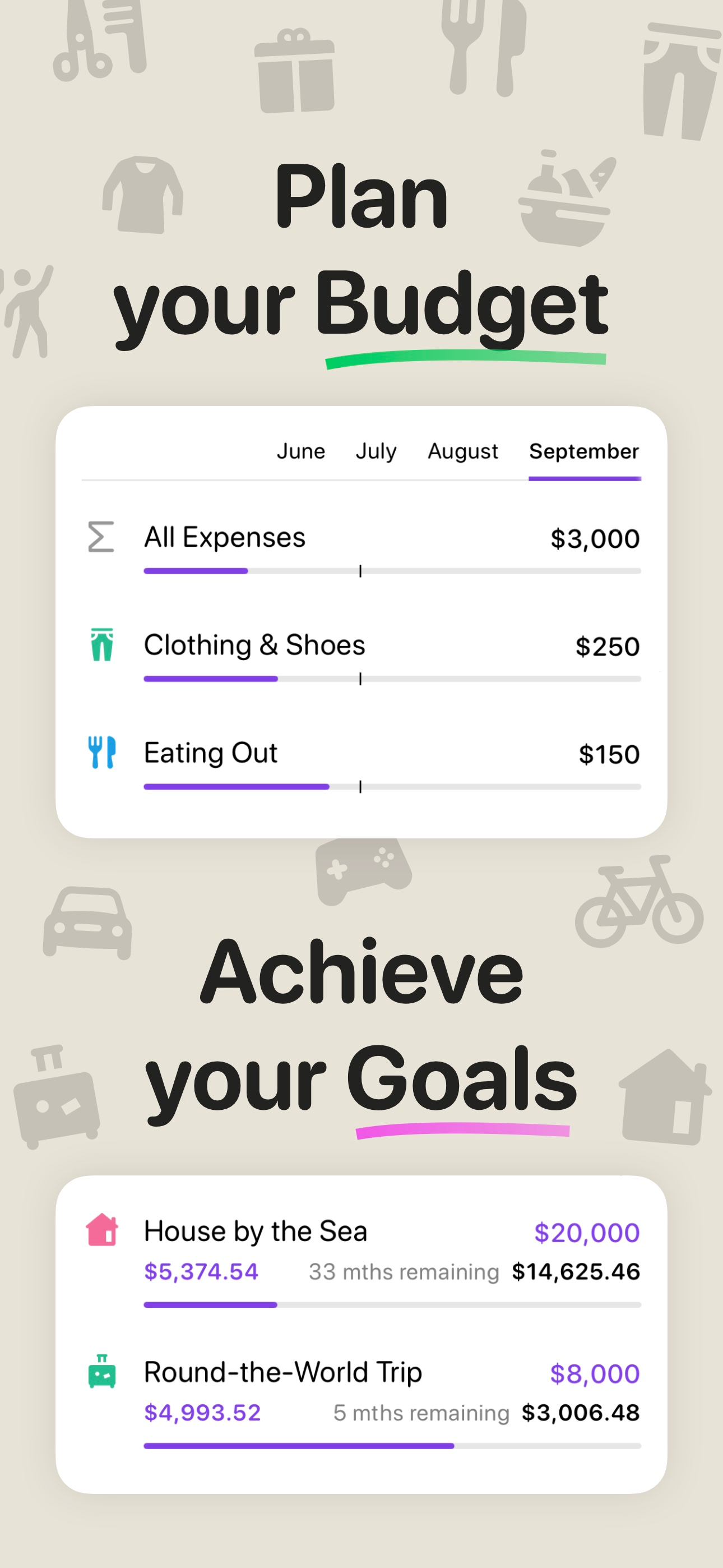
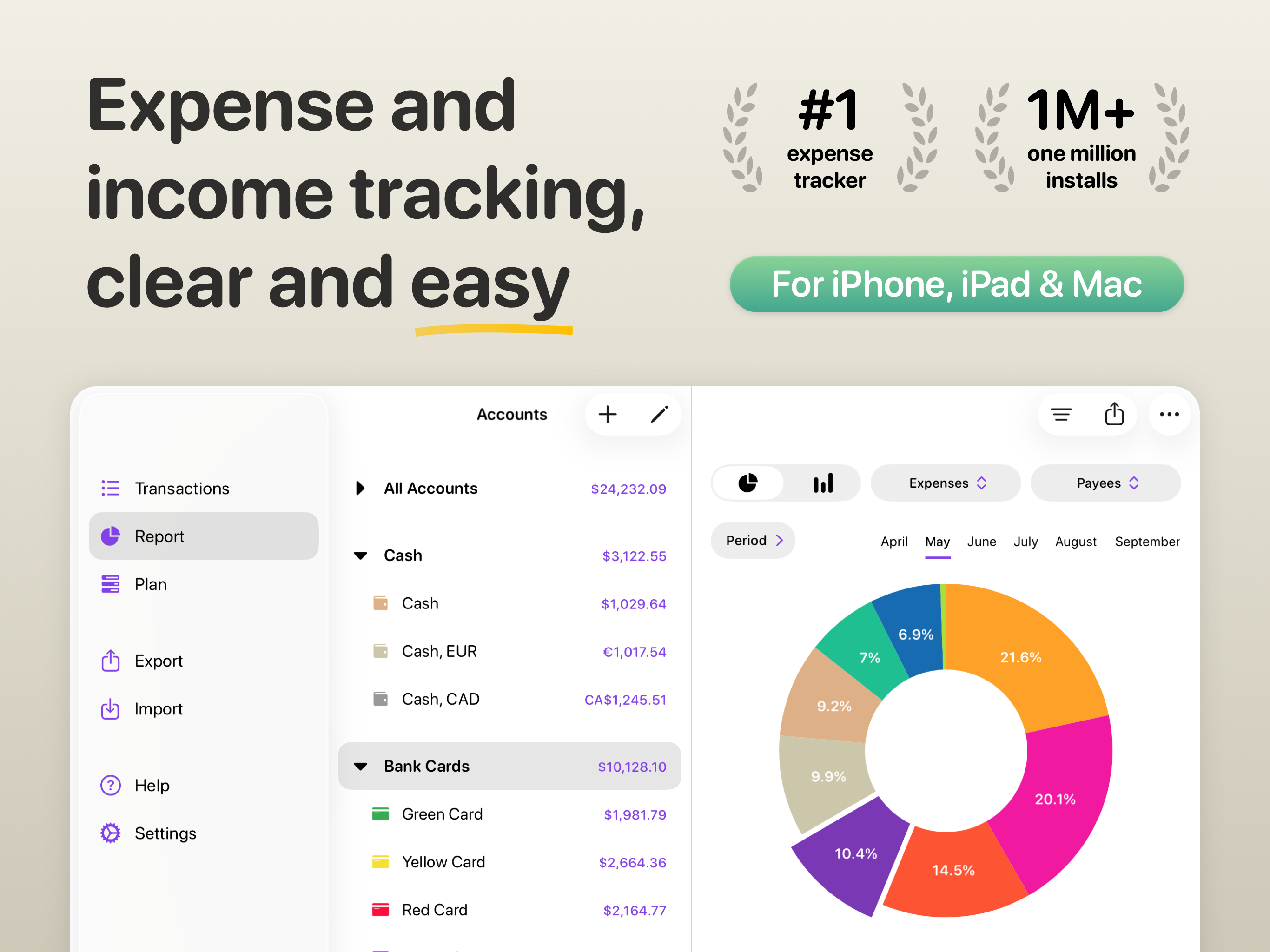
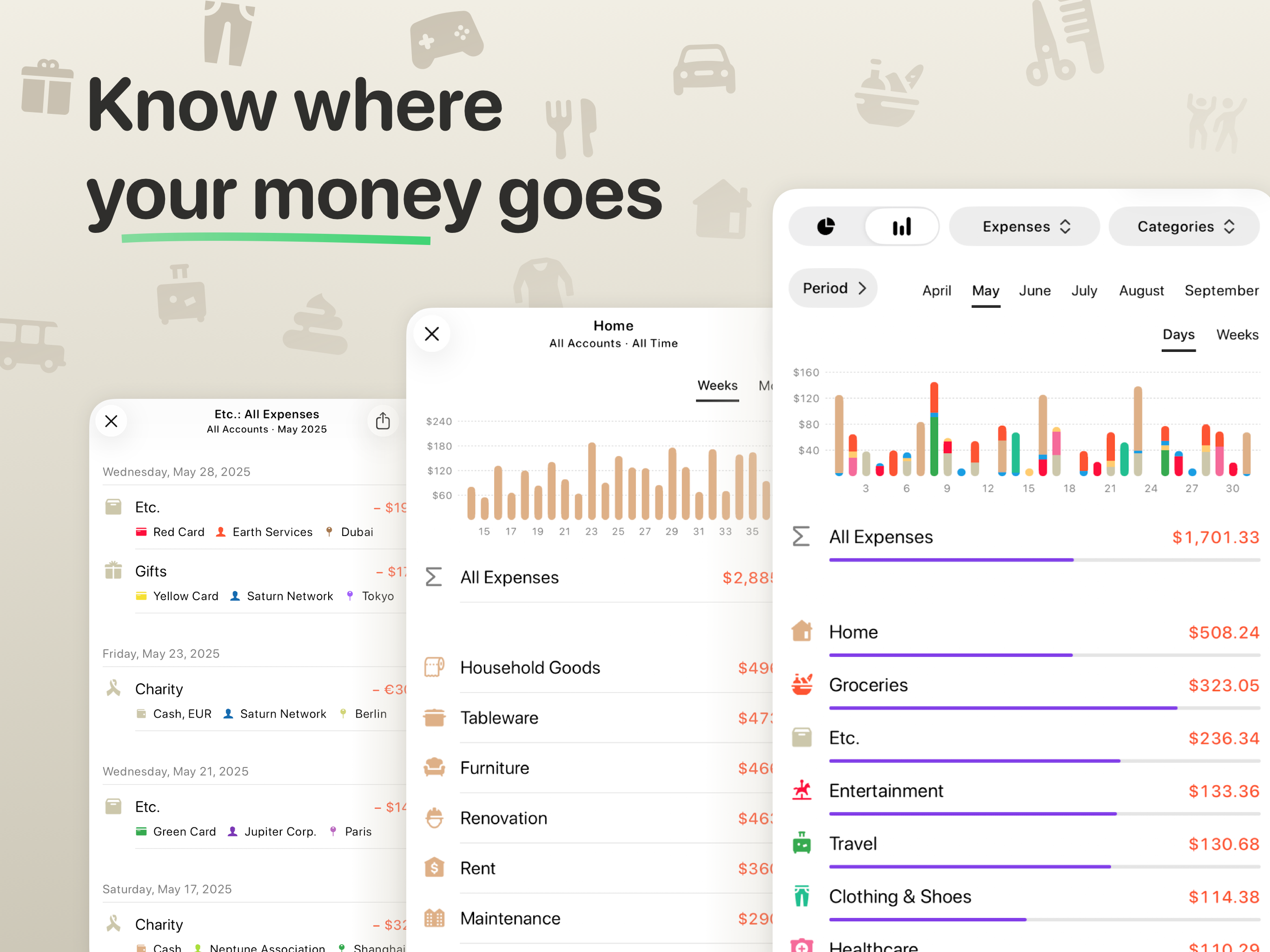
Read the store headline, screenshots and description. What problem is the app promising to solve?
Study the storefront ↗
Hermann Wagenleitner · iOS
Explore the ad evidence, study the storefront, and build your next acquisition hypothesis.
01 / Creative research
Read the store headline, screenshots and description. What problem is the app promising to solve?
Study the storefront ↗Explore apps with direct store-link matches. Compare their hooks and formats without assuming the same approach works here.
Browse observed advertisers ↗Store rankings and revenue estimates describe market context. They do not establish ad spend, conversions or ROAS.
Review the market context ↗02 / Storefront & product
Study the product story and store experience behind the acquisition funnel.



03 / Market context
Keep revenue, downloads and store rankings separate from advertising performance.
I like this app. It is minimalist enough to not be excessively complicated, but has enough features to catalog all expenses, incomes etc. I’ve been using it for 7 or 8 years now and have nothing but positive impressions; developers even replied to my email about transferring data from one iPhone to another. I’ve got one request for a feature. Could you please add multiple selection of transactions? Use case: I sometimes need to move large number of transactions from one account to another. Doing it manually requires tapping a transaction, selecting account, changing it, and then tapping “Done”. It’d be very useful if I could select multiple transactions (or even all), and move them to a different account at once. Thanks!
This app satisfies every need that I was looking for. It has the most powerful budget tracking features then any app that I tried. The UI is beautiful. The features are rich and intuitive. I am looking forward to the improvements and updates to the app. Maybe an option to add widget to the home screen. I appreciate the developer giving the option of buying the app permanently or use it as subscription. Quality product from a quality developer.
The UI is simple and clean, and everything does … flow. Unlike some of the other budgeting apps that insist on connecting to your banks, this one doesn’t which I appreciate. It also doesn’t force you to create an online account if you don’t want to, it’s only needed if you want sync. I think Money Flow’s killer feature that no other app I tried has is tagging AND you can report by tags. Highly highly recommended for people who value privacy and want a lot of flexibility
Application for quick tracking of your expenses and income as well as control over your financial situation. Features: • Quick and easy adding of tra...
| Name | Price | Type |
|---|---|---|
| Money Flow PRO (Weekly) | $1.99 | Weekly |
| Money Flow PRO (Monthly) | $3.99 | Monthly |
| Money Flow PRO (Monthly) | $4.99 | Monthly |
| Money Flow PRO (Annual) | $16.99 | Yearly |
| Money Flow PRO | $19.99 | One-time |
| Money Flow PRO | $24.99 | One-time |
| Money Flow PRO (Annual) | $24.99 | Yearly |
| Money Flow PRO | $34.99 | One-time |
| Money Flow PRO | $39.99 | One-time |
| Money Flow PRO | $49.99 | One-time |