Check the acquisition promise
Read the store headline, screenshots and description. What problem is the app promising to solve?
Study the storefront ↗
Brother Industries, LTD. · iOS
Explore the ad evidence, study the storefront, and build your next acquisition hypothesis.
01 / Creative research
Read the store headline, screenshots and description. What problem is the app promising to solve?
Study the storefront ↗Explore apps with direct store-link matches. Compare their hooks and formats without assuming the same approach works here.
Browse observed advertisers ↗Store rankings and revenue estimates describe market context. They do not establish ad spend, conversions or ROAS.
Review the market context ↗02 / Storefront & product
Study the product story and store experience behind the acquisition funnel.




03 / Market context
Keep revenue, downloads and store rankings separate from advertising performance.
Brother really has looked out for me as a new business owner. I must have received months of free ink on a special promotion with an additional agreement. I wanted to be fickle about it at first when i realized i had to go back to paying until i realized i had a great run with a free trial. It is fast over my business WiFi. Brother is ‘Easy’ to integrate using Brother Professional for Administrators and to connect to domain, IPv6 etc. Also, the printer heads and output are about the best premium quality anyone will find in printers in 2026. In fact if you change the settings it bolsters the print quality by a good 40%. Try it out you cannot beat $5-$20 a month for ink and the amount of pages you are able to print.
Everything worked fine until a forced update that ends support for older devices. There’s no good reason to make working devices suddenly obsolete and prevent installed printing and scanning software from operating as it had before. Aside from that, I love my Brother printer, which is weird to say because every other printer I’ve owned or used has brought angst. This printer works beautifully, conveniently (besides needlessly deprecating my old phone), and reliably. The printer has been an actual joy to use, without all the four-letter words that accompanied every 10th print job with my old Canon printer. The software on PC and mobile works pretty well, but I wish I could still print and scan with my phone and iPad—it’s ridiculous that I now can’t. * I’d like to add that it’s weird that the app on my Windows PC is iPrint&Scan, and there’s an app of the same name for iOS that somehow doesn’t support my printer. The differentiation between this and that app is unclear and confusing, plus maddening that I can no longer use either.
I love the Brother laser printer, L2480DW. I tried the manual wifi password and it showed connected but the mobile app would not see it. I next tried the Wps technique using this mobile app. It also connected, but the app again failed to see laser connect. After many Internet searches I discovered that you MUST power off the laser for at least 15 seconds and turn on. (There is no reason that this information is not shown during the process.) The mobile app now saw the laser and connected. I got notices that there was a firmware update available on the LCD. I very carefully followed instructions on the laser LCD and waited as instructed for it to complete. The mobile app now saw the laser. I registered the printer using an iPad. Easy! I tried to add this device on an iPhone on same WiFi. The app would not see it and appeared to want me to enter the WiFi data again as if the printer was never connected. Several days later I opened the app on the iPhone and managed to see the printer and connect. What I did I can’t duplicate as it was not clear. On the top of the LCD display I keep seeing enter a new password. I ignored this for now. I loaded the windows 10 driver from the OEM Brother web site. Too much bloat wear, but the windows 10 system prints fine. Apple AirPrint works perfectly. So does the printing from this app. I can’t comment on the other app features! More later
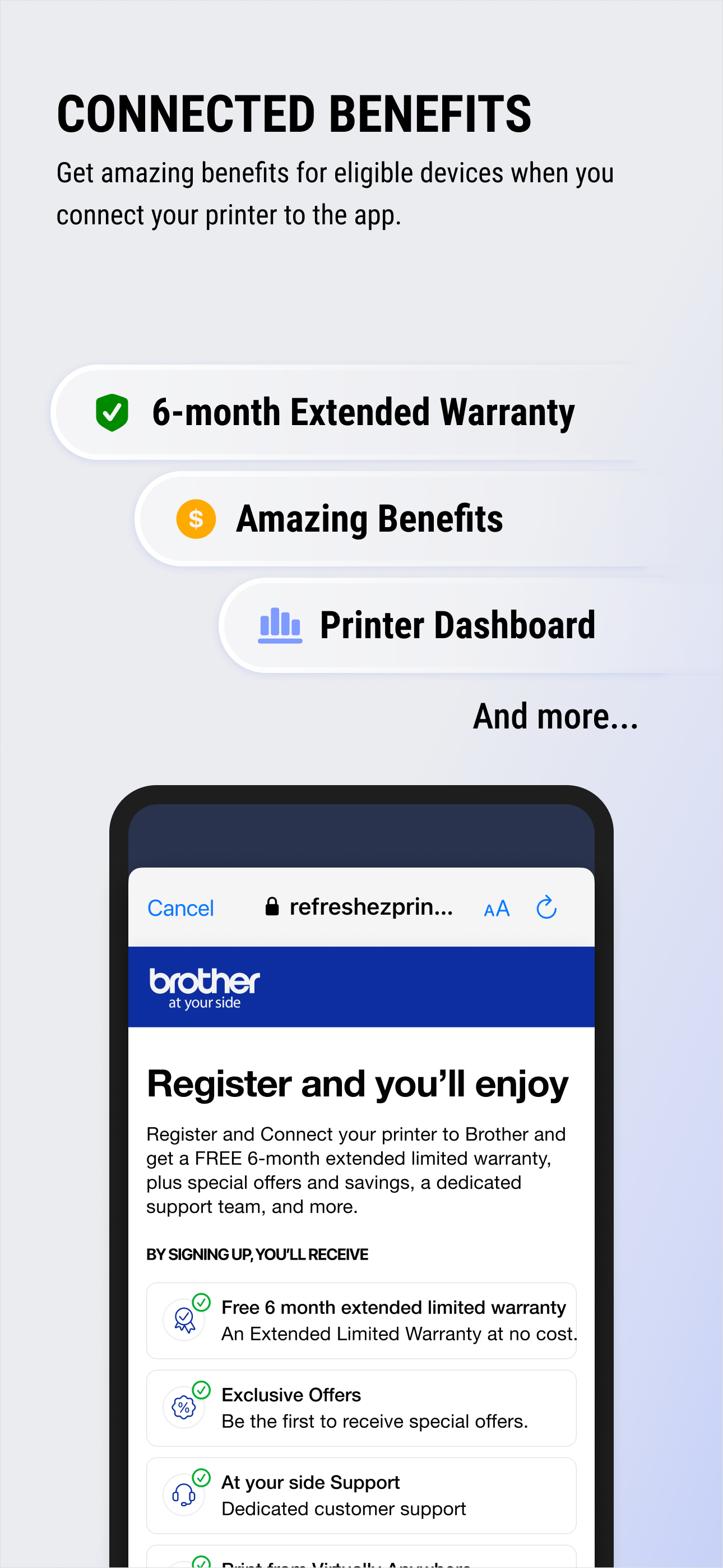
Get ready for a unified experience between your printer and device with Brother Mobile Connect. From the app, you can: Print from and scan-to your m...