Check the acquisition promise
Read the store headline, screenshots and description. What problem is the app promising to solve?
Study the storefront ↗
Reolink Digital Technology Co., Ltd · iOS
Explore the ad evidence, study the storefront, and build your next acquisition hypothesis.
01 / Creative research
Read the store headline, screenshots and description. What problem is the app promising to solve?
Study the storefront ↗Explore apps with direct store-link matches. Compare their hooks and formats without assuming the same approach works here.
Browse observed advertisers ↗Store rankings and revenue estimates describe market context. They do not establish ad spend, conversions or ROAS.
Review the market context ↗02 / Storefront & product
Study the product story and store experience behind the acquisition funnel.


03 / Market context
Keep revenue, downloads and store rankings separate from advertising performance.
This isn’t your everyday surveillance system—it’s a breath of fresh air for anyone tired of clunky, one-size-fits-all security setups. Right out of the box, it’s incredibly user-friendly, making it easy for beginners to get started, yet it’s packed with customization options that let you tailor it to your exact needs. One standout feature? The ability to fine-tune alerts. If you’re drowning in notifications, you can adjust settings like object size or rely on the smart AI built into both the software and cameras to filter out the noise. It’s a system that adapts to you, not the other way around, striking a rare balance of simplicity and sophistication for tech newbies and control freaks alike. That said, the hardware consistency leaves something to be desired. I had two identical cameras running the same software, and their PTZ (pan-tilt-zoom) performance didn’t match up. One camera tracked only horizontally, which is what I expected based on the specs. But the other? It unexpectedly tracked both horizontally and vertically—a feature I actually loved, even though it wasn’t supposed to do that. I was thrilled with the added vertical tracking, but also a little disappointed it wasn’t standard across the board. The inconsistency is frustrating when you’re banking on predictable behavior from the same model.
The new version of the app that filters playback motion by type has made this so much less usable. First, now I have to check boxes and then hit OK in order to filter, whereas I could simply tap the icons and it automatically filtered in the old version. Two steps note when it used to be one. Then the worst part is that in the old version when I had filtered to just people or vehicles I could quickly find an event, but then while reviewing just the short clip of the event could unfiltere while watching the video and it would take me to the larger 30 min clip. The motion detection isn’t perfect and so often it would cut an event off before it actually completed and I will need to see a bit before or after the motion capture event. And again, this new version makes that much more difficult. As now. I need to completely remove the filter and then go find the event again by time. This is a great example of a programmer or designer not actually using the app that they’re developing and reducing usability in favor of a change that perhaps looks nicer, but is way less functional. Please revert to the old filtering method or revise the new filtering method to allow to get back to the long 30 minute clip when unfiltered automatically.
After reading a bunch of the negative reviews I felt compelled to leave one of my own. I have had the app (and 5 cameras - 2 4MP bullet cams, 2 4MP domes, 1 C1 WiFi) installed for the last month. This app has met my expectations ever since install. It was very easy to connect my cameras to the app and I find it much easier to control their settings through the app then through the NVR. The video and audio quality is amazing but that is going to differ depending on your personal internet speeds. Video playback within the app is ok but could be better. Controlling the playback is the hardest part. If you want to specifically see a certain time it can be difficult fine tuning the playback to where you want because you have to use a finicky slider to get to the time you are looking for. The only reason I gave it 4, instead of 5, stars is because of the motion sensing capability. This really is more of a Reolink issue though and not the apps fault. As other users have stated, if you turn motion notification on you will be getting messages all the time. Even when the sensitivity levels are decreased and you adjust the field of sensitivity. Overall though, I use this as a nice back up to my Abode alarm system and it gives me the ability to remotely check on any unexpected status changes or alarm activations. Love the system and plan on getting another C1 camera, in the future, to be used as a nursery camera.
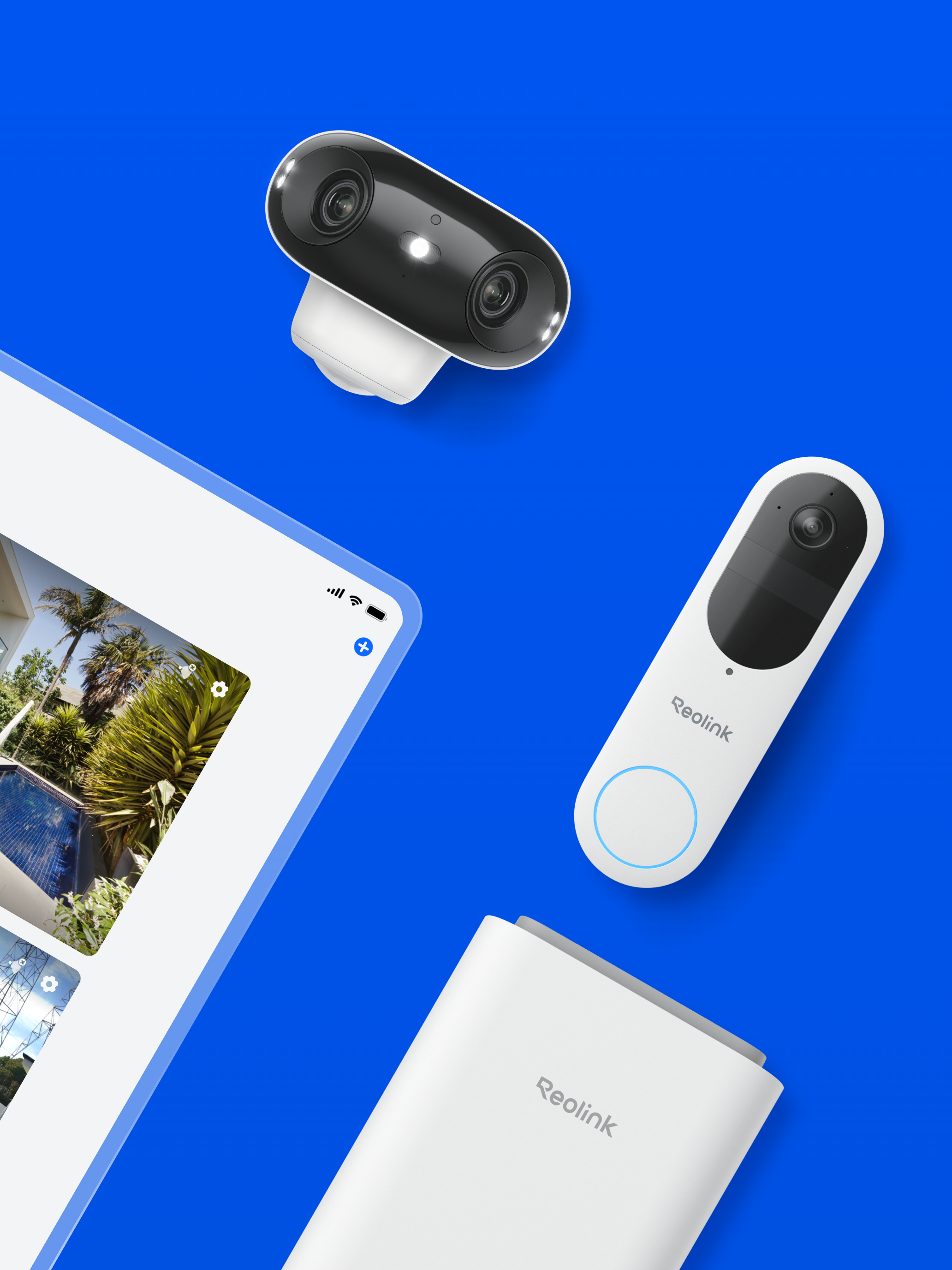
Reolink App is an easy-to-use security camera system surveillance app. It enables you to locally or remotely access your IP cameras and NVRs on mobile...