Check the acquisition promise
Read the store headline, screenshots and description. What problem is the app promising to solve?
Study the storefront ↗
坤明 杨 · iOS
Explore the ad evidence, study the storefront, and build your next acquisition hypothesis.
01 / Creative research
Read the store headline, screenshots and description. What problem is the app promising to solve?
Study the storefront ↗Explore apps with direct store-link matches. Compare their hooks and formats without assuming the same approach works here.
Browse observed advertisers ↗Store rankings and revenue estimates describe market context. They do not establish ad spend, conversions or ROAS.
Review the market context ↗02 / Storefront & product
Study the product story and store experience behind the acquisition funnel.
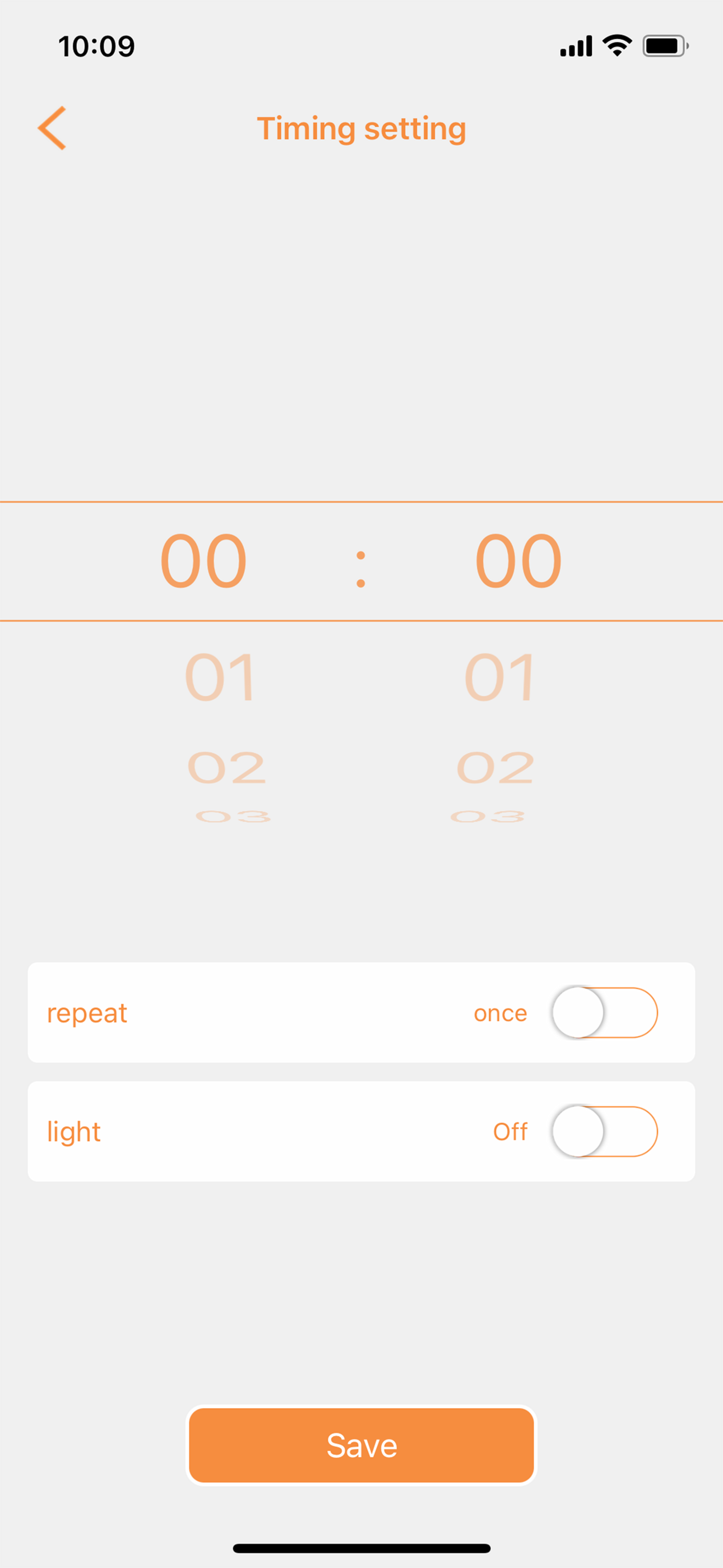
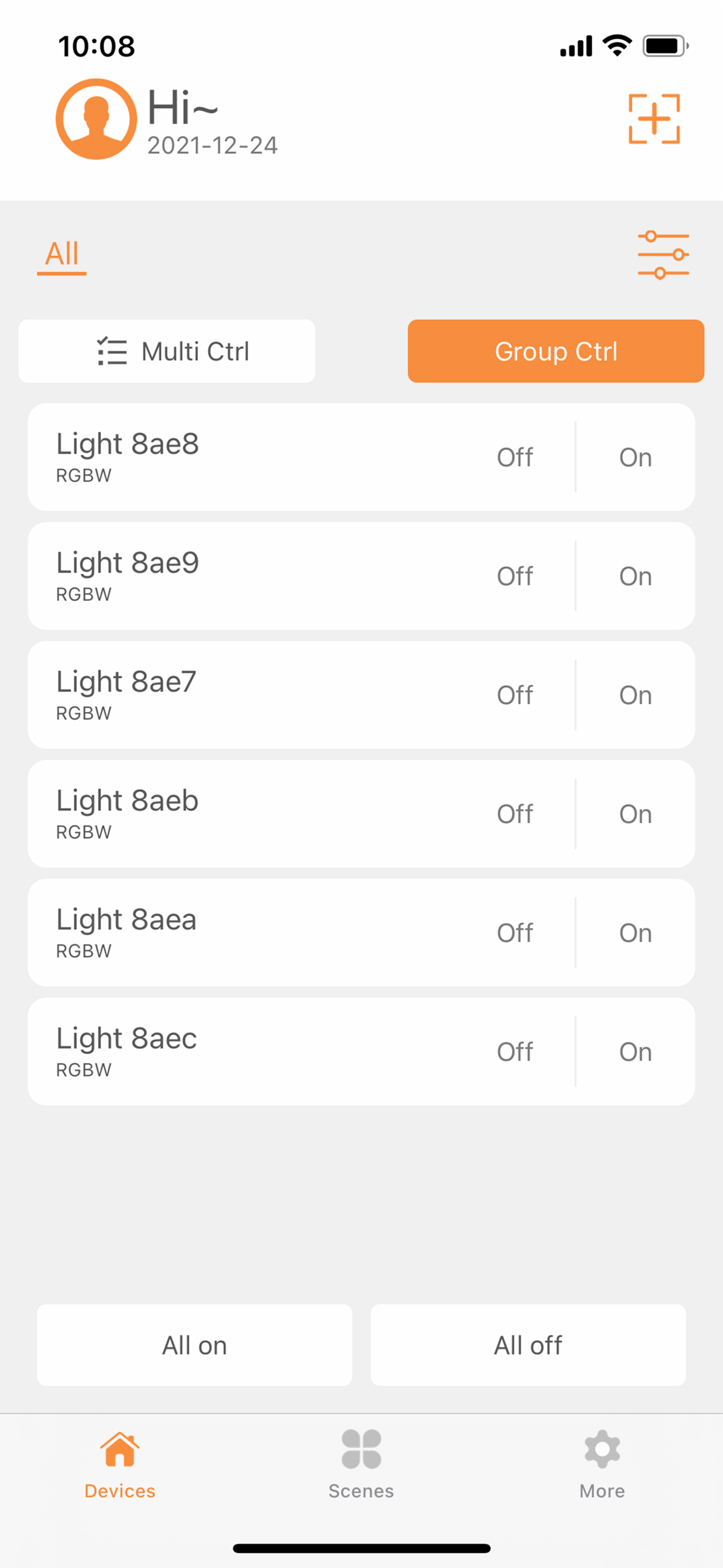


03 / Market context
Keep revenue, downloads and store rankings separate from advertising performance.
I’ve had about 30 of these lights for just over a year and love them. Very easy to connect and to use. The app is basic but does enough for what I need. Except… last week when I tried to change the color of the lights the app immediately crashed. I restarted but no luck. I checked to see if there was an update to the app but I’m running the most current version. Also the most current version of iOS. I emailed the company through their web form a few days ago describing the problem but still haven’t heard back. So, essentially these lights are useless now as I can control the intensity or color. So, beware before spending your money- you may end up with a lot of lights you can’t use. Even if the company gets back to me I don’t know if I’ll keep these since if the app just stops working at a critical time it’ll be a big problem.
The app itself actually isn’t terribly hard to use, although it’s a little clunky. The biggest problem is that it’s just not flexible enough. The color choosing interface isn’t highly intuitive and is hard to get right. It would be nice if there were a bigger default pallet to choose from for colors. The modes are almost useless. The choice of 5 speeds often leads me with too fast or too slow and nothing just right. A slider for more dialed in speed would be greatly preferred. The DIY modes are a great idea, poor execution. I love being able to select several colors for a DIY fade or flash, but being limited to the default pallet is useless. Bonus: would love to see a mode for fire flicker and/or random on/off like a creepy lightbulb. Used these for Halloween and it would have been an awesome feature.
I don’t understand why I can’t choose to allow other to use scenes or not. It be different if they could edit my scenes I work really hard on whenever there’s a few dozen lights but the fact it’s not even a option makes it kind of dumb. I should be able to give full access or minimum by checking what I want other to have or not. I wish there was infinite number of diy flash, strobe, or scenes options depending if I chose to add or delete tabs. Why make a app and barely give me options. I do enjoy my lights and love the Bluetooth capabilities it just you really took a dumb on the app on the effort spent. If anything I rather not give others the capability of adjusting timing of the lights rather then not use scenes at all. Heck what if I want to use my phone, work phone, or tablet to switch the lights up but I can only manually set each light a scene on the other devices it takes time whenever there’s a bunch
Bluetooth smart light with APP control. Can be used for daily lighting and atmosphere lighting. Concise and practical control page: the lights can...