Check the acquisition promise
Read the store headline, screenshots and description. What problem is the app promising to solve?
Study the storefront ↗
BlackBerry Corporation · iOS
Explore the ad evidence, study the storefront, and build your next acquisition hypothesis.
01 / Creative research
Read the store headline, screenshots and description. What problem is the app promising to solve?
Study the storefront ↗Explore apps with direct store-link matches. Compare their hooks and formats without assuming the same approach works here.
Browse observed advertisers ↗Store rankings and revenue estimates describe market context. They do not establish ad spend, conversions or ROAS.
Review the market context ↗02 / Storefront & product
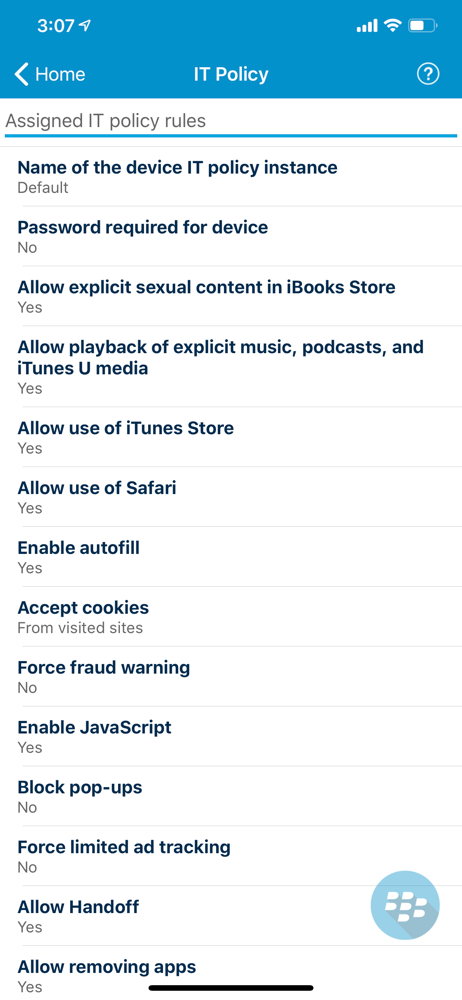
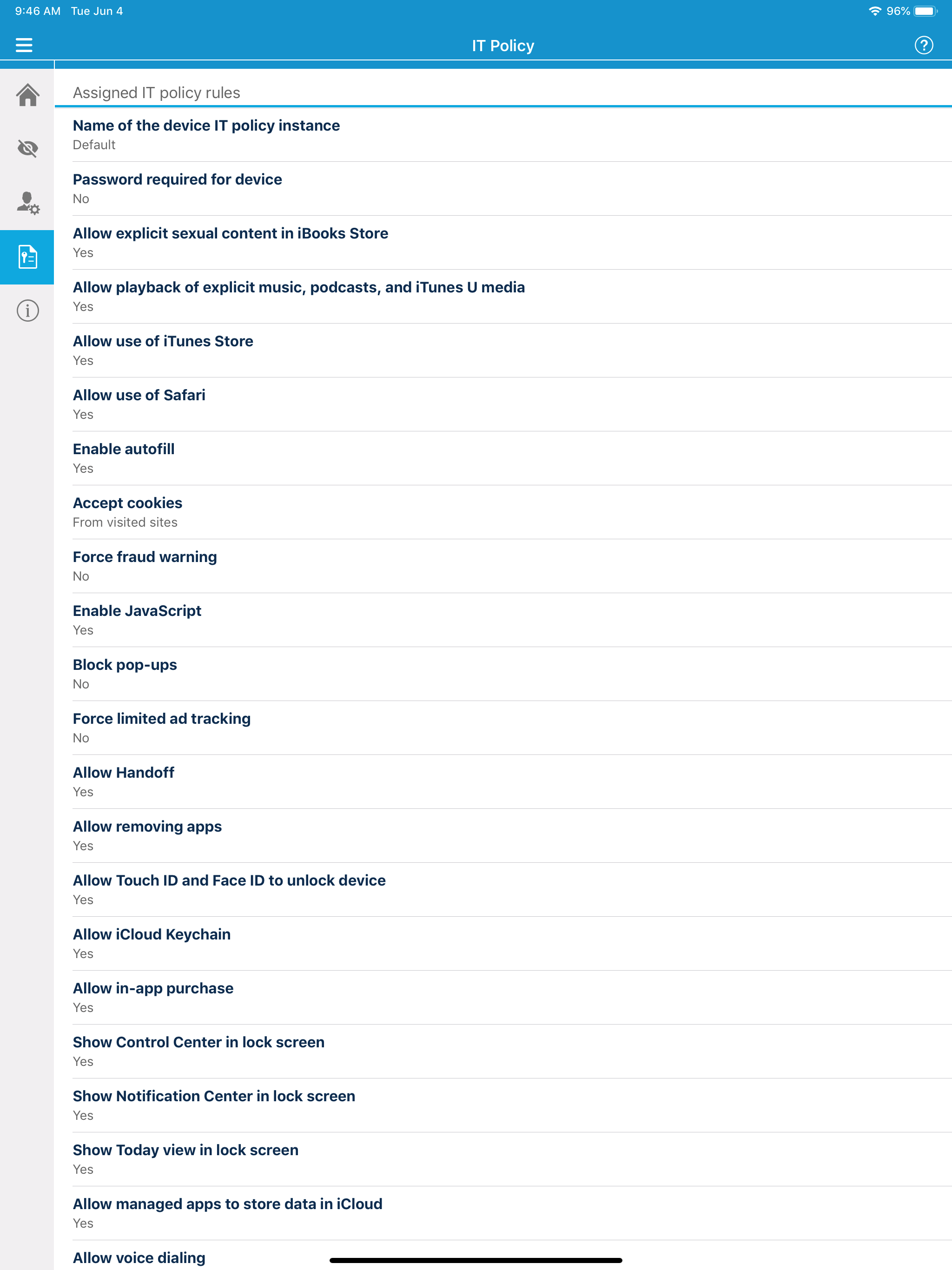
Study the product story and store experience behind the acquisition funnel.


03 / Market context
Keep revenue, downloads and store rankings separate from advertising performance.
My agency just switched from mobileIron to this system, and so far I’ve got 15 users set up and loving it. First things first: my agency runs its own UEM server and tested this and developed SOPs for a year. Then they pushed the SOPs to us in the field and advised us to test it out for a couple of months with non-VIP users and develop our own plan of implementation. Then we rolled it out. Getting the first device online took two days, but now I can provision a device and get a user’s PKI certs loaded in a matter of minutes. We can reset the device remotely, wipe work data remotely, and even control device policy and push apps to the devices. Far better than mobileIron in every aspect once you learn its quirks- absolutely no bugs once it’s set up properly. A lifesaver!
The entirety of Blackberry UEM is just awful. So many separate apps. And logging in passes you back and forth through several of them. And that’s when it works. Often login fails. Often initial setup fails. Often activation keys are rejected. If it works, accessing email is slow - it takes up to 45 seconds just “connecting” before any emails begin to download. The login is cumbersome, and the suite of apps don’t support Face ID-only login: every time the app restarts, you need to enter your password. And not your work domain password, oh no - it’s a separate password just for Blackberry UEM. And you can be sure you’ll have to change that password out-of-sync with when you change your domain password. If your workplace uses Blackberry UEM then I guess you’re stuck with this, but man. It’s awful. There’s a reason why this app has 1.5 stars on the App Store. I’ve recently upgraded to iOS 13 and the app has stopped working entirely.
This is the worst app in the history of apps and email on a device. I support this device for attorneys as it seems to be the only thing out there currently since the original Good app was bought by Blackberry. BUT YOU GOTTA HAVE A PLAN. They don’t. I consistently get calls for reinstalls. Most time if you delete the Work app and reinstall you can get back online fairly quickly. But there are all kinds of problems that vary from user to user and that could be anything from passwords not syncing to just slow to connect to the server. Request for access keys are displayed and when you provide the key it shows as “failed”. Early on the app use to provide keys but now I haven’t had a key work FOR ME in years and we have had the app since the purchase from Good! Why not buy Good and leave Good as it was. It was more stable than this app. I can almost never get the app to work for my users by simply providing a key or confirming that the AD account is not locked! Oh, Bring back Being back The Good apps. BLACKBERRY BEWARE SHOULD SOMEONE COME OUT WITH A BETTER MODEL OR VERSION OF THIS APP EVERY ONE AND I MEAN EVERYONE IS GOJNG TO BE GHOST!!!👏🏼✌🏾
The BlackBerry® UEM Client integrates iOS devices (iPhones and iPads) with your organization’s enterprise mobility management (EMM) software: BlackBer...