
Check the acquisition promise
Read the store headline, screenshots and description. What problem is the app promising to solve?
Study the storefront ↗
Charles Haspel · iOS
Explore the ad evidence, study the storefront, and build your next acquisition hypothesis.
01 / Creative research
Read the store headline, screenshots and description. What problem is the app promising to solve?
Study the storefront ↗Explore apps with direct store-link matches. Compare their hooks and formats without assuming the same approach works here.
Browse observed advertisers ↗Store rankings and revenue estimates describe market context. They do not establish ad spend, conversions or ROAS.
Review the market context ↗02 / Storefront & product
Study the product story and store experience behind the acquisition funnel.




03 / Market context
Keep revenue, downloads and store rankings separate from advertising performance.
Edited 1/11: I'm really happy to see a backup feature on the new update! I'm curious though, I wonder if I can backup on my iPhone & restore to the iPad, in essence creating two identical lists...? Has anyone tried this? ----------------------- I've enjoyed this app since I first got it, but the updates have made it even MORE user-friendly! The newest update- allowing the lists to show more than one field in list view is exactly what I need in two of my lists. I love that this app hasn't rested on it's laurels but continues to improve! Being able to reorder the lists themselves & now the items within the lists has been worth its weight in the gold. I had no trouble checking off items in the lists, but the box showing precisely where to touch will be helpful to many because, admittedly it did take me a few minutes to figure out where to touch. :) The developer is very open to suggestions to make future updates even more helpful to users which makes this app constantly improving. I find myself using it more & more frequently & migrating more & more of my lists to BetterLists.
The good stuff is ... it does a lot and it does it very easily, the editing functions are simple to use and allow a lot of flexibility, somewhat more user oriented than some others I have used. There are other lists for a good price if you need a lot of bells and whistles to go with your lists, which I don't. I have 4 complaints, (1) there is one too many steps to enter an item in a list, that is ... after you enter the name of an item on a list, you must press the SAVE option twice (once should be enough), (2) there is no landscape mode, (3) The keyboard doesn't default to "first capitals letter on" as it is standard in most all iPhone applications, so if you want to capitalize the first letter, you need one more key press and (4) there is no security if you want to make a list of your passwords or credit cards info., etc. - I would give it five stars if these things were available or corrected.
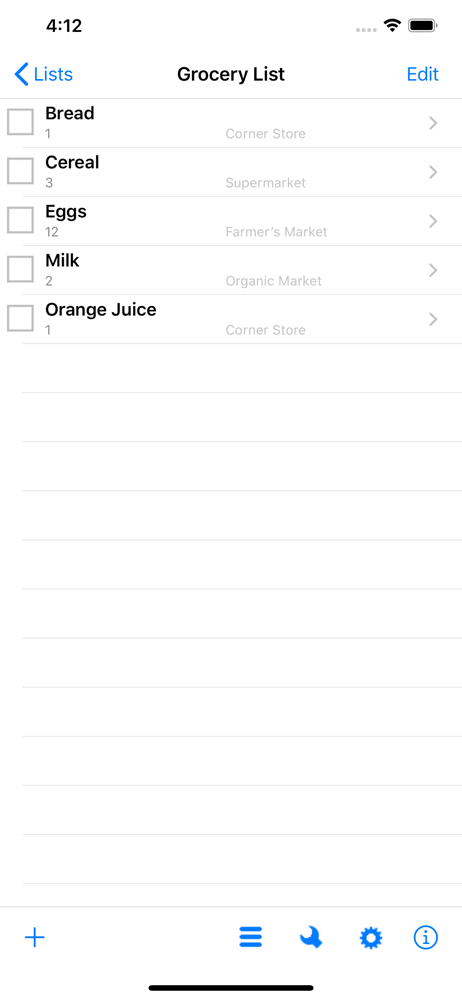
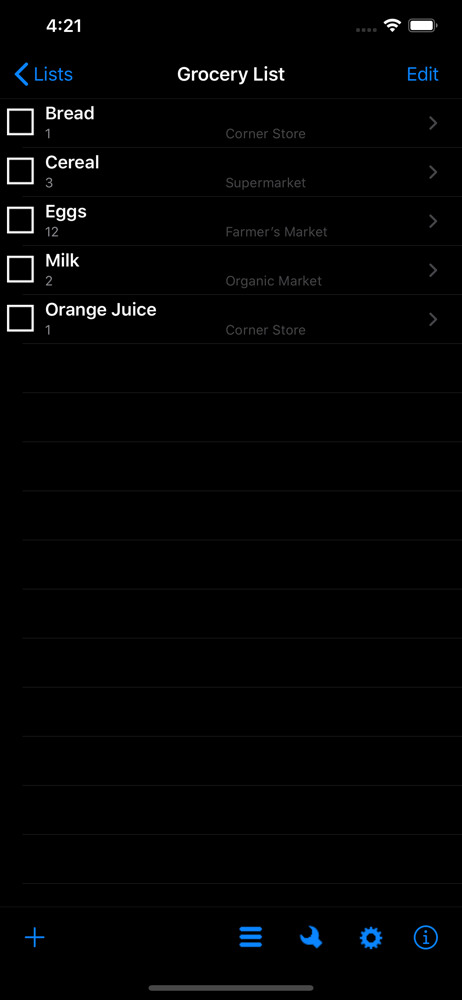
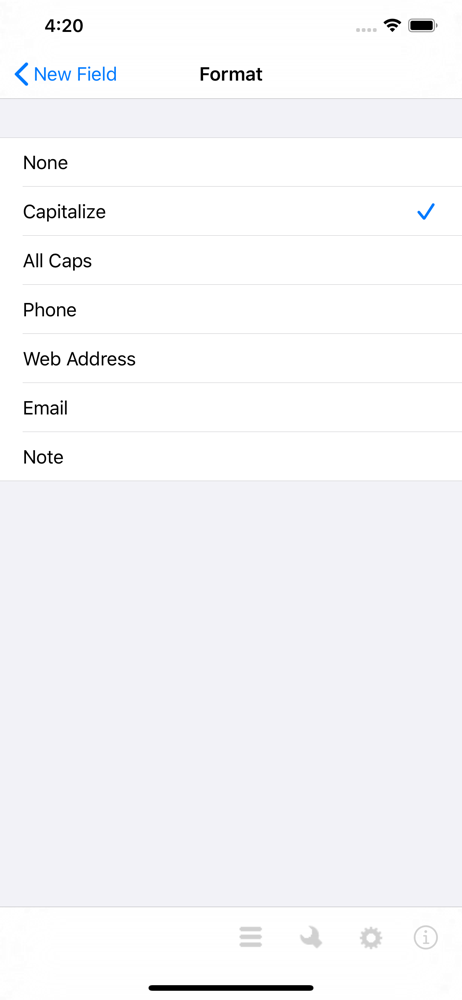
Update: I cannot increase my rating, since I have already given it five stars. The developer has responded to all my requests and implicit wishes: there is now a clear check box in front of an item (so a person knows where to touch to "check-off" an item). (You may have to turn on the setting in prefs.) Most importantly, the developer has made the ordering of both the top list, and all items on a list, to be customizable. So you can determine which items on a long list are more important. (Simply click the "Edit" button, and move the "stripe" icon on the right-hand side.) If you are looking for a good general, yet customizable, List app, I strongly urge you to take a careful look at BetterLists. ++++++ [Original Review] [old info deleted] The key ability of this app is the ability to customize the fields of any given list. Say, e.g., on a grocery list, you can have a field for size of the item and quantity. A contact list can have a field for phone number, etc. One field you can add a field for longer notes. [old info deleted] Now my standard list app.
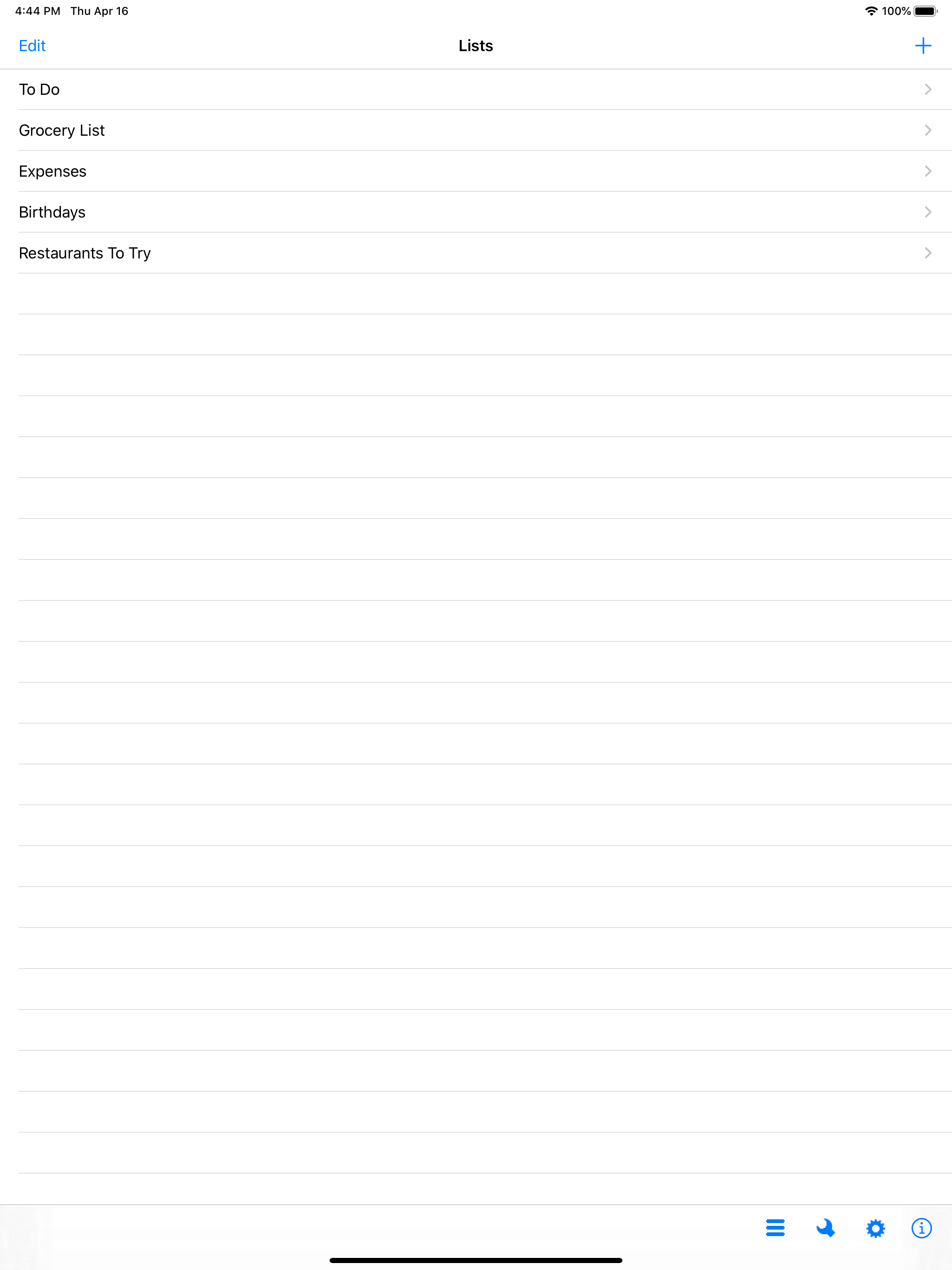
BetterLists is an easy to use and flexible app for quick access to all your information. Now you can have your To Do list, expenses, and grocery list...


