
Check the acquisition promise
Read the store headline, screenshots and description. What problem is the app promising to solve?
Study the storefront ↗
Bestway Global Holding Inc. · iOS
Explore the ad evidence, study the storefront, and build your next acquisition hypothesis.
01 / Creative research
Read the store headline, screenshots and description. What problem is the app promising to solve?
Study the storefront ↗Explore apps with direct store-link matches. Compare their hooks and formats without assuming the same approach works here.
Browse observed advertisers ↗Store rankings and revenue estimates describe market context. They do not establish ad spend, conversions or ROAS.
Review the market context ↗02 / Storefront & product
Study the product story and store experience behind the acquisition funnel.


03 / Market context
Keep revenue, downloads and store rankings separate from advertising performance.
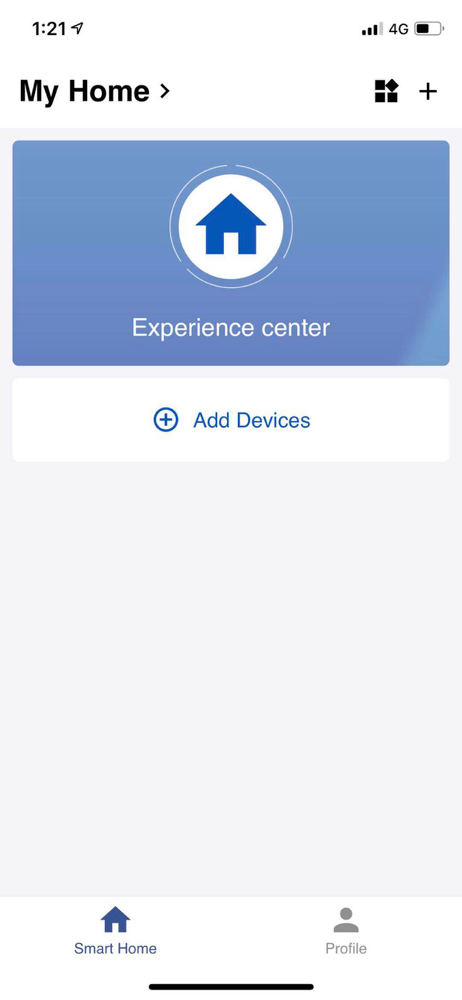
The spa itself works great, but this app is incredibly frustrating and poorly designed. Setup is confusing, permissions don’t work properly (location, Wi-Fi, Bluetooth), and the app constantly throws errors even when everything is enabled correctly. The instructions inside the app don’t match the actual hardware, and there’s no clear guidance on which pump or setup to select. I spent an unreasonable amount of time troubleshooting something that should be simple. Judging by the reviews, this is not a one-off issue. If Bestway wants to advertise smart/Wi-Fi functionality, the app needs serious improvement. Right now, the spa works better without the app than with it.
The fact that this doesn’t work on 5G networks is maddening. Documentation is non-existent as far as I can tell. And the interface is not intuitive. For example: the Start time reads “Start in” when, as far as I can tell, it should just say Start Time. The start time is set using the 24-hour clock times (make sure you click “OK” to get the time setting to take). It took me a while to realize that the settings did not mean “start in” a specified number of hours. The start time allows you to set time in minutes and seconds, the Duration has separate settings for hours and minutes. Go figure. My phone seems to want to reset to the 5G network regularly which probably explains many of the problems I’ve had with the app (like my schedules not working). I’ve just told it to forget the 5G network. I’ll post another review if this fixes things. My advice to Bestway would be to put some decent instructions on their web site pertaining to the use of this app. And change the wording on the display from “Start in” to “Start Time” (if that is indeed the actual meaning). I suspect the lack of 5G support is a hardware issue in the pump/heating unit. I think an update is long overdue if that’s the case. So far, my impression is that the product itself (the Saluspa) is a decent product who’s reputation is being marred by their lack of attention to customer support.
I had owned the previous version without Wi-Fi support. The same problems that it has are present in the new version but the Wi-Fi edition is a bit nicer. Before having Wi-Fi you’re only option was to go out and set the temperature hours before you needed it or keep it running at that temperature 24/7. If you lost power, it did not come back on and start heating so you had to keep an eye on that. With the Wi-Fi app these problems are partly solved because you can go set schedules or you can see that if your app isn’t finding the device it’s probably powered off. It would be nice if you would get a notification when problems happen or it can’t find the device. Set up on the Wi-Fi may stump many people because it must be 2.4G. Most routers have 2.4 and 5.0 G and if you’re connected to a 5.0 G network, it won’t work. Set your phone to connect to your 2.4 G and then the setup works nicely. Installation is not too bad but it does take a bit of a learning curve to understand what all is going on. My biggest complaint is that after a loss of power it doesn’t power back on automatically. I may try to open up my old unit and see if I can come up with some hack to make this work make a little circuit to simulate the power button being pressed for the right number of seconds on true power up. Support is terrible, but I kind of expect that at this price.
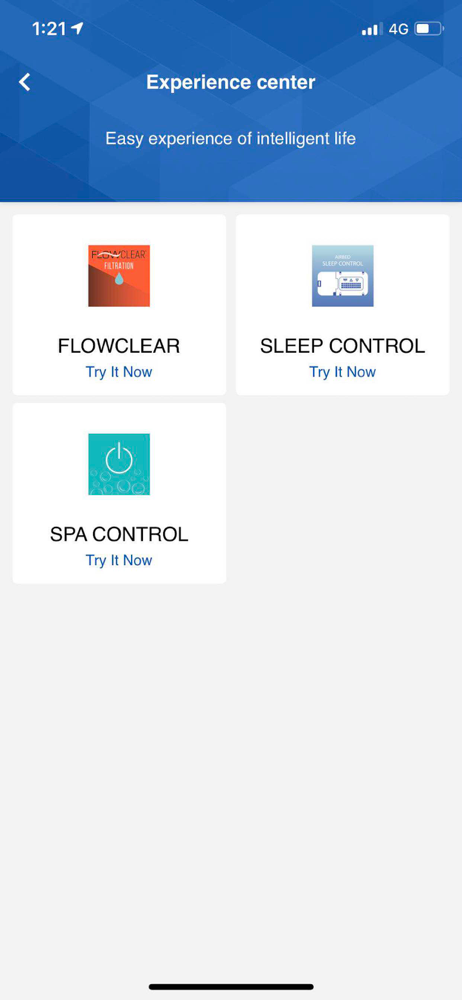
Don't download this app if there is a QR code on the operation panel of your pump. Please download the Bestway SmartSpa app. Control is right at your...


