Check the acquisition promise
Read the store headline, screenshots and description. What problem is the app promising to solve?
Study the storefront ↗
Karandeep Singh · iOS
Explore the ad evidence, study the storefront, and build your next acquisition hypothesis.
01 / Creative research
Read the store headline, screenshots and description. What problem is the app promising to solve?
Study the storefront ↗Explore apps with direct store-link matches. Compare their hooks and formats without assuming the same approach works here.
Browse observed advertisers ↗Store rankings and revenue estimates describe market context. They do not establish ad spend, conversions or ROAS.
Review the market context ↗02 / Storefront & product
Study the product story and store experience behind the acquisition funnel.
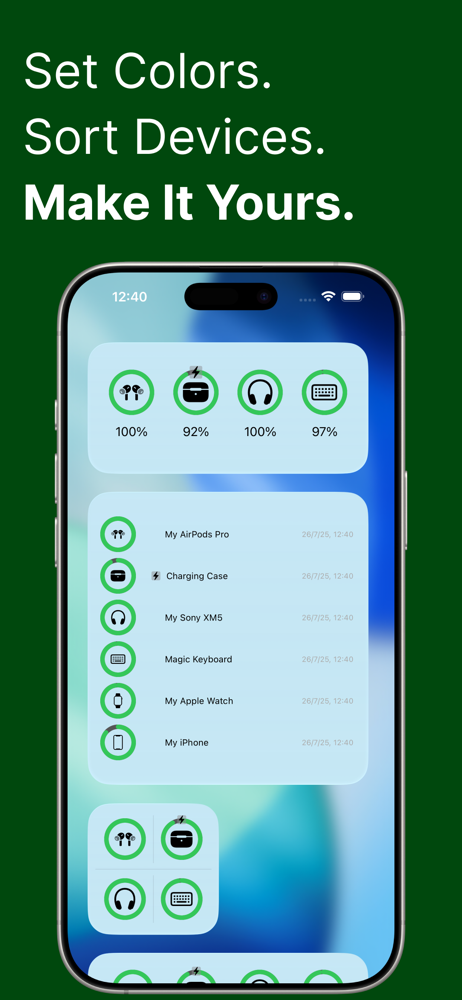
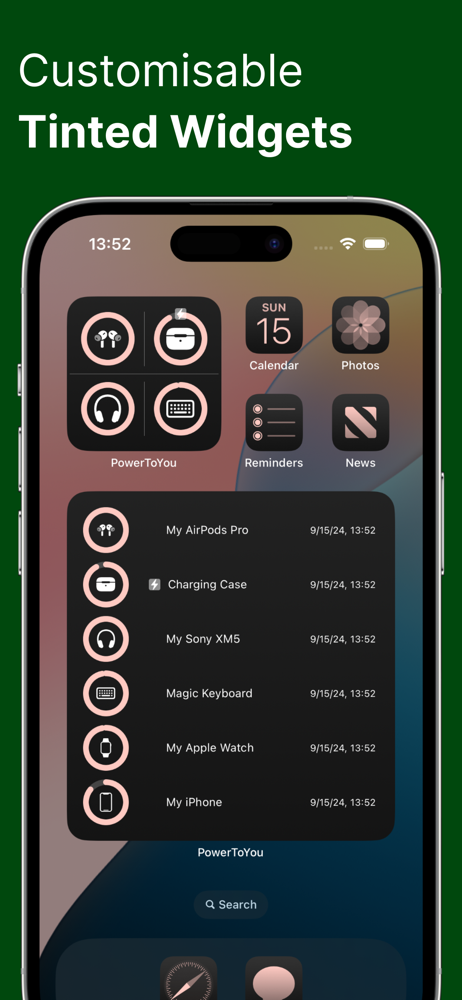
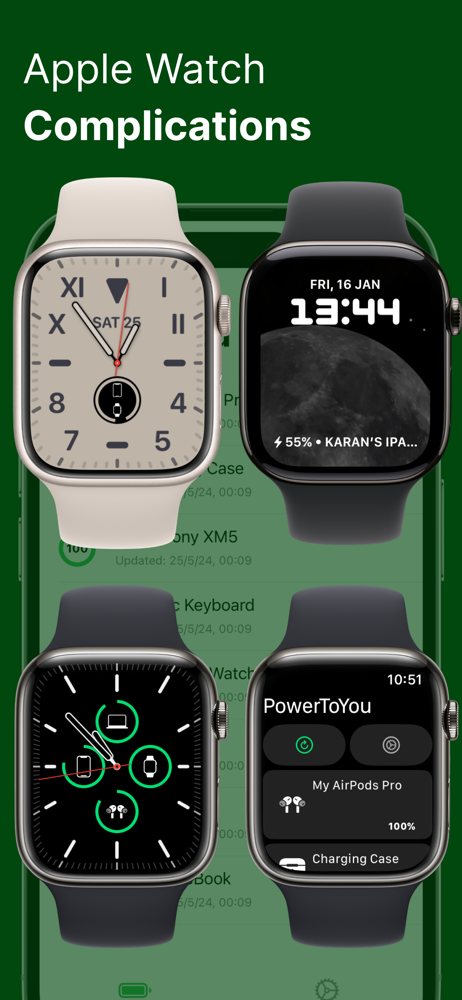
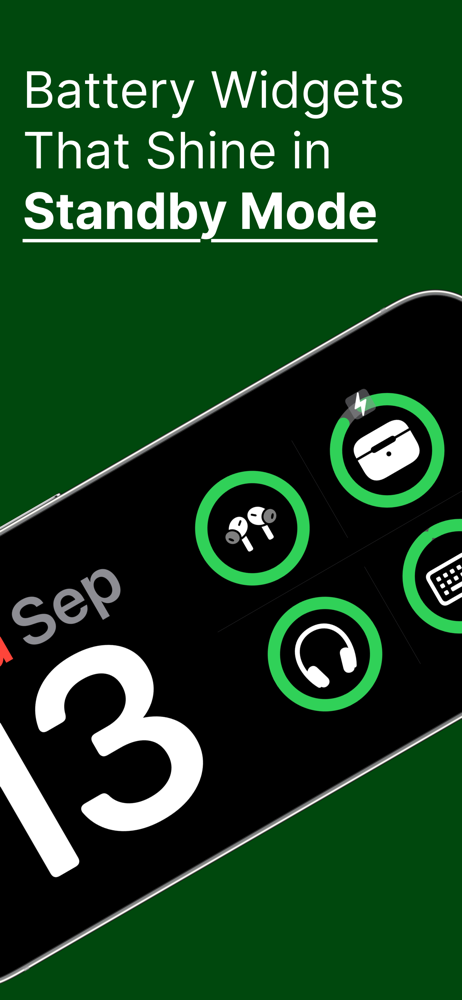
03 / Market context
Keep revenue, downloads and store rankings separate from advertising performance.
I don’t normally leave reviews but then I saw that this is just a one person team. This works and the Dev has a price instead of a free mode. And that is great the other apps cost more and I like it when my time is not waisted. I just waited a hour messing with all these apps and when its all said and done this is the best value. It would be nice if 3rd party battery’s and the Apple Pencil could be shown but that is apple and not anything this dev has control over. I just have the 4-star rating in hopes that we get Pencil support as that would make it a 5 star but that is more on apple. If you have someone who struggles with tech this is the easiest solution.
It’s an OK app as apps go but I don’t really see the point of it when it only updates once every 15 minutes on my iPhone and iPad and once every half an hour on my Mac. Finding out that my Mac was running out of battery half an hour ago isn’t very useful. I know this is because of restrictions that the developer can’t help, but that doesn’t make it any less pointless. To be fair, these limitations are spelled out in the app listing on the App Store and I didn’t read that before purchasing so no blame on the developer. But worth noting that this really isn’t a very useful app.
For starters, I paid $3.99 for this app thinking it would be wonderful and solve all my surprise dead battery issues, but I was wrong. For starters, I understand that it doesn’t constantly sync but when it does sync it doesn’t sync all my devices. For example, I think in the almost month I’ve used this widget it had my airpods case battery level correct once other than the initial set up. I have tried to sync multiple times with the case open, just to get an error message. My MacBook has never once showed the correct power level after initially installing. I have tried resyncing and even keeping the program open on my Mac to see if that would fix it but it hasn’t. My Apple Pencil will only sync the correct battery when I’m charging it on my iPad and constantly is stuck showing as charging on the widget all the time. Frankly, the app works great for telling me the battery percentage of my Apple Watch, iPad and iPhone, but those weren’t the devices I had in mind when purchasing it. I’ve discovered I’m better off using apple’s default battery widget for the AirPods and Apple Pencil battery percentage check. Overall, I love the idea of being able to have one widget to see the battery percentage of all my devices but this app falls short of this, especially for the price.
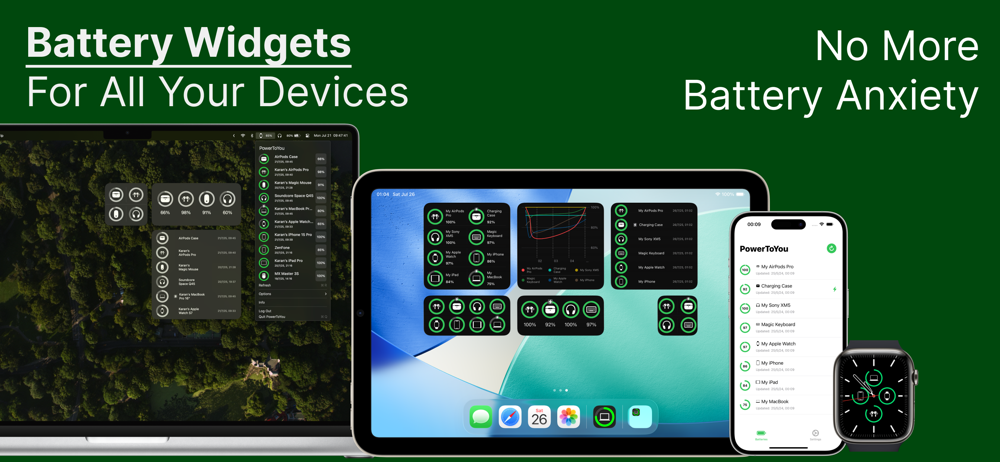
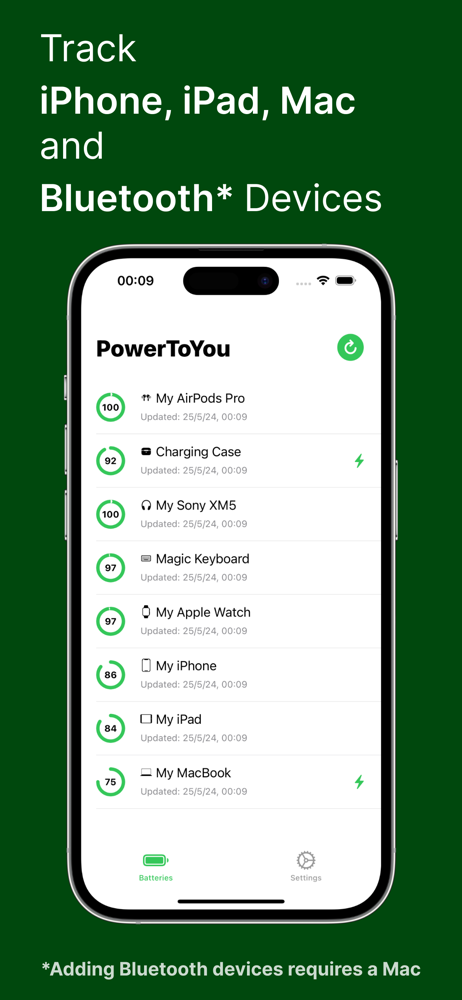
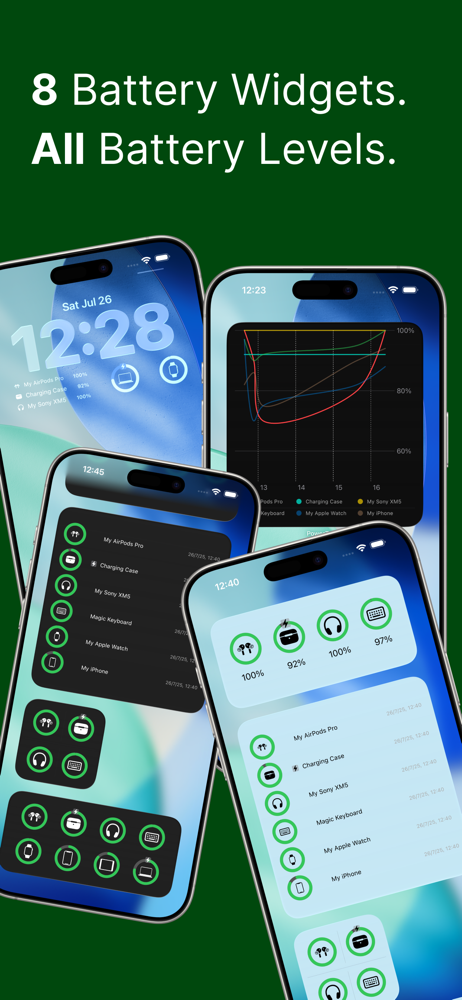
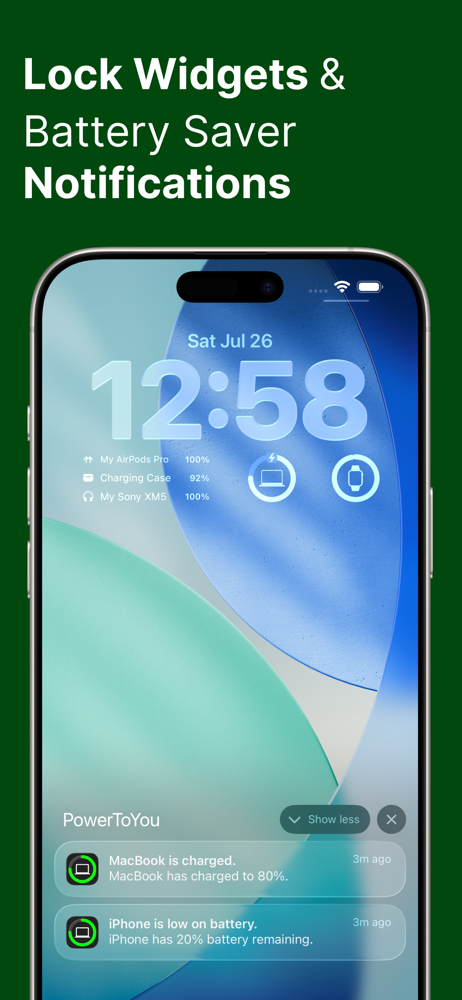
With PowerToYou, you'll never have to worry about running out of battery again. PowerToYou brings all of your device's battery levels together, so you...