Check the acquisition promise
Read the store headline, screenshots and description. What problem is the app promising to solve?
Study the storefront ↗
BantamTools · iOS
Explore the ad evidence, study the storefront, and build your next acquisition hypothesis.
01 / Creative research
Read the store headline, screenshots and description. What problem is the app promising to solve?
Study the storefront ↗Explore apps with direct store-link matches. Compare their hooks and formats without assuming the same approach works here.
Browse observed advertisers ↗Store rankings and revenue estimates describe market context. They do not establish ad spend, conversions or ROAS.
Review the market context ↗02 / Storefront & product
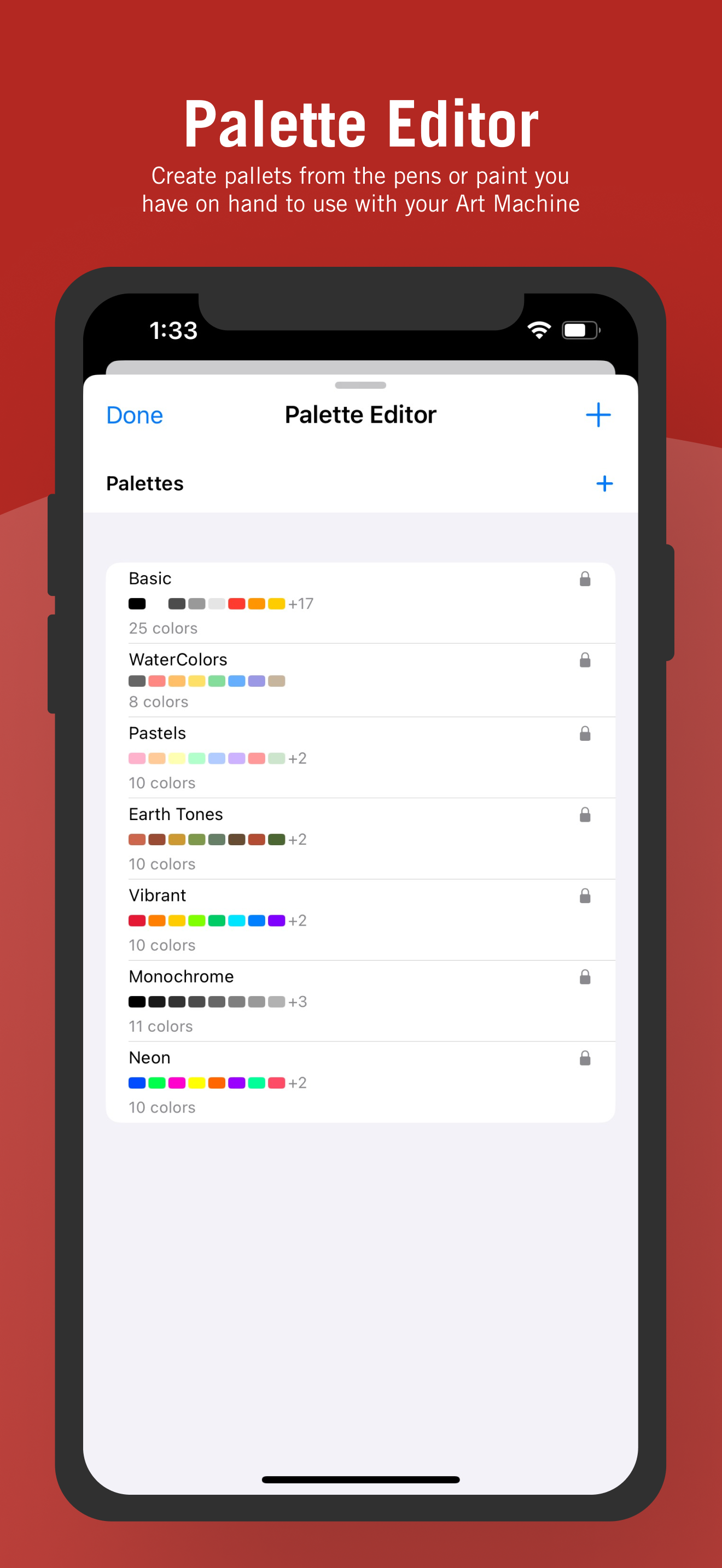
Study the product story and store experience behind the acquisition funnel.




03 / Market context
Keep revenue, downloads and store rankings separate from advertising performance.
Having the output already setup for the next draw svg player is nice. Theres room for improvement with the eraser but overall a great app so far
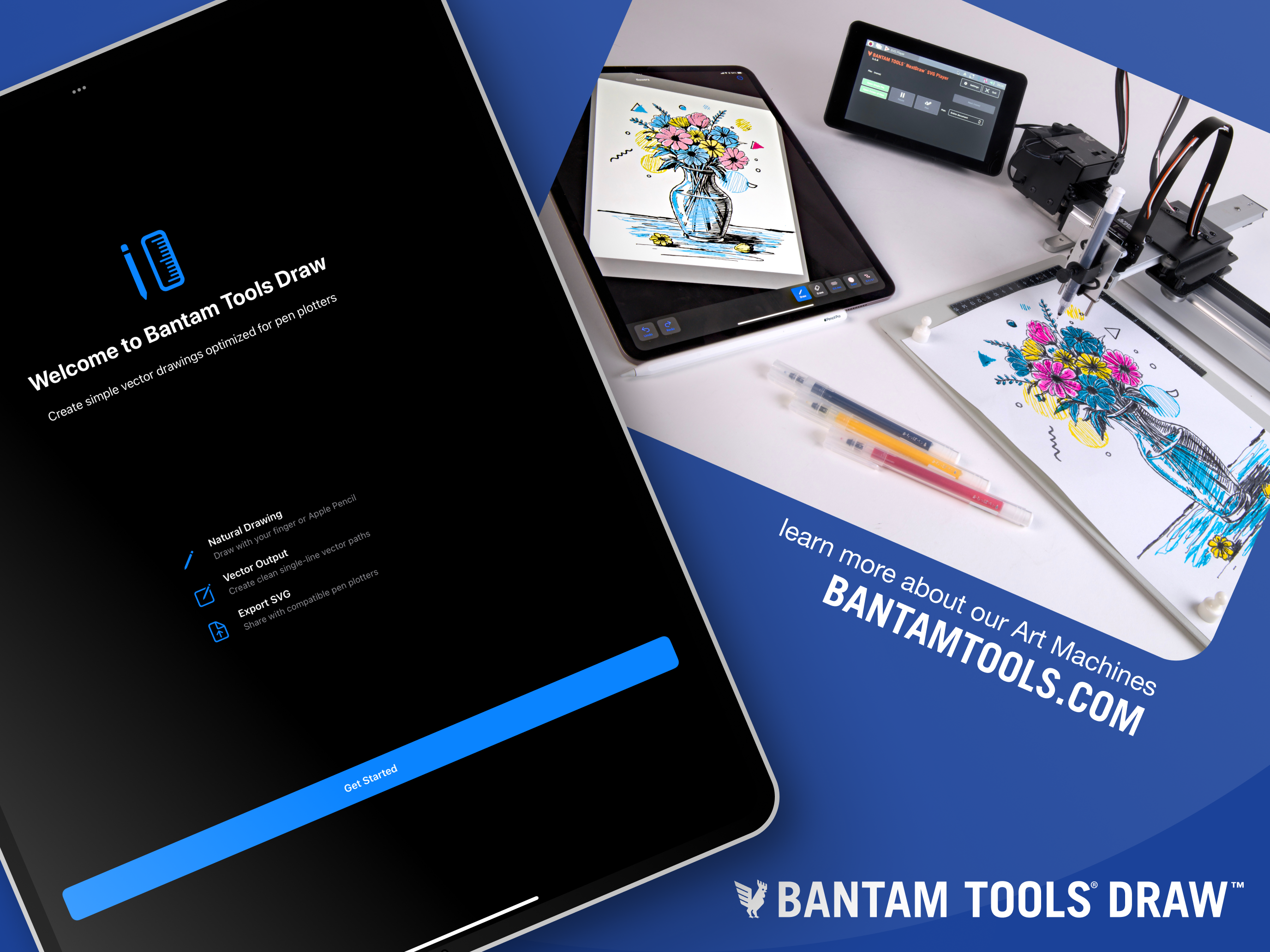
The iPadOS ecosystem is not particularly good about editing SVGs and retaining the vector information - and this new drawing app is a way to capture the individual strokes of the pen from a manual artist. The key difference here is retaining the order of when the strokes are put down, because these translate into instructions for the drawing machines that can replicate the motions over and over again. It’s a distinct niche and for that, it works well. It’s responsive, and works well with the Apple Pencil. It does not mimic artist tools; strokes are tool paths. Editing prior strokes is still rudimentary - there’s just an eraser tool, and it is a little finicky to use, particularly when an area has overlapping strokes. But it’s a unique tool which will output SVGs for use on desktop editing environments; unfortunately, the Bantam Tools drawing machines cannot be controlled from the iPad directly yet.
I needed a quick way to quickly sketch line aer to use with my NextDraw plotter. This app is great for working up an idea and then sending it over to my machine to make real!
Bantam Tools Draw is a minimalist iPad drawing app to turns your sketches into Art Machine ready line work. It offers Apple Pencil responsiveness, as...