
Check the acquisition promise
Read the store headline, screenshots and description. What problem is the app promising to solve?
Study the storefront ↗
StayinFront Asia Pacific Ltd · iOS
Explore the ad evidence, study the storefront, and build your next acquisition hypothesis.
01 / Creative research
Read the store headline, screenshots and description. What problem is the app promising to solve?
Study the storefront ↗Explore apps with direct store-link matches. Compare their hooks and formats without assuming the same approach works here.
Browse observed advertisers ↗Store rankings and revenue estimates describe market context. They do not establish ad spend, conversions or ROAS.
Review the market context ↗02 / Storefront & product
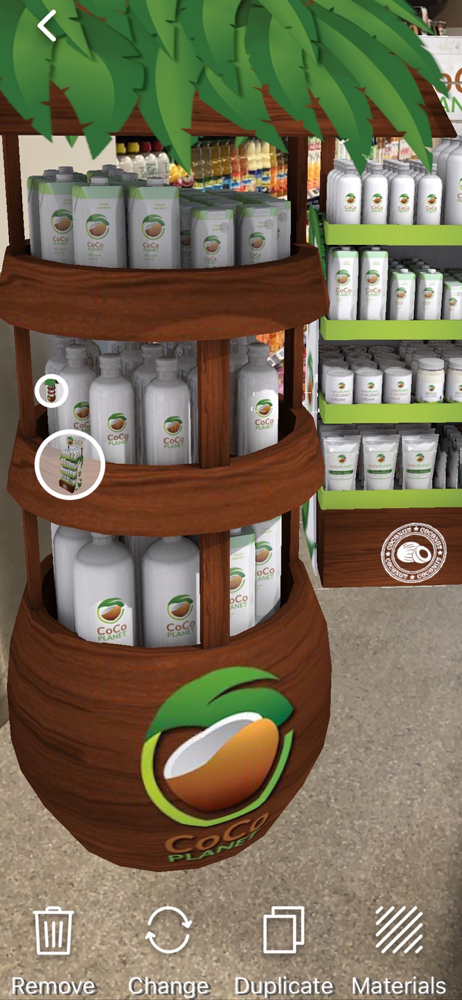
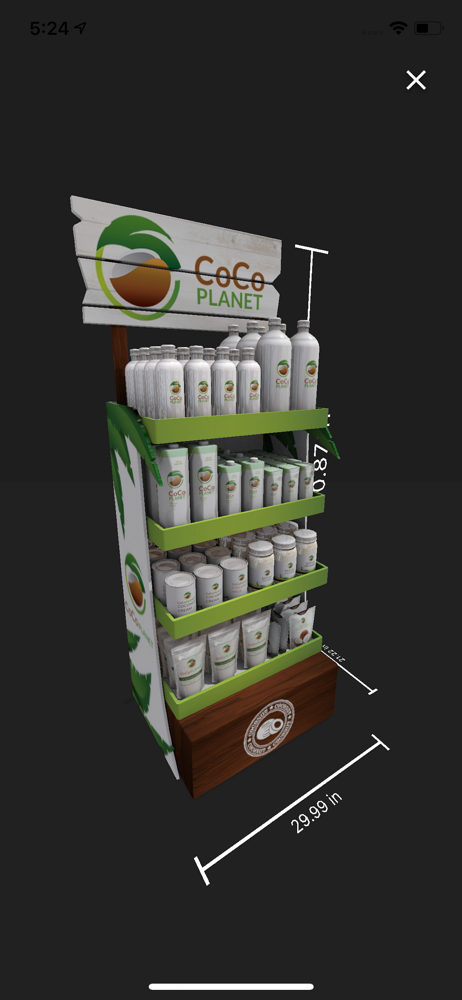
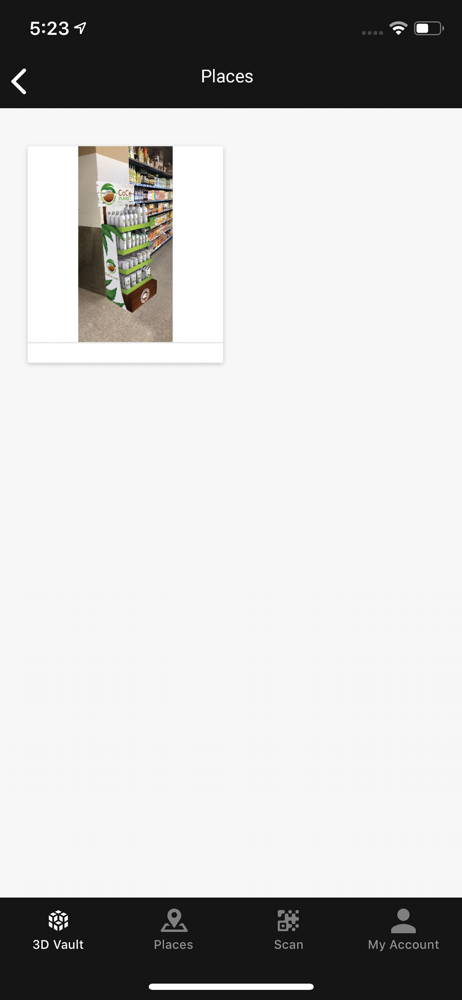
Study the product story and store experience behind the acquisition funnel.



03 / Market context
Keep revenue, downloads and store rankings separate from advertising performance.
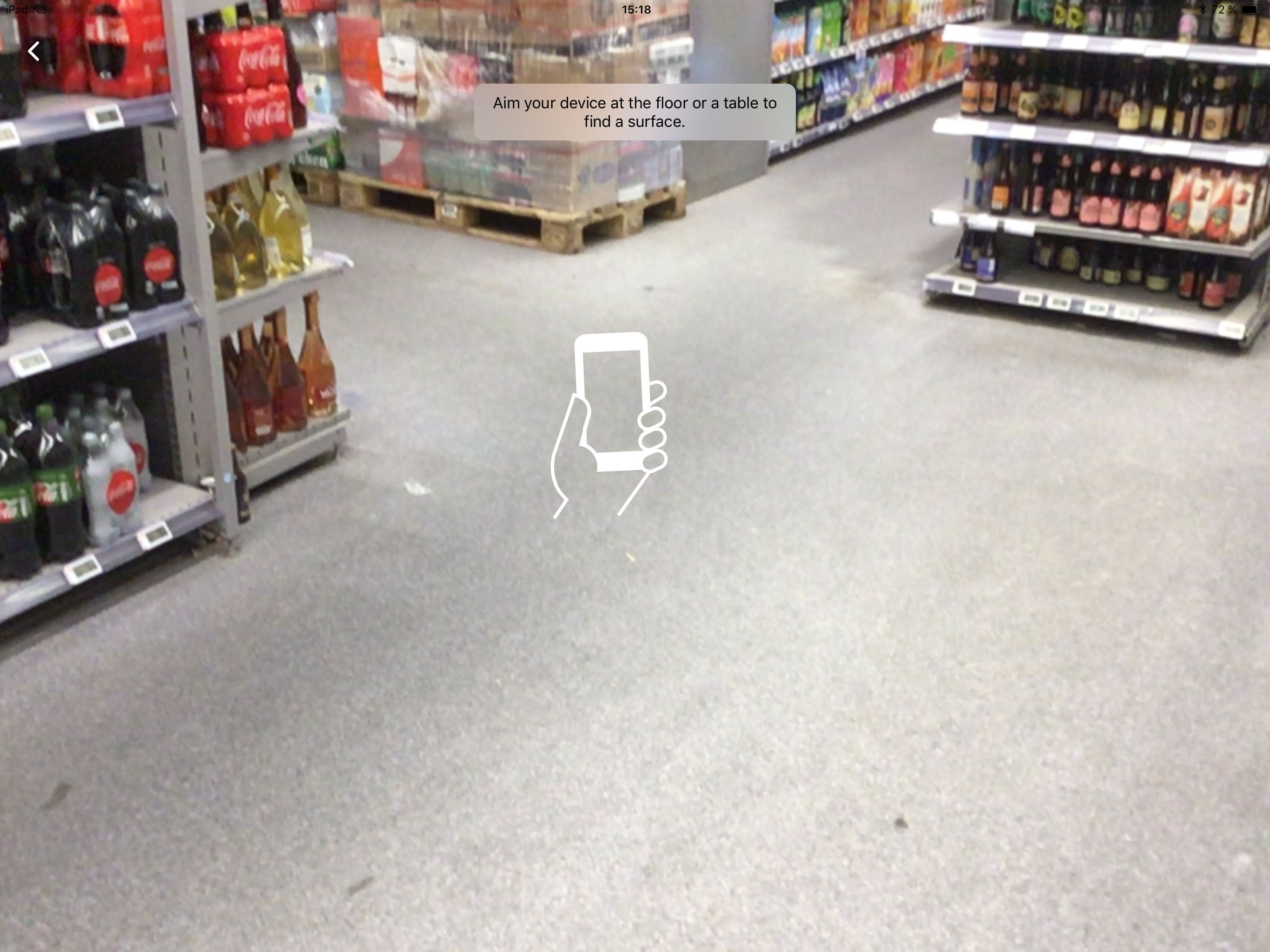
I select an item from the list to display, then a screen wants me to wave the iPhone around to “learn the surfaces” but nothing ever happens. Then, miraculously, the one time it did advance to “tap the screen to place the object,” it never placed it. So, pretty much useless. I suspect it’s trying to be too good and feature-rich that it doesn’t fundamentally work.
For some reason your app does not have an icon in the settings panel all my downloaded apps are there except for this one I’m not sure if this should be of concern because your app does list requirements needed.. ex: Location etc…
Can’t believe this is not the most famous AR app put there. It just works super smooth and provides easy solutions for every user.
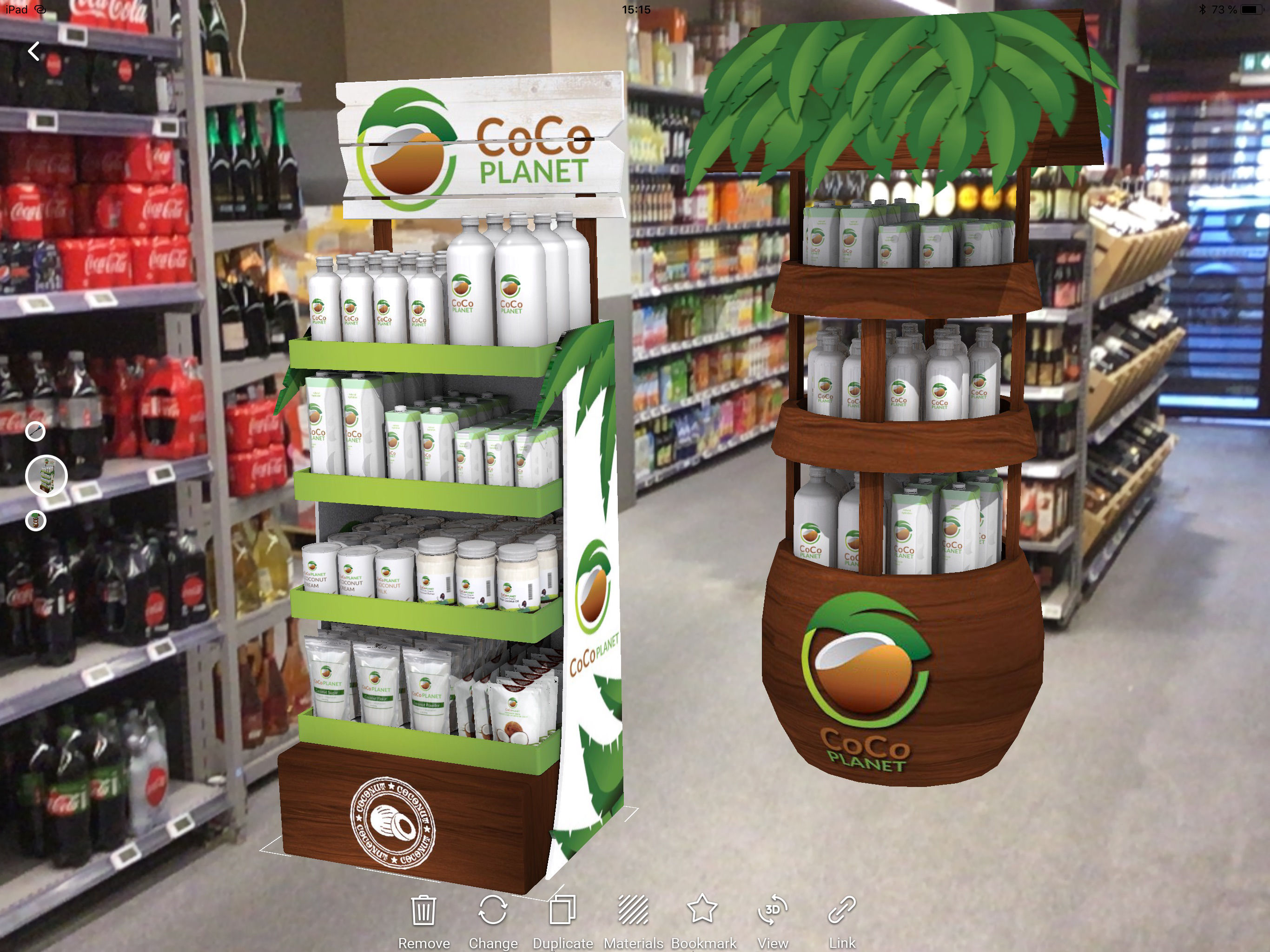
Augment is an AR & 3D solutions app* to visualize 3D models in Augmented Reality, integrated in real time in their actual size and in your environment...


