
Check the acquisition promise
Read the store headline, screenshots and description. What problem is the app promising to solve?
Study the storefront ↗
Inside Internet · iOS
Explore the ad evidence, study the storefront, and build your next acquisition hypothesis.
01 / Creative research
Read the store headline, screenshots and description. What problem is the app promising to solve?
Study the storefront ↗Explore apps with direct store-link matches. Compare their hooks and formats without assuming the same approach works here.
Browse observed advertisers ↗Store rankings and revenue estimates describe market context. They do not establish ad spend, conversions or ROAS.
Review the market context ↗02 / Storefront & product
Study the product story and store experience behind the acquisition funnel.




03 / Market context
Keep revenue, downloads and store rankings separate from advertising performance.
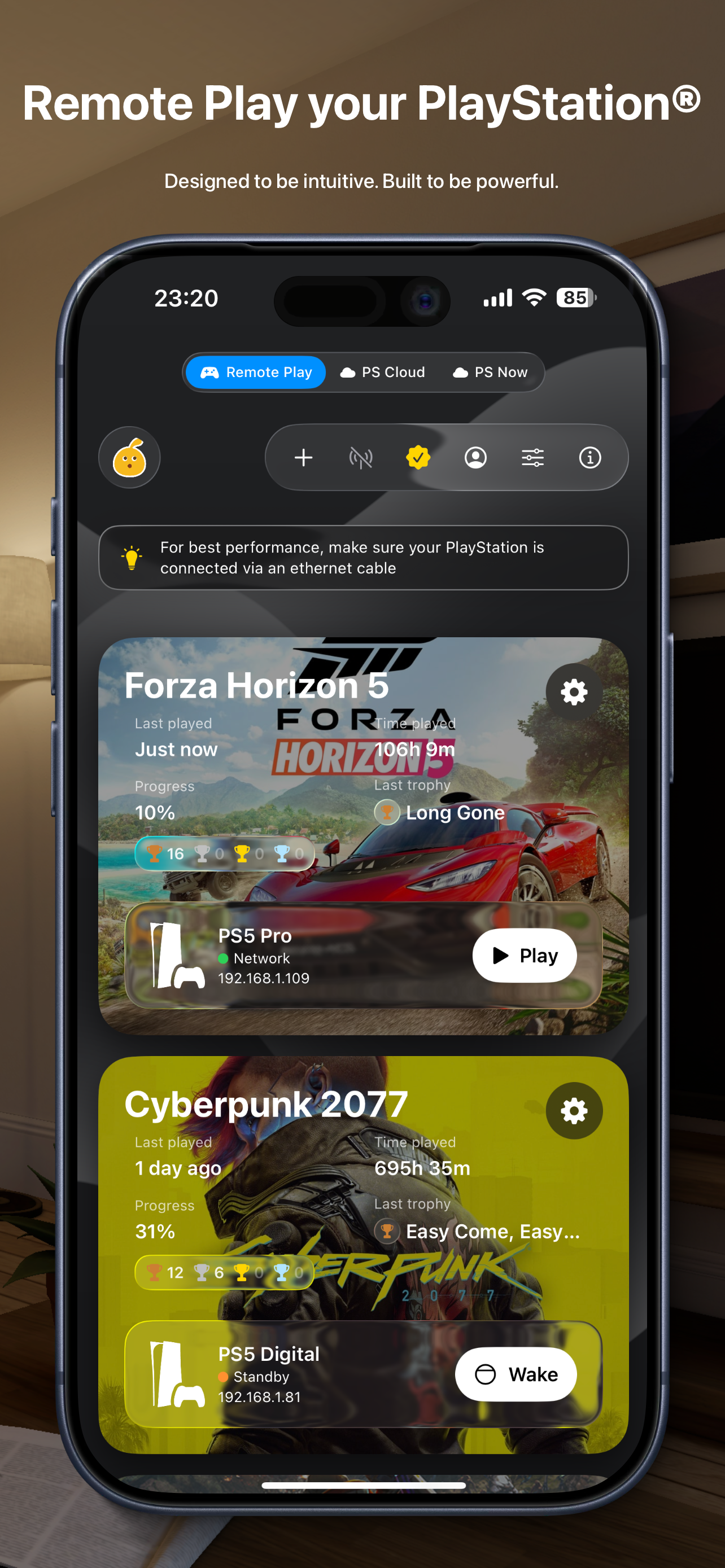
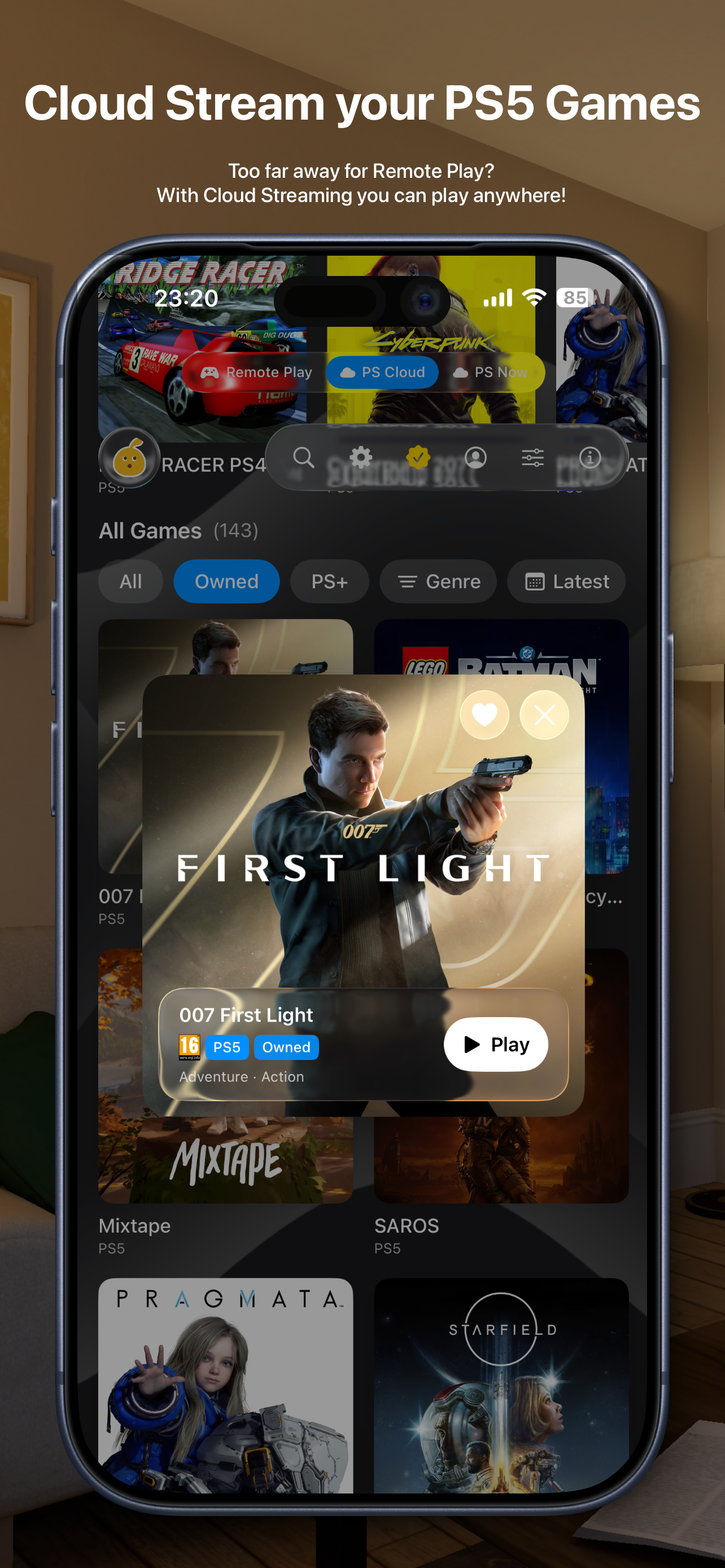
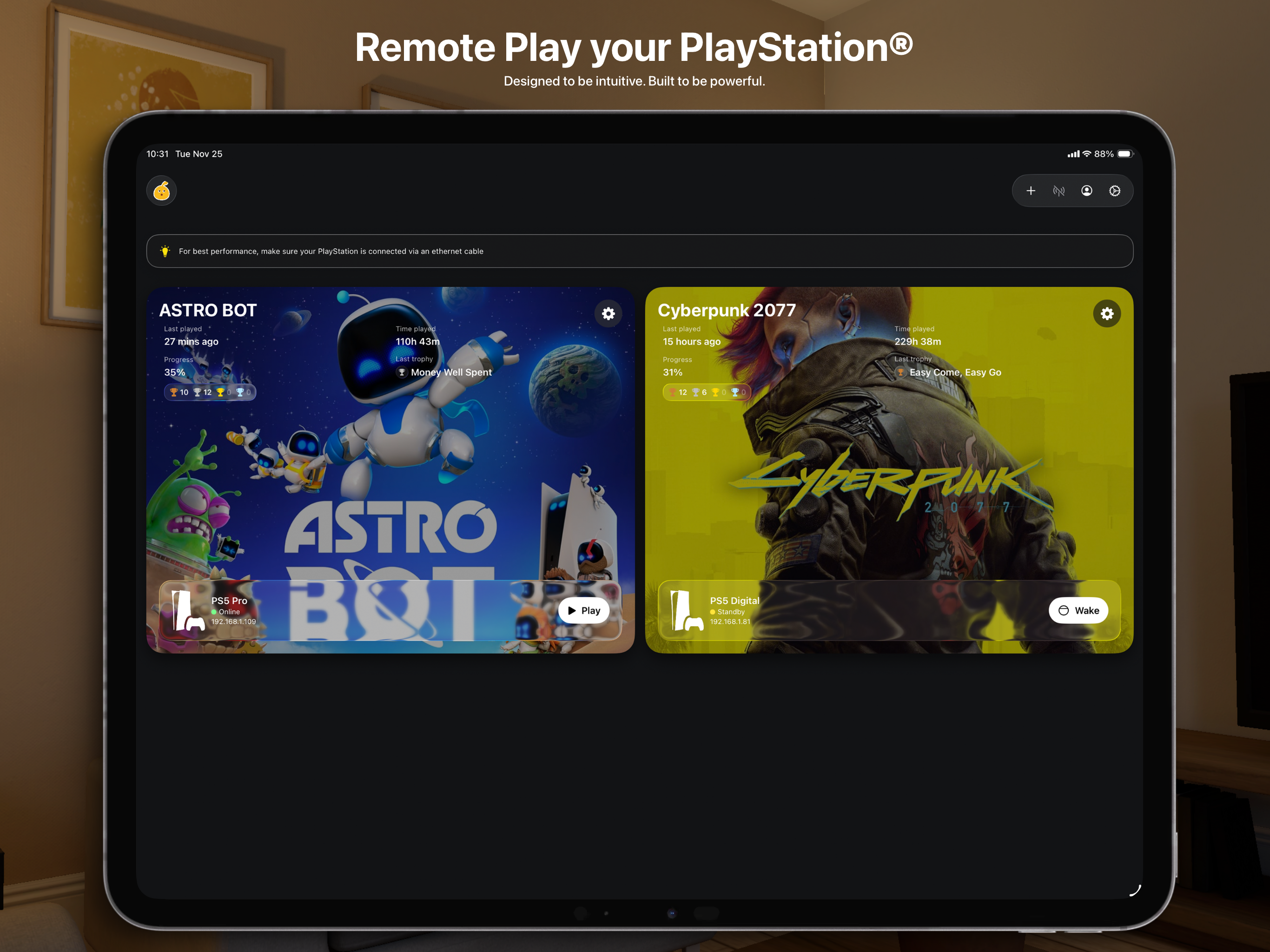
This is probably the best Remote Play app on the App Store. It’s, dare I say, even better than the official app made by Sony. Not only does it offer Remote Play, but it also includes Cloud Play. If you own multiple devices, they are all easily accessible for Remote Play, so you’re not limited to just one device. Accessing Remote Play and Cloud Gaming on the Vision Pro or Apple TV is a literal dream, and it truly transforms those devices into a PlayStation-like experience. There is a premium tier available, and while it isn’t cheap, especially if you own multiple devices, it provides a number of quality-of-life improvements that the native app simply doesn’t offer. That said, the app isn’t perfect and there’s always room for improvement. For example, a sort-by-date-purchased option would be a great addition, allowing users to see their most recent purchases at the top. That’s ultimately a matter of preference, though. Occasionally the app can crash or experience audio issues, but the developer is extremely responsive and is constantly working to improve the application. Since it’s free, it’s absolutely worth trying. If you end up enjoying it, consider investing in purchasing premium to support the developer’s work.
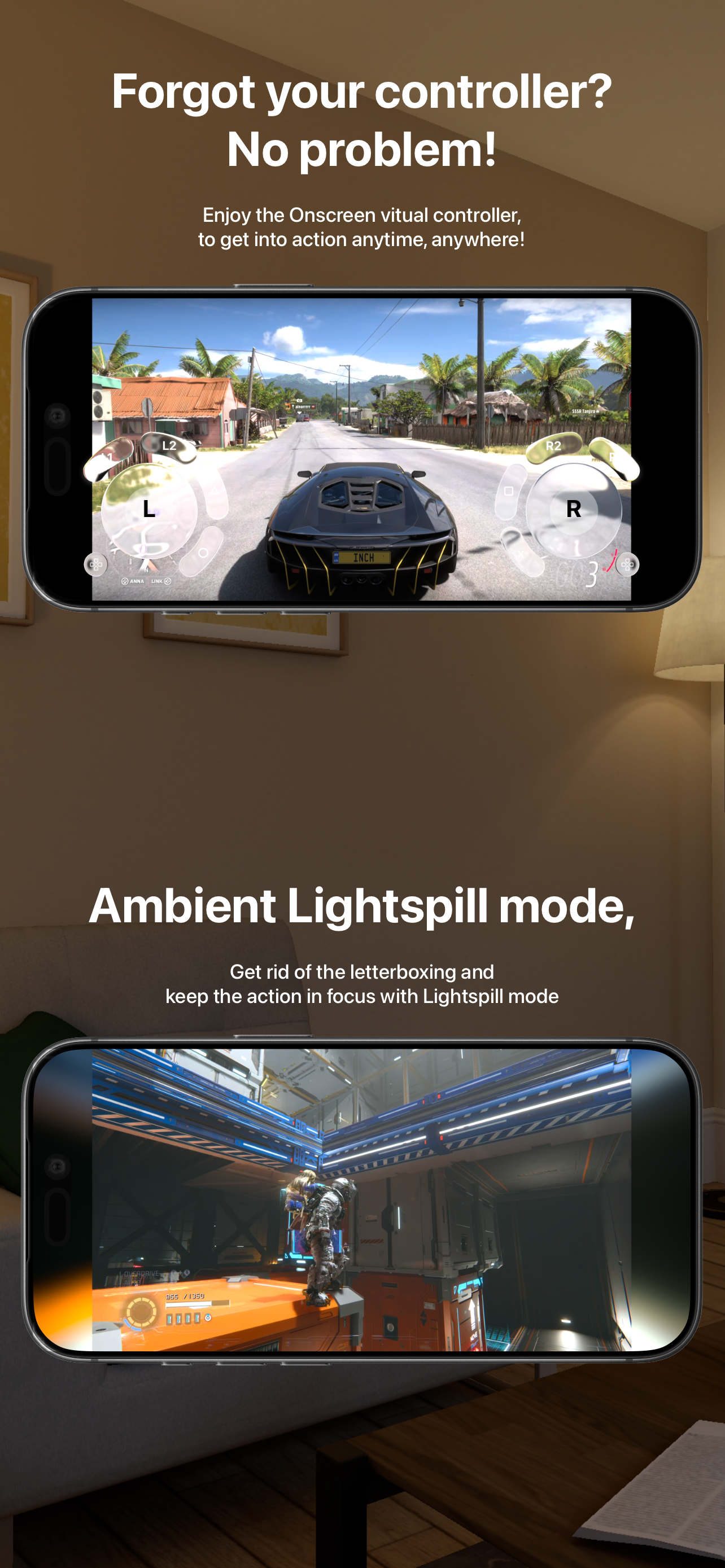
Great app but the app needs l controller support to navigate the UI on iOS. Also button mappings and I can’t for the life of me open the PlayStation menu on iOS. L3 & menu button doesn’t work on backbone or using Ps5 remote play. Also there is no way to disconnect a remote play session on iOS without closing out the app entirely. Besides all these, the app is great and I love it. Immediately paid for premium. Love the UI and cloud support. Please add more cloud support games as well 🙏🏼
It’s really cool to see this app be made available across so many platforms at launch. I love remote play and this is another great addition to the other remote play apps. The design adopts many modern, native Apple frameworks, including Liquid Glass in many places, which is a nice touch. Similar to other apps like PXPlay and Portal, this app offers more advanced features that I really like and make the experience better than the official PlayStation Remote Play app. That being said, there’s still a lot of work ahead in order for this app to be more polished and what I would consider daily drivable. Logging into PSN in this app doesn’t support accounts that have Passkeys enabled and the only workaround is to temporarily disable Passkey on your account (the developer has already confirmed they’re working on a fix for this, which is nice). My experience using the app across each platform varied widely with buttons overlapping one another covering the screen on iOS and sessions not able to start on visionOS despite troubleshooting. I know the developer is actively working on resolving the many bugs and glitches. I’m rooting for this app to succeed over time. Maybe I’ll be persuaded to come back someday, but for now, I’ll continue using the other apps available that offer a bit more polish, features, and multi-console and cloud support like Portal. Glad to have more competition on the market though as this most definitely will help all the apps be better.
This app client turns your iPhone or iPad into a high-quality PS Remote Play client for your PlayStation® 4 and PlayStation® 5, with support for real...
| Name | Price | Type |
|---|---|---|
| iOS Premium | $4.99 | One-time |
| macOS Premium | $9.99 | One-time |
| tvOS Premium | $9.99 | One-time |
| Standard Bundle | $19.99 | One-time |
| visionOS Premium | $24.99 | One-time |
| Ultimate Bundle | $39.99 | One-time |


