Check the acquisition promise
Read the store headline, screenshots and description. What problem is the app promising to solve?
Study the storefront ↗
Wes Castain · iOS
Explore the ad evidence, study the storefront, and build your next acquisition hypothesis.
01 / Creative research
Read the store headline, screenshots and description. What problem is the app promising to solve?
Study the storefront ↗Explore apps with direct store-link matches. Compare their hooks and formats without assuming the same approach works here.
Browse observed advertisers ↗Store rankings and revenue estimates describe market context. They do not establish ad spend, conversions or ROAS.
Review the market context ↗02 / Storefront & product
Study the product story and store experience behind the acquisition funnel.




03 / Market context
Keep revenue, downloads and store rankings separate from advertising performance.
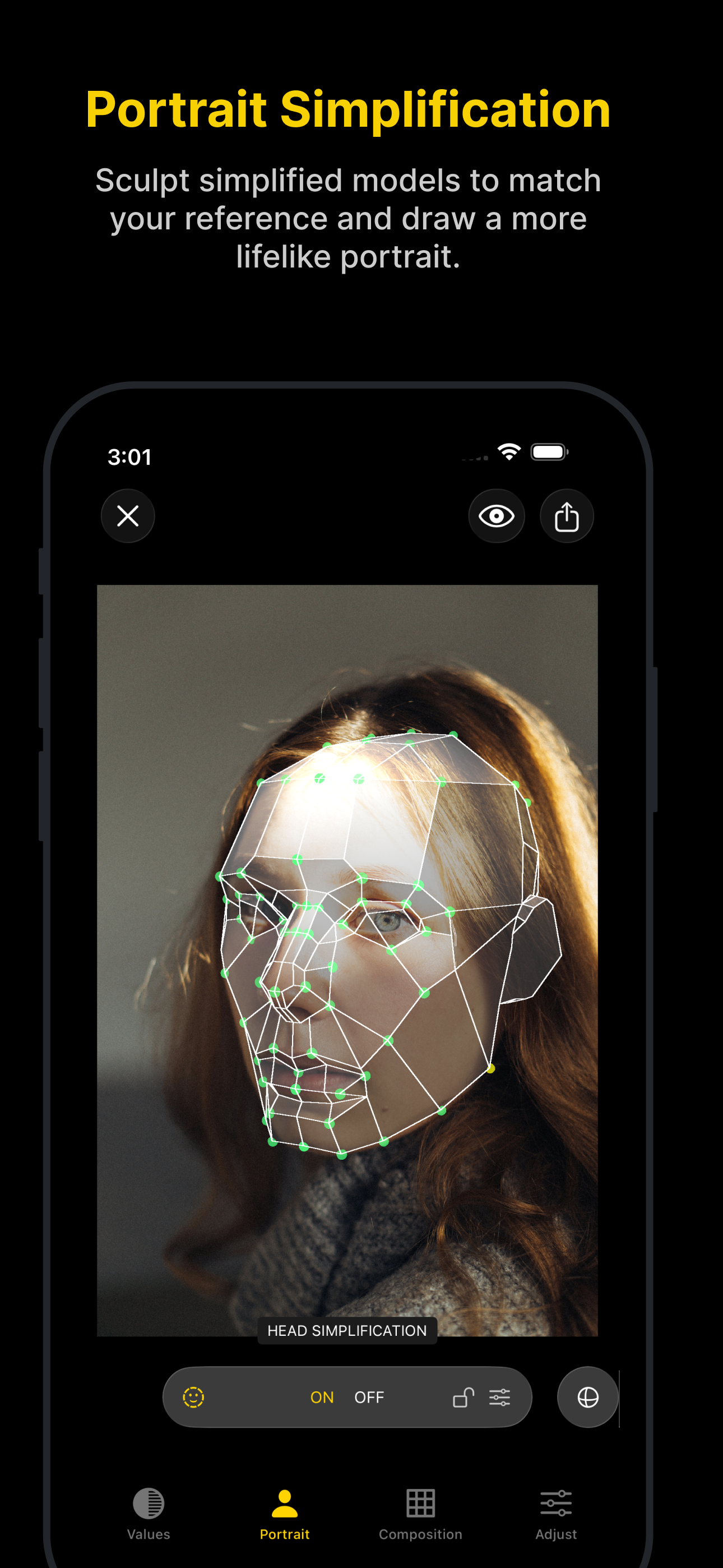
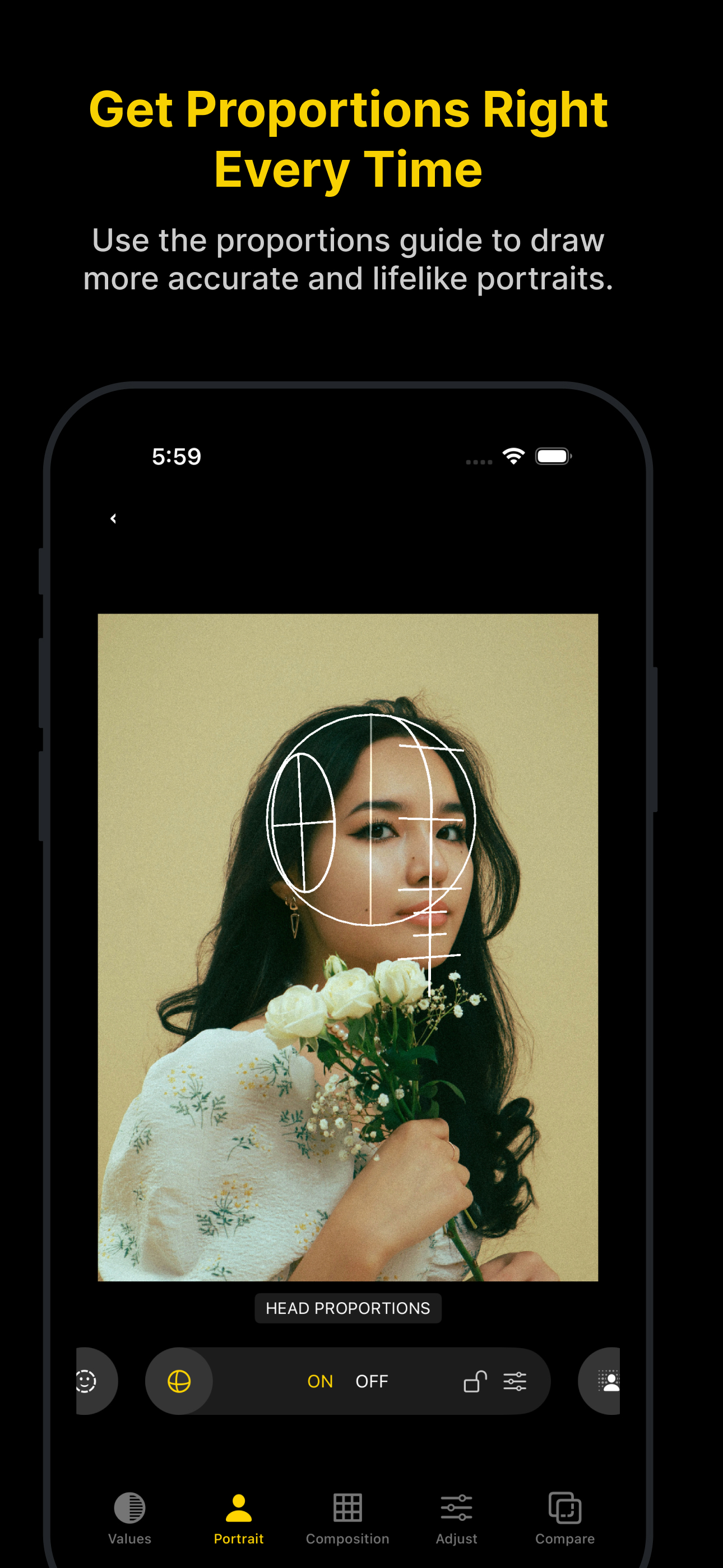
This is probably the best tool I’ve found so far that does all of the things I would want an app to do, that up until now I’ve been doing manually in other photo-editors. The only thing keeping this from 5 stars are minor but easily fixable improvements and bugs: 1. The preview of your current reference(s) should appear as what tools are applied to it, like if you have B/W applied, the preview should be B/W; 2. The visualization checkboxes are nice, but we should be able to save both global and per-reference presets, that way you can easily switch between sets of visualizations that we like to use. I say Per-reference as well because you may have some presets that are only useful on certain reference images, that you want to switch to and from easily; 3. There are some extreme performance issues with the shape simplification tool. This code either needs to be implemented differently or made more efficient; 4. The Blur tool is implemented in a way that shrinks the image with increased blur. This feels unintended and broken; 5. Haptic Touch on the hold-to-delete in the reference library would be nice; Even with those points, I still plan to purchase the lifetime subscription as I can already tell this tools will be indispensable to me!
I got this so I could let an app handle the grunt work of outlining my reference photos for paintings. Additionally, the ability to group values and highlight them by color has been amazing. All my painter friends agree it is so cool. I paid for lifetime access.
It’s amazing! Will update the more I use it but after an hour or two of playing with it it’s phenomenal and the easiest to use!!
Art Toolbox is the perfect companion for artists of all skill levels, designed to help you master the fundamentals and create more confident, compelli...
| Name | Price | Type |
|---|---|---|
| Art Toolkit Premium (Monthly) | $2.00 | Monthly |
| Art Toolkit Premium (Annual) | $9.00 | Yearly |
| Art Toolkit Premium | $19.00 | One-time |