
Check the acquisition promise
Read the store headline, screenshots and description. What problem is the app promising to solve?
Study the storefront ↗
GELYSOFT · iOS
Explore the ad evidence, study the storefront, and build your next acquisition hypothesis.
01 / Creative research
Read the store headline, screenshots and description. What problem is the app promising to solve?
Study the storefront ↗Explore apps with direct store-link matches. Compare their hooks and formats without assuming the same approach works here.
Browse observed advertisers ↗Store rankings and revenue estimates describe market context. They do not establish ad spend, conversions or ROAS.
Review the market context ↗02 / Storefront & product
Study the product story and store experience behind the acquisition funnel.



03 / Market context
Keep revenue, downloads and store rankings separate from advertising performance.
Ive been using this app for several years. It has served me well a builder/remodeler for making my own plan drawings for small and medium sized projects and has saved me countless times over. However, I gave 4 stars instead of 5 because I believe there are aspects of the app could be better. 1) better 3D graphics, 2) interactive tutorial for technical support, and most importantly 3) a better option for cross section/elevation drawing. This elevation view is absolutely critical for construction drawings. I use the “work plan” tools to do this in the floor plan model and I get by with it. However, this is not ideal because there are certain icon options that are not available such as long shaped angled arrows for small details to point to. All and all though this is a fantastic application and I recommend it to anyone for hobby or even if you are in my industry as well.
I have recently purchased this app and find it to be a great app. I have used others before and they don't have accuracy and preciseness of this app to rely on for actual plans. It does take some learning as you might expect in an app that does what this does. I would like to see an expansion of the furniture library as it is missing some basic items such as air conditioning, microwaves(built in), food pantry etc . Those things may be less common in France but they are very common in places like USA, Australia etc the limitations on editing in 3D mode can be frustrating - it only allows you to change the the surfaces and colors and navigation in 3D is not intuitive so its easy to get lost trying to move around the structure. Overall though it allows you to rapidly build a design model and make changes and then change them into precise plans.
I chose this app because it has Roof selections... but it was more frustrating than its worth. Why would you design an app that doesn’t allow you to edit in the 3D mode? Every thing has to be edited in the blueprint... from selecting doors, windows, and objects... you can’t visually see what it looks like... it’s like designing with a blindfold on... you make the selection, and drag it to the blueprint... then you have to change screens and see if fit correctly....and worse when making selections such as windows, they don’t give you the actual visual picture, they give you the description.... I have no idea what most of the selection descriptions are, so I have to click and drag it to the blueprint, and then change screens to the 3D and see what it is.... and worst you can’t edit in the 3D selection... the selections are few and far between, and the graphic selections are subpar... I’ve been using home Design 3D for a year now, and it by far has the best graphics, selection choices and the best ease of access of all the 3d home design apps, except there’s one huge draw back... they don’t have have roof selections.... my advice would be to copy what Home Design 3D offers and improve your app... I give this app a D+.
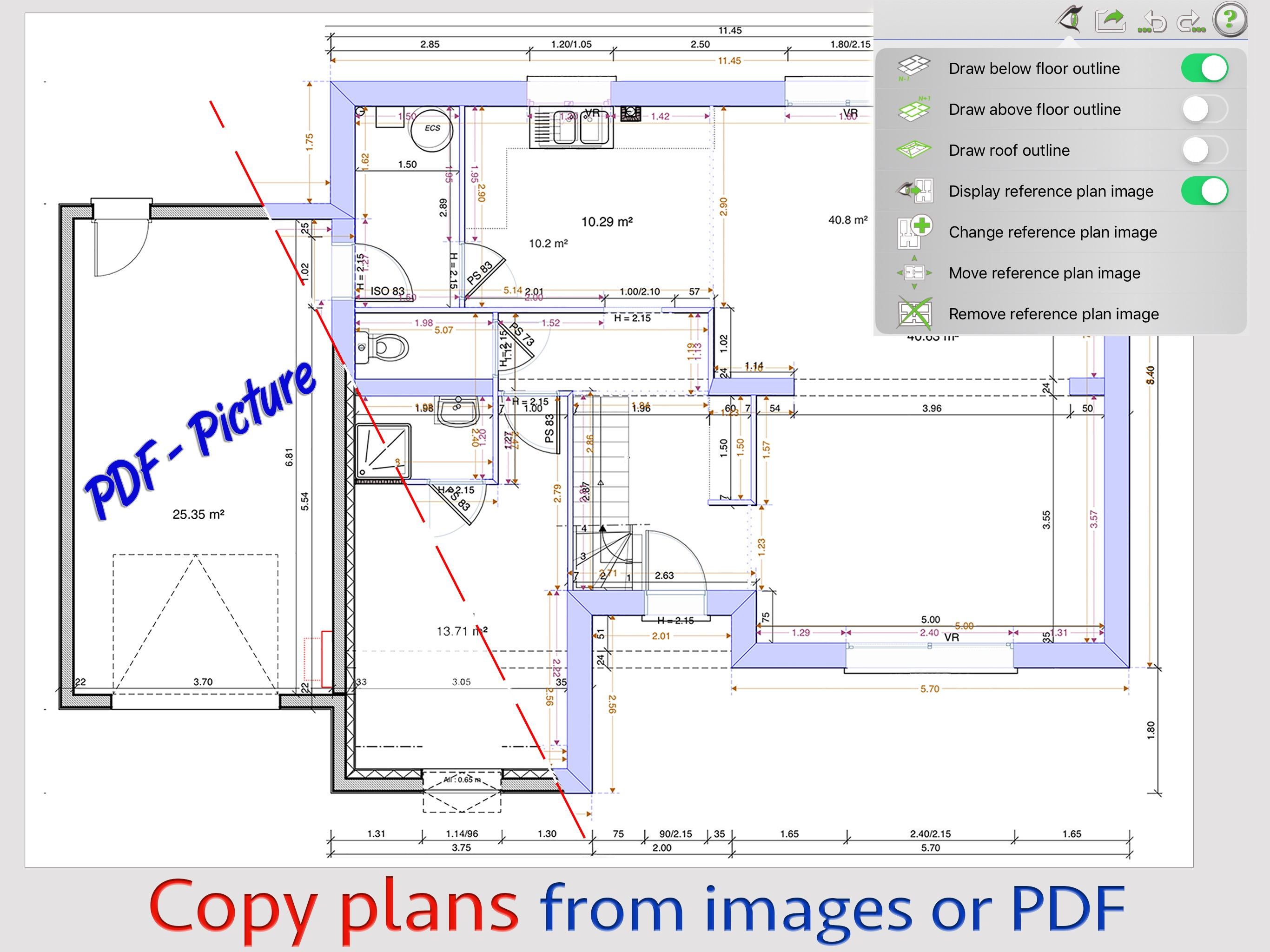
Enjoy Creative Architecture with ArchiTouch 3D ! You are looking for an Architecture design app combining efficiency and creative freedom ? ArchiTouc...
| Name | Price | Type |
|---|---|---|
| 30 Days Full Access | $19.99 | One-time |
| 90 Days Full Access | $49.99 | One-time |
| One Year Full Access | $159.99 | One-time |
| Lifetime full access | $499.99 | One-time |


