
Check the acquisition promise
Read the store headline, screenshots and description. What problem is the app promising to solve?
Study the storefront ↗
Adam Linder · iOS
Explore the ad evidence, study the storefront, and build your next acquisition hypothesis.
01 / Creative research
Read the store headline, screenshots and description. What problem is the app promising to solve?
Study the storefront ↗Explore apps with direct store-link matches. Compare their hooks and formats without assuming the same approach works here.
Browse observed advertisers ↗Store rankings and revenue estimates describe market context. They do not establish ad spend, conversions or ROAS.
Review the market context ↗02 / Storefront & product
Study the product story and store experience behind the acquisition funnel.



03 / Market context
Keep revenue, downloads and store rankings separate from advertising performance.
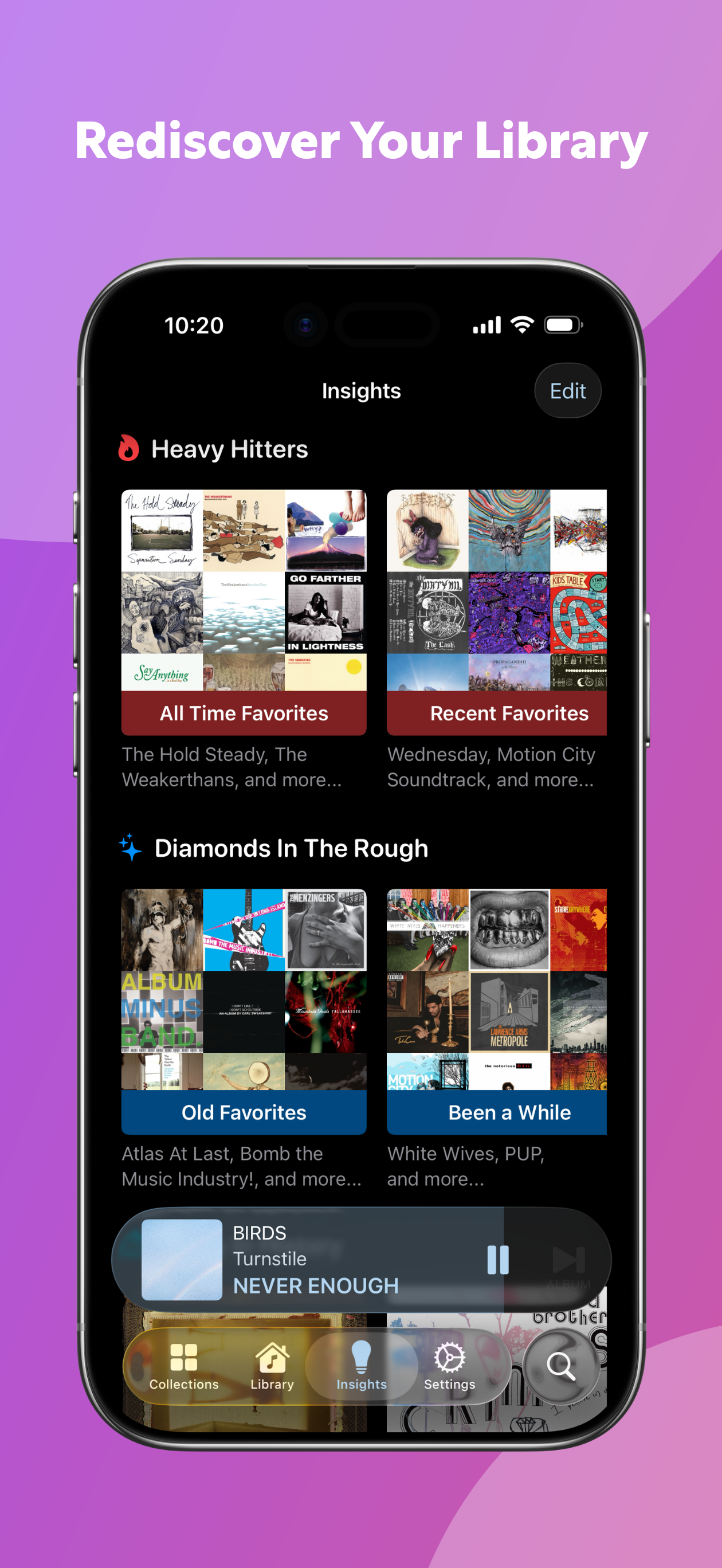
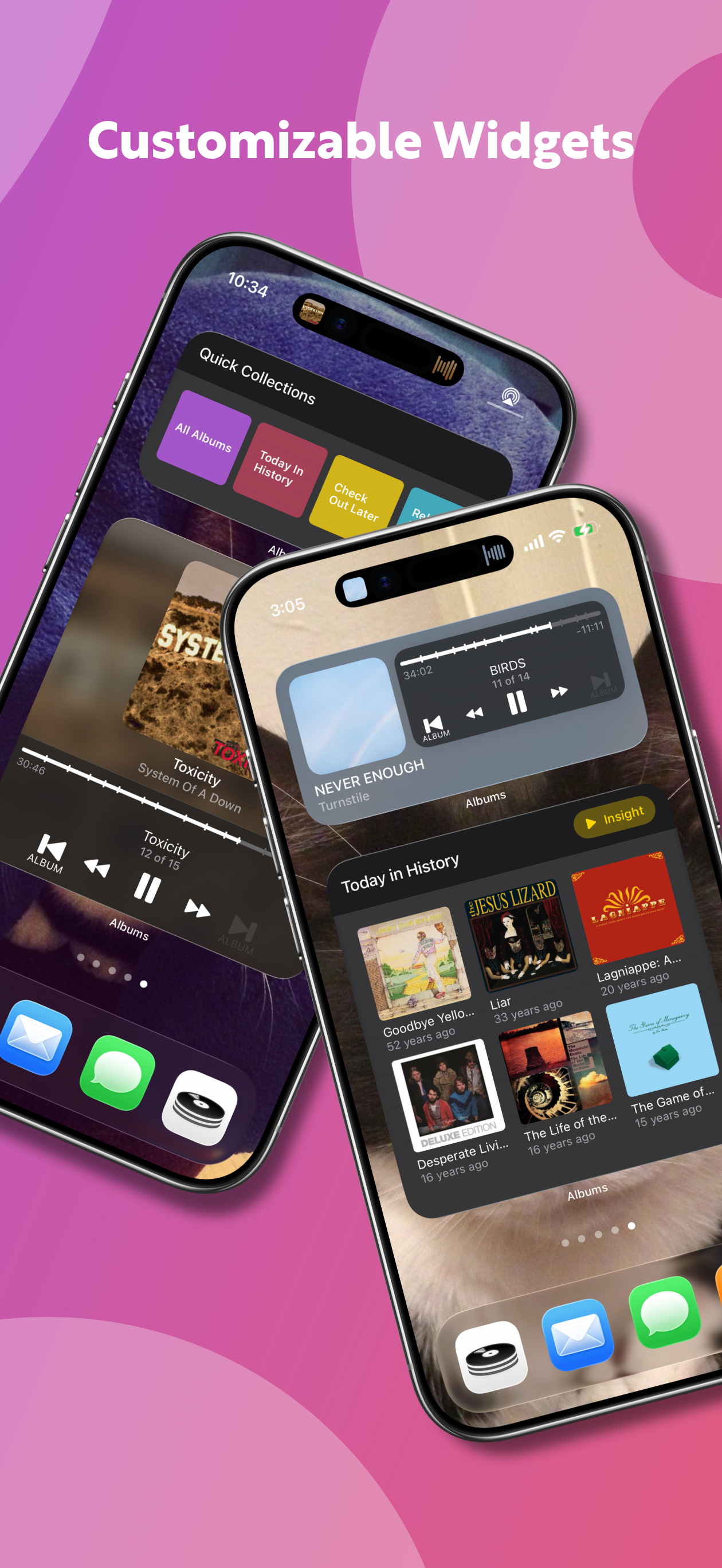
The Albums app is something I’ve used on my iPad for a while, but now that it’s on the desktop, I FINALLY spent enough time to fully appreciate all that this app really can do. After you’re in, go to the “Insights” tab (AFTER all the data is imported and processed) and rediscover some really neat details on your library. I love the “This Day in History” insight to check out which albums came out on this same day from my library. The pre-made playlists by your age ranges are great for music lovers - it will give you a “High School,” “Twenties,” Mid-Twenties,” “Teenage,” and so on, pre-made playlists (collecting music in your library that came out during those times). I’d also recommend going to Settings > Advanced and turn on (i.e., check the box) for “Auto-Download Credits.” This was so much fun once it was downloaded (took several hours for the APIs to gather everything). Now, when I click on an album and go to the Info tab, I can see a lot of the Producers, Engineers, Art Directors, etc. that worked on that album. For example, let’s say, “Mike Michael” was an Engineer on this album, I can click on his name and see all the other albums Mike also worked on. It’s not necessary to have this info, but it’s a fun way to explore your collection and learn more about our favorite albums/artists.
Like Apple Music itself, this app has layers that take a while, and a desire, to discover and master. It isn’t difficult but you’ll need to be intentional. If that frustrates you, this probably isn’t your app. In an effortless algorithmic Pandora world, Apple Music offers a treasure of approaches to learn, retain, enjoy and share your world of music. The ALBUMS app brings bird’s eye organization the Apple Music app lacks. As many of us drifted into the single track $.99 focus of Apple Music we lost two things. First we lost the importance of albums as a whole creation. Second, like the great scene in Almost Famous with the albums under the bed, we’ve lost the ability to even remember what we have in our vast digital collections. ALBUMS restores both. ALBUMS can be a bit quirky but I’ve rated it 5 stars in gratitude for the great work of the developer with the confidence he will continue to improve the taming of our digital music mess.
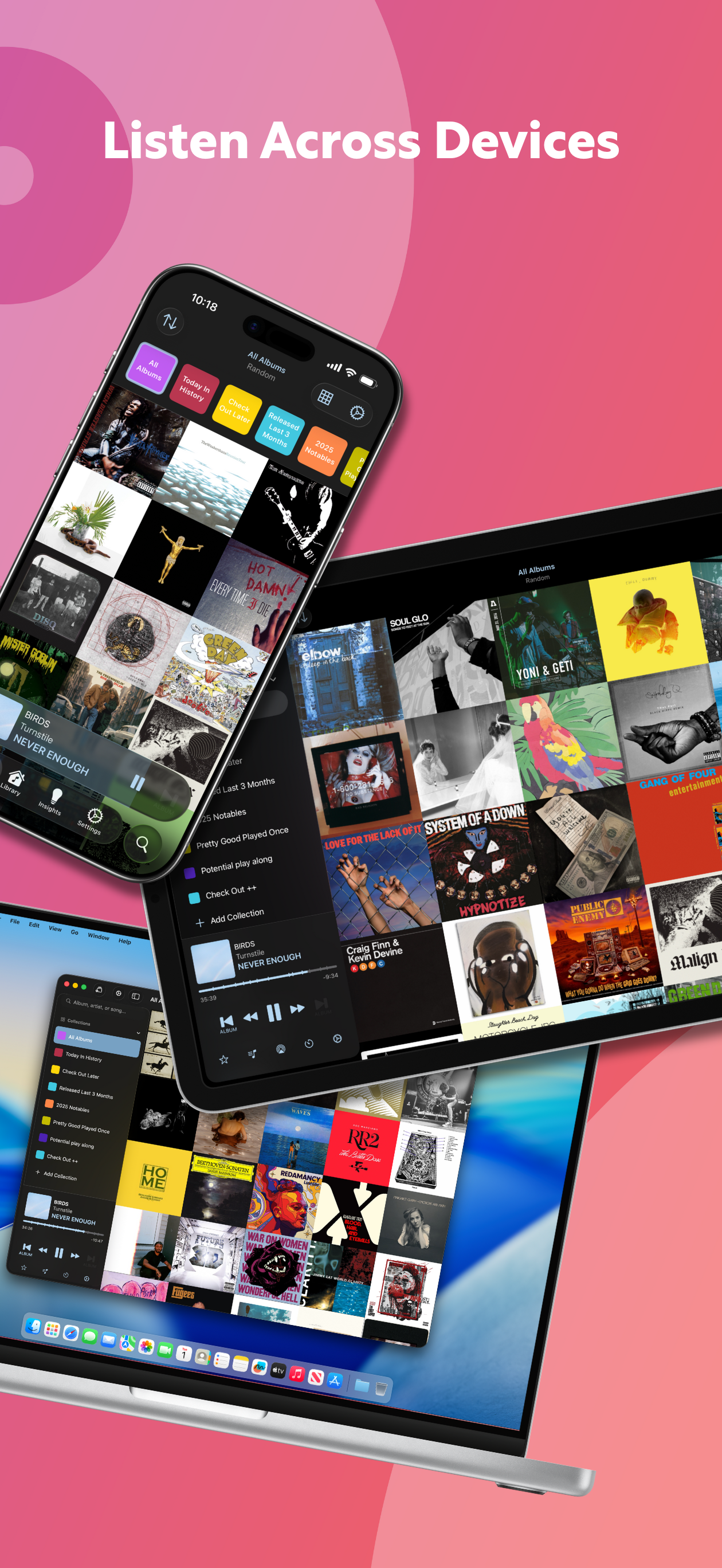
This app is like I’m back in the record store thumbing through the albums, looking at the covers, reading liner notes and then, back at home, I’m listening to the *entire* record . . . not a playlist, not some algorithm telling me what I want to hear next or off an album in my Library. I haven’t had as much fun with an app in ages — and I’ve already subscribed to support the developer. The UI is a tad rough and a bit clunky in parts — the reason for 4 and not 5 stars. Some actions are just not readily evident — long taps some places, not others, that sort of thing. Maybe when I get used to them my rating becomes 5 stars. What I really love: the collection of album covers, so I can visually browse albums and choose what I want to play ... just like I did at the record store or at home. There’s some smart intelligence built in, too, like how many times I’ve listened to an album, tags so I can organize beyond A-Z and Z-A, old favorites, new discoveries (added last 10 days, 30 days ...), anniversaries (of an album’s release). Data is provided by Discogs and MusicBrainz. All that’s missing are links to Wikipedia pages (for the ultimate in today’s “liner notes”). I’ve tried many replacement apps for Apple’s music player and none have stuck. This one just might. Big high five to developer Adam.
Albums is the Apple Music player that puts you in control of your music. Whether you just want to throw on album shuffle or spend hours meticulously s...
| Name | Price | Type |
|---|---|---|
| Last.FM Scrobbling | $0.99 | One-time |
| Premium (Monthly-Paid) | $1.99 | Monthly |
| The Music Nerd | $1.99 | One-time |
| Tip Jar: Small | $1.99 | One-time |
| Tip Jar: Small | $4.99 | One-time |
| Tip Jar: Medium | $9.99 | One-time |
| Premium (Yearly-Paid) | $18.99 | Yearly |
| Tip Jar: Large | $19.99 | One-time |
| Premium Lifetime (Pro-Rated) | $64.99 | One-time |
| Premium - Lifetime | $89.99 | One-time |


