Check the acquisition promise
Read the store headline, screenshots and description. What problem is the app promising to solve?
Study the storefront ↗
Bloop S.R.L. · iOS
Explore the ad evidence, study the storefront, and build your next acquisition hypothesis.
01 / Creative research
Read the store headline, screenshots and description. What problem is the app promising to solve?
Study the storefront ↗Explore apps with direct store-link matches. Compare their hooks and formats without assuming the same approach works here.
Browse observed advertisers ↗Store rankings and revenue estimates describe market context. They do not establish ad spend, conversions or ROAS.
Review the market context ↗02 / Storefront & product
Study the product story and store experience behind the acquisition funnel.







03 / Market context
Keep revenue, downloads and store rankings separate from advertising performance.
I was getting sick and tired of overlooking all the little annoying things Airmail was doing — the Mac custom actions that refused to work, the lack of an export tool (can be found in custom actions if you need it but you will need to configure a new action for every inbox) and sidebar folders that would simply disappear every day, requiring a restart of the app. My attempt to contact support (via hoop-jumping links that eventually circled back to leaving an App Store review) actually hung my Mac requiring a restart — and support was useless with a “we cannot duplicate the experience” reply. Now I see it has not been updated in 9 months. NINE! So, with subscription renewal (which I did not mind paying for active development) coming due soon, I decided to discontinue my use of Airmail. It’s a shame. I thought that I had reviewed AirMail before now, but it cannot be found. I used to LOVE AirMail – and still do. However, most recent update not only did not fix the syncing problem I was having, it is now showing "Inbox Zero" every time I try to delete a message. Thankfully, the messages are still found on my desktop version. Syncing has always been slow and buggy on iOS, but the great functionality still outweighed the buggy syncing. Not so much any more. I'm sure they'll fix it, but beware purchase or update before then...
This is a very early first impression, based mostly on my set up experience. Set up was frustrating. I loaded Airmail on to an iPhone, an iPad, and a MAC. Adding iCloud mail addresses required app specific passwords. Easy enough, but my experience was that I needed to generate a different password for each devise. In the end it worked, but the process was painful. I needed to add a “generic” email account, too — from Comcast. This was fairly simple on MAC. I could, separately, test the settings for imap and stmp. That made it easy to isolate any errors, and then correct them. Set up on my iOS devises was much more difficult. For some reason I have not yet figured out, my log in attempts failed time and again. I checked my settings and, then, checked them again. Everything seemed to be correct. Apparently it was not, but I could not figure out what was wrong. Finally, after wasting considerable time, everything fell into place. One everything was set it appeared that Airmail will meet my needs quite nicely. I am optimistic!
Let me tell you why this email app is the one to compete with: I tried this app off and on for years. It had a track record of being unreliable in syncing my emails across platforms… When I would delete an email in my iOS app, it would not be deleted in the desktop app on my Mac. Since then those issues have been resolved... by enabling the “ Real time inbox monitoring” option in the settings.… This option is a game changer. It keeps everything synced up perfectly. The app is the most aesthetically pleasing to the eye of all the email apps that I have tried.… More beautiful than spark email app. The Visual layout is a lot more customizable than spark email app. But the reason why I absolutely love this app, now that they fixed the reliability issues, is for one feature… A giant unsubscribe button located in the header of the email. No more searching at the bottom of an email for a little link to unsubscribe from annoying emails. Now, you can easily find a standardized “unsubscribe“ button at the top of your emails that 100% accurately flips you into the page where you can unsubscribe from whatever erroneous email you want to get rid of. The visual appeal of this app, the reliability of this app, and the unsubscribe button just makes this the best email app ever. It’s totally worth paying $9.99 for the subscription to access the total features as it offers. Even if you don’t subscribe to the annual premium subscription, using the free version is great. Finally an email client app that I will stick with.
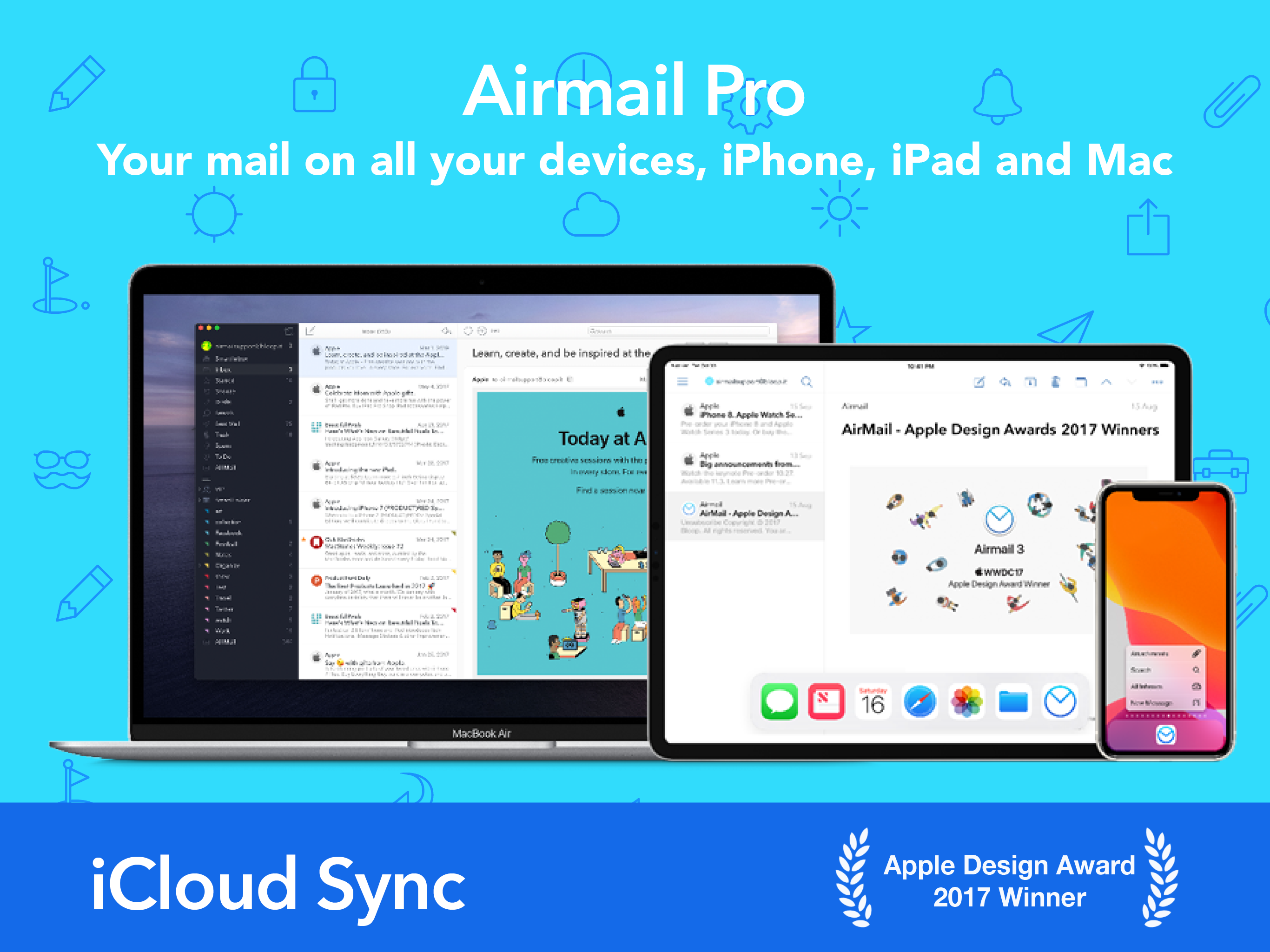
** Apple Design Award Winner ** Airmail is a powerful mail client for Mac, now available for iPhone and iPad. Designed for the latest generation iOS...
| Name | Price | Type |
|---|---|---|
| Airmail Pro (Weekly) | $3.99 | Weekly |
| Airmail Pro Monthly | $7.99 | Monthly |
| Airmail Pro Yearly | $39.99 | Yearly |