Check the acquisition promise
Read the store headline, screenshots and description. What problem is the app promising to solve?
Study the storefront ↗
Joy Sarkar · iOS
Explore the ad evidence, study the storefront, and build your next acquisition hypothesis.
01 / Creative research
Read the store headline, screenshots and description. What problem is the app promising to solve?
Study the storefront ↗Explore apps with direct store-link matches. Compare their hooks and formats without assuming the same approach works here.
Browse observed advertisers ↗Store rankings and revenue estimates describe market context. They do not establish ad spend, conversions or ROAS.
Review the market context ↗02 / Storefront & product
Study the product story and store experience behind the acquisition funnel.



03 / Market context
Keep revenue, downloads and store rankings separate from advertising performance.
After paying the subscription I tried to create the video with different photos in different formats and from different points as similar as possible to the examples of your publications but it doesn't work it always says that the generation fails no matter how many times I try, I require a refund and to unsubscribe from the weekly fee right now.
So I wanted to try the Gacha ai hugging trend to see how weird it would turn out so I went over to Safari and tried opening the link to the website but it didn’t let me so I decided to try to get it on the App Store I found a bunch of versions but this one looked the most real to me so I decided to try it when I got in it was normal it was telling me about what to do stuff and I skipped that and then it tried to make me pay for some weird ad on that I didn’t care about so then I went over to Gacha took a screenshot of my OC and a miku oc that I made and then went back onto the app and pressed hugging and put the image in and it try to make me pay for the ad on so I thought OK maybe they’re just wanting me to pay for it but will let me use it without having to pay for the ad on but I was wrong I skipped it try to tried to press generate again and it gave me the same thing this app is stupid if you want to use it you have to buy the ad on like you’ll think that it’s free because it said it is on the App Store so yeah it’s one of those stupid apps that make it look like it’s free but when you get in you have to pay I hate these kind of apps don’t get
After spending $9.99 I cannot make a video with this app using my own photos. I tried so many different photos, cropping, positions, and they all say “failed to generate”. I’m not an idiot and understand how the images you use should look like the examples, literally tried EVERYTHING and it NEVER works. I would like a refund. Especially because after it says “failed to generate” a prompt pops up asking if you would like to try again, and if you say yes it will create a video using random animation, NOT ANYTHING INVOLVING YOUR PHOTOS. So I’ve used 2 “coins” out of 10 for random animations of cartoons hugging. Do not waste your money. I will be contacting you about a refund, this is ridiculous. I am not happy.
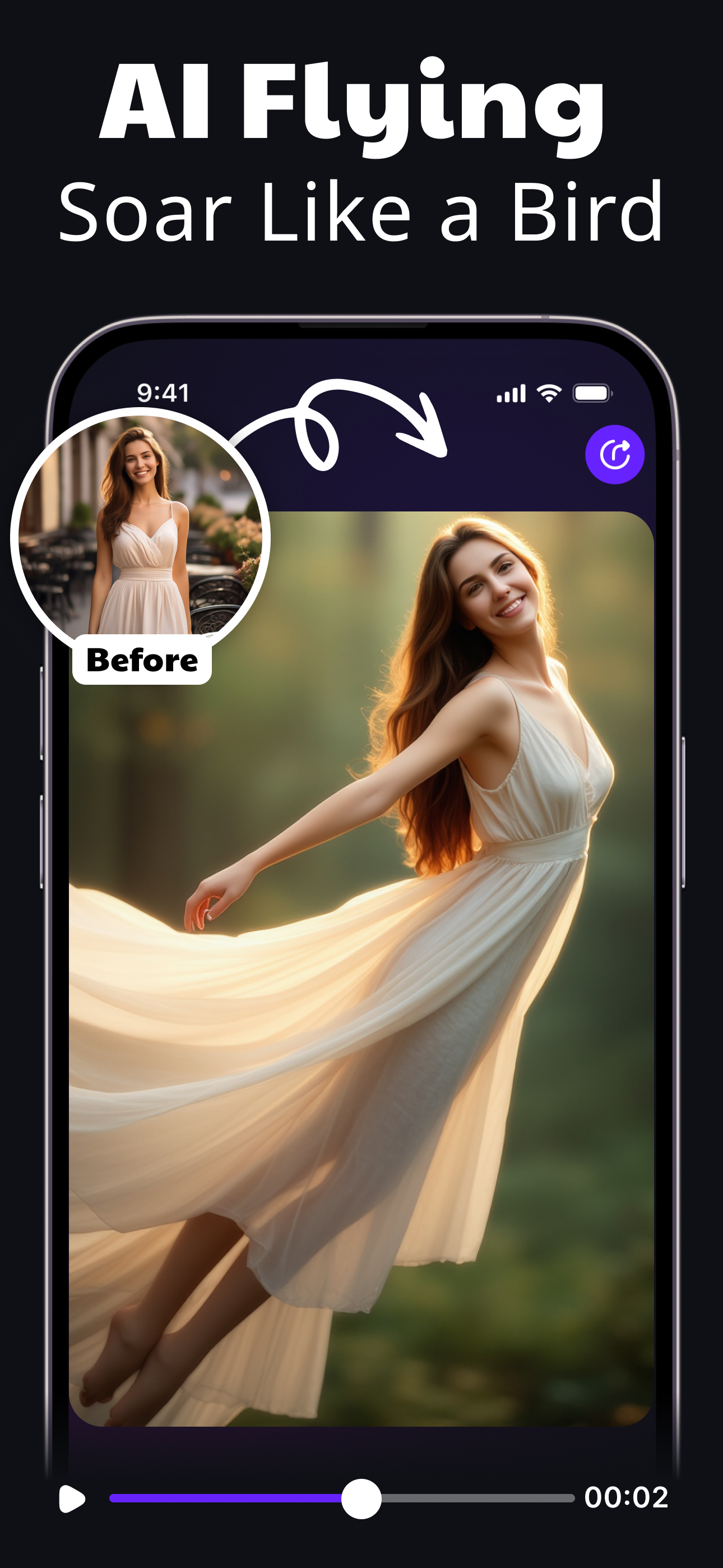
VIDIOAI: AI Video Generator Create AI Videos, Clips & Reels from Photos or Text Turn any idea or image into a stunning cinematic video in seconds. No...
| Name | Price | Type |
|---|---|---|
| 5 Credits | $5.99 | One-time |
| ViDiAI Pro : AI Video Creator (Weekly) | $9.99 | Weekly |
| ViDiAI Pro : AI Video Creator (Weekly) | $9.99 | Weekly |
| 1000 Coins | $9.99 | One-time |
| 10 Credits | $9.99 | One-time |
| 3000 Coins | $29.99 | One-time |
| 50 Credits | $39.99 | One-time |
| ViDiAI Pro : AI Video Creator (Annual) | $59.99 | Yearly |
| 10000 Coins | $99.99 | One-time |