Check the acquisition promise
Read the store headline, screenshots and description. What problem is the app promising to solve?
Study the storefront ↗
Alexandr Moroz · iOS
Explore the ad evidence, study the storefront, and build your next acquisition hypothesis.
01 / Creative research
Read the store headline, screenshots and description. What problem is the app promising to solve?
Study the storefront ↗Explore apps with direct store-link matches. Compare their hooks and formats without assuming the same approach works here.
Browse observed advertisers ↗Store rankings and revenue estimates describe market context. They do not establish ad spend, conversions or ROAS.
Review the market context ↗02 / Storefront & product
Study the product story and store experience behind the acquisition funnel.



03 / Market context
Keep revenue, downloads and store rankings separate from advertising performance.
Edit: Fixed and very quickly, great job! Widgets on the home screen, at least on iPadOS 18.2, now display with a blank border, cutting off/truncating information instead of filling the entire widget area as in previous versions. It would be nice if this could be fixed.
I need some information about my iPad Pro and did a little research to find suggestions for getting system information from the device itself. ActMonitor is a common suggestion, and for good reason. I see some dissatisfaction exists, but I’m grateful to the developer for providing ActMonitor. I join those who recommend the app elsewhere and highly recommend it to anyone wanting or needing detailed information about their iOS device. Super useful product.
…but where are the widgets? I have the updated version but I don’t have an option for widgets anymore. EDIT: The widgets work on my iPad, but still no option for them on my iPhone (11 Pro Max). Oh, and both devices are running iOS 15 (iPadOS 15) EDIT AGAIN: Now the widgets are appearing hmm…
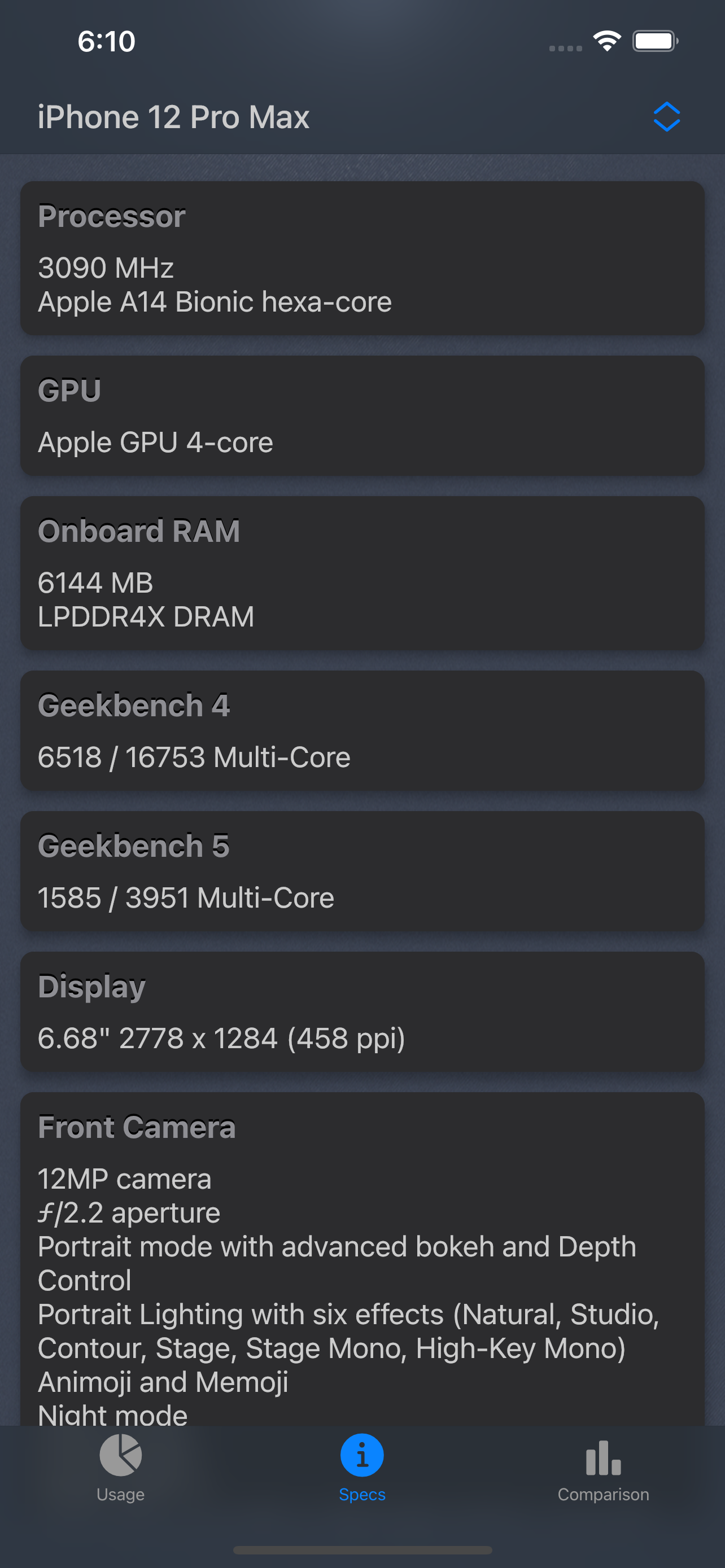
The app shows you system info about your device and compare other Apple iOS devices. It takes almost no space and really easy to use. + Battery level...