
Check the acquisition promise
Read the store headline, screenshots and description. What problem is the app promising to solve?
Study the storefront ↗
CDE Solutions Inc. · iOS
Explore the ad evidence, study the storefront, and build your next acquisition hypothesis.
01 / Creative research
Read the store headline, screenshots and description. What problem is the app promising to solve?
Study the storefront ↗Explore apps with direct store-link matches. Compare their hooks and formats without assuming the same approach works here.
Browse observed advertisers ↗Store rankings and revenue estimates describe market context. They do not establish ad spend, conversions or ROAS.
Review the market context ↗02 / Storefront & product
Study the product story and store experience behind the acquisition funnel.





03 / Market context
Keep revenue, downloads and store rankings separate from advertising performance.
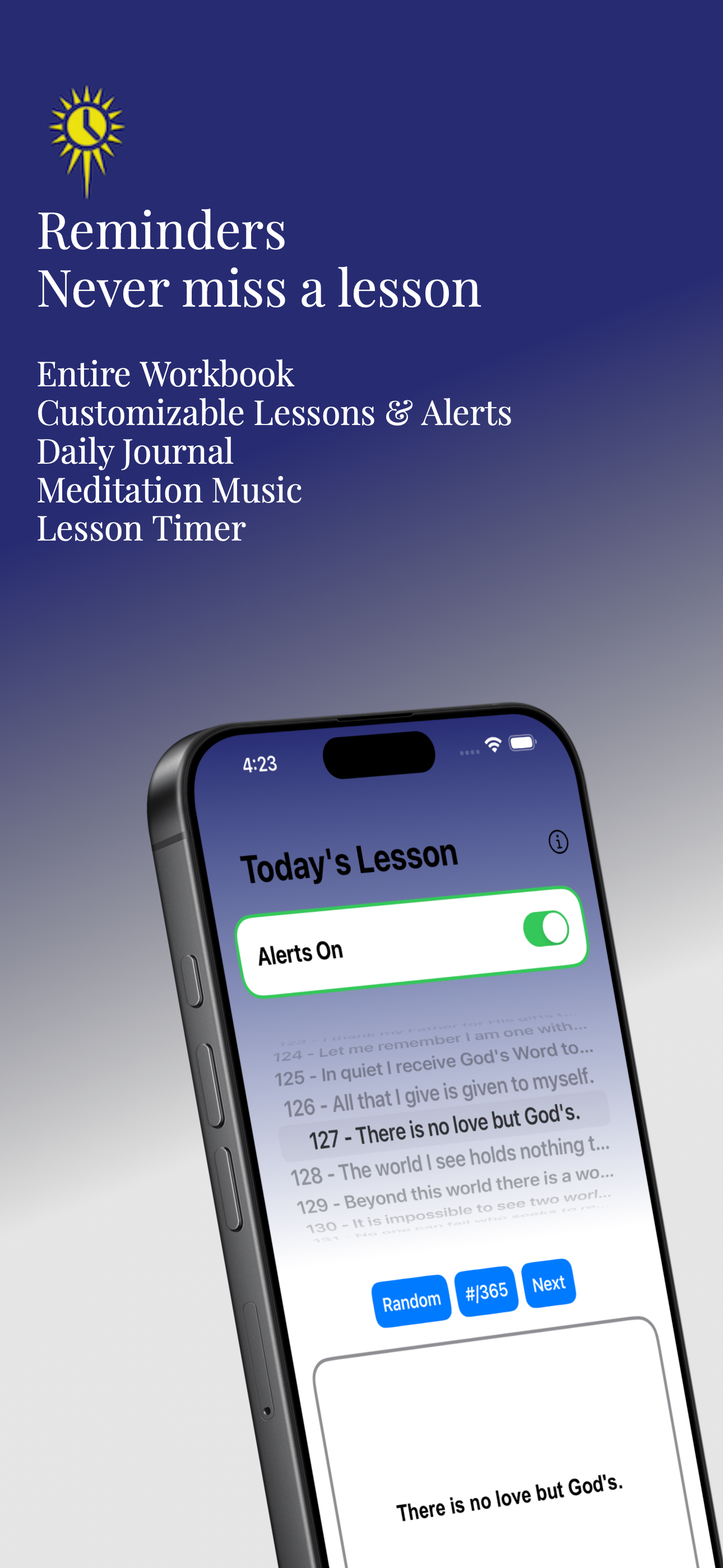
Like others have said, this app is amazing for completing the daily workbook tasks, especially the ones that are meant to be done more than 3 times a day. My only feature request would be for notifications to be automatic for the next day. Right now I have to turn on the notifications for each lesson every day, for example today I have notifications turned on for lesson 17, and tomorrow I have to open the app and manually turn on notifications for day 18. I’d prefer for this to happen automatically and for there to be the option to turn off “automatic daily reminders” for the following lesson. This would be a great feature, but even without it, this app is amazing in conjunction with the ACIM workbook and text. Very grateful for this app!
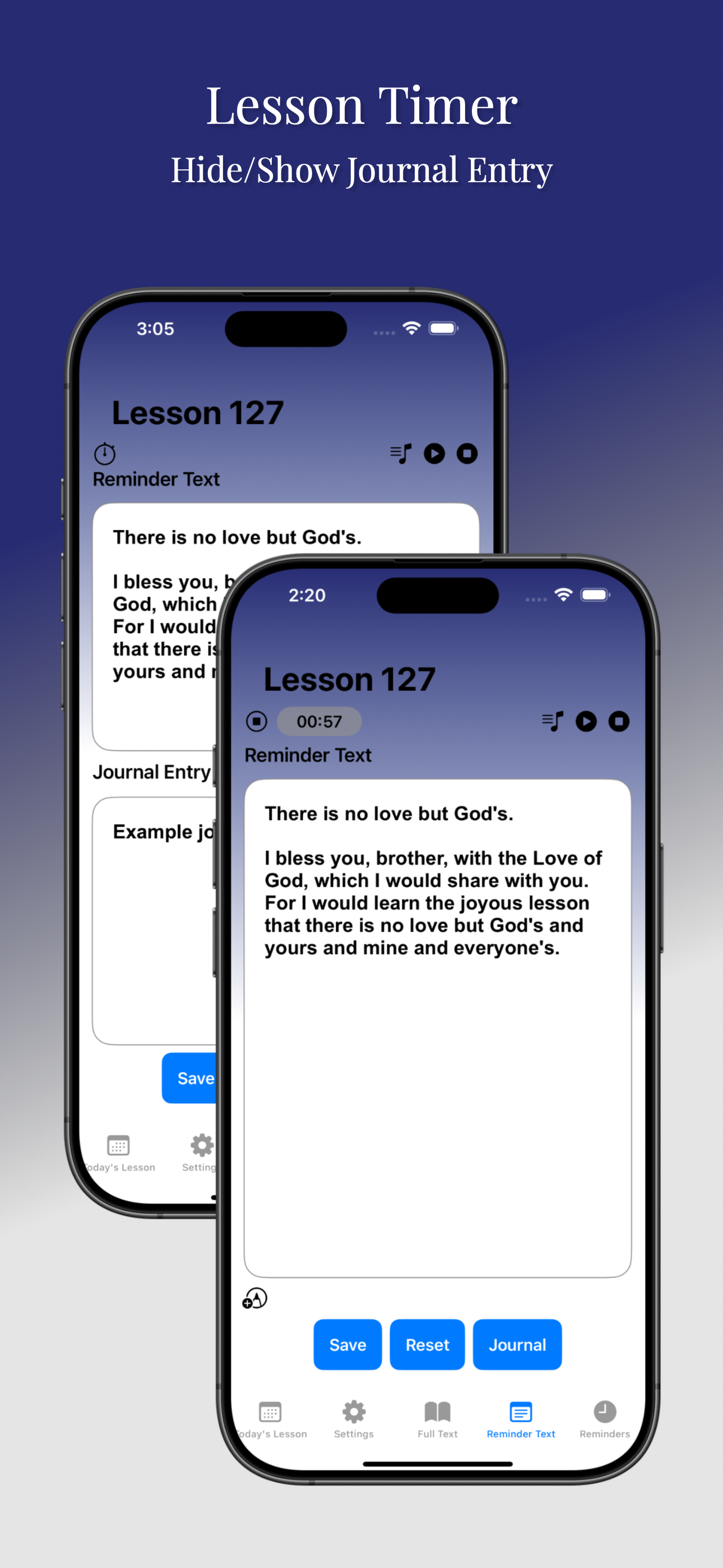
Love this app but why, when I get a reminder, am I just getting the info under Today's Lessons? When I click on the notification, the app takes me to Today's Lessons, not to the Reminder Text that I have set up. Also, I realize this adds a whole other level of complexity, but if I create a Reminder Text, it should save so I can look at it in the future once I have gone on to other lessons. concerning the above, I saw a response from the developers that all I had to do was leave the app opened to the reminder text and that would be what would open if I clicked on the notice. I CAN ASSURE YOU THIS IS NOY THE CASE FOR ME. I have the reminder text up and go off to other apps to check email or whatever. When the alert goes off, iPhone open to some other app, I touch on the alert and go right to the screen that allows me to pick the lesson for the day, not the reminder text. I have experienced this over and over again. So the answer posted from the developers did not solve my issue.
I do not see how anyone can do the Course without this app. Even WITH the reminders it’s hard but would be impossible for me without. I like how I can customize the reminders and I like the fact that the full text of the lessons is included. I wish the times were more customizable. For instance for the once an hour reminders the only choices you have you have are on the hour or on the half hour— I would prefer to be able to set it any time. I’m often busy right on the hour (as many people are) and would like to be able to set it for, say, 8:50. Once in a while I don’t get my alerts even though alerts are ON and I have no idea why. I think closing down the app entirely and back on solves the mysterious problem. I like the choice of notification sounds but would love even more to choose from. I like to change the sound from time to time so that the sound catches my attention and doesn’t become so common I ignore it. Another suggestion is to have the alerts on/off toggle be on the settings page and reminders page as well the Today’s Lesson page so that if you make any changes, you can turn the alerts back on right there rather than having to remember to go to today’s lesson to turn alerts back on. Thanks for a great app. Worth the cost many times over!
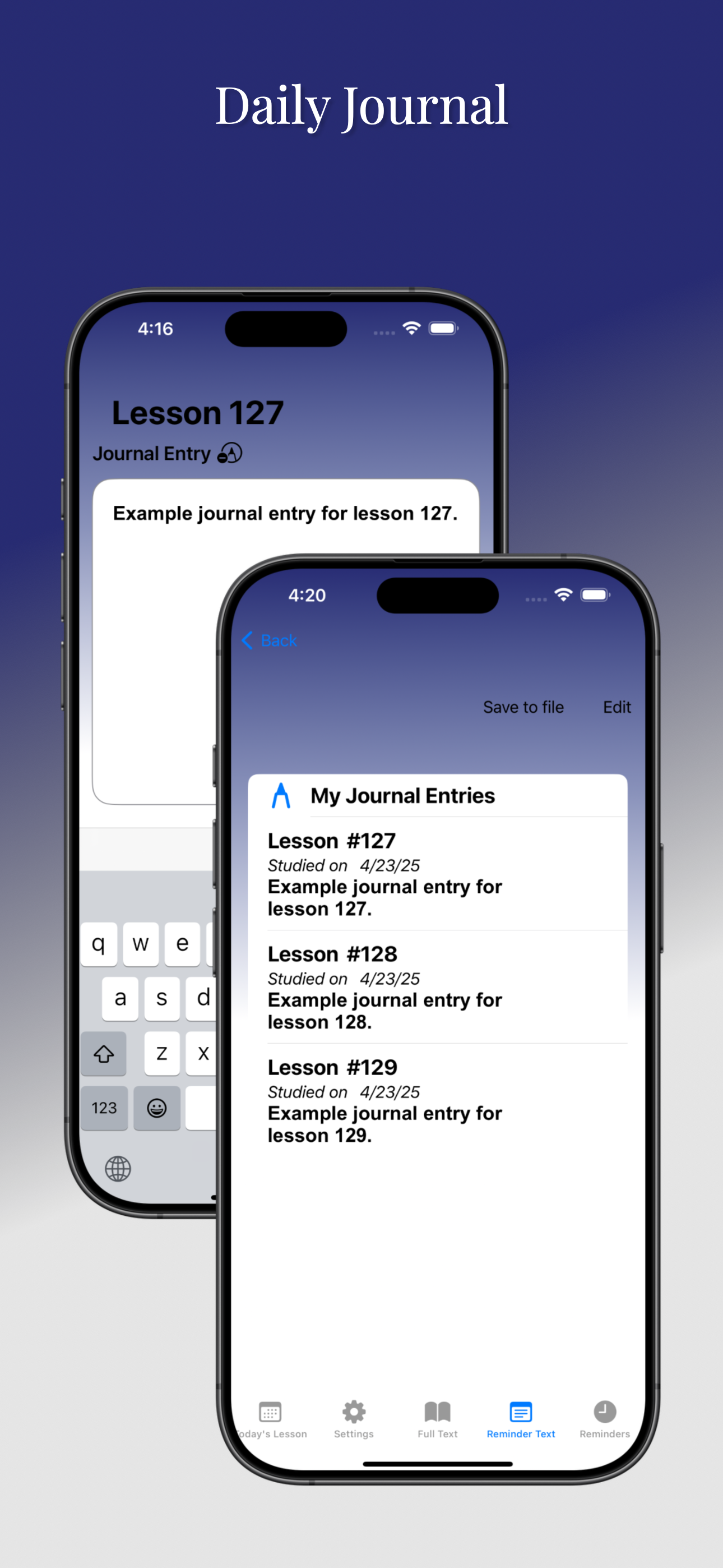
The FOUNDATION FOR INNER PEACE, original publisher of "A Course in Miracles," has joined with CDE Solutions to bring you this app. Features include:...
| Name | Price | Type |
|---|---|---|
| Lifetime Unlock | $5.99 | One-time |


