
Check the acquisition promise
Read the store headline, screenshots and description. What problem is the app promising to solve?
Study the storefront ↗
SoftBank Corp. · iOS
Explore the ad evidence, study the storefront, and build your next acquisition hypothesis.
01 / Creative research
Read the store headline, screenshots and description. What problem is the app promising to solve?
Study the storefront ↗Explore apps with direct store-link matches. Compare their hooks and formats without assuming the same approach works here.
Browse observed advertisers ↗Store rankings and revenue estimates describe market context. They do not establish ad spend, conversions or ROAS.
Review the market context ↗02 / Storefront & product
Study the product story and store experience behind the acquisition funnel.



03 / Market context
Keep revenue, downloads and store rankings separate from advertising performance.
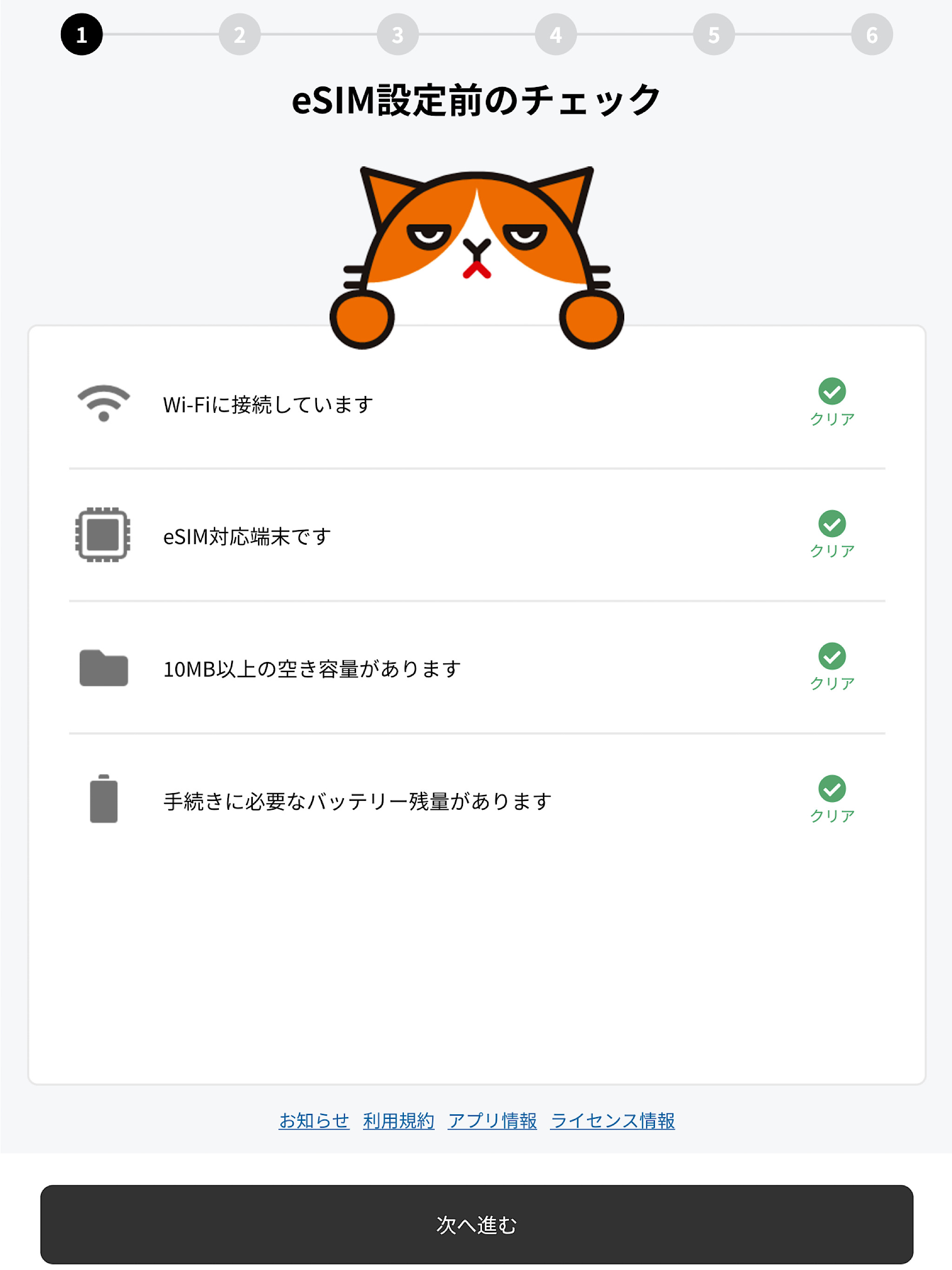
アプリの指示に従って手続きを進めると途中Safariに飛ばされてAPN設定用の構成プロファイルをダウンロードするよう促されますがダウンロードできません。結局自分で設定用プロファイルを探さなければいけません。あとモバイル通信プランがソフトバンクになってるけど大丈夫なのか?ここがワイモバイルになっていることを確認すると書いてあるけど。主回線副回線の選択がどうたら書いてあったけどそんなものどこにも出てこなかった。
全体的にはわかりやすかったですが、1点大きなミスがありました。 何の説明もなく主回線or 個人回線を選ばせたあと、「主回線と個人回線を選ぶ画面が表示されたらこう選んでください」という説明文が表示されたため、間違った選択をしてしまいました。順番が逆です。 「こう選んでください」という画面を表示→実際の選択画面を表示、という遷移にしないと、設定の二度手間が起こります。
SIMの切り替えで、こんなにスムーズに終えられたのは初めて!アプリの案内に従い進めていくだけで、MNP番号の発行・入力含めて、正味15分はどで終わりました。
【主な機能】 ・開通準備チェック ・プロファイルダウンロード ・APN設定 ・開通チェック 【本アプリで開通いただけるお客さま】 ・ワイモバイルオンラインストアでeSIMをお申し込みいただいたお客さま 【ご注意】 ・お申し込みはウェブページから行ってください。 https://www.ym...


