
Check the acquisition promise
Read the store headline, screenshots and description. What problem is the app promising to solve?
Study the storefront ↗
SoftBank Corp. · iOS
Explore the ad evidence, study the storefront, and build your next acquisition hypothesis.
01 / Creative research
Read the store headline, screenshots and description. What problem is the app promising to solve?
Study the storefront ↗Explore apps with direct store-link matches. Compare their hooks and formats without assuming the same approach works here.
Browse observed advertisers ↗Store rankings and revenue estimates describe market context. They do not establish ad spend, conversions or ROAS.
Review the market context ↗02 / Storefront & product
Study the product story and store experience behind the acquisition funnel.




03 / Market context
Keep revenue, downloads and store rankings separate from advertising performance.
以前使っていたアプリのサービスが終わるので、このアプリに変えろと指示があり、インストールしたものの、入れてからバッテリーの消費がすごい。これは困る。 場合によっては、削除も考えています。こんなにバッテリーを使われると…バックグラウンドで使用するにしても、こんなに使いますか?どのアプリより、消費量が激しいです。なんだこれ。
他の方も仰っていますが、WiFiを入れて起動してもローカルネットワークは出てきませんし、設定を訊ねられることもありません。 「設定」>「セキュリティOne」>「ローカルネットワーク」 も確認しましたが、どこにも表記されません。どうすれば良いのでしょうか? その他の設定は すぐに出来ました。ご対応よろしくお願いします。 追記 23.07.10のお知らせに上記の対策らしきものがありましたが、今までと同じことが書かれており全く解決しません。念の為、アプリを削除してから再インストールし、WiFiに繋いで行いましたが 変わらず同じ結果でした。「設定」>「セキュリティとプライバシー」>「ローカルネットワーク」の中に「セキュリティOne」が表記されていません。再度 対応くださいますよう よろしくお願いします。
この度アプリを入れ設定を始めたのですが、危険Wi-Fiチェックの設定中に出てくる、「ローカルネットワークをオンにする」のローカルネットワークが自分のスマホには表示されず、未設定のままになっています。 iPhoneOS16.5.1です。 ご教示ください。
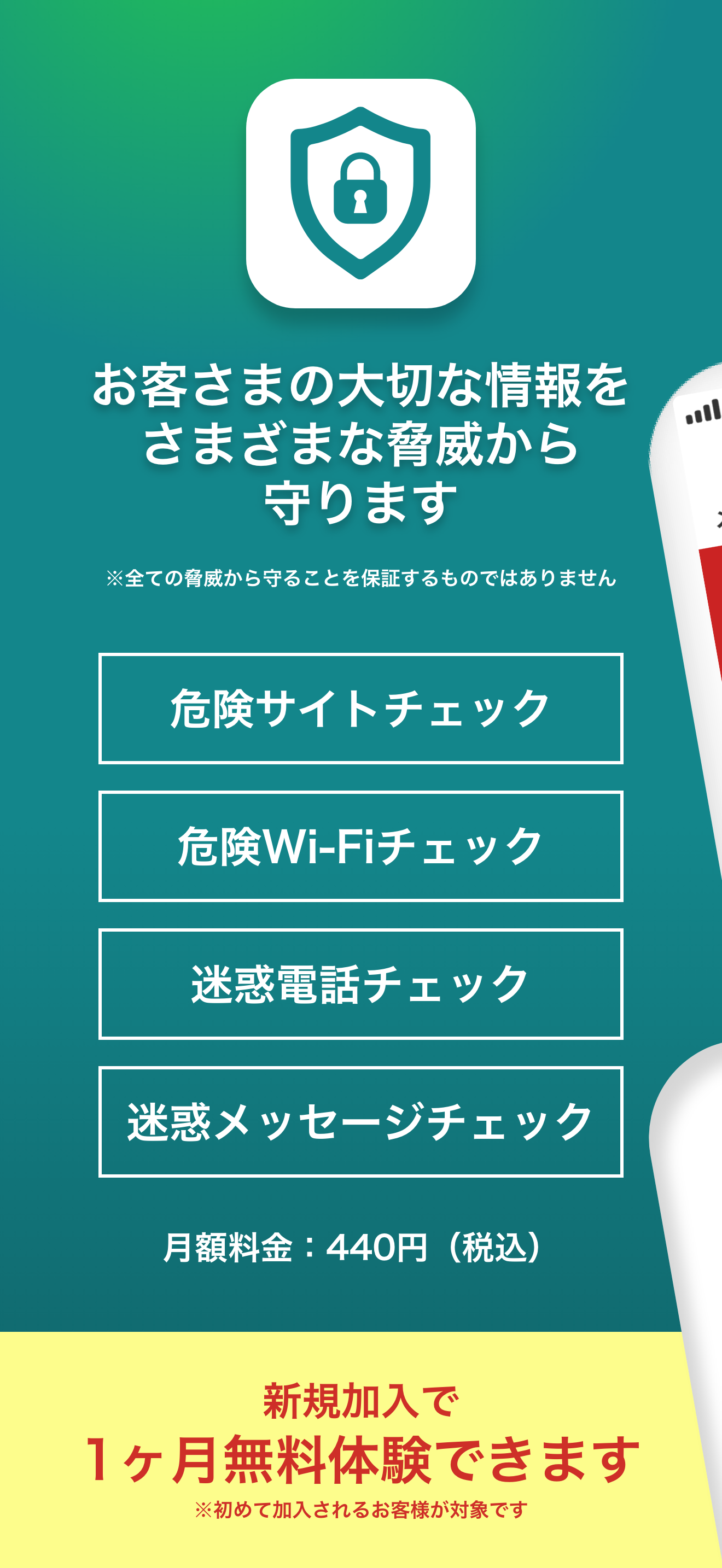
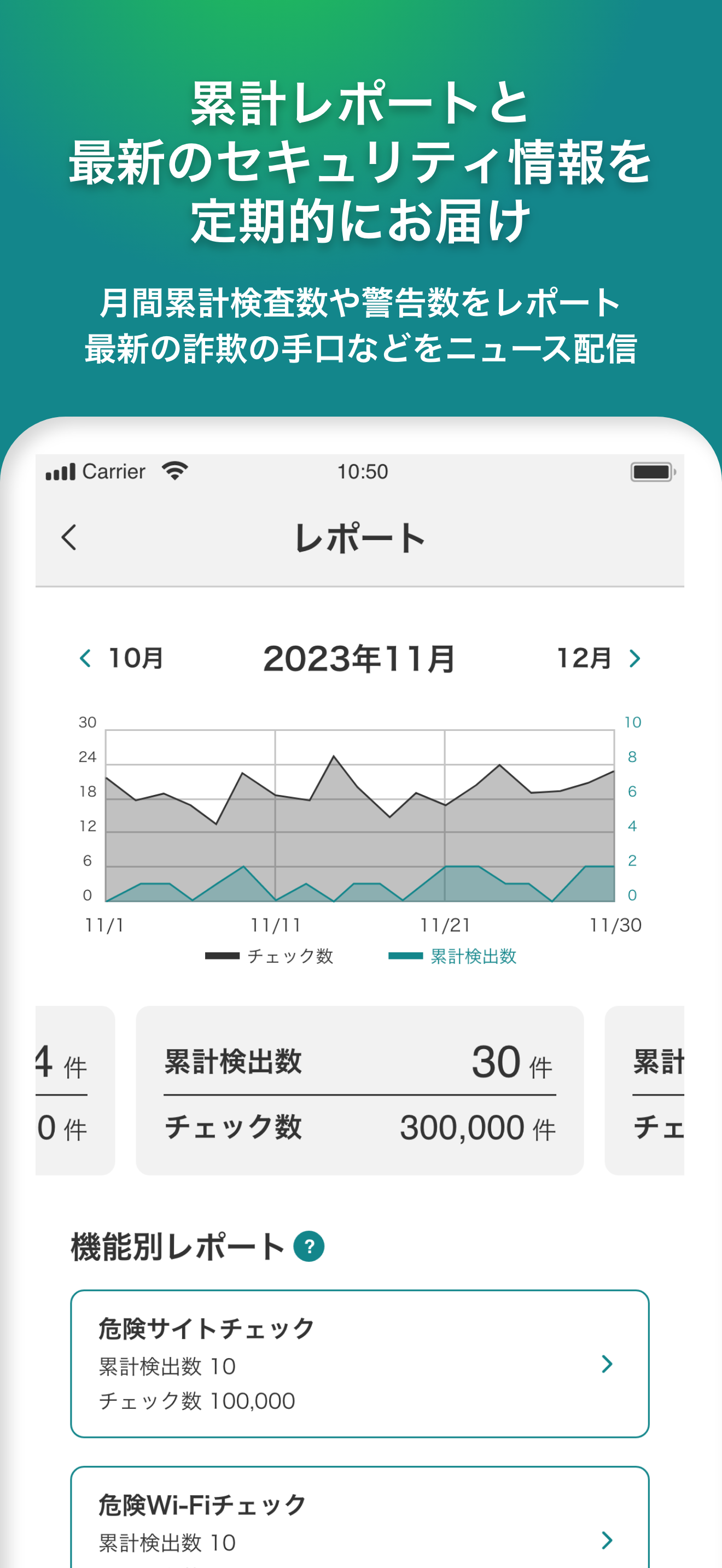
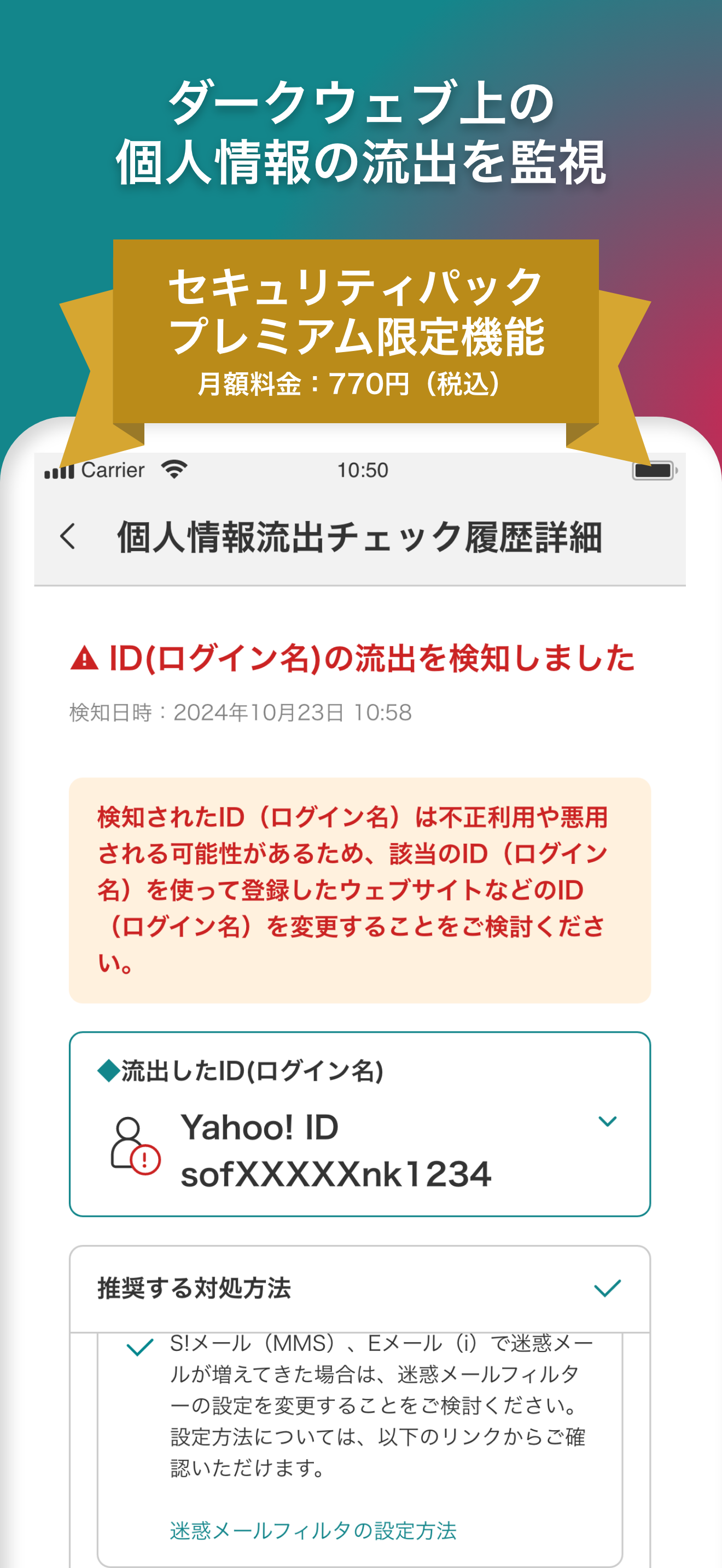
セキュリティOneはご利用の端末を危険やトラブルから守るアプリです。 サイトやメール、電話、Wi-Fiなどを安全にご利用いただけるよう危険を検知してお知らせします。 ■セキュリティOneの機能 ※iPadでは(1)・(2)の機能のみご利用いただけます。 (1)危険サイトチェック機能 設定い...


