Check the acquisition promise
Read the store headline, screenshots and description. What problem is the app promising to solve?
Study the storefront ↗
Yahoo Japan Corporation · iOS
Explore the ad evidence, study the storefront, and build your next acquisition hypothesis.
01 / Creative research
Read the store headline, screenshots and description. What problem is the app promising to solve?
Study the storefront ↗Explore apps with direct store-link matches. Compare their hooks and formats without assuming the same approach works here.
Browse observed advertisers ↗Store rankings and revenue estimates describe market context. They do not establish ad spend, conversions or ROAS.
Review the market context ↗02 / Storefront & product
Study the product story and store experience behind the acquisition funnel.



03 / Market context
Keep revenue, downloads and store rankings separate from advertising performance.
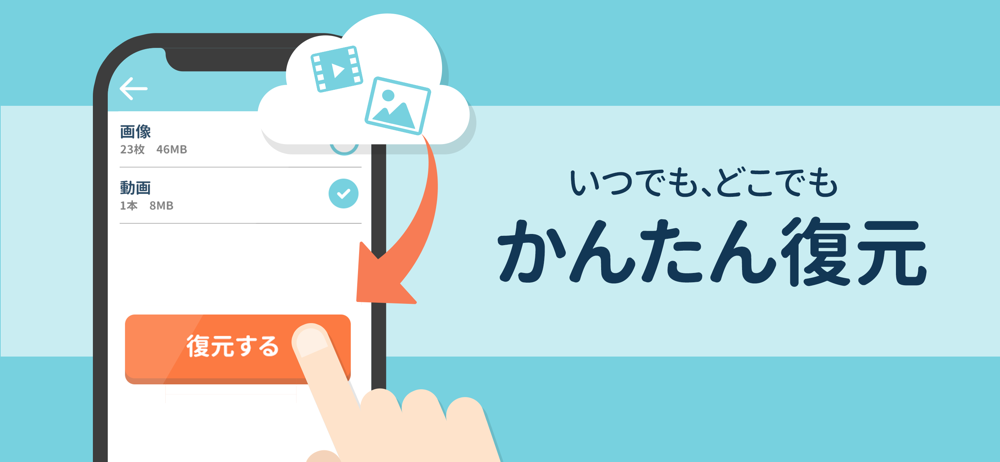
私にとっては、このアプリは無くてはならないアプリです。 私は32GBしかないワイモバイルのスマホですが、これのおかげで写真が容量オーバーにならずに済みます。 新しい写真をある程度撮ったらすぐにバックアップをするという事をしていれば、バックアップの間の待つ時間もあまりかかりません。 それに、うっかり間違って消してしまった写真とかもバックアップをすると、消してしまったはずの写真も一緒にバックアップしてくれます。 だから大事な写真を消してしまってショックを受けるという事もありません。 その写真を復元する事もできます。 こんなに素敵なアプリなのに、悪口が書かれたレビューがあるのが何故なのか、私はとても疑問に思います。 たぶん、その人達はスマホを上手く使いこなせていない人達なんでしょうね。 だから、このアプリを作ってくれた会社の人達に感謝の気持ちでいっぱいです。 こんなに素敵なアプリを作ってくださって、本当にありがとうございます。
ストレージがいっぱいで困っていたので入れました。最初、レビュー見た時は心配でしたが…ちゃんとバックアップ出来ました☆ 1週間近く掛かったのはちょっと遅いかなぁ〜…( ̄▽ ̄;) まぁ、そこまで貯め過ぎたこちらにも非があるのかも? とりあえずちゃんとバックアップ出来たので、あとは気長に使ってみます♪(*^^*) あと、SoftBankユーザーでYahoo!プレミアム会員は容量無制限とゆーのはとても助かります♡(*≧∀≦*)
「バックアップ完了しました」と出るのに、全く保存されない。 アクセス許可など、全てヘルプ通りにしてもムリ。ヤフーボックスも確認したし、容量も45GB位空きもある。なぜ出来ないか誰か教えて下さ〜い。 〜〜〜〜〜☆〜〜〜〜〜☆〜〜〜〜〜 その後、デベロッパーの方よりフォローいただき、無事にバックアップできました◎ ありがとうございました。
スマホの容量が足りない?そのお悩み解決します! Yahoo!かんたんバックアップがあなたのデータを保存、必要な時にいつでも復元。 スマホからデータを消して、賢く容量を増やしましょう! ※ご利用にはYahoo! JAPAN IDが必要です。 ◇◇主な機能◇◇ ◆バックアップ - 連絡先、画像(写真...