Check the acquisition promise
Read the store headline, screenshots and description. What problem is the app promising to solve?
Study the storefront ↗
Xactware Solutions, Inc. · iOS
Explore the ad evidence, study the storefront, and build your next acquisition hypothesis.
01 / Creative research
Read the store headline, screenshots and description. What problem is the app promising to solve?
Study the storefront ↗Explore apps with direct store-link matches. Compare their hooks and formats without assuming the same approach works here.
Browse observed advertisers ↗Store rankings and revenue estimates describe market context. They do not establish ad spend, conversions or ROAS.
Review the market context ↗02 / Storefront & product
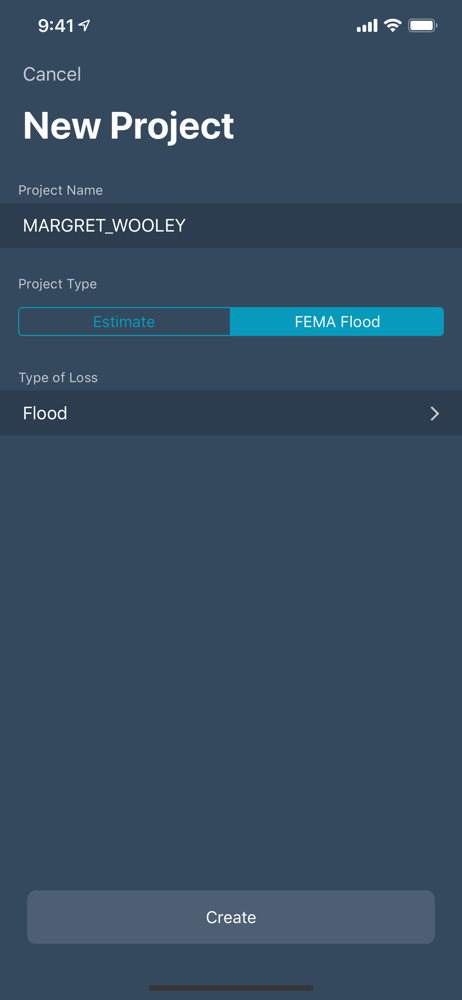
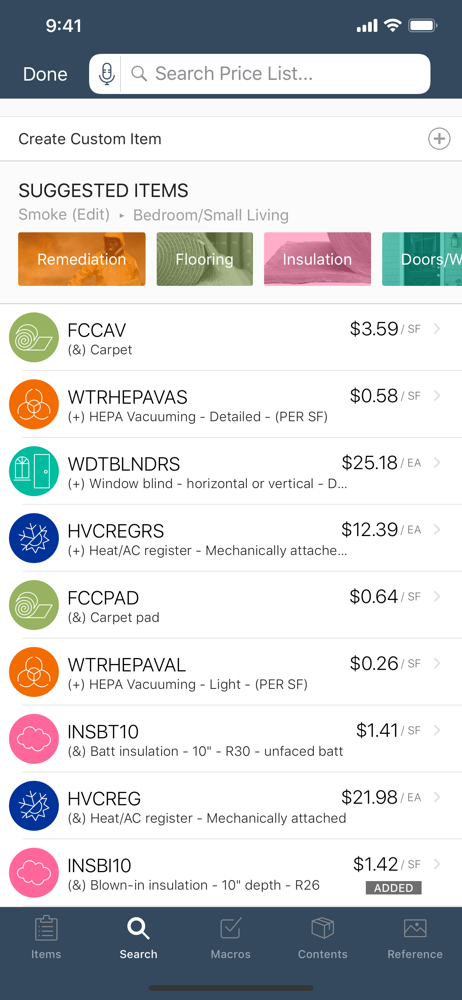
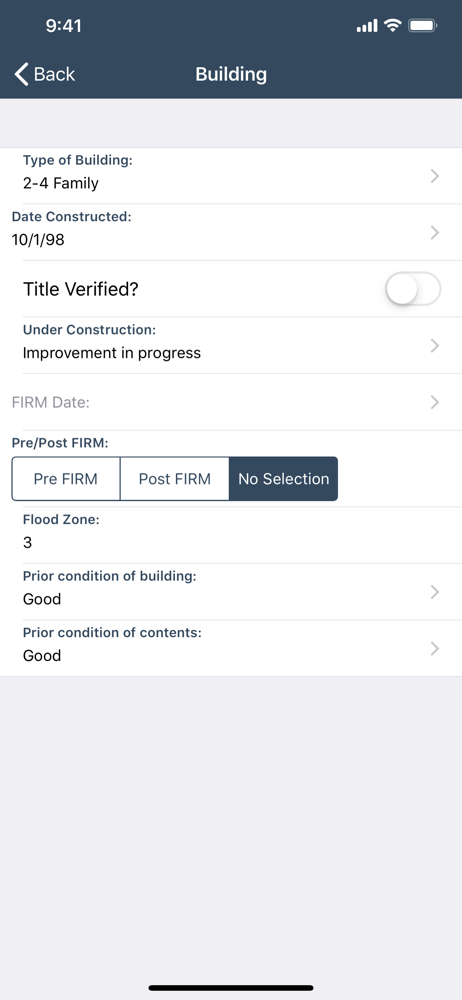
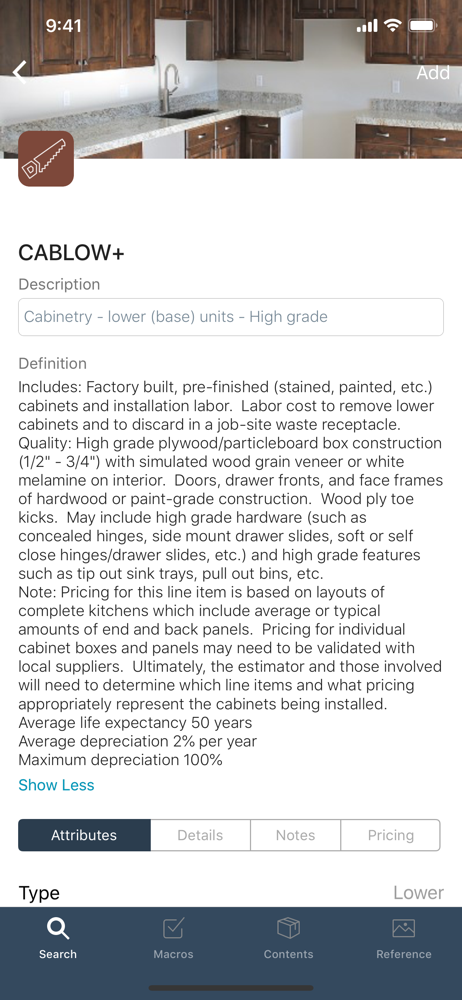
Study the product story and store experience behind the acquisition funnel.



03 / Market context
Keep revenue, downloads and store rankings separate from advertising performance.
First off I want to thank Xactimate for making a great app. There’s still some hang ups with logins at times and resetting the password happens more often than it should. This app runs better than running it on our windows machine and I hope that someday a Mac version will be released. I have 1 critique that it’s possible the developers weren’t thinking of when they built the app. I almost was able to switch our entire company to Xactimate on iPad. What’s lacking? Mouse support. Not that a mouse won’t work. It works flawlessly. When you’re drawing a job the only way to move around the screen is the Apple Pencil or your finger. This works amazing on job sites. However I would prefer when I get back to the office to connect the iPad up to my 4k screen and use a mouse and keyboard. I can draw and do everything else with a mouse. But to zoom or scroll around a drawing I gotta lift my finger up to do it. The M4 ipad is more than powerful enough to do everything else. Personally I find it quicker to draw with an Apple Pencil or with a mouse and keyboard at the office more than AR. No I’m not the guy taking a mouse and keyboard to a job. But sometimes the plans get sent over by the homeowner in pdf. In that instance mouse and keyboard all day would be great. If I need to go to another job I can grab the iPad and run. It’s really the perfect platform for this. Thanks guys! If you need clarification on what I’m talking about feel free to reach out to me.
I don’t think this mobile version is ready for release yet. We definitely shouldn’t have to pay extra for the privilege of Beta testing a program with this many bugs. I was pretty excited about the AR-Sketch feature because it could help save so much time. I used it on 5 claims in one week and every one of them failed. The App would crash while in the middle of the sketch causing me to start over. It crashed once after getting back to the desk and when I restarted it 70% of the sketch was gone. I foolishly tried it on a large commercial building and when I got back to the desk I spent more time fooling with the weird misaligned walls tan it would have taken me to just do it the old fashioned way. I sketched out a 2 story Townhouse that looked great when n I finished it on site, but when I uploaded it to the desktop none of the rooms were connected, and every room from the two crashes while I was there showed up. So now I have a jigsaw puzzle to work on. We should be getting paid to work out the bugs not the other way around. This is definitely in the Beta phase and it definitely shouldn’t cost that much while performing this bad.
The Five Star’s was a mistake. I meant to hit three. When I upgraded to the pro version in order to get the desktop version, I was hoping to see faster response, but it seems like an online experience, because there is a three second delay between the time that I choose an item and the time that it registers. at first, I thought it was my older Windows machine, so I brought a brand new Dell XPS with all the bells and whistles an extra ram that really did not do the trick when I tried it on a virtual windows on my Mac and still, there are delays. I would stick with the XPS but apparently you haven’t upgraded it for the latest windows machines because it crashes constantly and I’ve had at least three chat sessions where you guys took over my computer and spent several minutes trying to resolve it, but none of them could. it’s very frustrating when you try to write up a large claim and half of your time is wasted, waiting for the machine to catch up.
Xactimate Mobile is the first fully realized mobile estimating app for professionals in the field. Build complete estimates from start to finish direc...