Check the acquisition promise
Read the store headline, screenshots and description. What problem is the app promising to solve?
Study the storefront ↗
Amit Chaudhary · iOS
Explore the ad evidence, study the storefront, and build your next acquisition hypothesis.
01 / Creative research
Read the store headline, screenshots and description. What problem is the app promising to solve?
Study the storefront ↗Explore apps with direct store-link matches. Compare their hooks and formats without assuming the same approach works here.
Browse observed advertisers ↗Store rankings and revenue estimates describe market context. They do not establish ad spend, conversions or ROAS.
Review the market context ↗02 / Storefront & product
Study the product story and store experience behind the acquisition funnel.




03 / Market context
Keep revenue, downloads and store rankings separate from advertising performance.
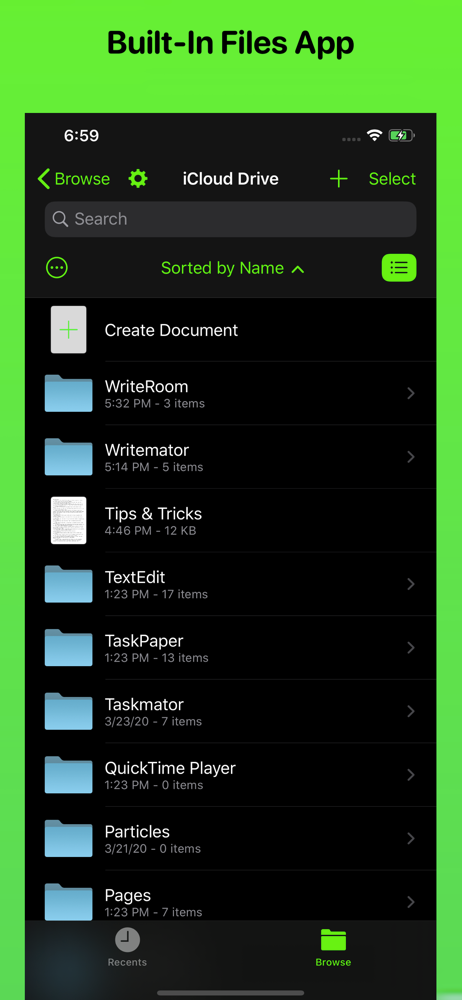
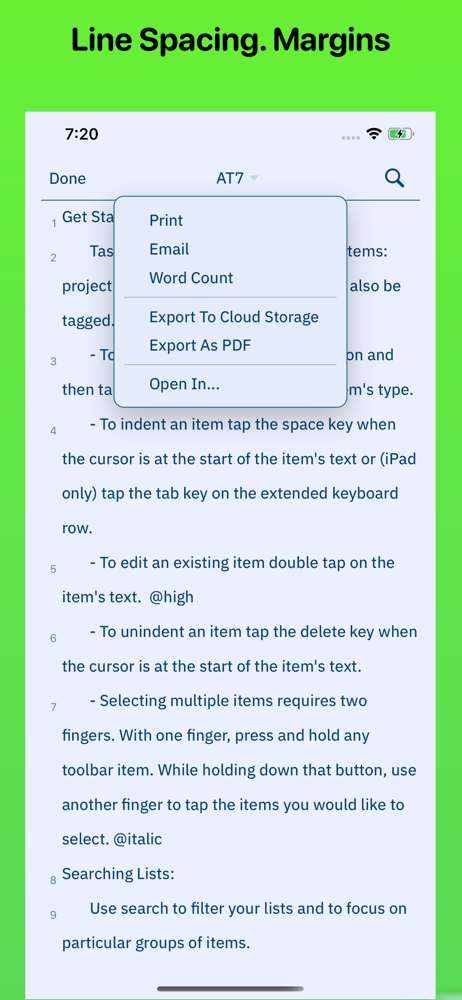
So, the developer asked me to update the app (which I did) and then update my review. Here is the update: the app is still losing my work. I saw my file with content in it (the thumbnail showed text in it and the file size was 157kb) on my iCloud when I opened Writemator, but when I opened the file in Writemator, it was blank and when I backed out to check the file in the iCloud window again, I watched it zero-out the file size and the thumbnail went blank, too. I have most of this file in another app thankfully, and your results may vary, but I'm going to have to move on to another app, sadly. I miss when this app only supported Dropbox. It was simple but worked perfectly, in my experience, 100% of the time. I really loved this app. My previous review: I haven't used this app since about August of last year when I used it to finish the first draft of my last novel. I am ready to get writing again, so I open Writemator and find that it's all about access files through the Files UI. OK, fine, but I can't get my work to sync to my OneDrive from either my iPad or my iPhone. I had started an outline on my iPad and wanted to continue it on my iPhone a day later only to discover no file had saved from my iPad--and it still hasn't. I've even used the "Export to Cloud Storage" option in the pulldown but it didn't appear to do anything. I ended up having to copy the content I'd go on to write on my iPhone and paste it in Writemator on my iPad using Continuity (I think that's what it's called when you share the clipboard automatically with another Apple device with the same AppleID on it). I appreciate the ability to pull from more cloud services, but it doesn't seem to work! Going to have to stop using Writemator until there is an update that fixes this issue.
This is my first experience writing a book with a stylus on a swipe keyboard, amd this is because I am increasingly unable to use a computer keyboard. This app has changed my writing proficiency tremendously. It is sophisticated yet simple. Easy to understand. Reliable. I tried other apps, and I experienced the loss of two chapters, over 25,000 words, and received no response from the developer. I'm aggression to mention the name. This app will make your writing experience so much more enjoyable for a small fee!
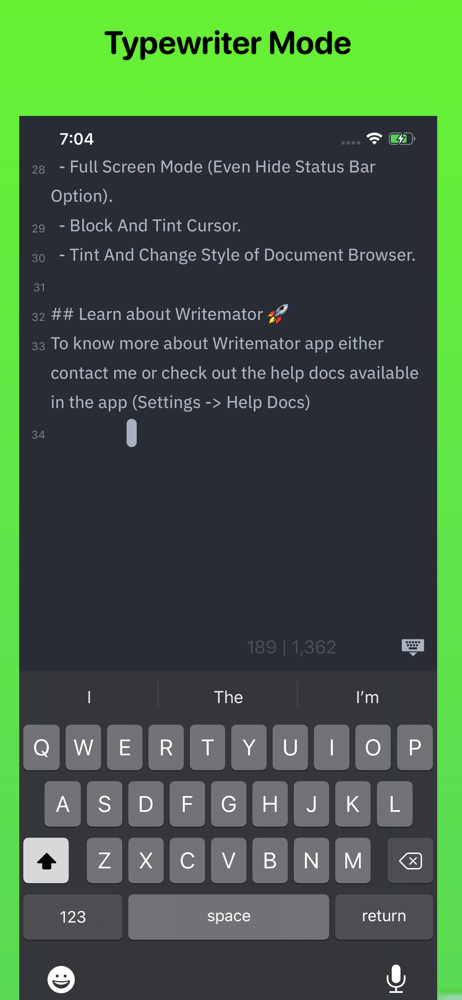
It's great to have this app back as Writeroom was my favorite distraction-free writing tools. While there are some strong features here, esp. the Dropbox support and wide choice of fonts, which most comparable apps don't have, I don't see a word count, which is a must-have in this space. Perhaps the developer could add this easily? (I can search for spaces in a document and get a close approximation of words in the returned number of matches, but that's a kludge, isn't it?) The old Writeroom just displayed the word count as you wrote -- so simple. Anyway, keep up the good work. Thanks for the response on the word count feature. The old Writeroom — most other similar apps just offer a word count feature live at the bottom (or top of the screen). Many NaNoWrMo and similar writers need word counts to manage their writing time. And of course journalists and bloggers need this feature.... On a 1,000 word document, I had to scroll all the way up, then swipe again. Perhaps there’s a way to just display the word count in the corner of the document like in the old version?
◉ "New Apps We Love" - Apple ◉ "A solid new alternative to text editors like iA Writer and 1Writer" - Federico Viticci ◉ "I like the program very much...