Check the acquisition promise
Read the store headline, screenshots and description. What problem is the app promising to solve?
Study the storefront ↗
Wikimedia Foundation · iOS
Explore the ad evidence, study the storefront, and build your next acquisition hypothesis.
01 / Creative research
Read the store headline, screenshots and description. What problem is the app promising to solve?
Study the storefront ↗Explore apps with direct store-link matches. Compare their hooks and formats without assuming the same approach works here.
Browse observed advertisers ↗Store rankings and revenue estimates describe market context. They do not establish ad spend, conversions or ROAS.
Review the market context ↗02 / Storefront & product
Study the product story and store experience behind the acquisition funnel.


03 / Market context
Keep revenue, downloads and store rankings separate from advertising performance.
I will never understand why “mobile-optimized” or “mobile-first” means a terrible, unusable experience. I was hoping the app would have an easy way of selecting the Vector skin by default for Wikipedia pages—you know, the way the website used to normally look for the past 10 years before the terrible “mobile” update they rolled out. Currently the only way to view Wikipedia is to manually add ?useskin=vector to the end of ever url. What a pain. Or make an account, which I never had to and shouldn’t have to do. But gee, I didn’t know when I was better off! The app is so bad, with a fixed table of contents margin on the left third of the screen, it makes the website look good by comparison. No way to select what skin you want, in fact, you’re stuck between blinding white light mode or pitch black dark mode. Another typical disastrous design choice, Why can’t anybody make a neutral color that is easy on the eyes day or night anymore? And don’t expect an easy way to read on a tablet/iPad. This version requires constant scrolling to read anything. Instantly deleted. Better off sticking with viewing pages in a web browser.
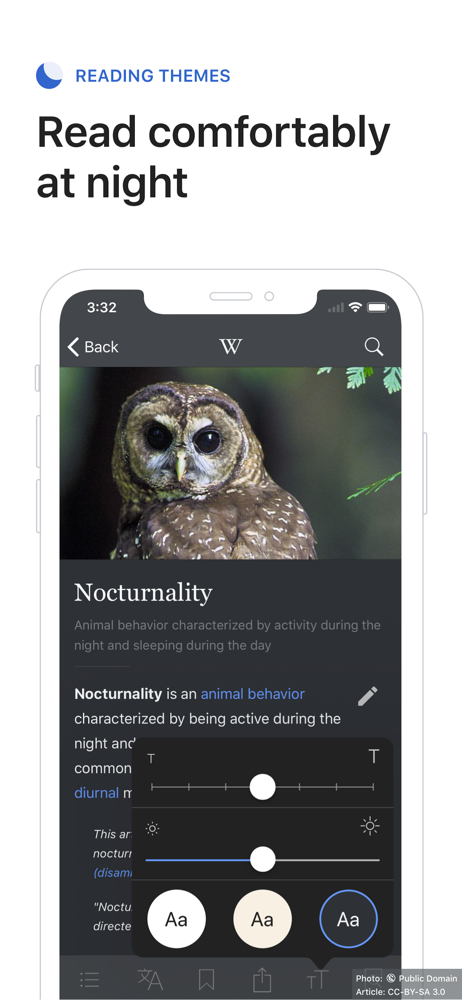
I’ve always been a huge supporter of what Wikipedia stands for - the endless amount of information that anybody can access in order to become better informed! When I found out all of this was translated into an app, I was joyous (as weird as that sounds lol). Now when I’m traveling, or eating, or seriously whenever I have free time, I just get on this app and start reading. It’s very easy to use (keep in mind that I am a reader, not an editor so I do not have an editor’s experience with this app). The interface is quite lovely, giving customization options in order to fit individual reading preferences. It really is a privilege to live in a society where information can be so accessible, especially thanks to Wikipedia who preaches the ethics of information being free and in anybody’s disposal. My immigrant mother who is still learning English appreciates the Spanish accessibility as well! It’s just an amazing app, and I would 100% recommend it to anybody. The world is at our fingertips, why not?
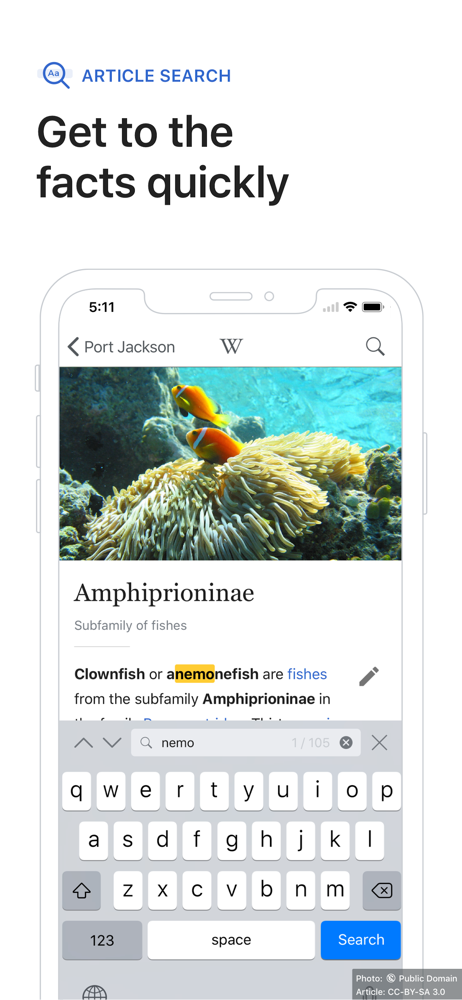
First of all, I love this app. It is very professionally made. The UI is clean and intuitive. Links work how you’d expect them to, it’s easy to search, navigate through pages and find words within articles. But there is one major glitch that makes me extremely frustrated - editing documents. For some reason the cursor is virtually unusable when editing documents. It jumps around and sometimes just gets stuck in place making it impossible to set it where you want to begin typing. There are other problems with it that I won’t get into but really the only flaw of this app id the editing UI. This app would be absolutely PERFECT if that is fixed. But if you don’t edit pages like I do, you’ll absolutely love this app! Think of all the FREE information you’re getting from this app. Truly mind-boggling the world that we live in.
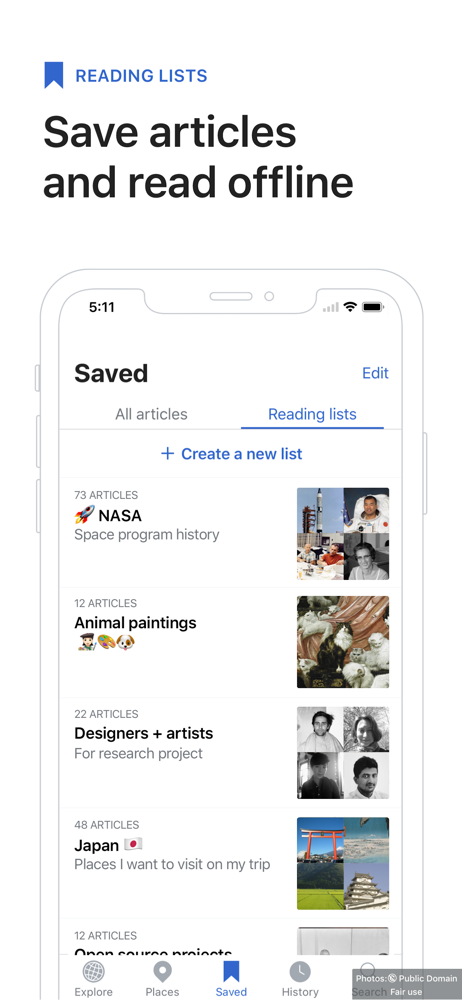
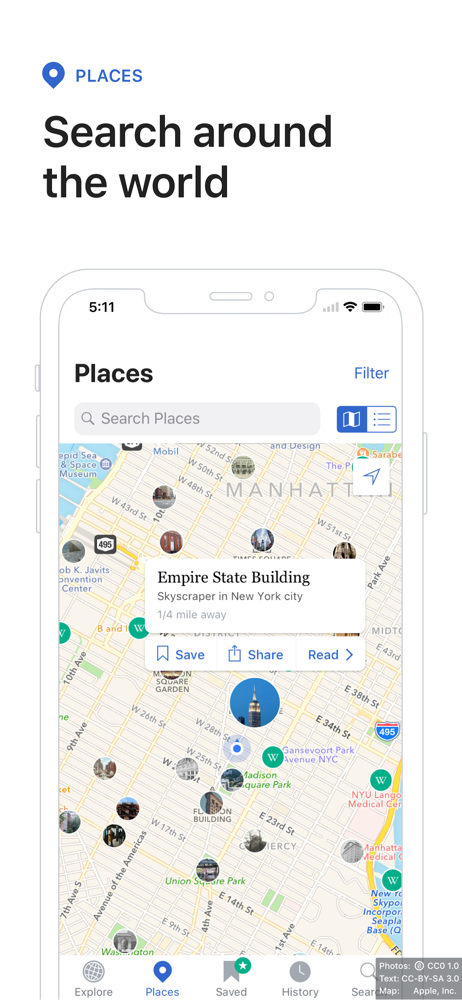
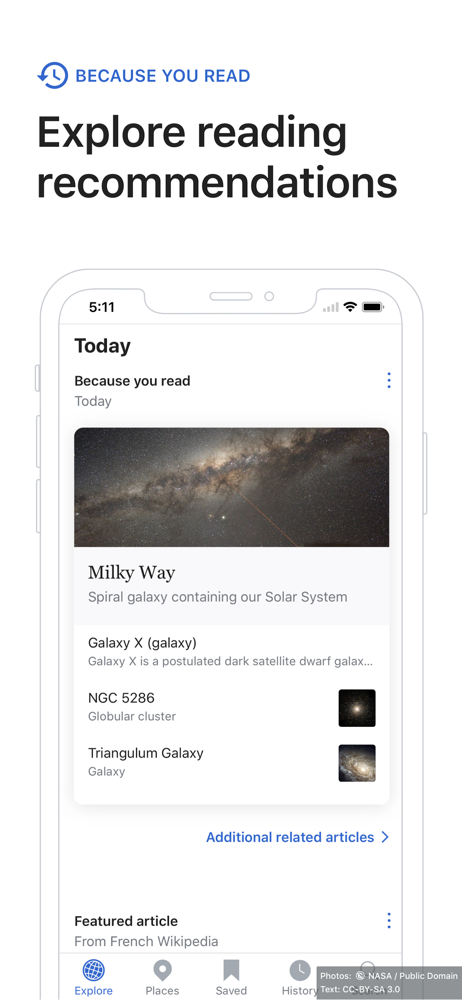
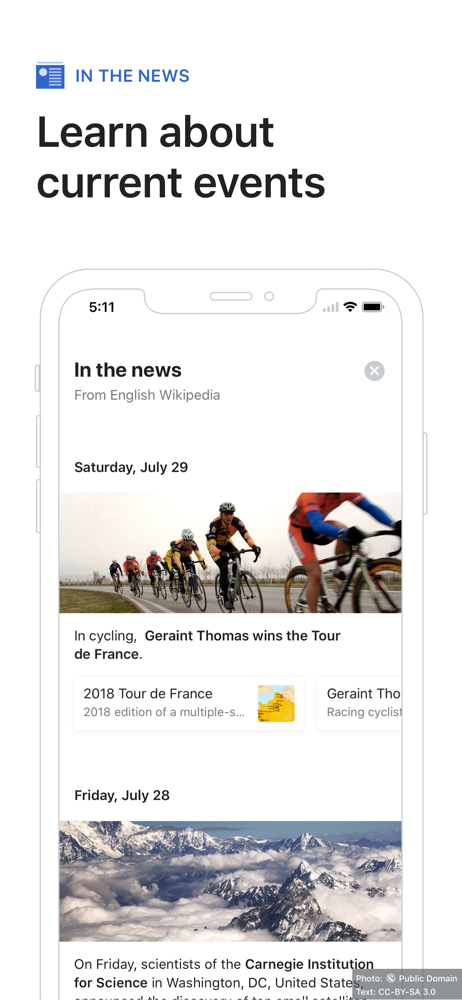
The official Wikipedia app for iOS helps you explore the world’s largest free knowledge project — ad-free and free of charge, forever. With 60+ millio...